


Proactive CRM is a modern approach to sales. It helps you manage leads and deals, stay connected with clients, and keep your sales pipeline moving.
This article explains how Proactive CRM can support your daily work.
Plan your activities
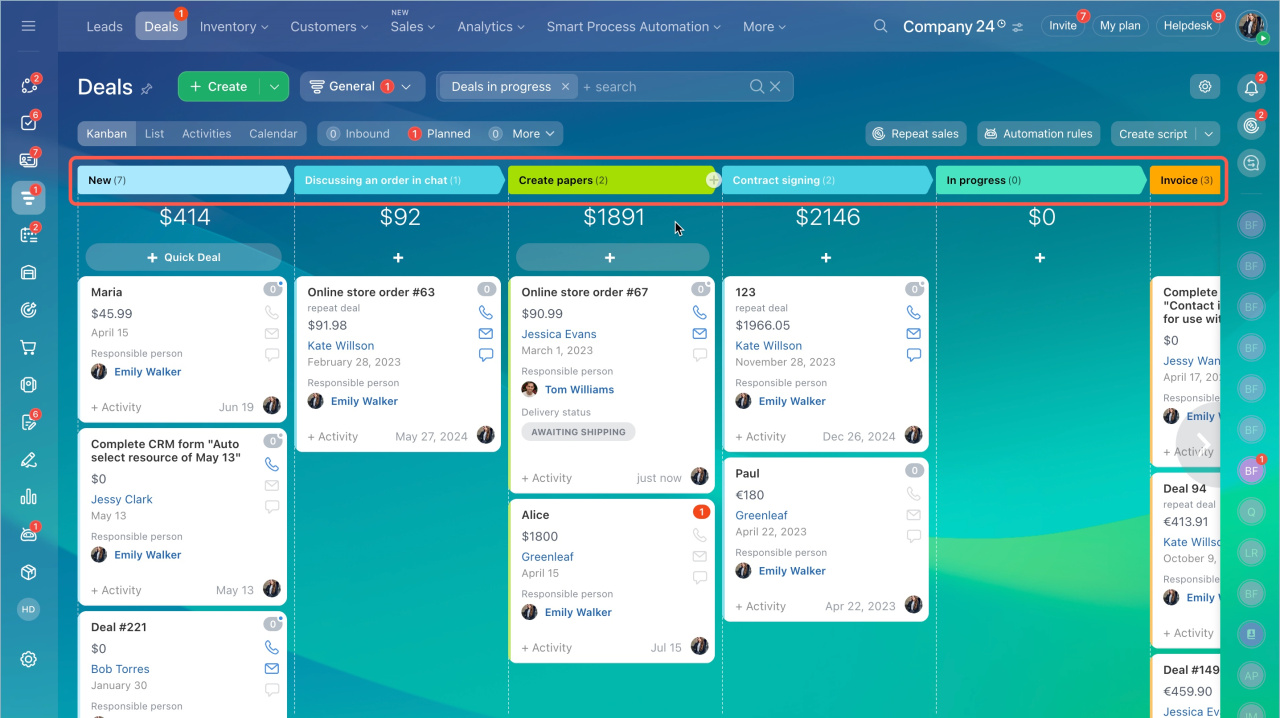
Use the Activities view to estimate your workload for the next week or month. The view includes six columns:
- Overdue
- Today
- This week
- Next week
- Without activities
- Over two weeks
Deals and leads move between columns automatically based on activity deadlines. For example, activities due today appear in the Today column, while less urgent tasks appear in Next week.
Activities view in deals and leads
Avoid missing client activities
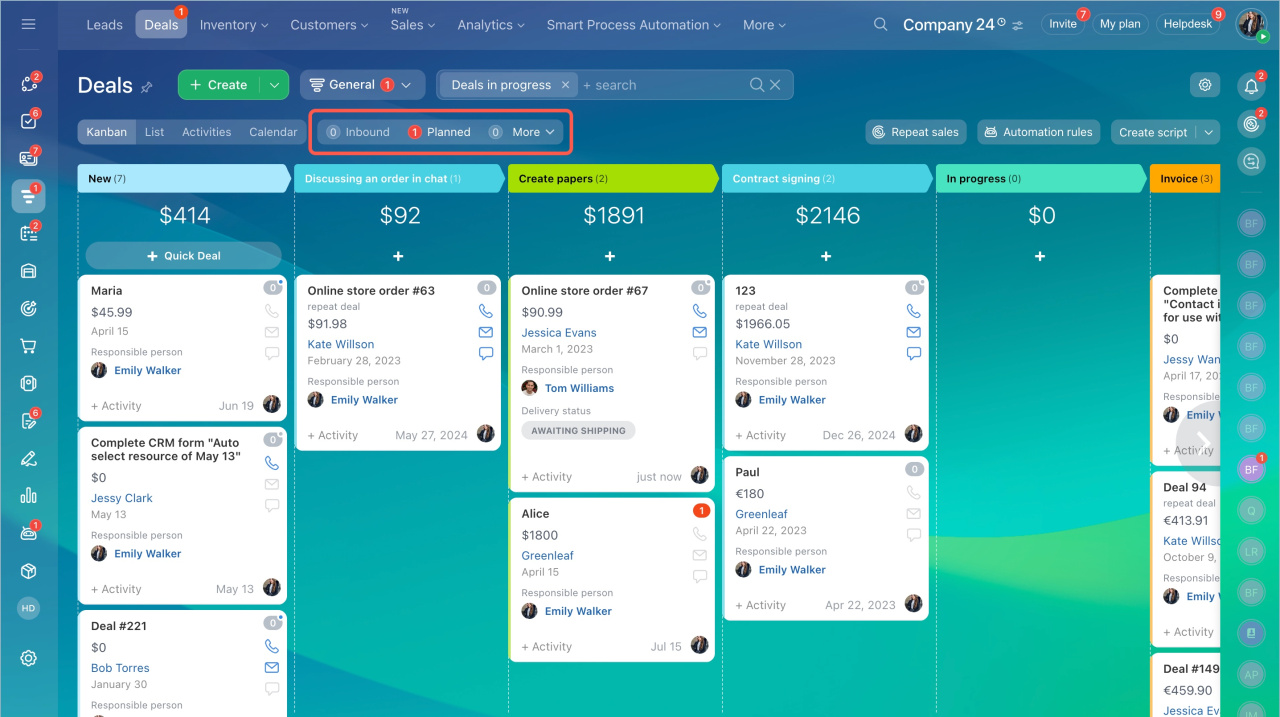
Counters show the number of incoming and scheduled activities. They only highlight items that need attention, so you can focus on important tasks instead of constant reminders.
Counters in CRM
By default, counters become active 15 minutes before the deadline. You can change the reminder interval at any time.
Configure personalized activity reminders
To help you prioritize customer requests, CRM also shows chat statuses on entity cards. The Unread status means the client is waiting for your reply.
CRM creates a new activity for every incoming or missed call. The Missed call status brings your attention to contacting the customer whose call you have missed. Incoming calls are marked with a green counter.
Process customer calls in CRM
Schedule follow-up activities
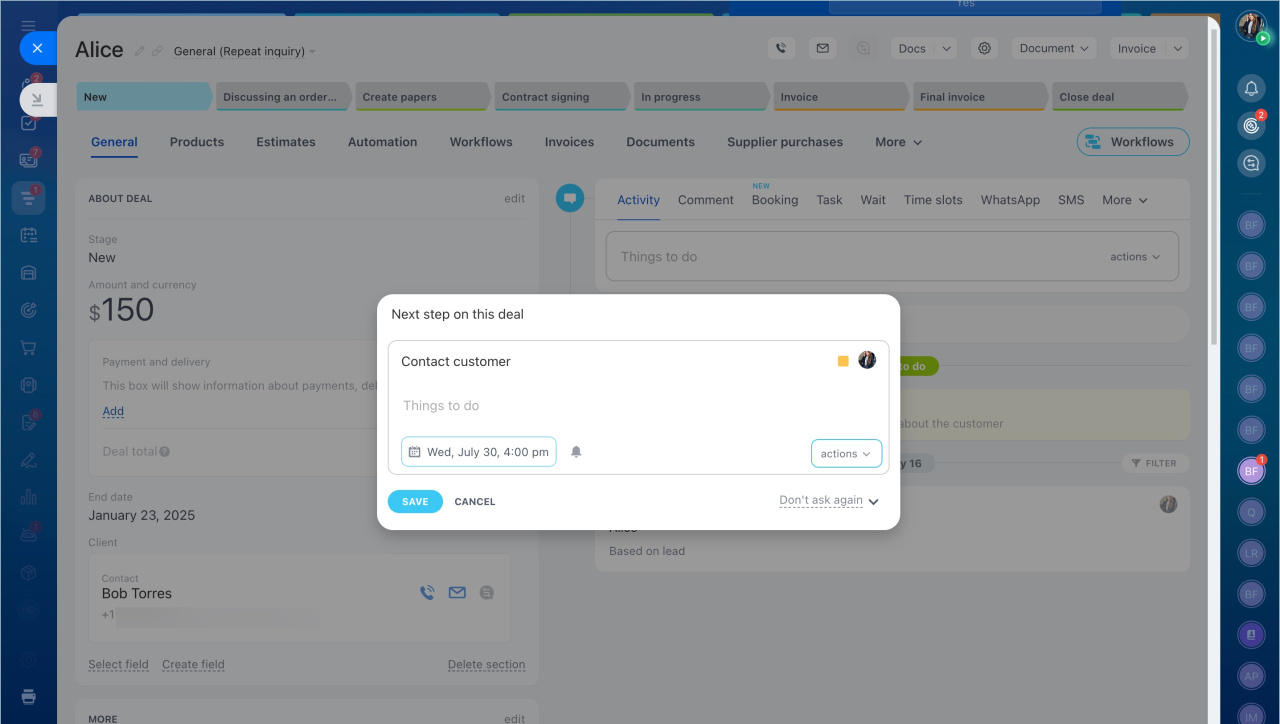
If a lead or deal has no planned activities, CRM prompts you to create one before you close the form. This helps ensure that no client is left without follow-up.
Smart activities in CRM
Get reminders for upcoming activities
Entities that need attention appear at the top of the page with Focus modeFocus mode automatically moves CRM items to the top of the kanban columns. There are a number of actions in CRM that activate the Focus mode and bring the item to the top to get your attention.. This feature works in the List, Kanban, and Activities views.
Focus mode in CRM
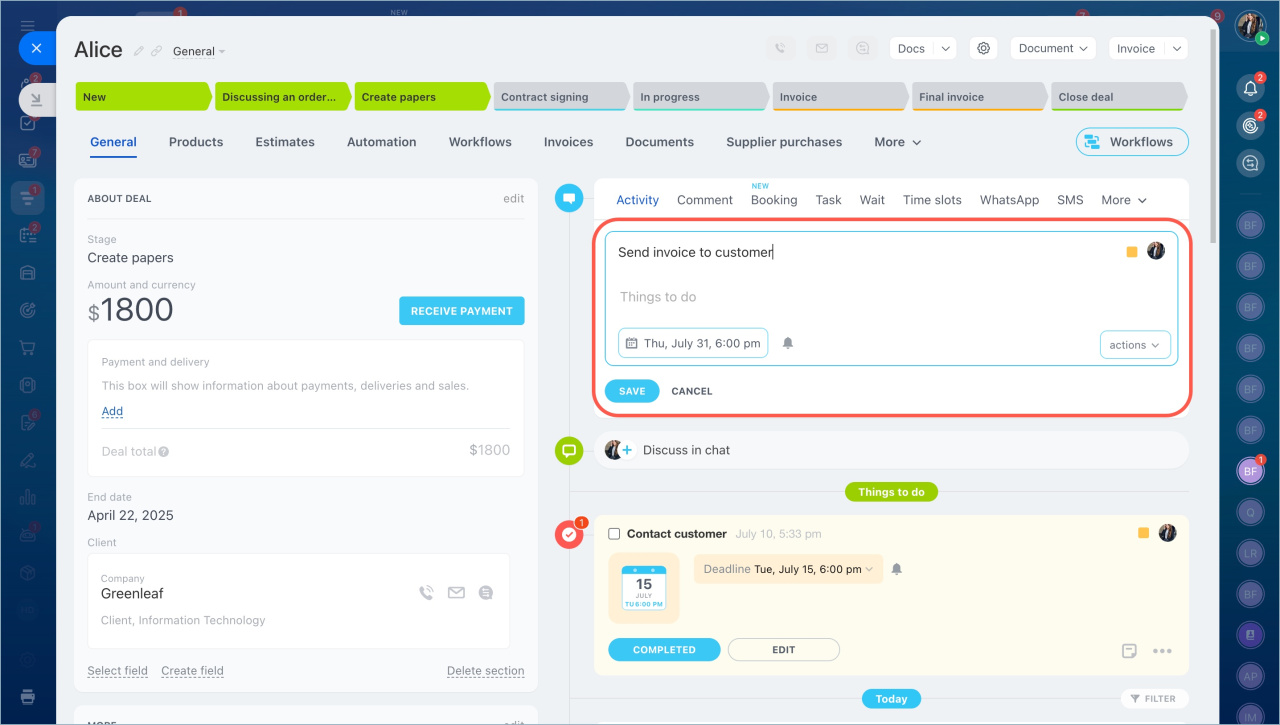
You can also choose when CRM reminds you to start an activity.
Add activities in CRM
Get activity reminders
In brief
-
Proactive CRM helps you manage leads and deals more effectively.
-
Stay connected with clients, never miss important follow-ups, and plan the next steps to keep your sales pipeline moving forward.



