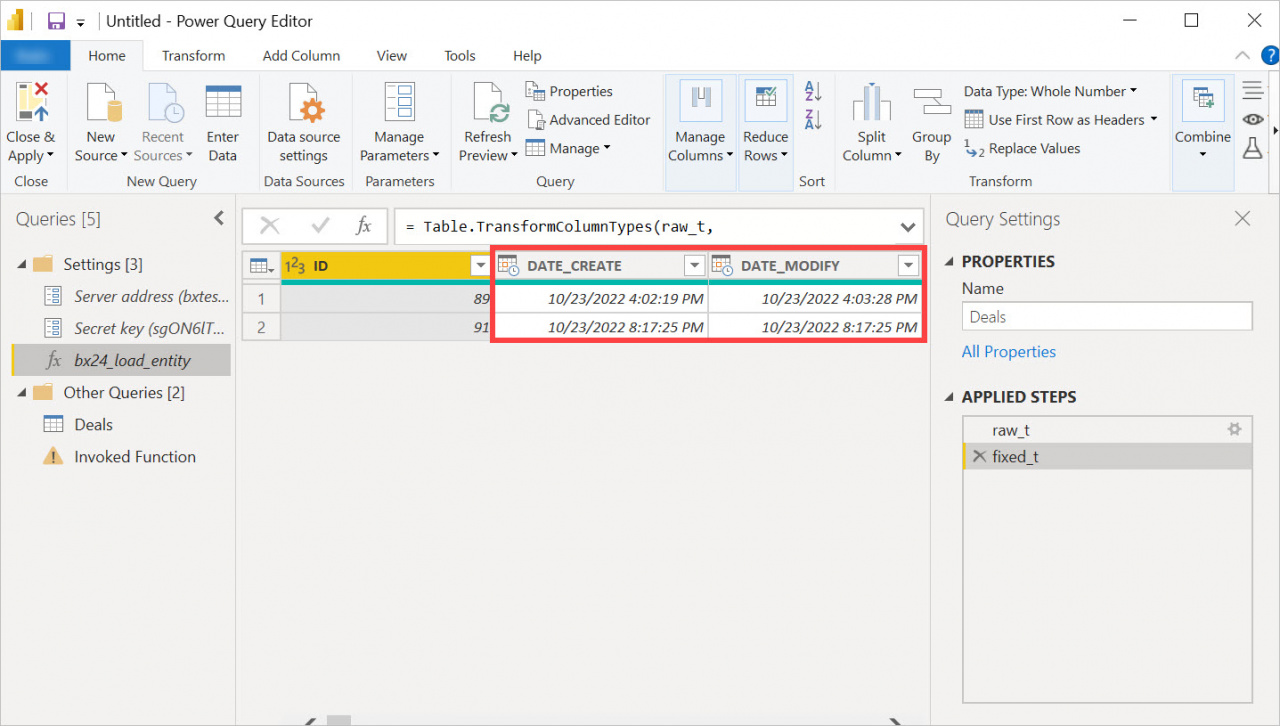
The BI connector lets you filter report data by different date fields. In the advanced editor, you can set a date range and choose which date field to use for filtering:
DATE_CREATE— creation dateDATE_MODIFY— modification dateDATE_CLOSED— closing date
The filter applies before the data loads into Power BI. You do not need to create additional filters in the report.
For example, you can create a report that shows only closed deals for a specific period.
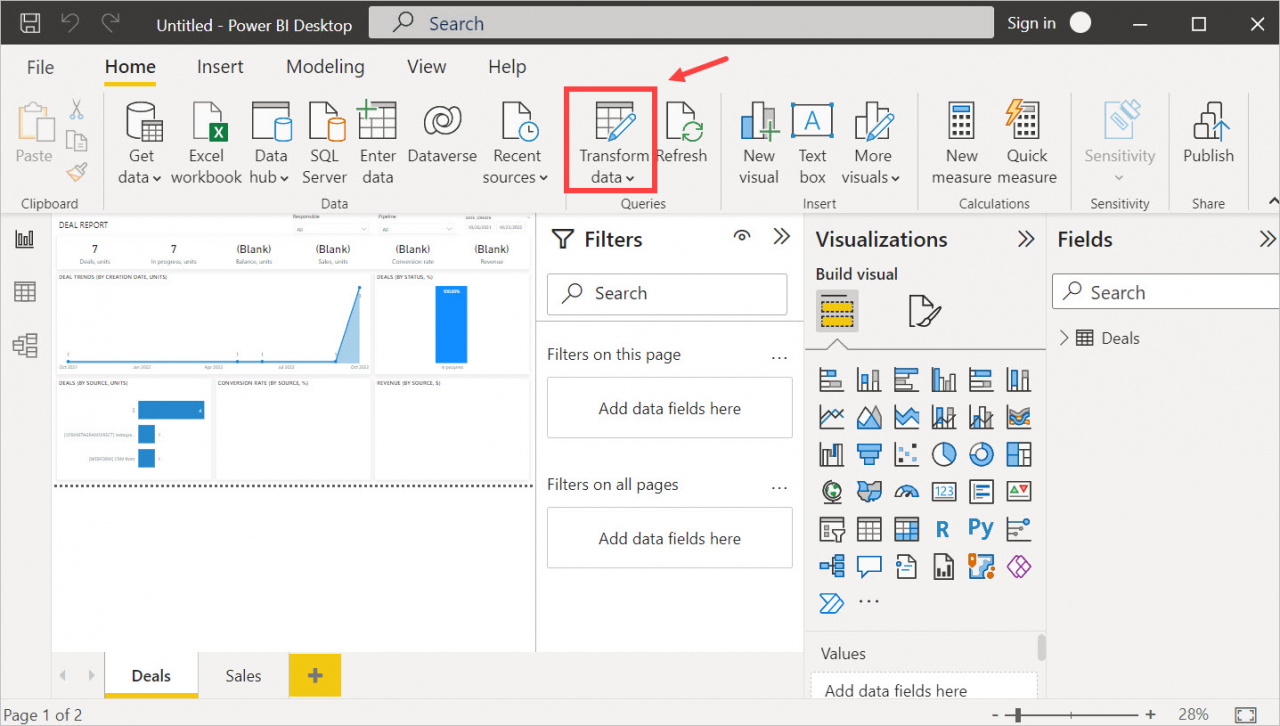
Go to the Transform data section and open bx24_load_entity in the advanced editor.
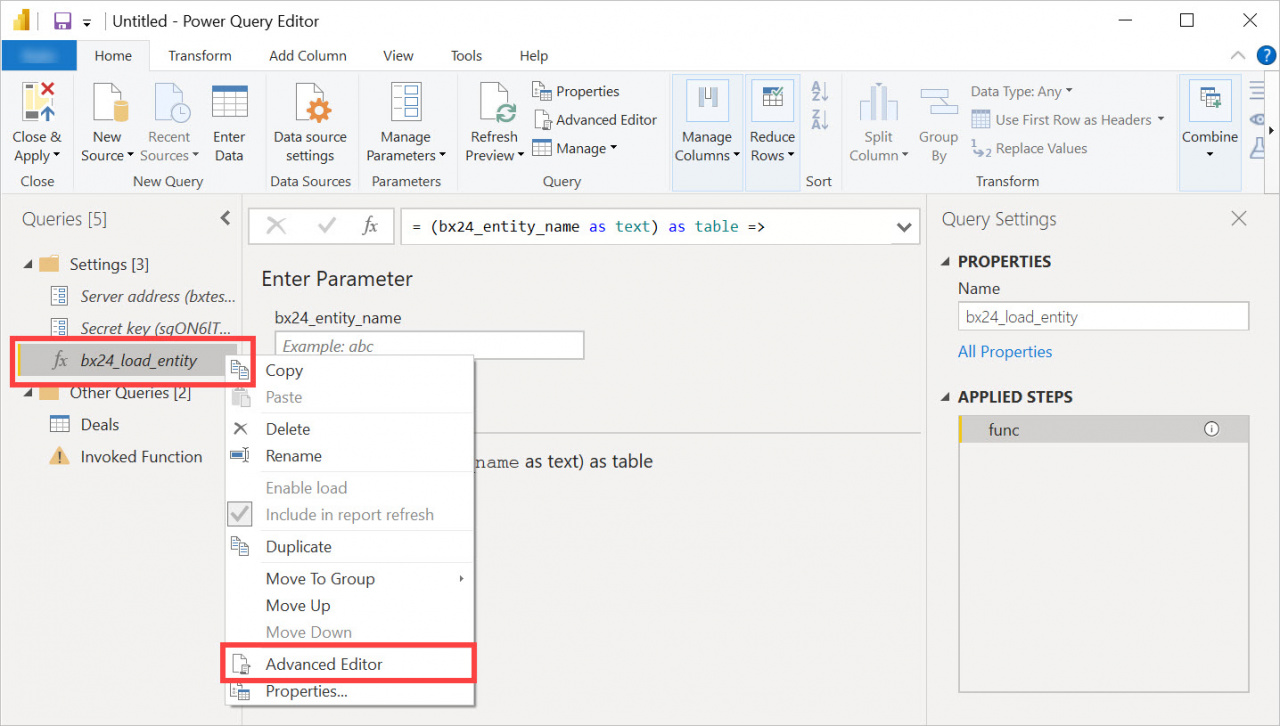
Replace the current code with the following example:
 Content = Json.FromValue([dateRange = [

                            startDate = #date(2022, 10, 23),
                            endDate = #date(2022, 10, 23)

                            //startDate = Date.AddYears(Date.From(DateTime.LocalNow()),-10),
                            //endDate = Date.From(DateTime.LocalNow())

                            ],
                            key = #"Secret key",
                            configParams = [ timeFilterColumn = "DATE_CLOSED" ]
                            //DATE_CREATE (23.10.2022)
                            //DATE_MODIFY (23.10.2022)
                            //DATE_CLOSED (23.10.2022)
                        ]
                    )
                ]
            ),
jd = Json.Document(response) 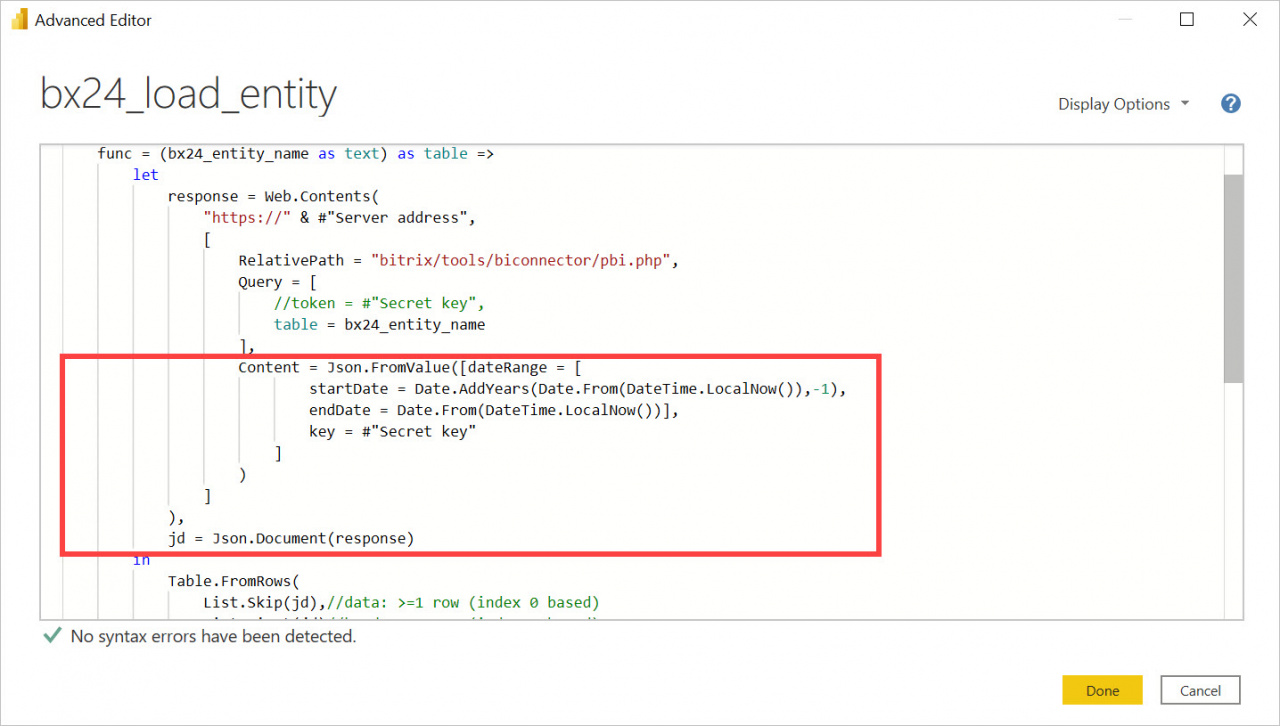
Use the following parameters:
startDateandendDate— define the date range for the report data.configParams = [ timeFilterColumn = "*****" ]— defines which date field to use for filtering.
Available values for timeFilterColumn:
DATE_CREATE— creation dateDATE_MODIFY— modification dateDATE_CLOSED— closing date
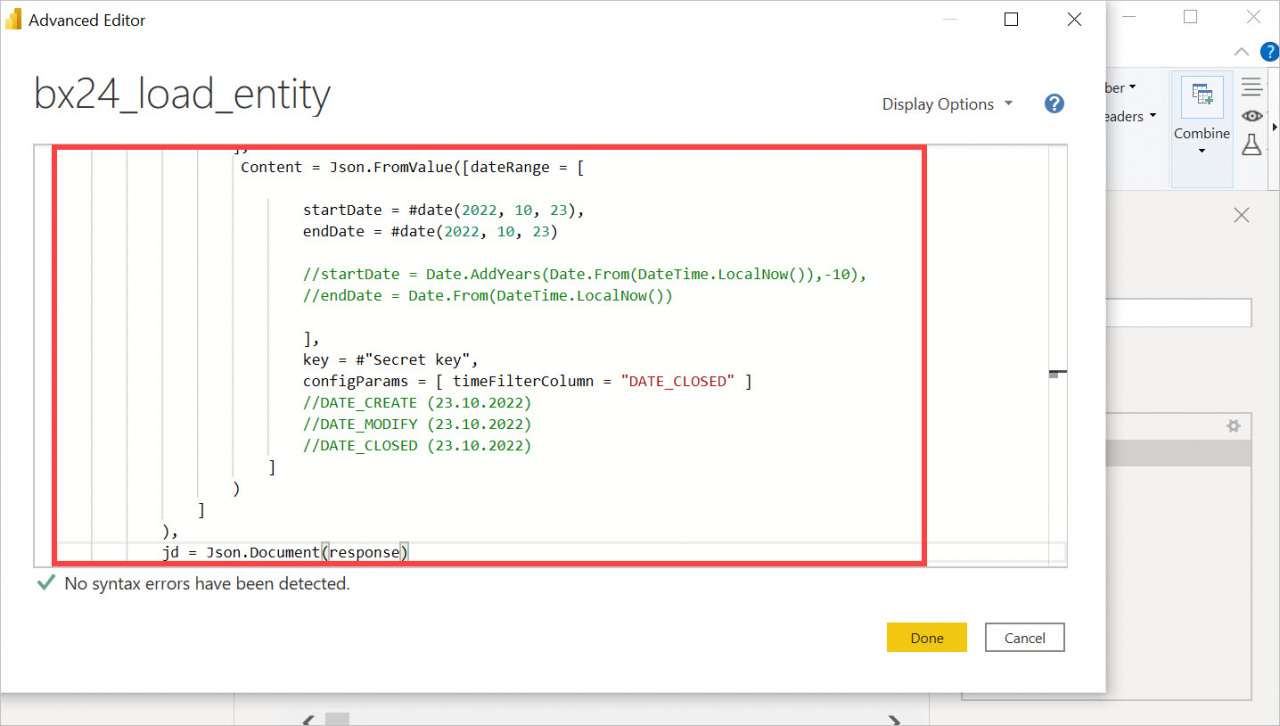
In this example, the report filters deals by the closing date 23.10.2022.