A knowledge base is made up of multiple connected pages, similar to Bitrix24 Sites. You can create pages and customize them with text, images, and content blocks.
Add new pages
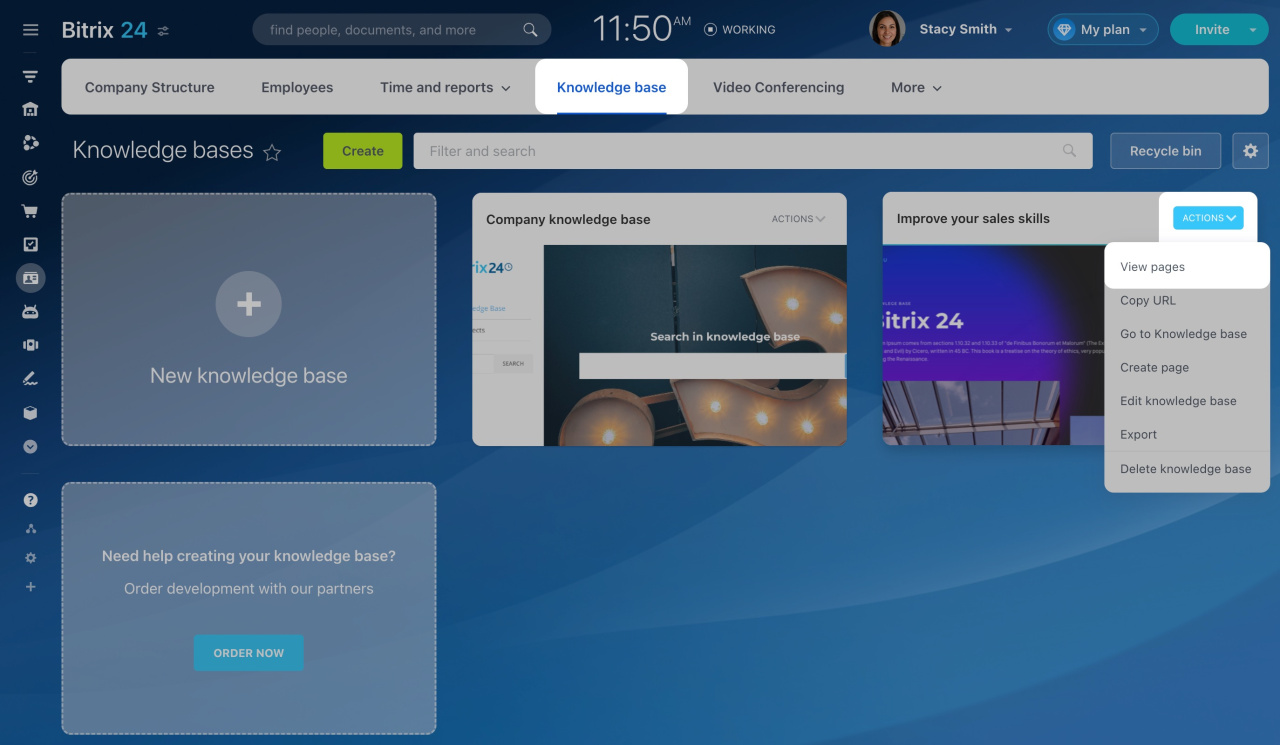
- Go to Employees > Knowledge base.
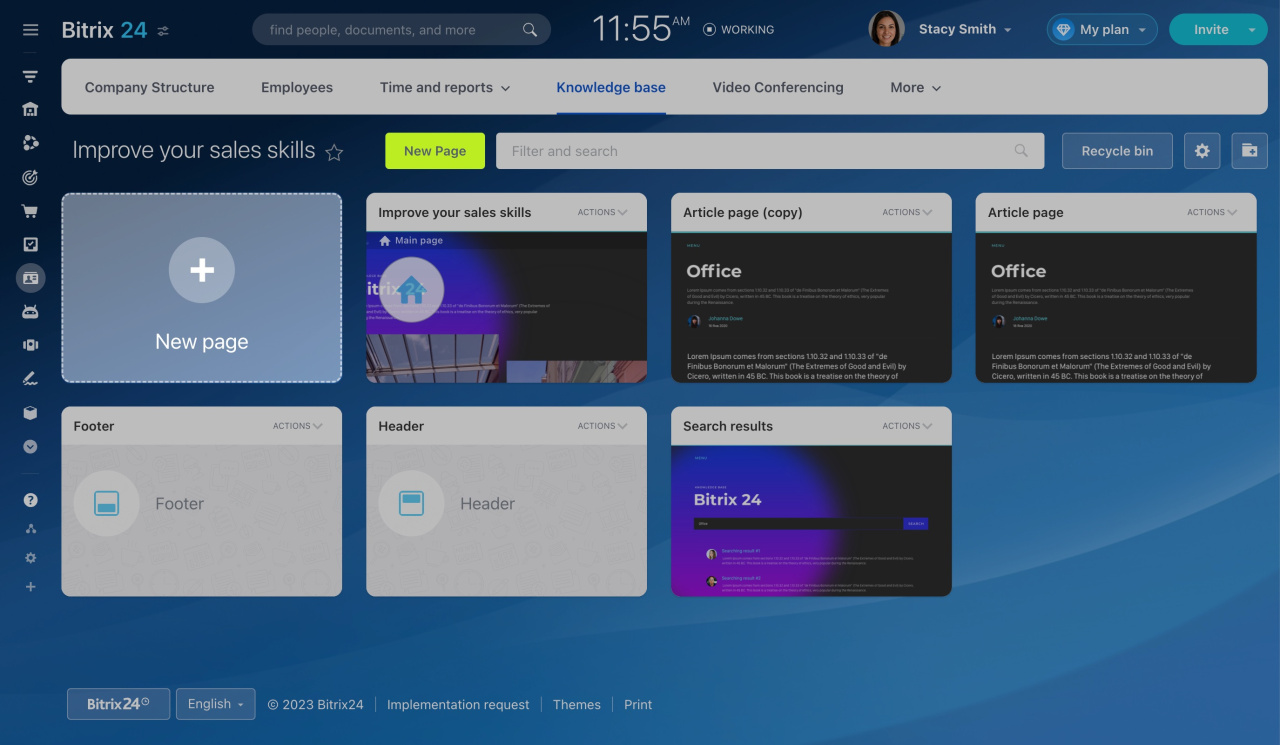
- Click Actions > View pages.
- Click New page.
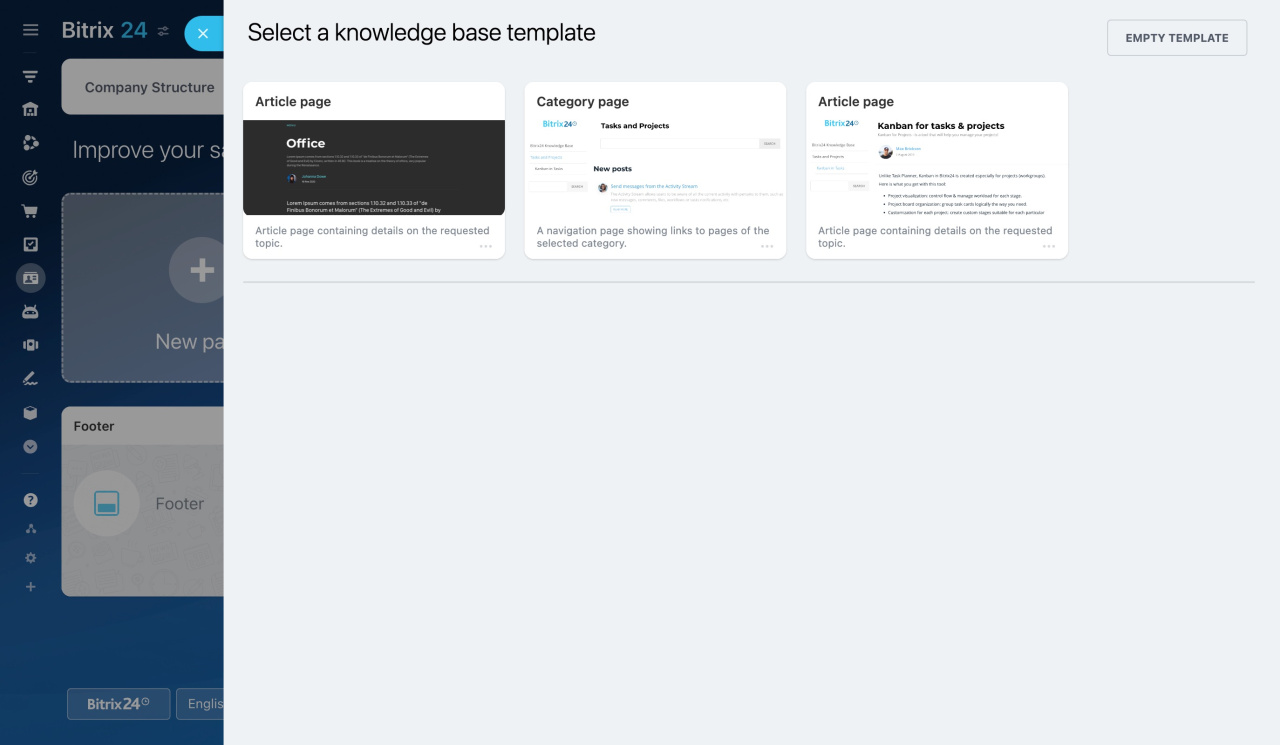
- Choose a template or start with a blank page.
Add the content you need using the tools described below.
Edit text
Click any text block to edit it. Replace the default text with your own. Use the pop-up toolbar to change the formatting.
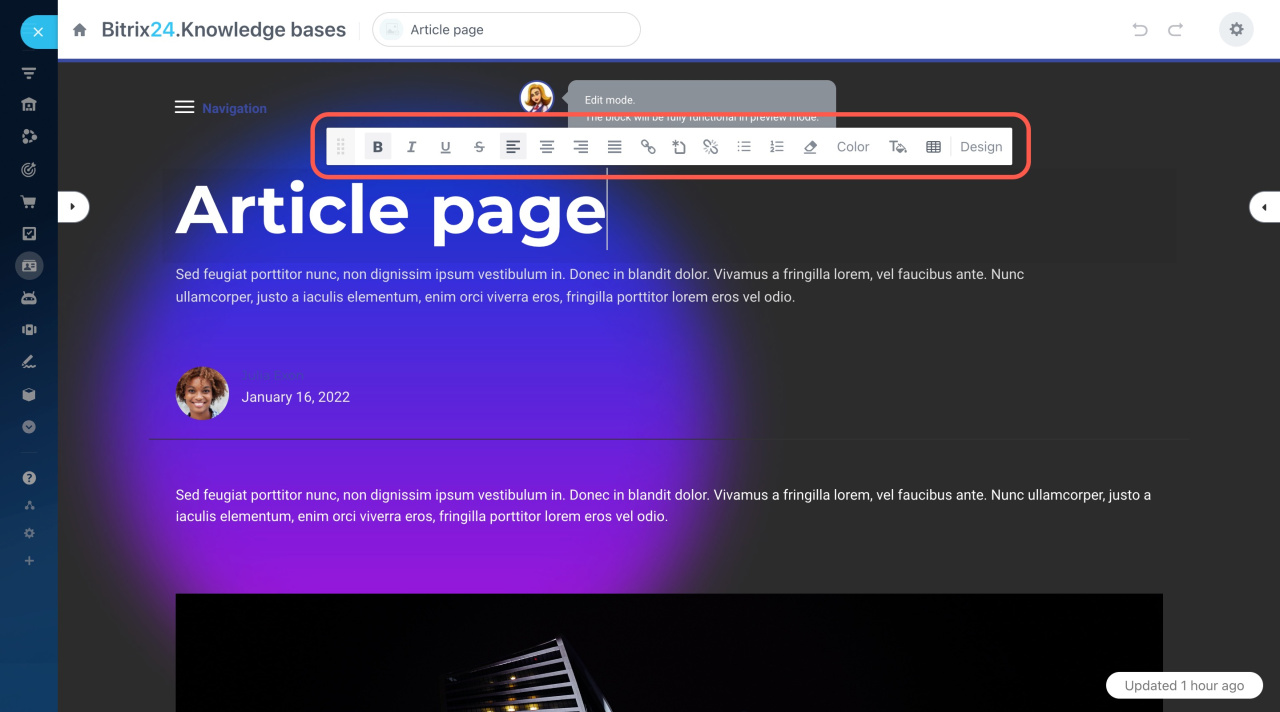
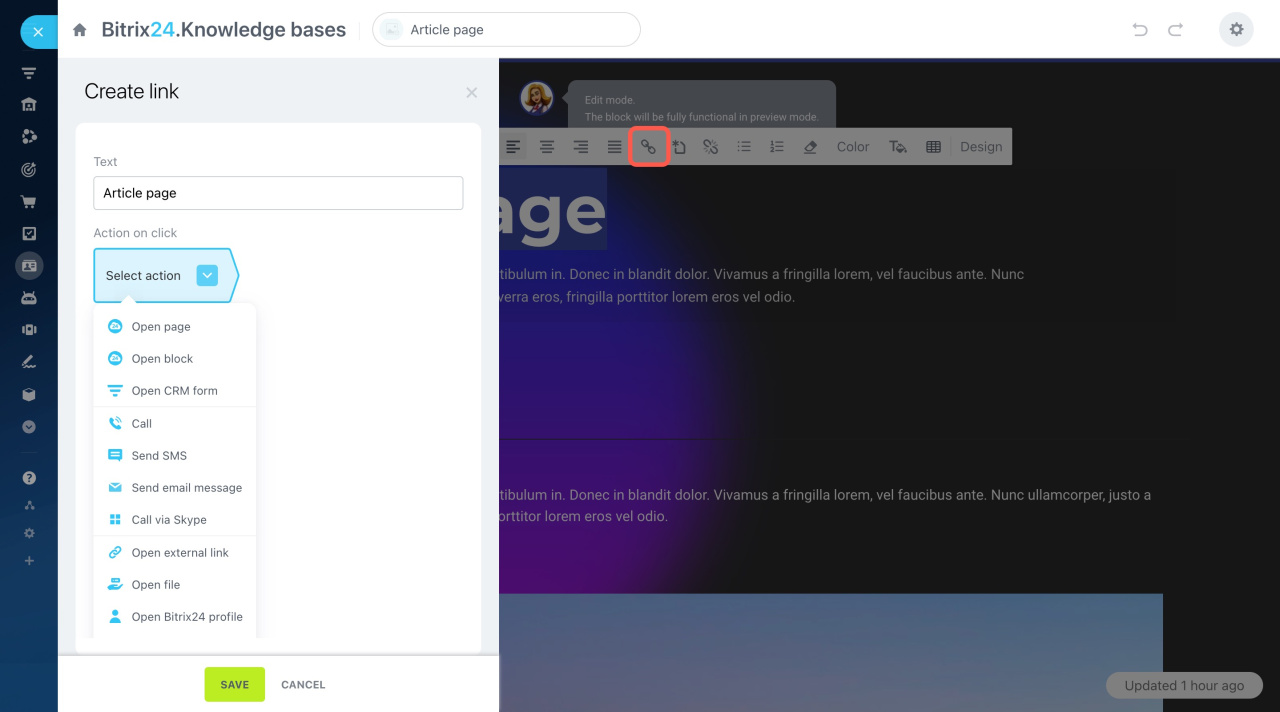
When editing your text, you can select a part of it and add a link to another page of your knowledge base or any other external page.
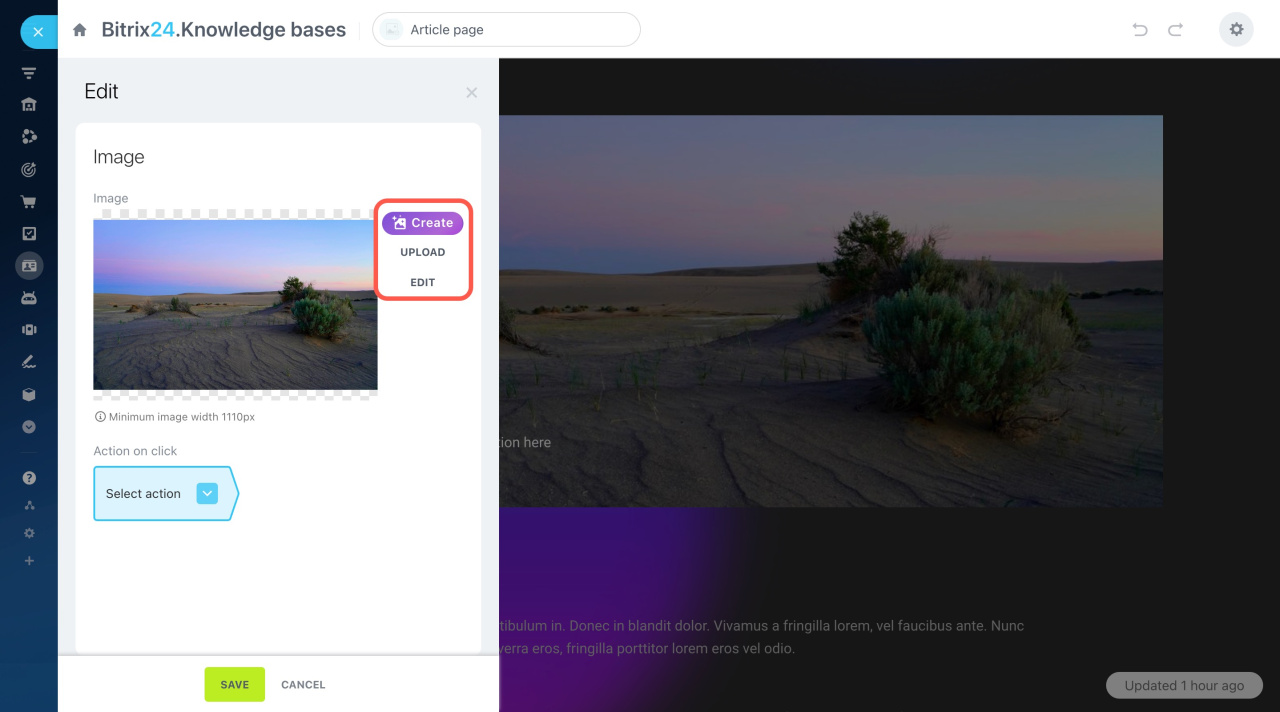
Replace images
Click the image you want to replace. Then click the Upload button in the slider. Or, click Create to generate an image with the help of the ImageAssistance AI.
ImageAssistant AI
After that, you can edit the uploaded image: crop it, apply filters, add stickers, etc.
Graphics editor in Bitrix24 Sites
Manage blocks with quick actions
Use the actions panel on the right side of the page to manage blocks. Click arrows to move blocks up or down, click the trash bin button to delete the block.
Click the Actions button to expand the menu.
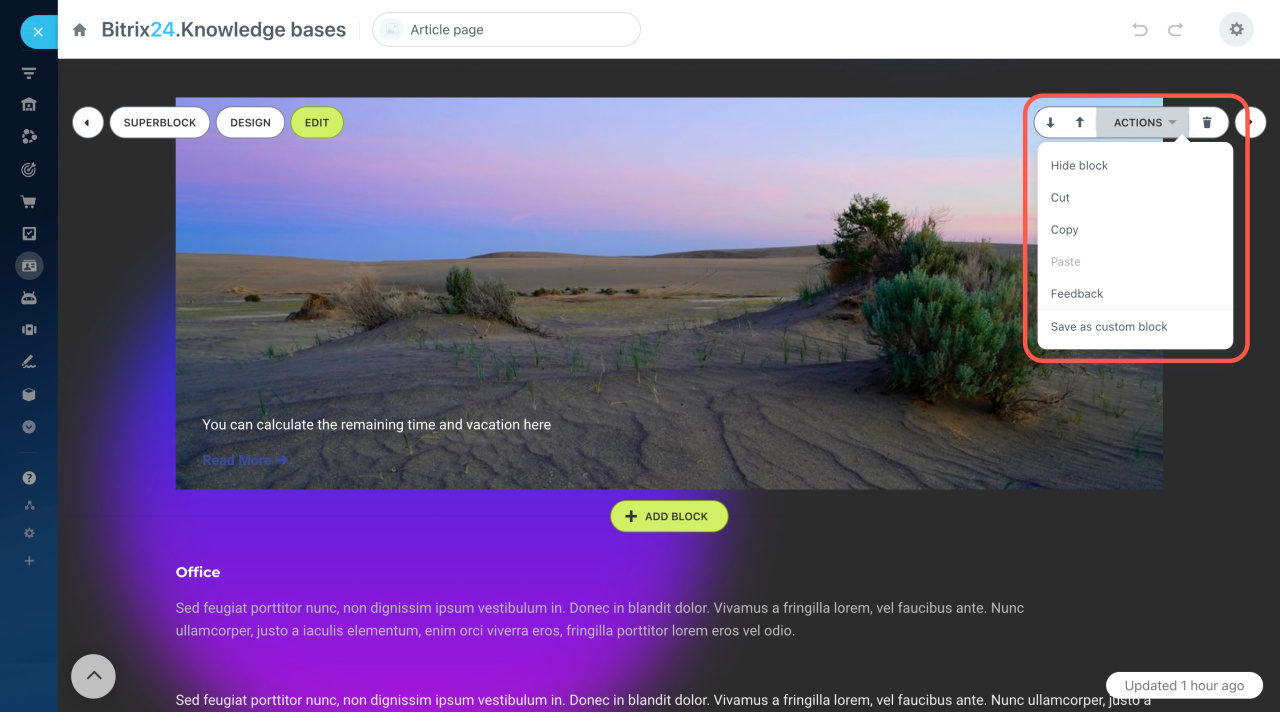
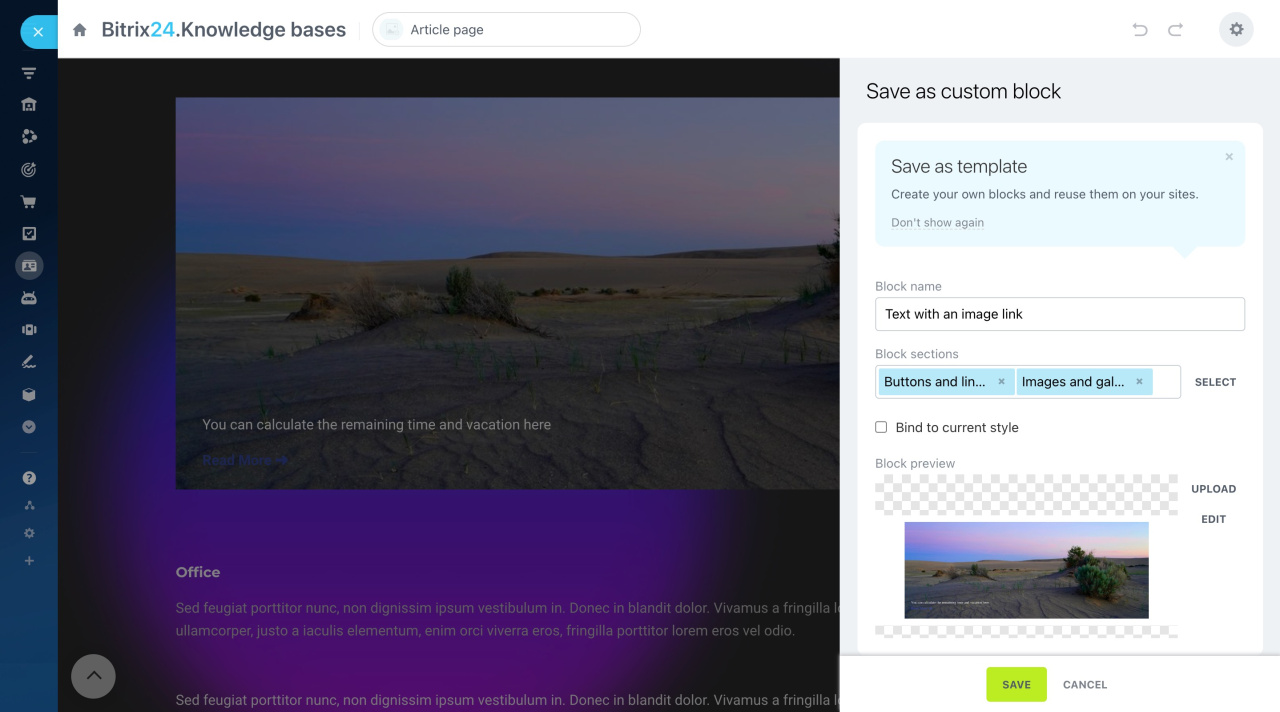
You can also save a block as a template using Save as custom block. This lets you reuse the block later.
Save blocks as templates and create folder structure
Change block design
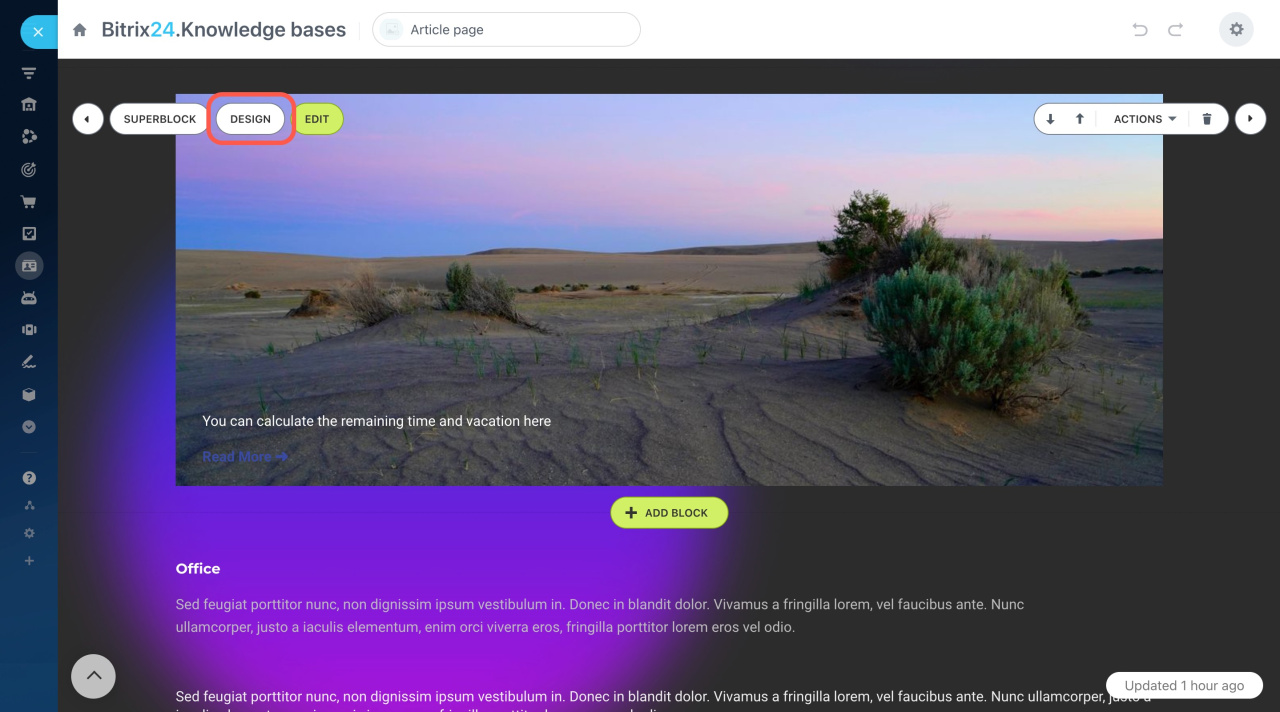
Click Design to adjust the appearance of a block.
New interface for working with site design
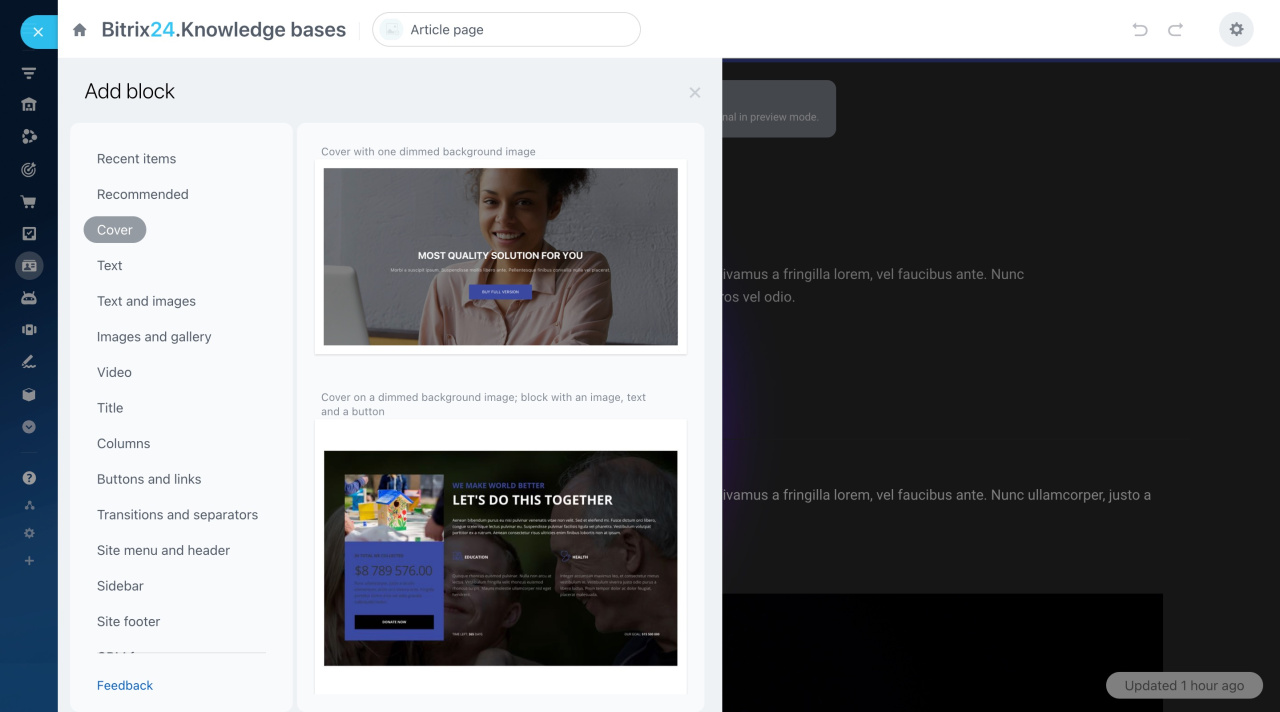
Add new blocks
To add a new block, click the Add block button.
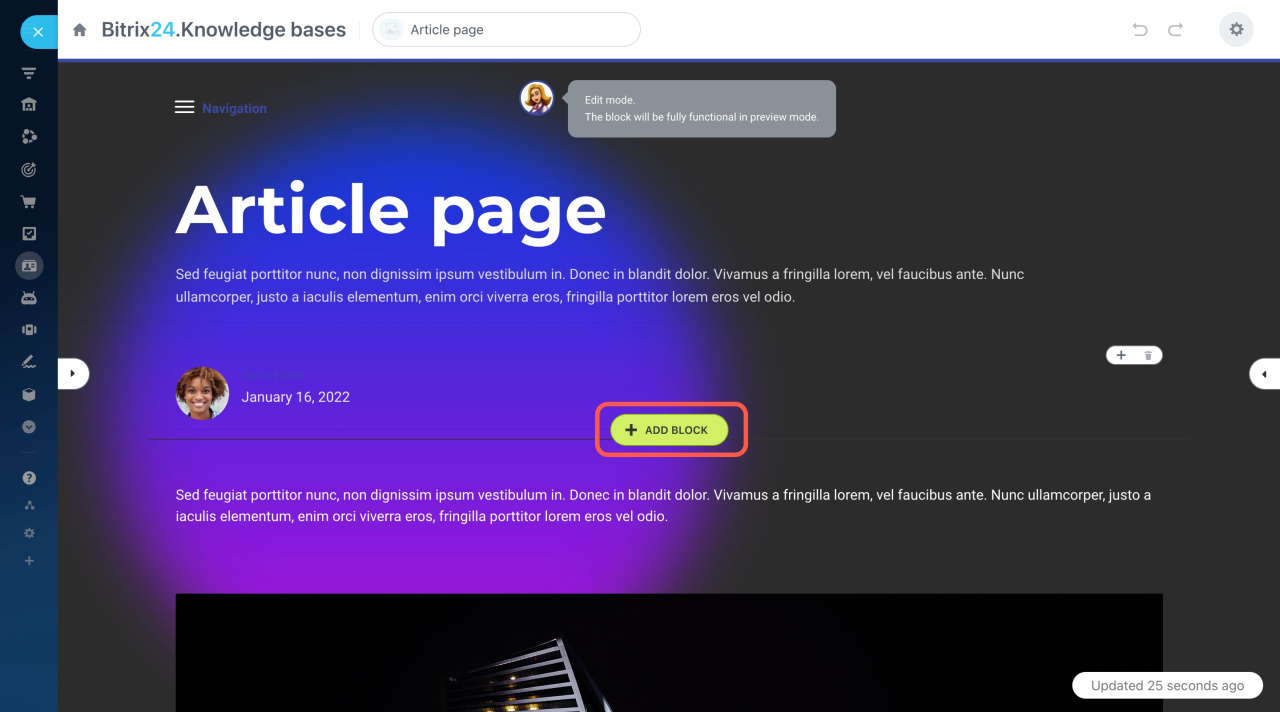
Select a block type you want to add in the menu on the left.