We updated the color picker for sites and online stores. You can now choose any color for text and backgrounds, adjust opacity, and set background images for blocks.
Customize block colors
On your site page, click Design and select the block you want to edit.
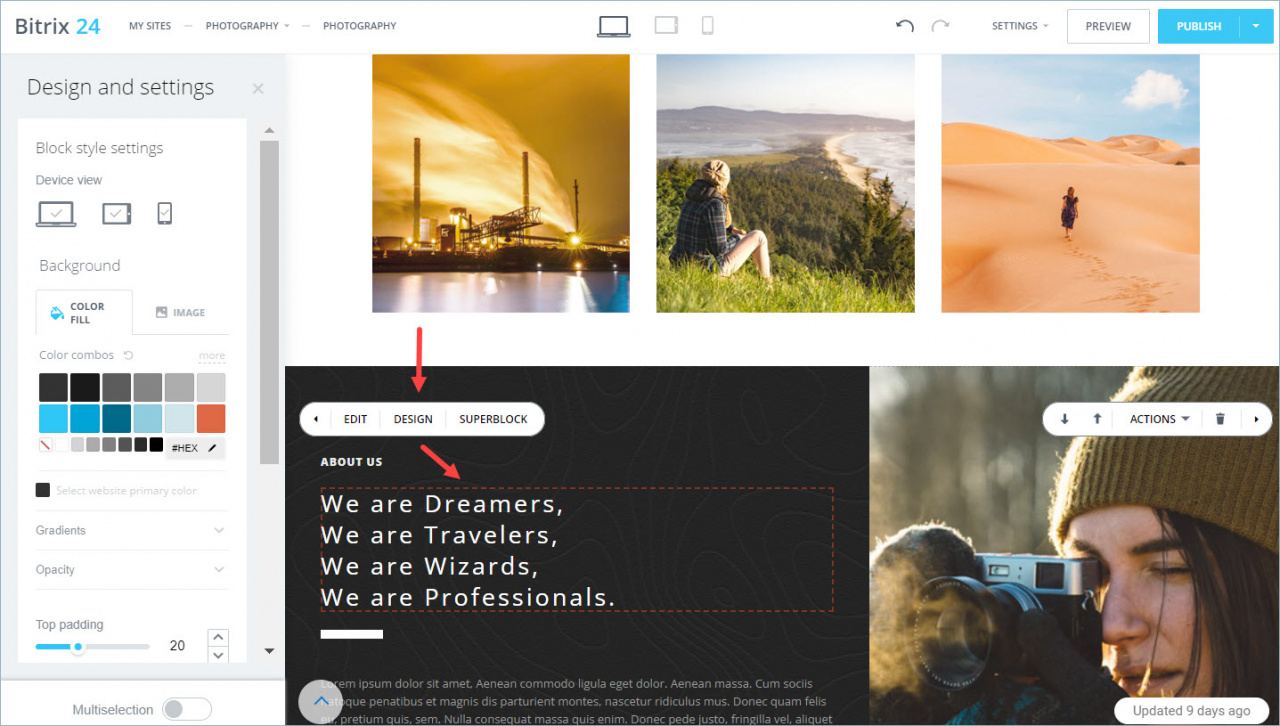
A panel opens on the left. In this panel, you can:
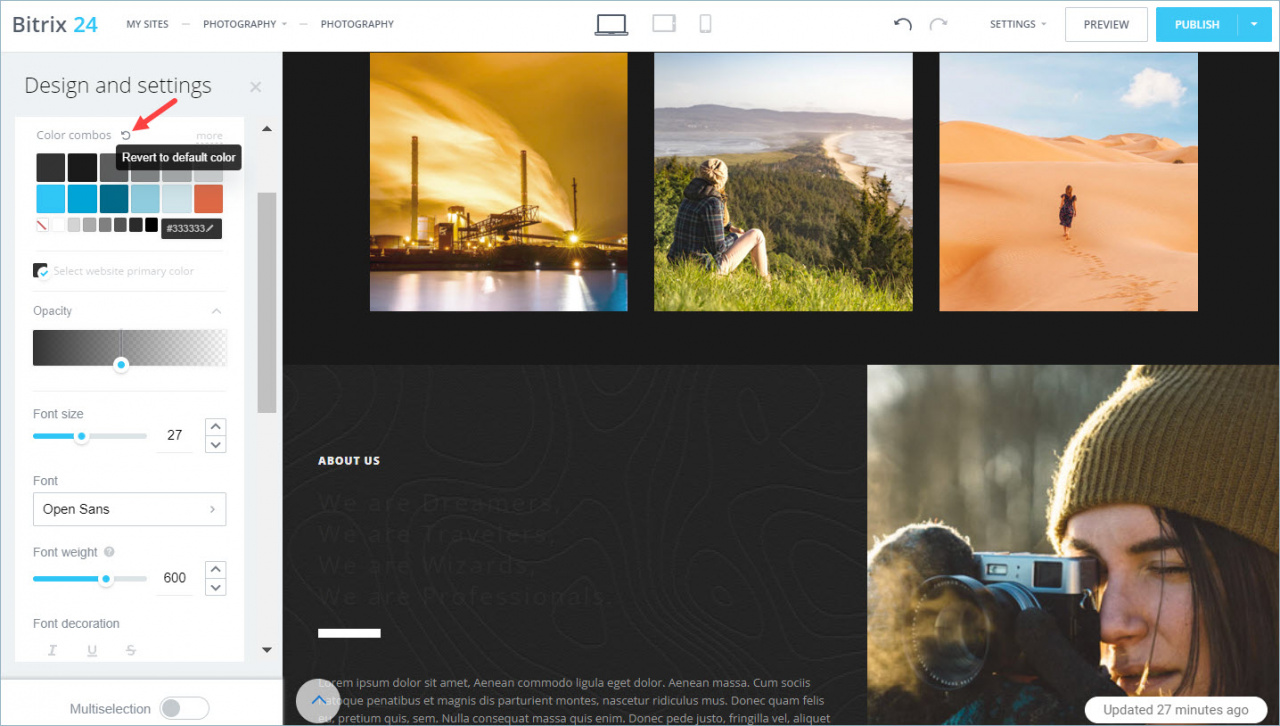
- Choose a preset color. The color applies to the block right away.

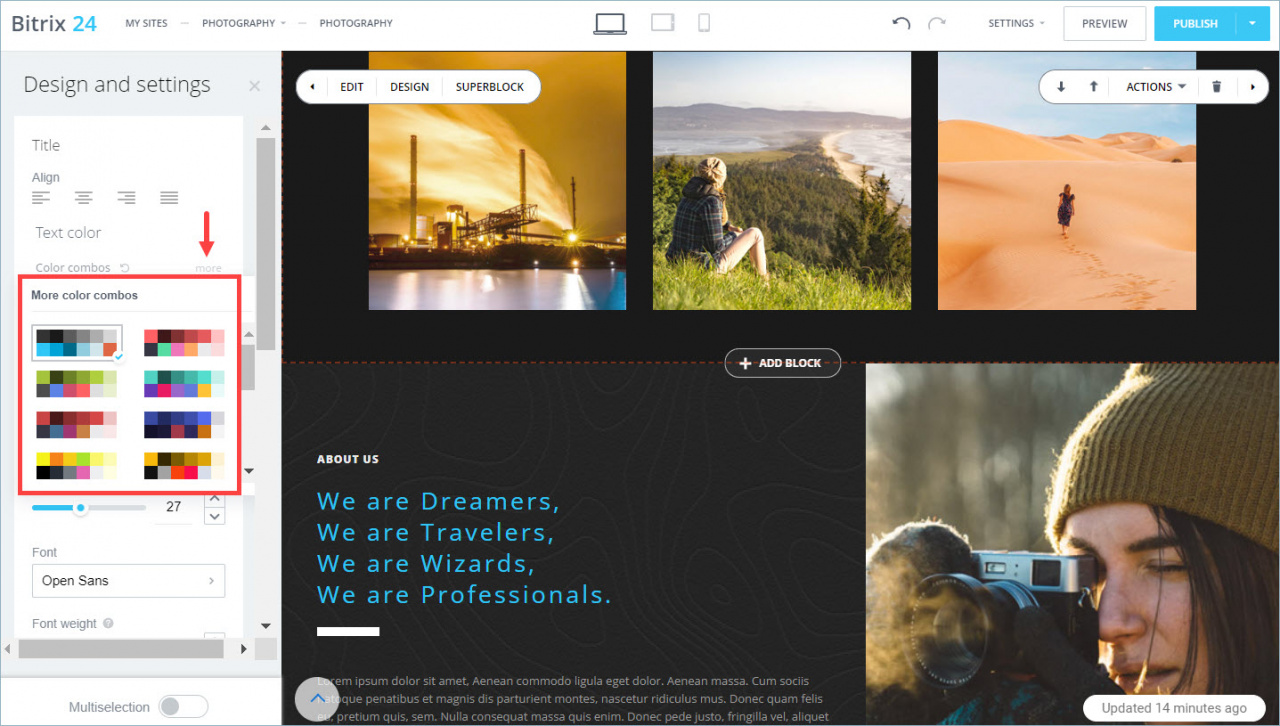
- Browse more color combinations. Click More to see additional options.
- Select a custom color or enter a color code. Click the color code to open the palette.
How to set a color code
Click the color code.

Enter a HEX value and click Select.


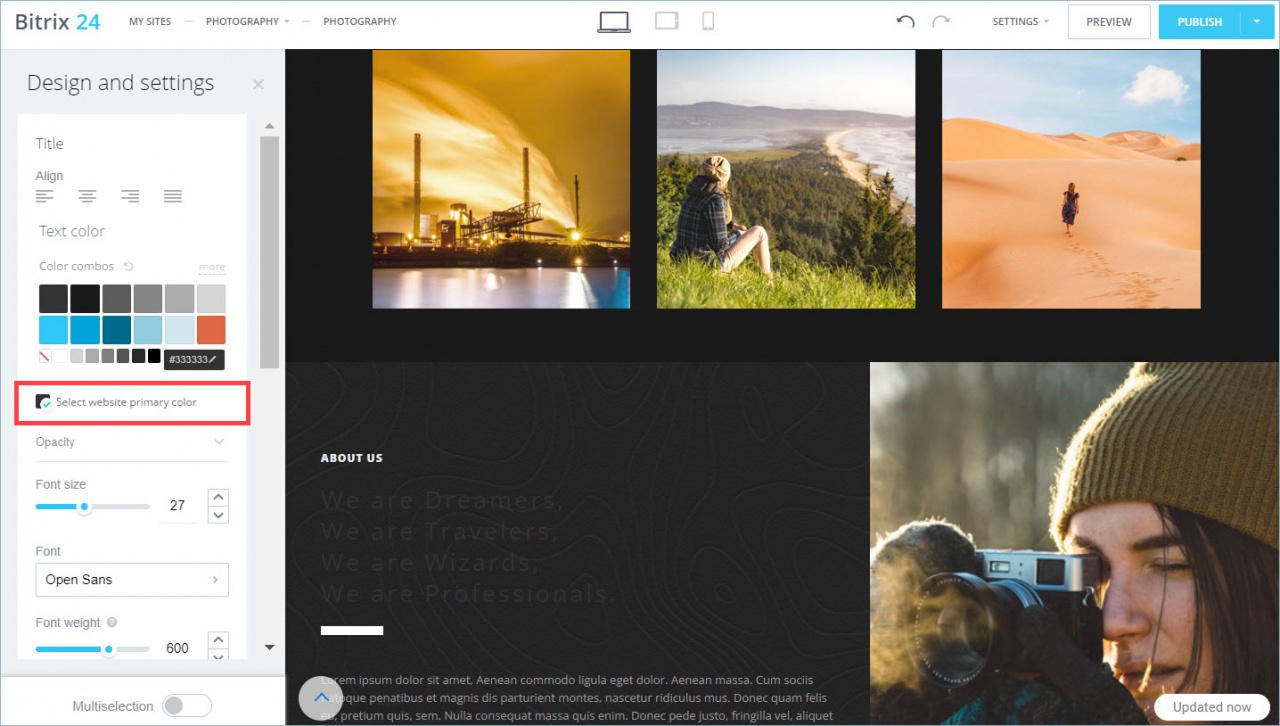
- Use the site’s primary color. This is the color you selected when you created the site.
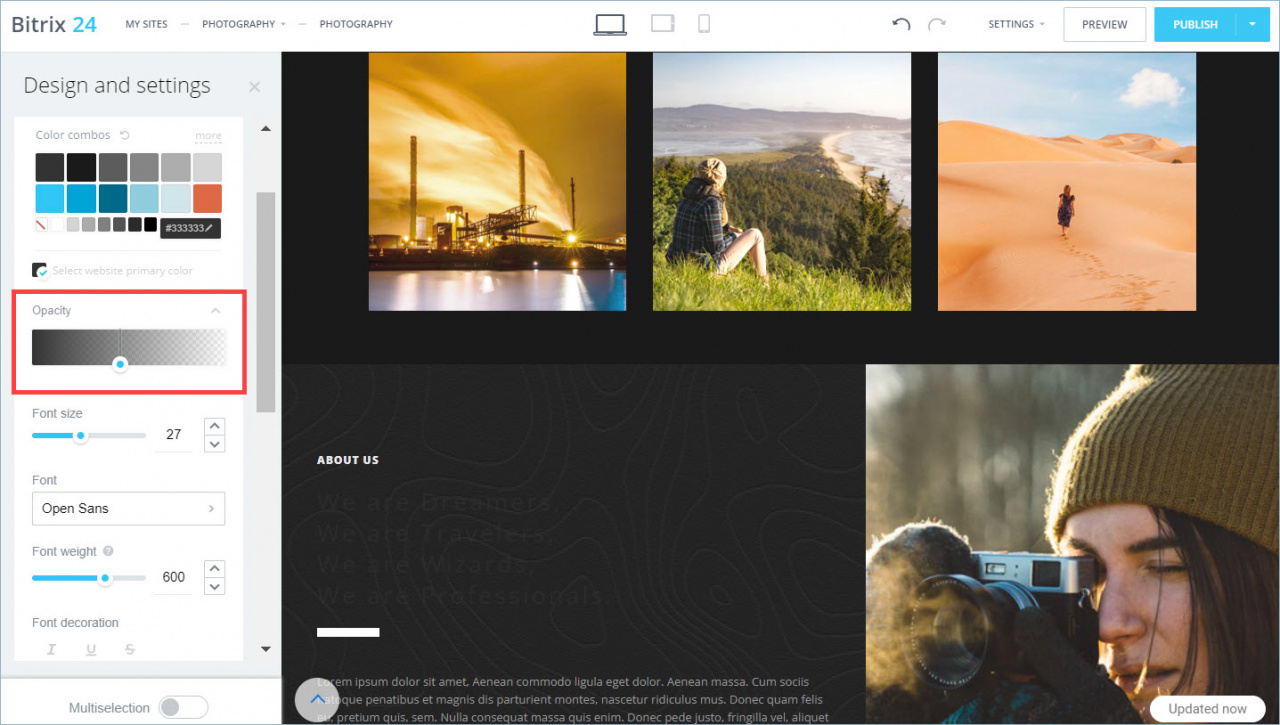
- Adjust color opacity. Click Opacity and choose a value.
To restore the original color, click Revert to default color.
Set a background color
Open the Color fill tab to set a background color.

These settings match the text color options, with one difference: you can create gradients in the Gradients tab.

You can:
- Choose linear or radial gradients.
- Swap colors.
- Rotate the gradient.

Change the background image
Open the Image tab in the panel.
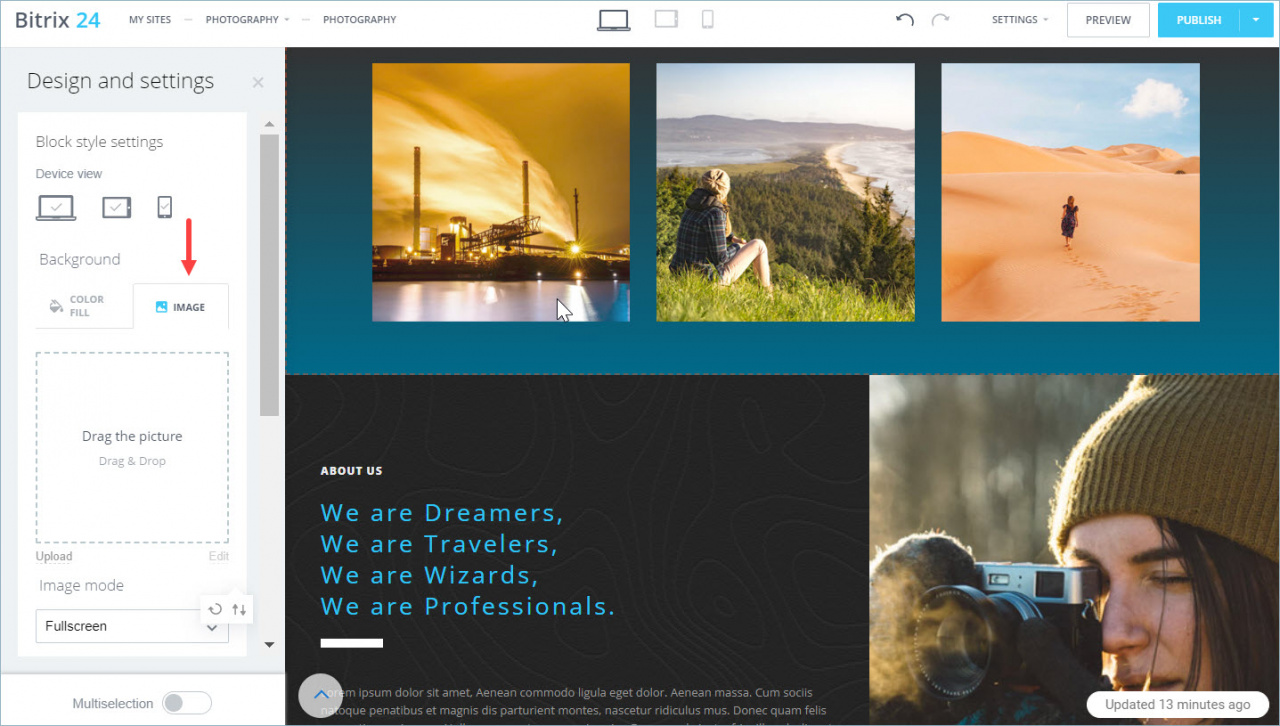
Click Upload to add an image, or drag and drop a file into the upload area.

To add a color overlay on top of the image, use the Color overlay tab.