🚚 Miễn phí giao hàng toàn quốc

✅ Tặng Gói Hỗ trợ online trọn đời

✅ Giá cạnh tranh nhất thị trường

✅ Miễn phí tư vấn giải pháp

🚚 Miễn phí giao hàng toàn quốc

✅ Tặng Gói Hỗ trợ online trọn đời

✅ Giá cạnh tranh nhất thị trường

✅ Miễn phí tư vấn giải pháp

Hotline: 0943.199.449

Địa chỉ: Tầng 1, tòa nhà Deli, 75 Hoàng Văn Thụ, P. Cầu Kiệu

Bitrix24 Helpdesk

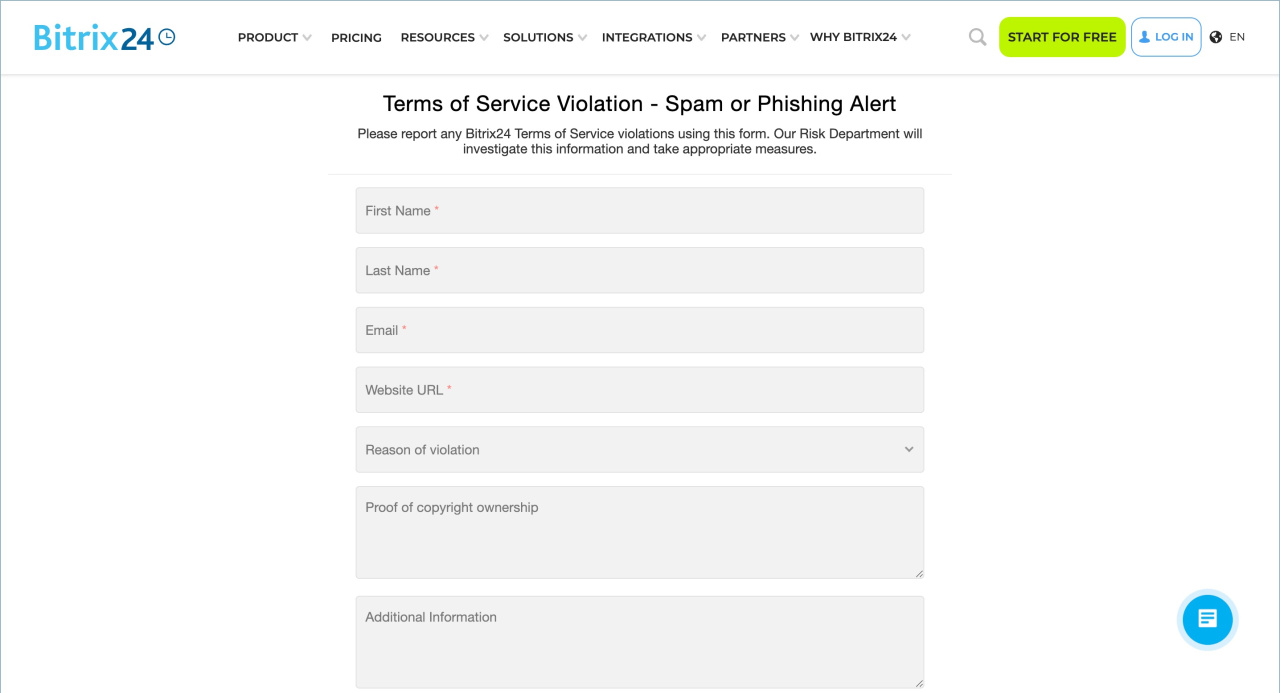
Report a violation in CRM forms

CRM forms in Bitrix24 are used to collect requests, contacts, and feedback. The content of these forms is the responsibility of the companies that create and publish them.

Bitrix24 provides tools for working with CRM forms but does not monitor their content. If a form violates user rights or legal requirements, you can report it. If numerous complaints are received, Bitrix24 will review the reports and take appropriate action.

Any user can report a violation if the content of a CRM form, for example:

  • Misleads users
  • Contains unacceptable or prohibited language
  • Requests personal data without explaining the purpose of its use
  • Violates copyright or other legal requirements

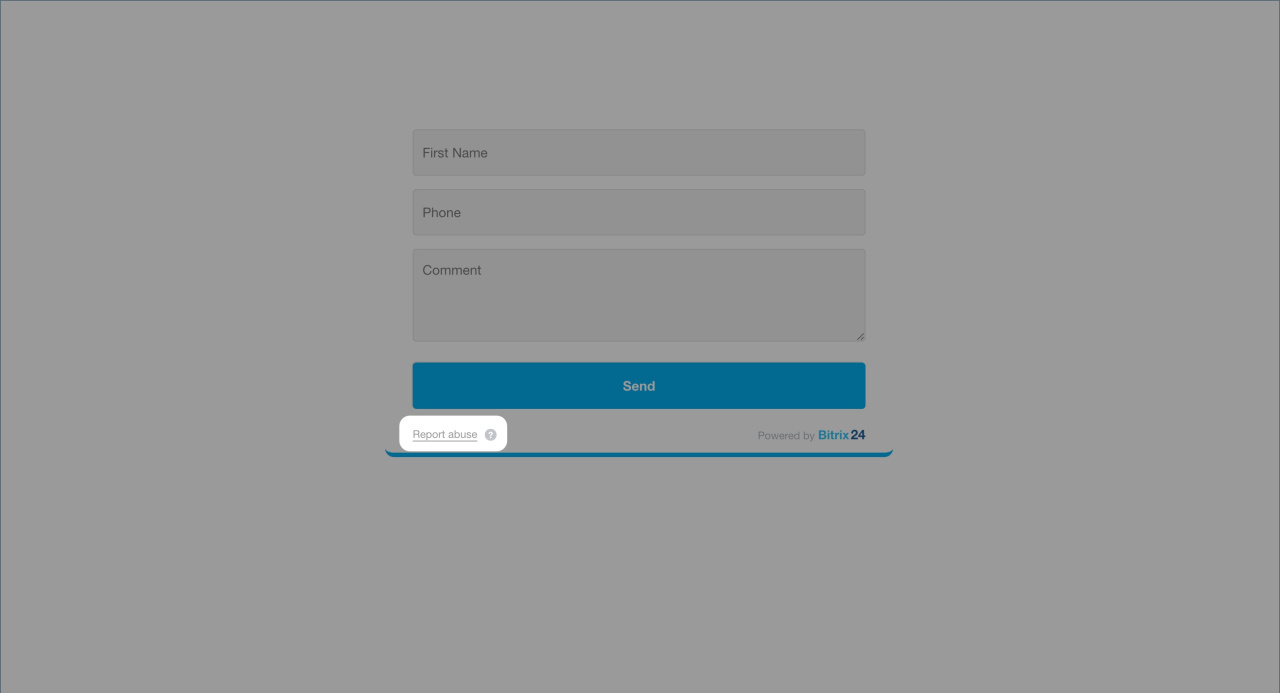
Click Report abuse in the CRM form to submit your report.

The Report abuse button and the tooltip text in CRM forms cannot be modified or disabled.
Was this information helpful?
Thank you for your feedback.
Get Implementation Help from a Partner
That's not what I'm looking for
Complicated and incomprehensible text
The information is outdated
It's too short. I need more information
I don't like the way this tool works
Get your Bitrix24 set up by local professionals
FIND BITRIX24 PARTNER NEAR ME
implementation_helper_man
Go to Bitrix24
Don't have an account? Create for free
Related articles
CRM form use cases Create and configure CRM forms for sales Callback form Create and configure a callback form in Bitrix24 Send data from a CRM form to an employee's email Add file to CRM form CRM forms for product sales Send CRM forms in Open Channel chats Contact information form in Live Chat Facebook Lead Ads integration
Zalo
0943.199.449