


Emails may fail to reach recipients for several reasons. A common cause is an incorrect or non-existent email address. These cases are marked as errors.
If your campaigns generate too many errors, your daily sending limit may not increase.
Create email campaigns
Create email campaigns
Find emails with errors
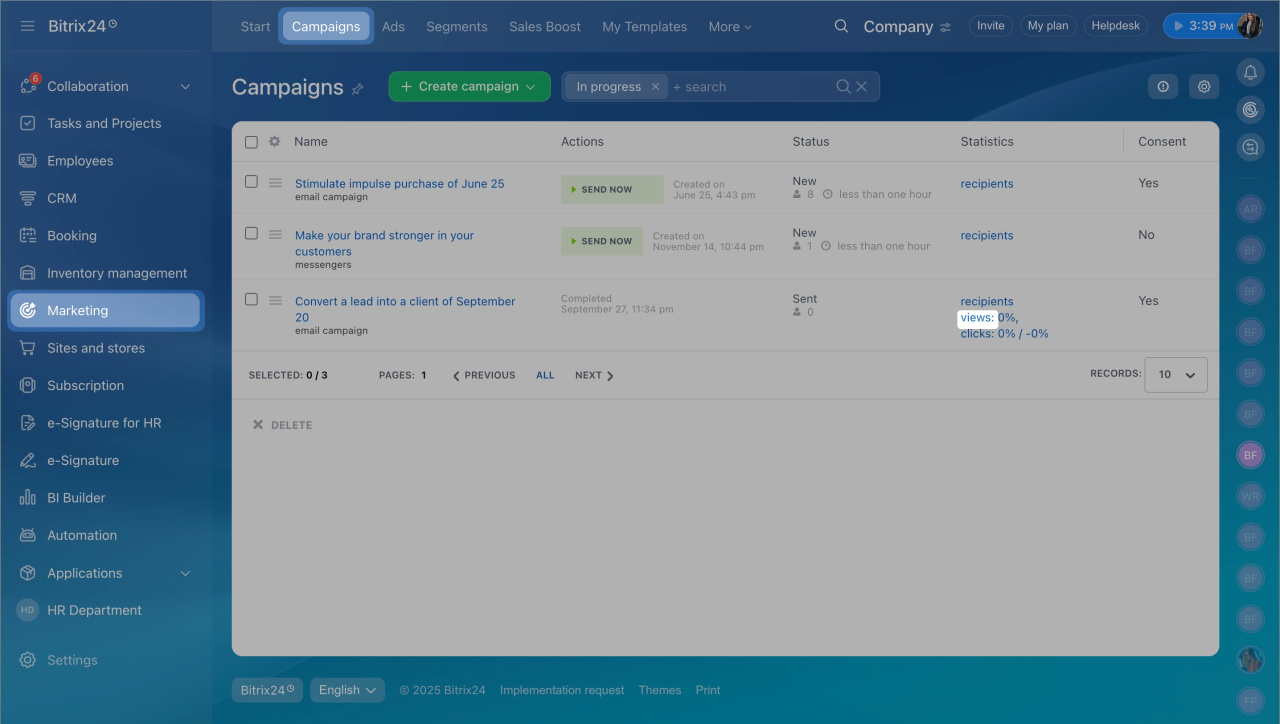
- Go to Marketing > Campaigns.
- In the campaign statistics, click Views.
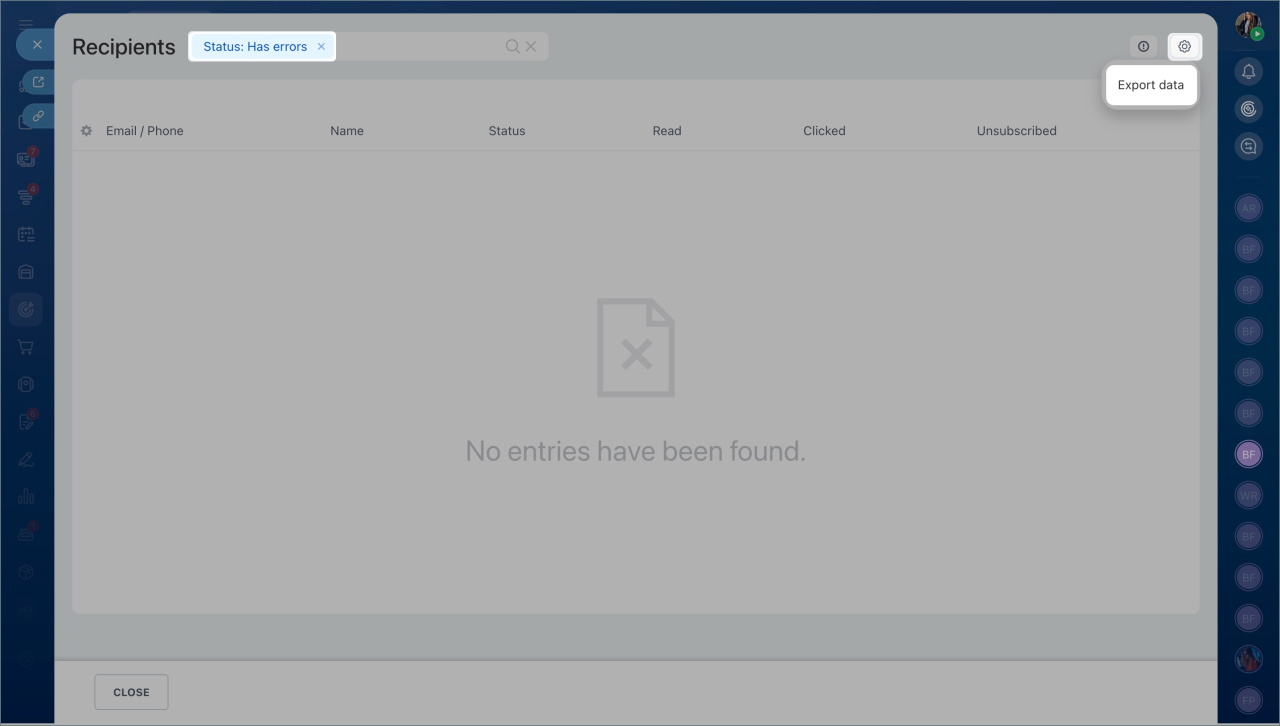
- Filter emails with the Has errors status.
- Check that the issue is not related to your mail server.
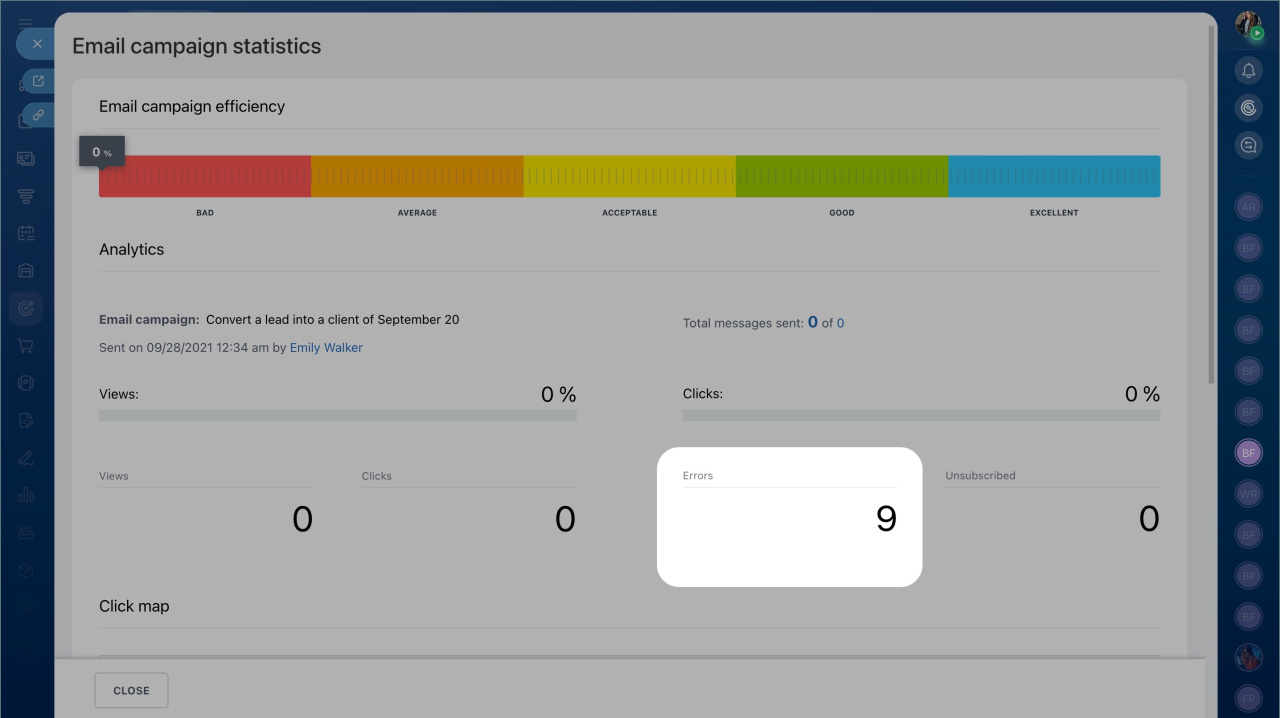
- Click the error count in the statistics panel.
- To export the list, click the settings icon in the top right and select Export data.
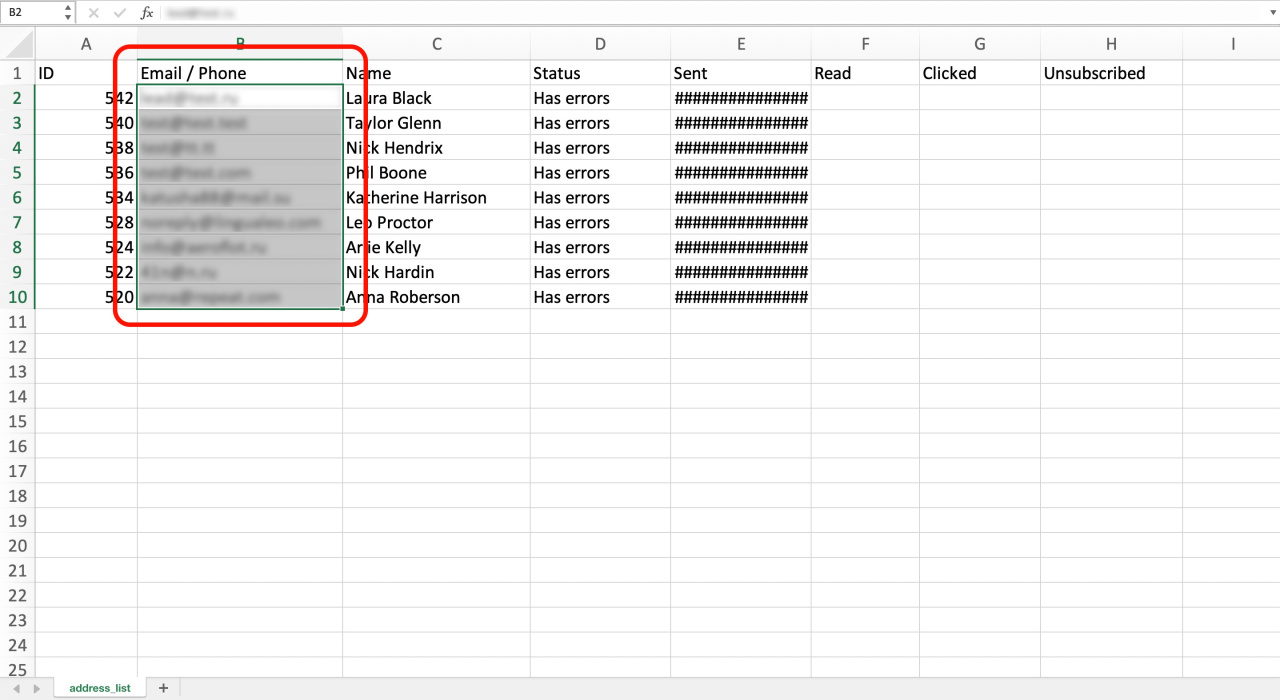
- Open the file and copy the email addresses.
Prevent future errors
Use one of these options to avoid sending emails to invalid addresses again.
Option 1: Add addresses to the blacklist
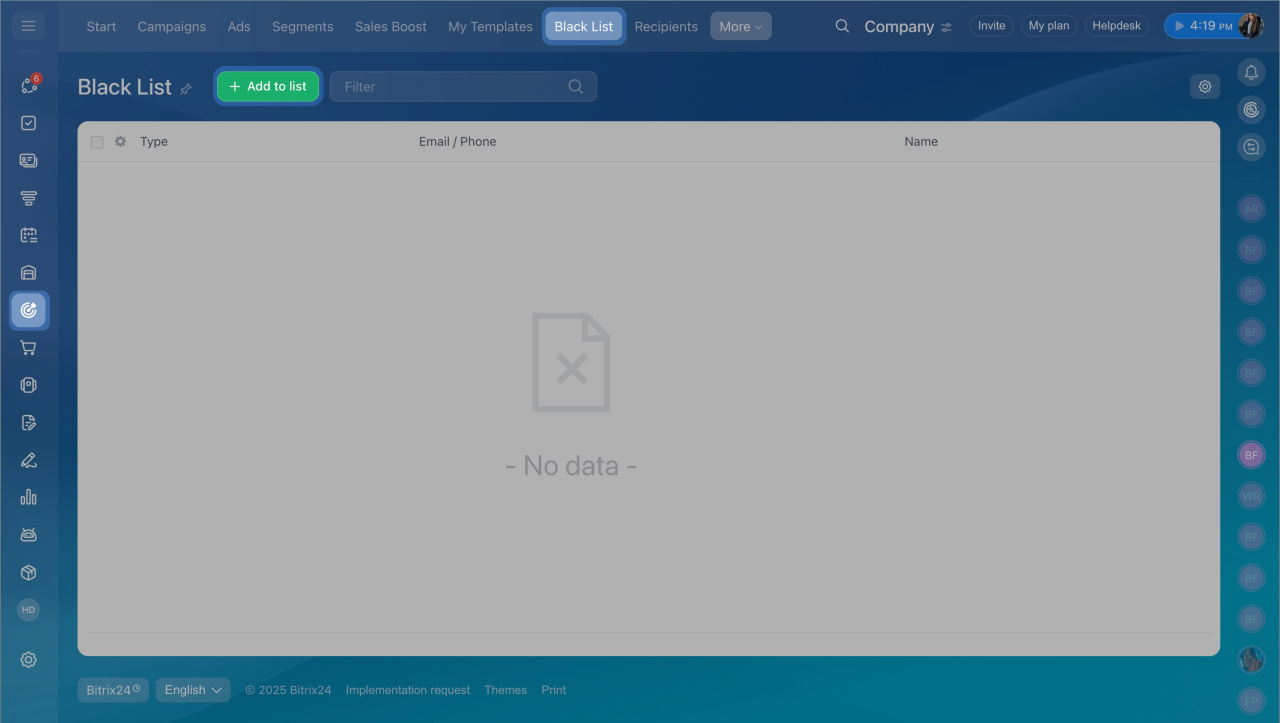
- Go to Marketing > Black List.
- Click Add to list.
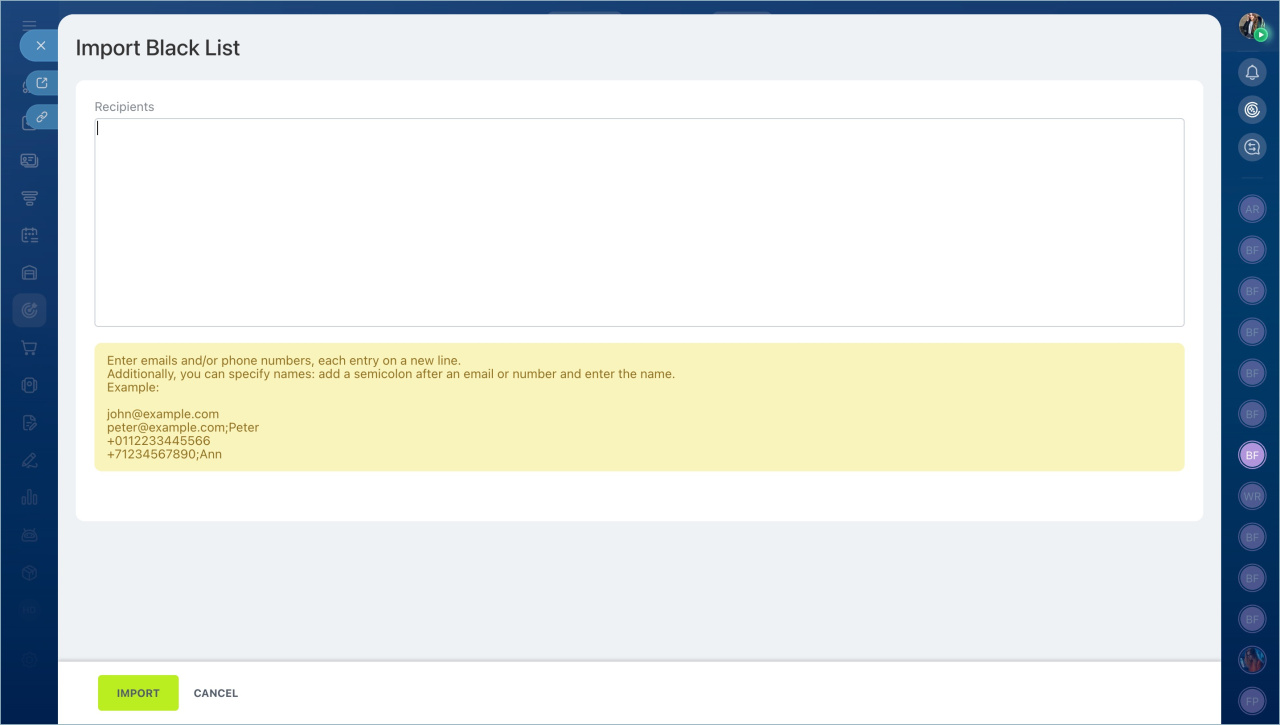
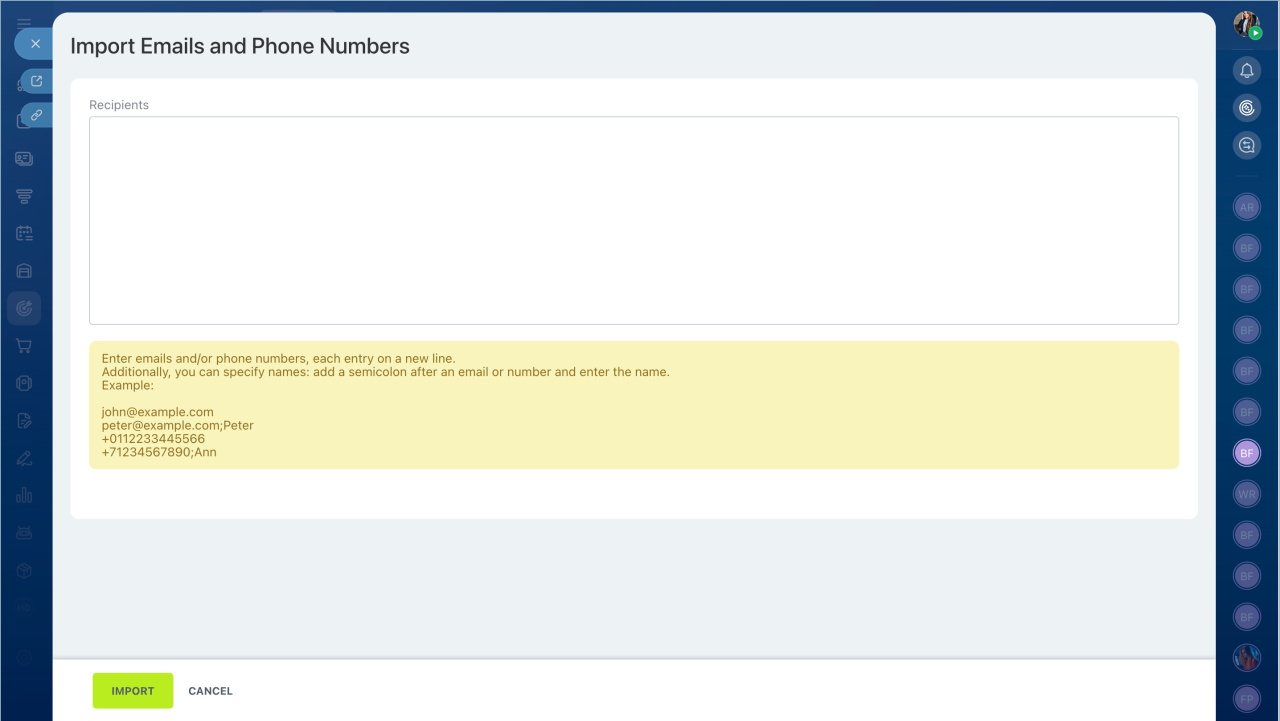
- Paste the email addresses.
- Click Import.
Option 2: Create an exclusion segment
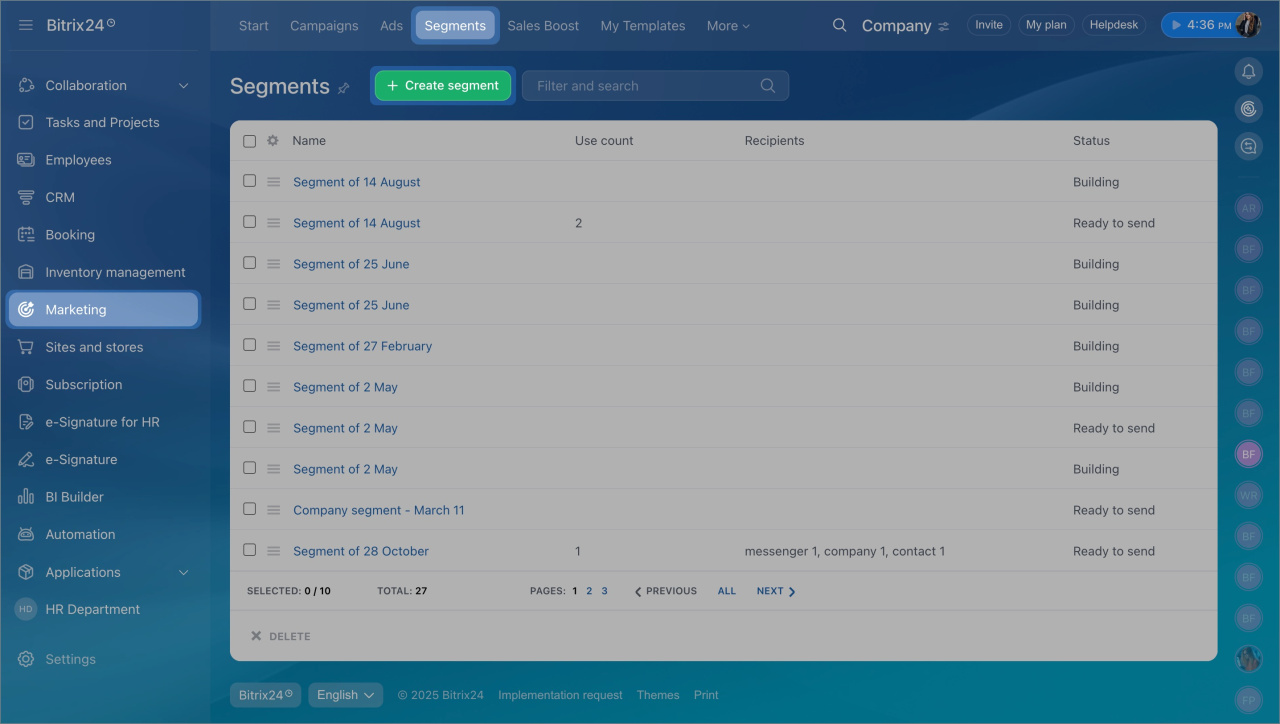
- Go to Marketing > Segments.
- Click Create segment.
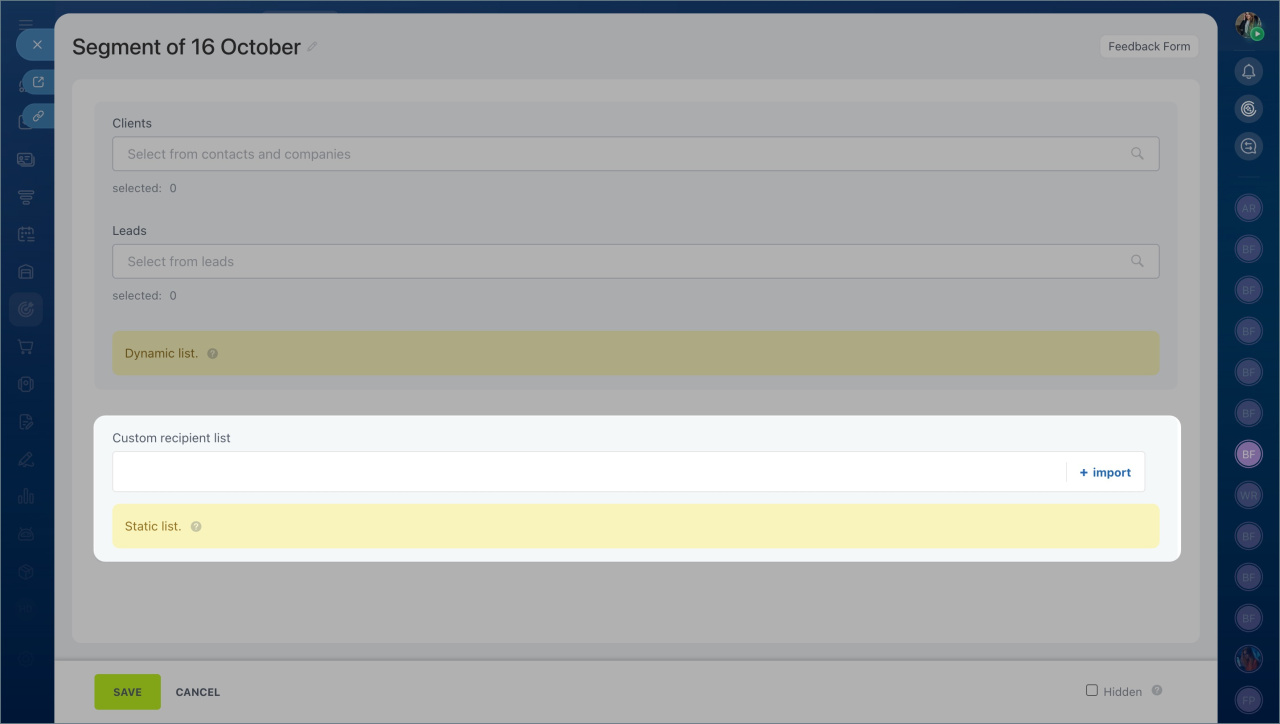
- In Custom recipient list, click Import.
- Paste the email addresses and click Import.
- Save the segment.
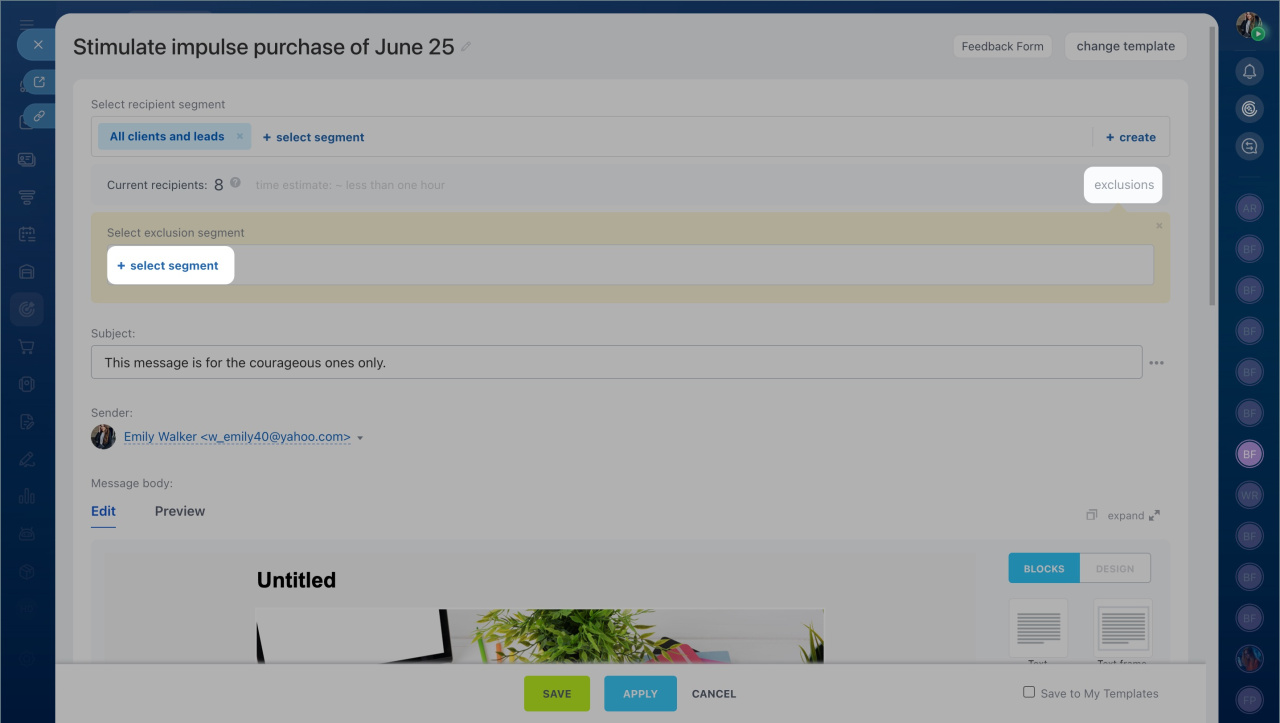
When creating a new email campaign, open Exclusions and select this segment. Emails will not be sent to these addresses.
In brief
- Email errors often occur due to invalid addresses.
- Find affected contacts in Marketing > Campaigns using the Has errors filter.
- Prevent repeat errors by adding addresses to the blacklist or excluding them with a segment.



