
🚚 Miễn phí giao hàng toàn quốc

✅ Tặng Gói Hỗ trợ online trọn đời

✅ Giá cạnh tranh nhất thị trường

✅ Miễn phí tư vấn giải pháp

🚚 Miễn phí giao hàng toàn quốc

✅ Tặng Gói Hỗ trợ online trọn đời

✅ Giá cạnh tranh nhất thị trường

✅ Miễn phí tư vấn giải pháp

Hotline: 0943.199.449

Địa chỉ: Tầng 1, tòa nhà Deli, 75 Hoàng Văn Thụ, P. Cầu Kiệu

Bitrix24 Helpdesk

Online Payment Options for invoices (an old version)

The Invoice Link tab in Bitrix24 CRM lets you accept payments online. Send the invoice link to your client so they can pay securely.
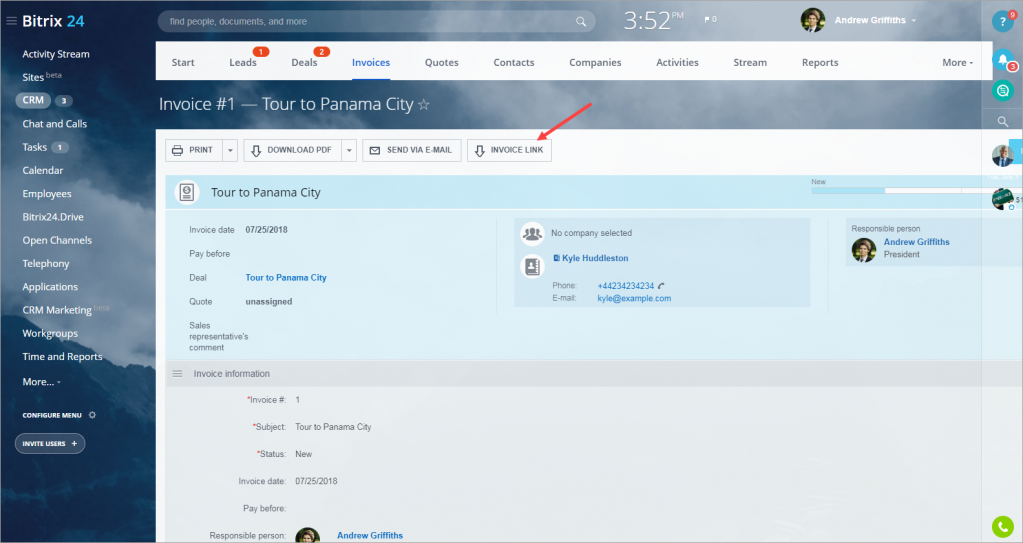
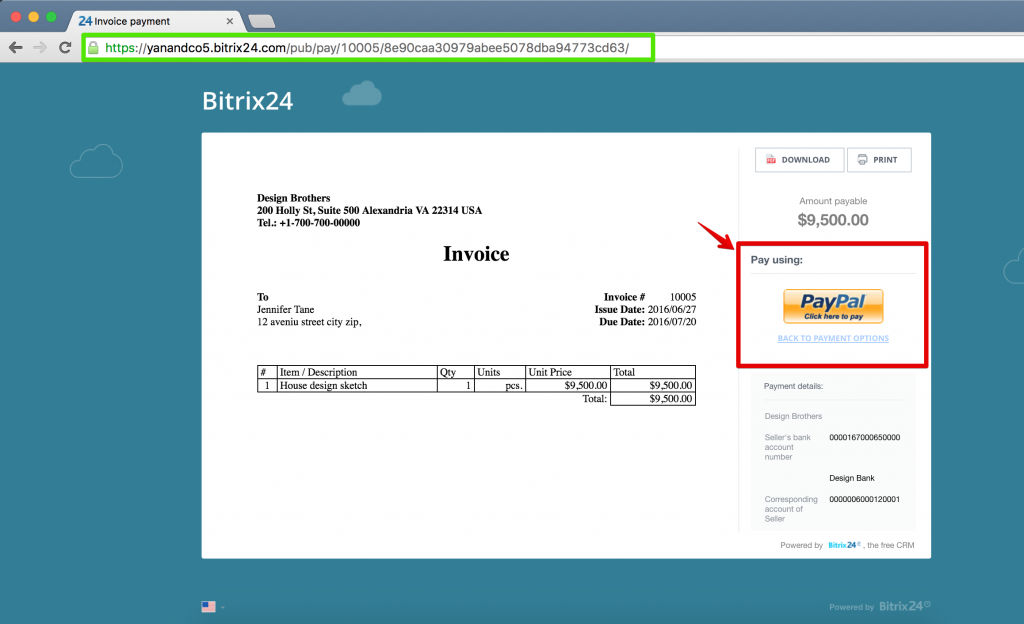
When a client opens the link, they see a secure invoice page with:

  • Full invoice details
  • Available payment methods
  • A clear and simple layout that helps them complete the payment quickly
Speed up payments with Bitrix24 forms

You can also collect payments using Bitrix24 web forms.

  1. Create a form in Bitrix24.
  2. Add the form to your website or share the public link with clients.
  3. After the client submits the form, they see the final invoice with online payment options.
  4. The client is redirected to the selected payment provider (for example, PayPal) to complete the payment securely.
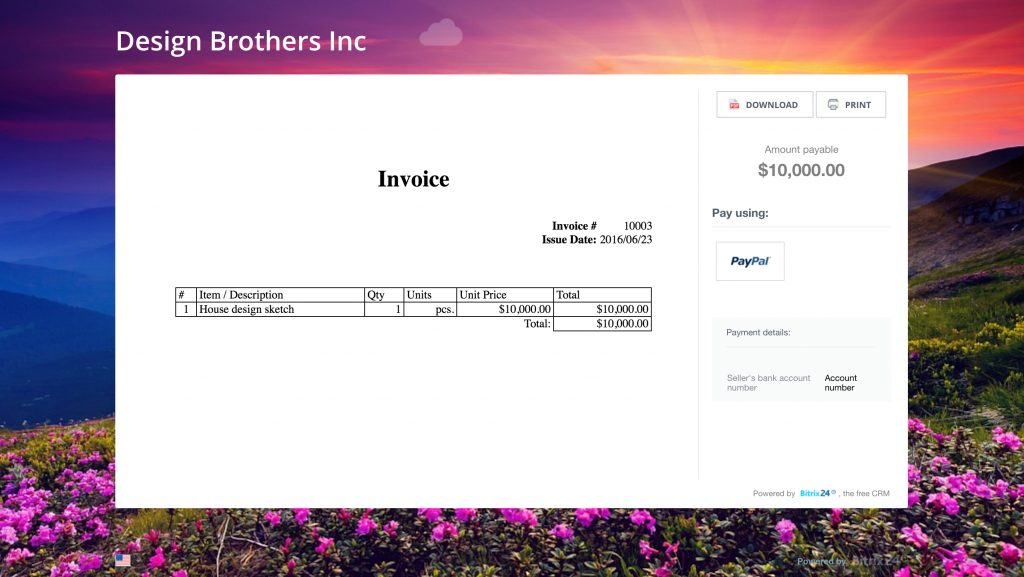
After the payment is completed, Bitrix24 automatically updates the customer record.

Clients can pay anytime, even outside business hours. This helps your team close deals faster and reduces manual work with Bitrix24 sales automation tools.

Was this information helpful?
Thank you for your feedback.
Get Implementation Help from a Partner
That's not what I'm looking for
Complicated and incomprehensible text
The information is outdated
It's too short. I need more information
I don't like the way this tool works
Get your Bitrix24 set up by local professionals
FIND BITRIX24 PARTNER NEAR ME
implementation_helper_man
Go to Bitrix24
Don't have an account? Create for free
You may also like
Related articles
Create an invoice (old version) Recurring Invoices (an old version) Old version of invoices Add a client address to an invoice (old version)
Zalo
0943.199.449
