Sales Center uses your Bitrix24 online store. Before you set up sales in chats, create an online store in Bitrix24.
Create an online store in Bitrix24
Set up sales in chats
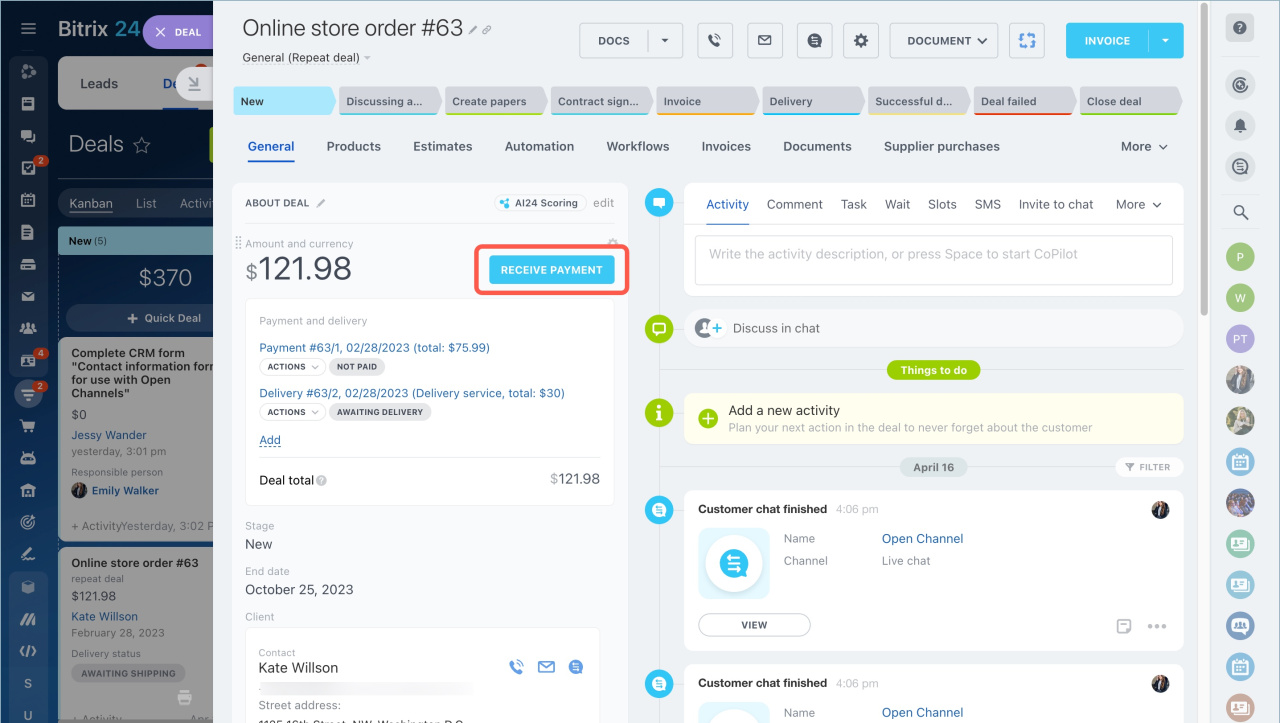
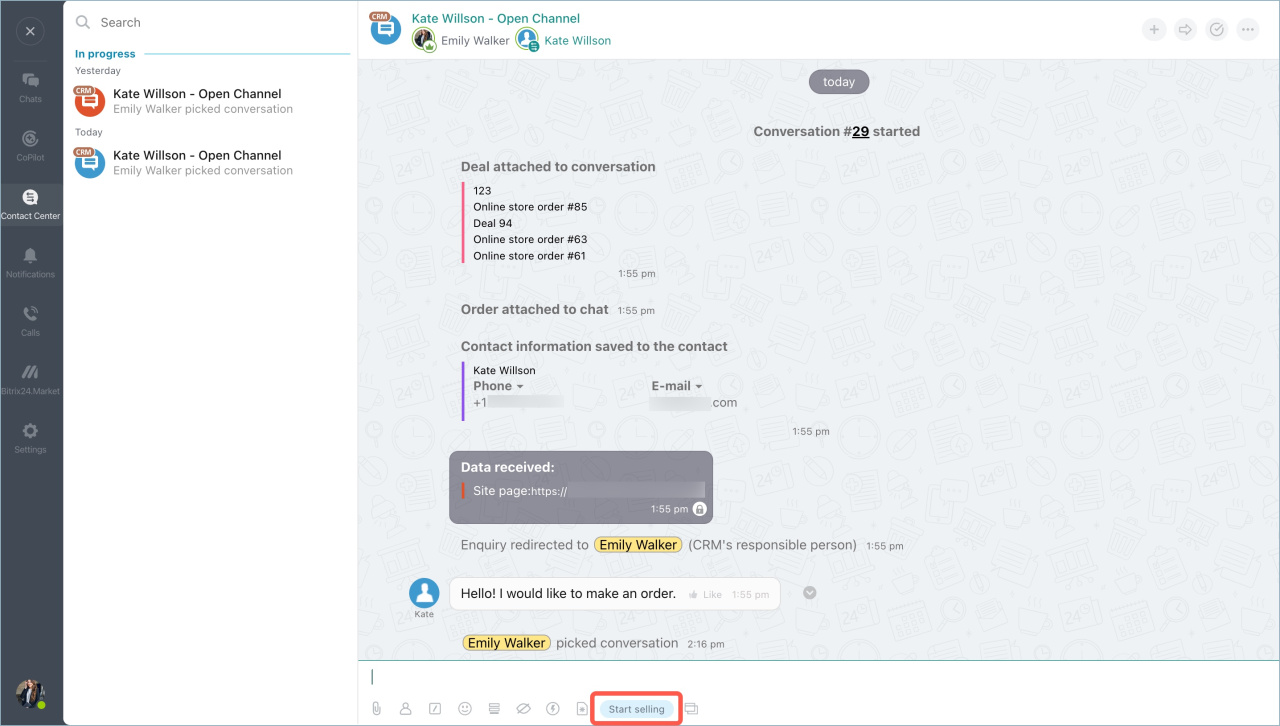
Bitrix24 automatically creates the Chat enabled sales template in your store catalog when you start working with client payments. To create the template, complete one of these actions:
-
Open a deal form and click Accept payment. Add the product the customer selected and make sure a payment system is connected.
-
Open a chat with the customer and click Start selling.
You can only have one online store with the Chat enabled sales template.
Connect Open Channels
After you set up your store pages, connect the communication channels you use to talk to customers:
Set up payment systems
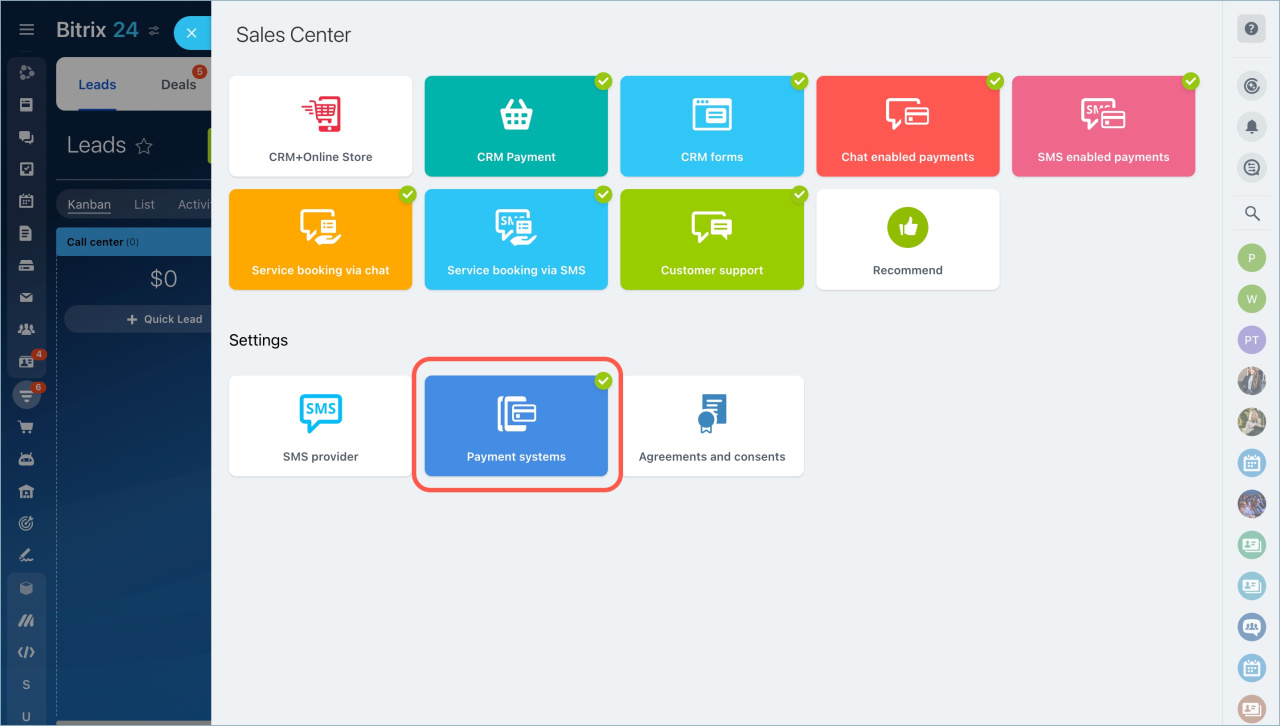
Go to CRM > Sales > Sales Center > Payment systems.
Connect payment systems in Sales Center