Sales Center helps you work with customers in chat and close deals without leaving the conversation.
Check if this tool is available on your Bitrix24 plan.
Sales Center is not available in the archived on-premise version of Bitrix24.CRM.
Sales Center is not available in the archived on-premise version of Bitrix24.CRM.
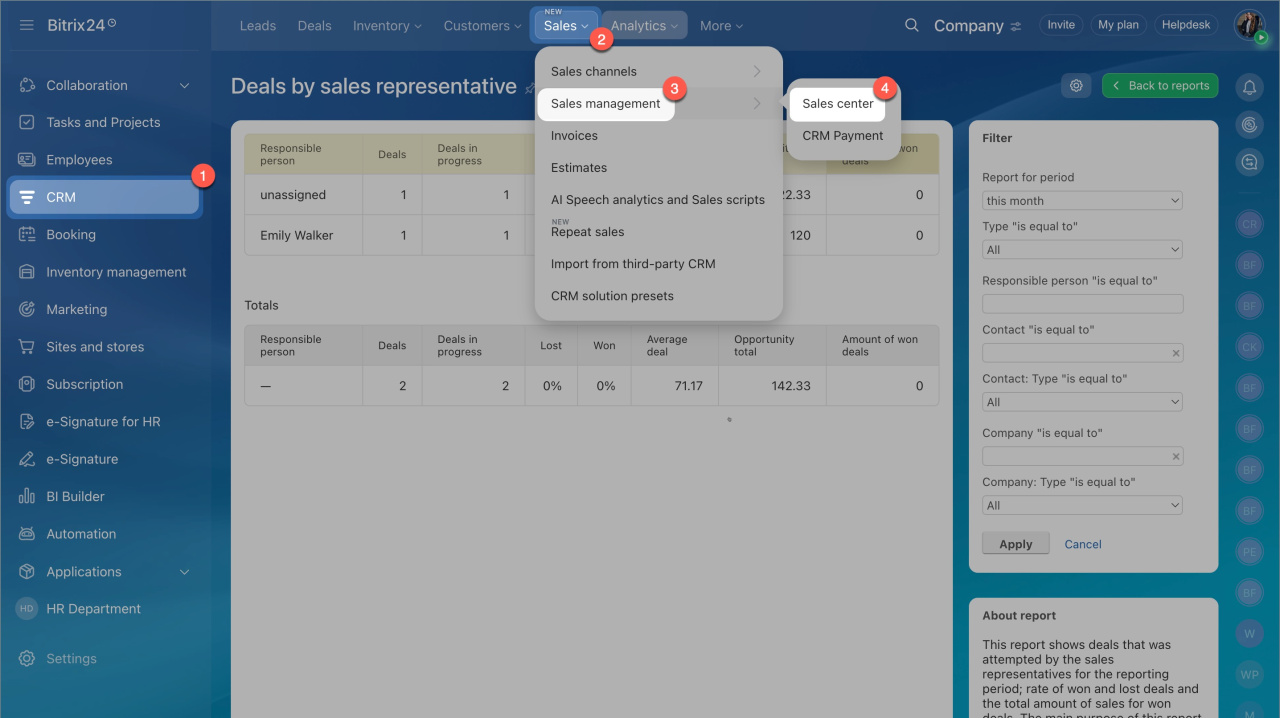
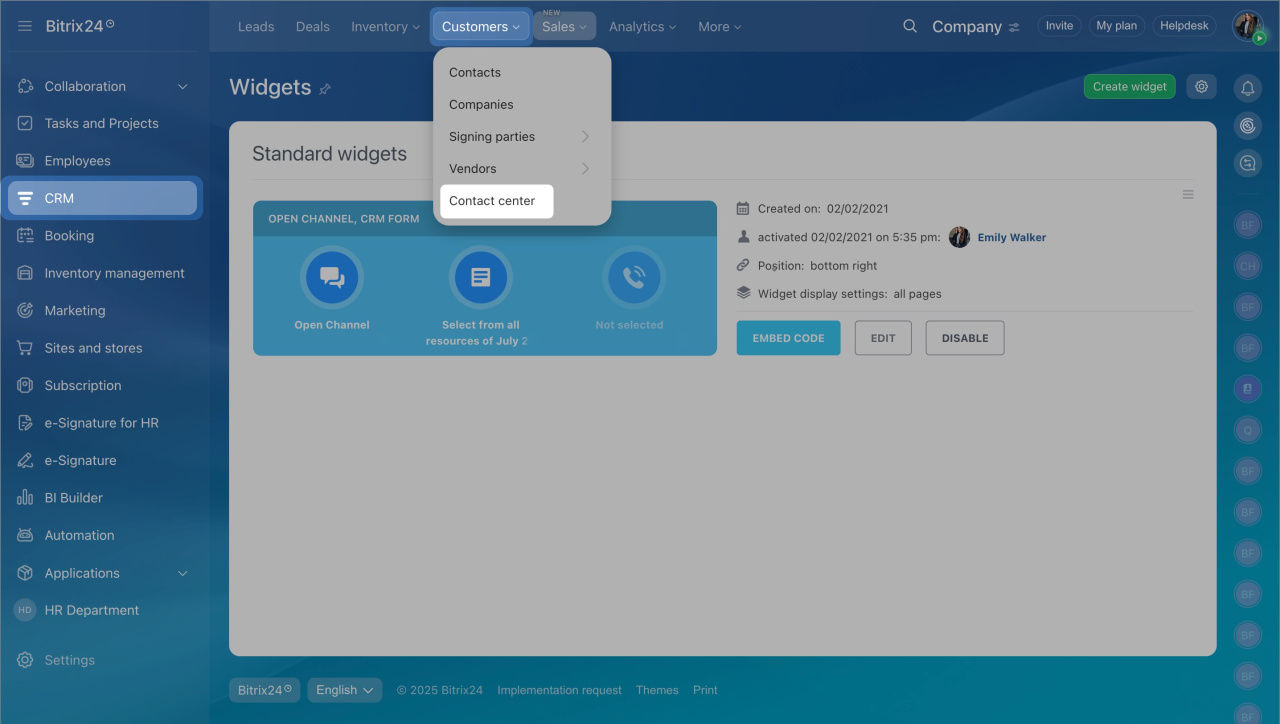
To open Sales Center, go to CRM > Sales > Sales management > Sales center.
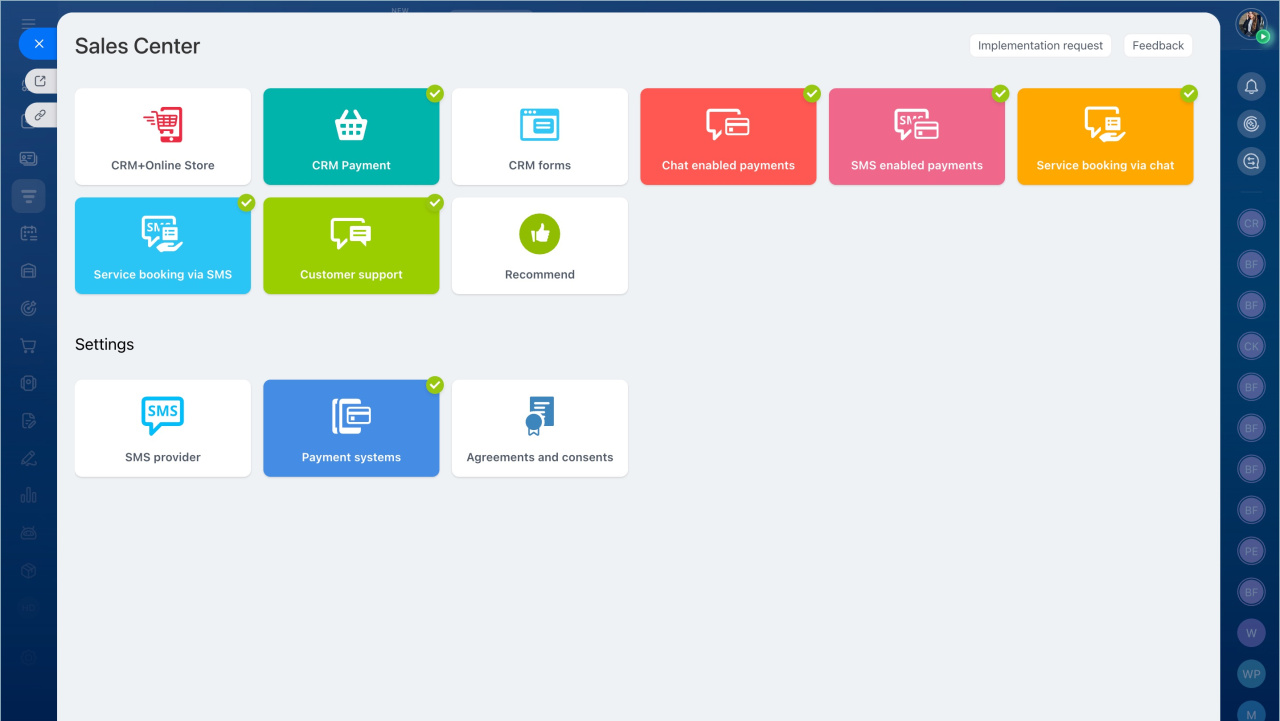
What you can do in Sales Center
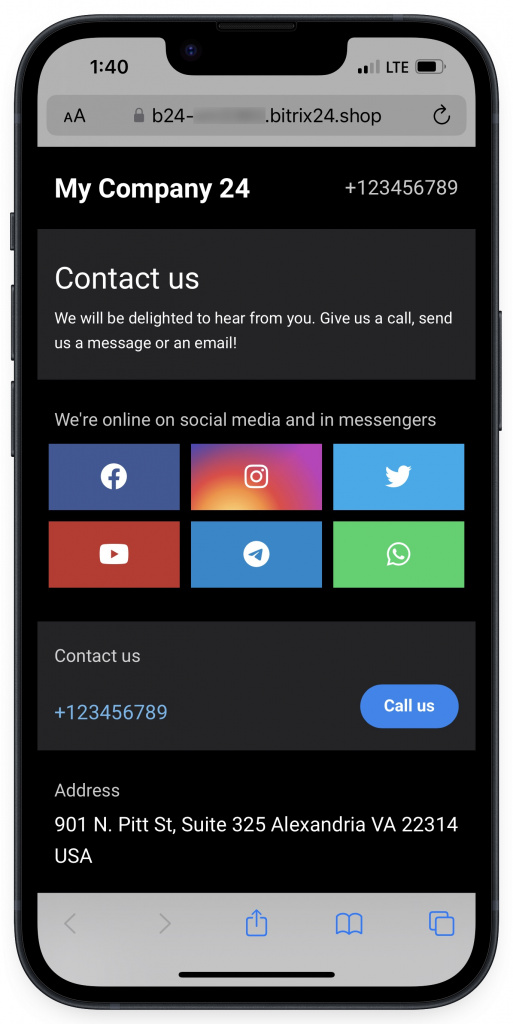
- Share information about your company with customers using ready-made pages.
Sales center: information pages - Send contact details or booking forms in chat.
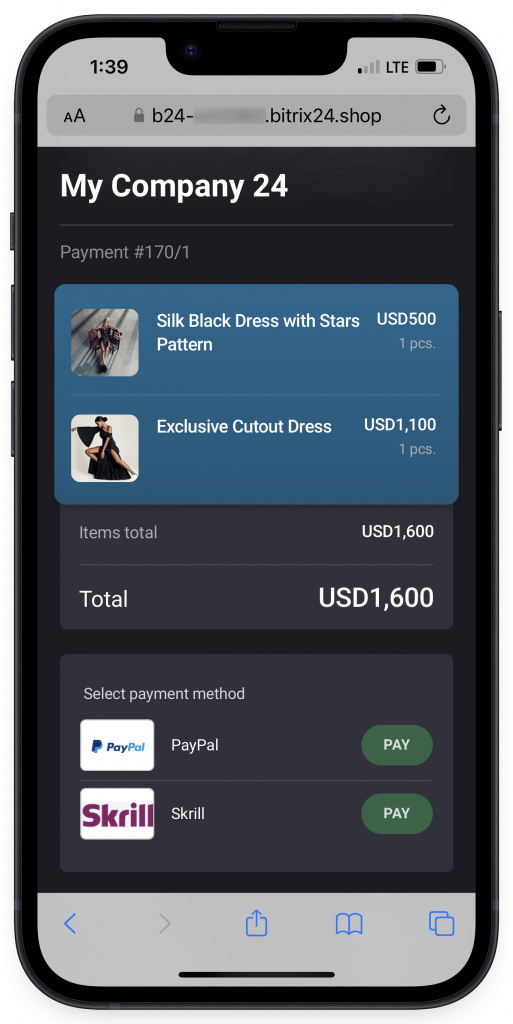
Service booking via chat - Create orders and let customers pay right away.
Accept payment in Open Channel chat
How it works
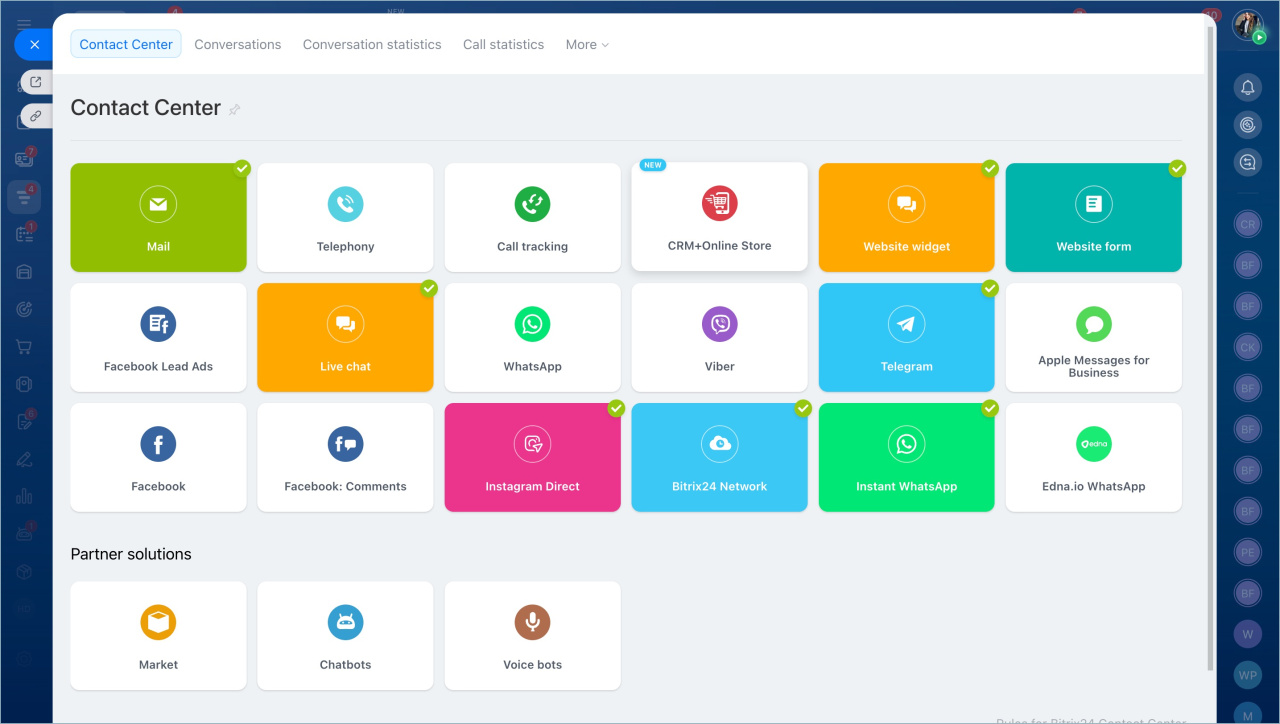
1. Connect messengers and social networks in the Contact center.
Connect Open Channels
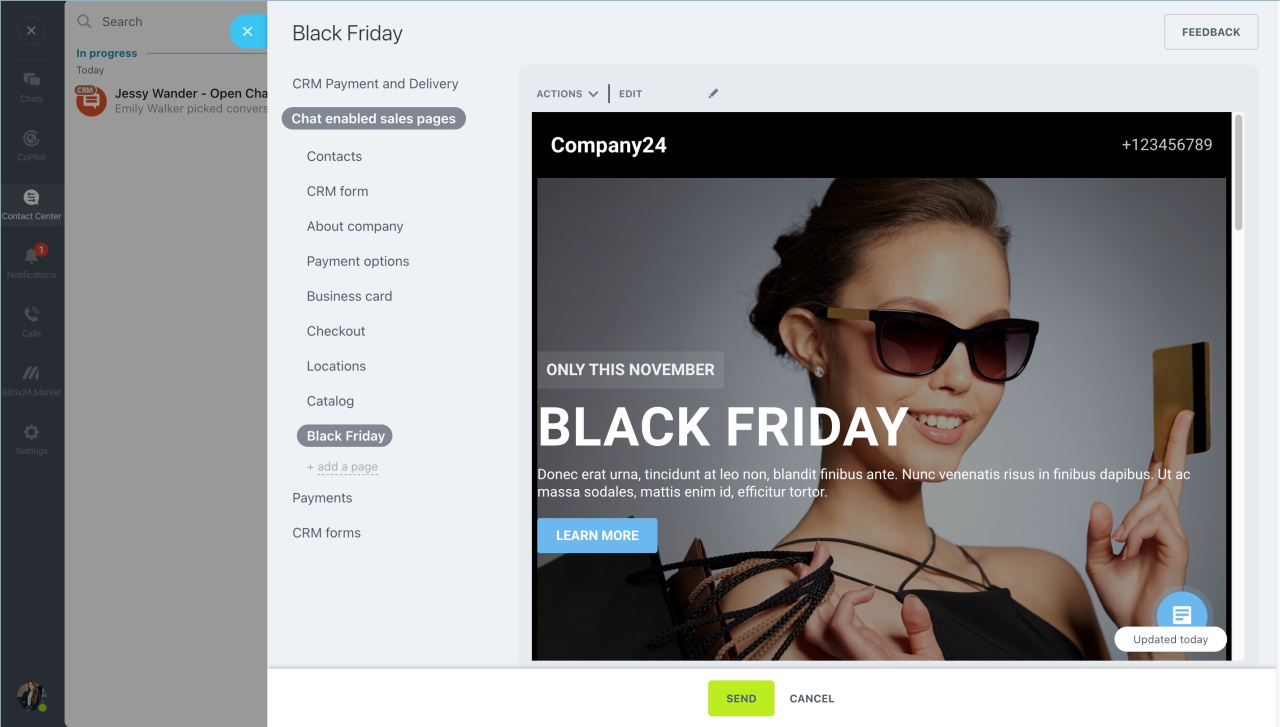
2. Customer messages appear in Bitrix24 Messenger. An agent can send a page or form directly in the chat.
3. Connect a payment system and send a payment link so the customer can complete the order.
You can also use other chat-enabled sales pages or create your own.
Connect payment systems in Sales Center