


A system user is a service account that Bitrix24 creates automatically.
Bitrix24 creates a system user in these cases:
- When you install an app from Bitrix24 Market
- When you dismiss an employee who has active integrations
This helps apps and integrations keep working when employees change or when your relationship with a Bitrix24 Partner ends.
A system user does not have a login or password. You do not need to set it up, add it to subdepartments, or delete it.
When a system user is created
When you install an app from Bitrix24 Market. Bitrix24 creates a system user so the app can access Bitrix24 data, such as CRM, Tasks, and other sections you approved during installation.
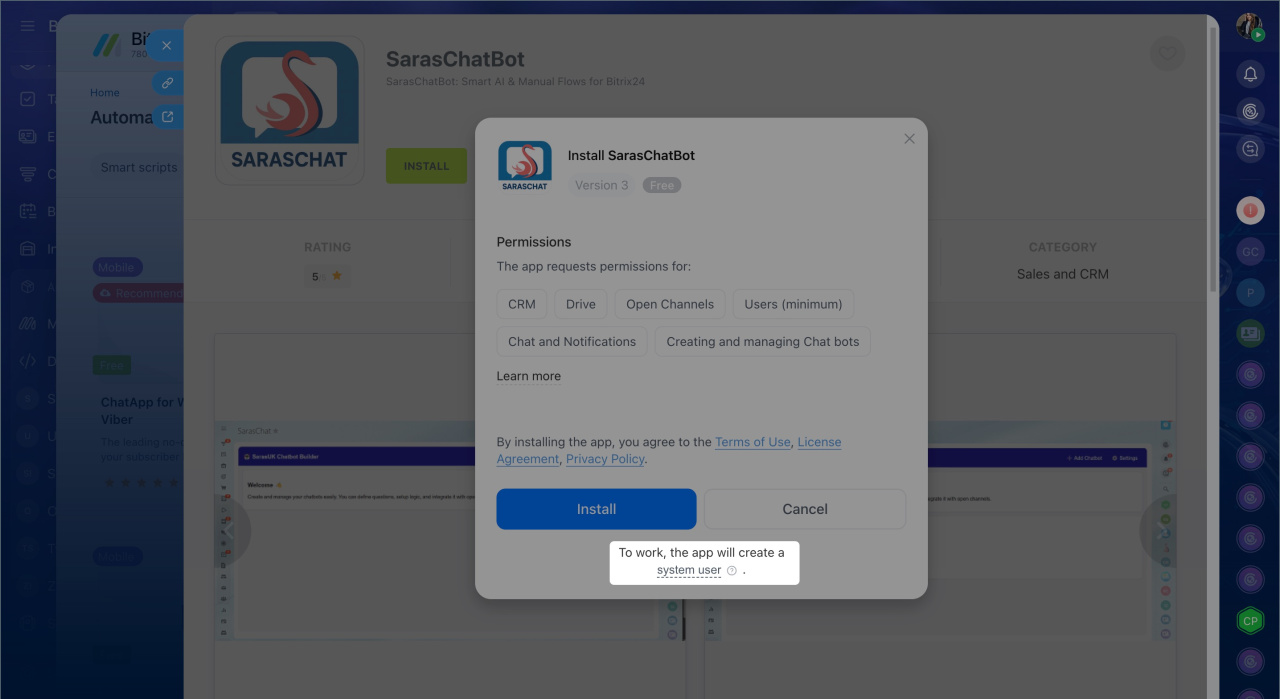
When you dismiss an employee with active integrations, Bitrix24 creates a system user automatically. It gets the permissions needed to keep webhooks running, so your integrations continue to work.
Dismiss users

How to identify a system user
A system user is different from a regular employee account in a few ways:
- It has no profile photo
- It uses a technical address like
[email protected]instead of a regular email address - It has no job title
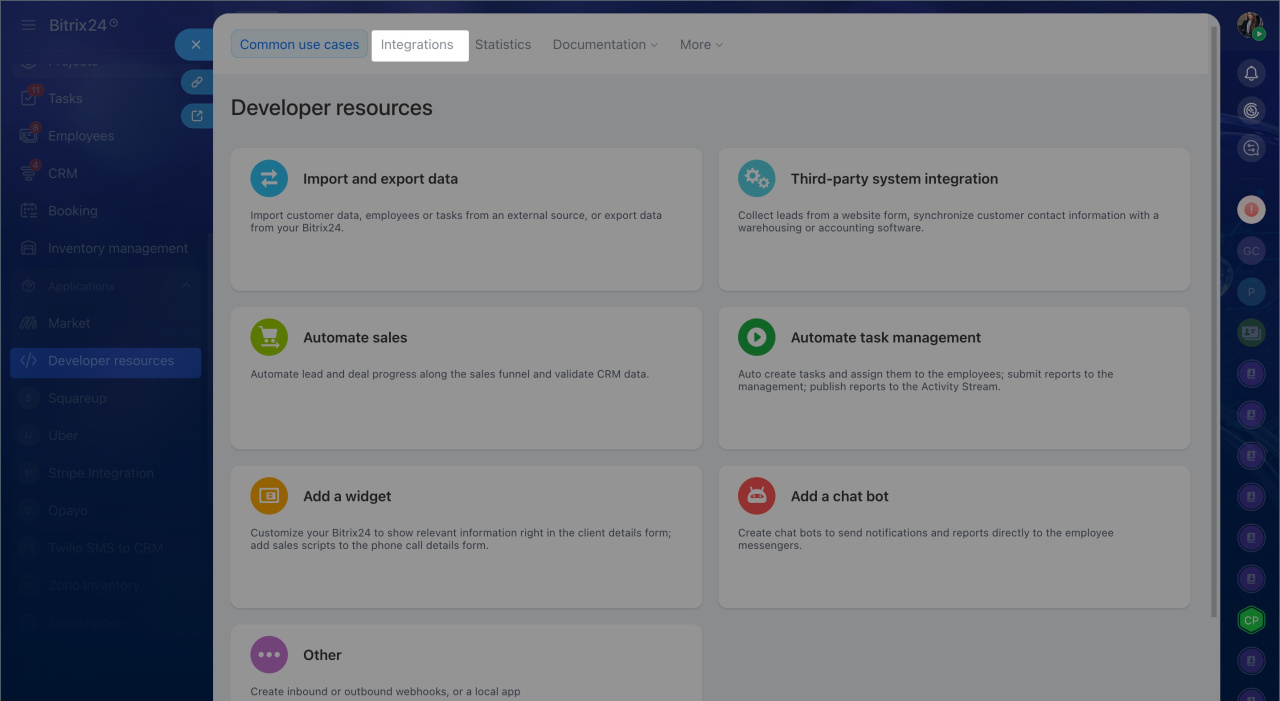
To see which integrations run through a system user, go to Developer resources > Integrations.
In brief
- A system user is a service account. Bitrix24 creates it automatically when you install an app from Market or dismiss an employee with active integrations.
- A system user has no login or password. You do not need to configure it, add it to subdepartments, or delete it.
- To see which integrations run through a system user, go to Developer resources > Integrations.



