🚚 Miễn phí giao hàng toàn quốc

✅ Tặng Gói Hỗ trợ online trọn đời

✅ Giá cạnh tranh nhất thị trường

✅ Miễn phí tư vấn giải pháp

🚚 Miễn phí giao hàng toàn quốc

✅ Tặng Gói Hỗ trợ online trọn đời

✅ Giá cạnh tranh nhất thị trường

✅ Miễn phí tư vấn giải pháp

Hotline: 0943.199.449

Địa chỉ: Tầng 1, tòa nhà Deli, 75 Hoàng Văn Thụ, P. Cầu Kiệu

Bitrix24 Helpdesk

Disable Single Sign-On (SSO)

Single Sign-On (SSO) lets employees access Bitrix24 with one set of credentials. The account administrator manages all accounts in one place, so users don’t need multiple passwords.

Single sign-on (SSO)

Follow these steps to disconnect SSO:

1. Check account details. Open the SSO settings page and verify the information. Make sure both the administrator and employees can access this page. Confirm that each user has a valid email address and phone number.
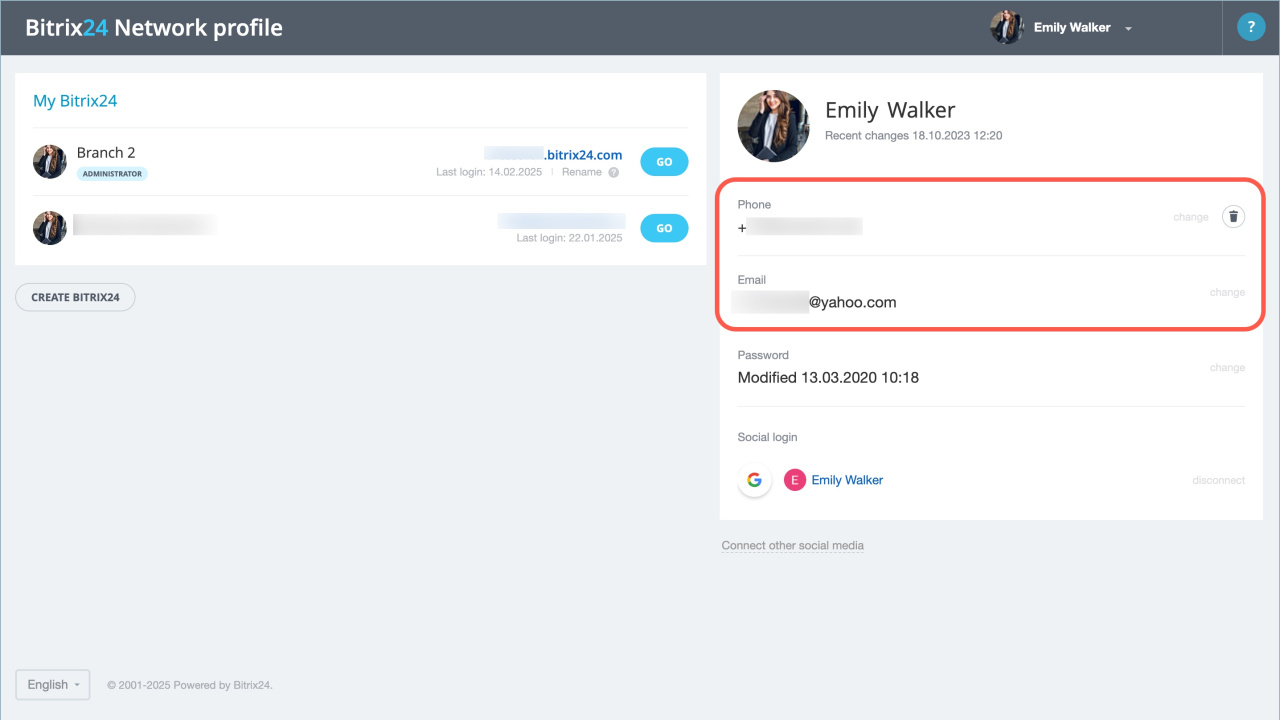
Bitrix24 Network profile

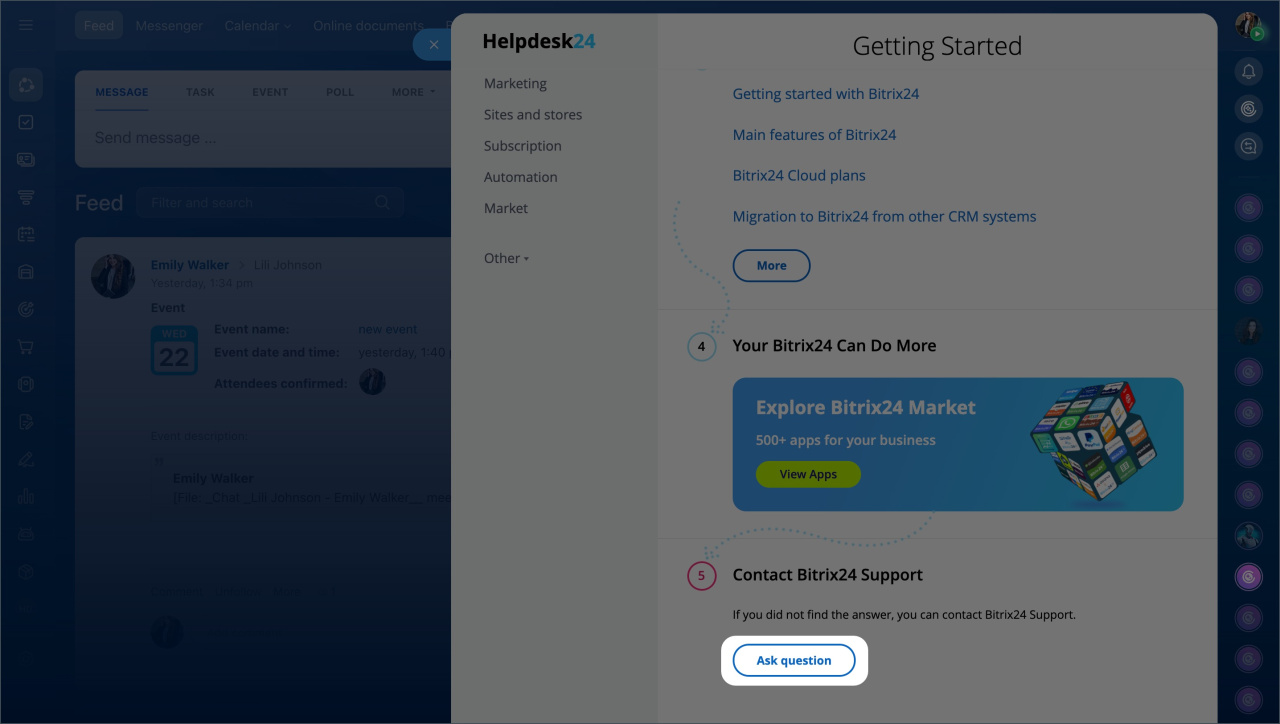
2. Contact Bitrix24 Support. Ask a support specialist to disable SSO.

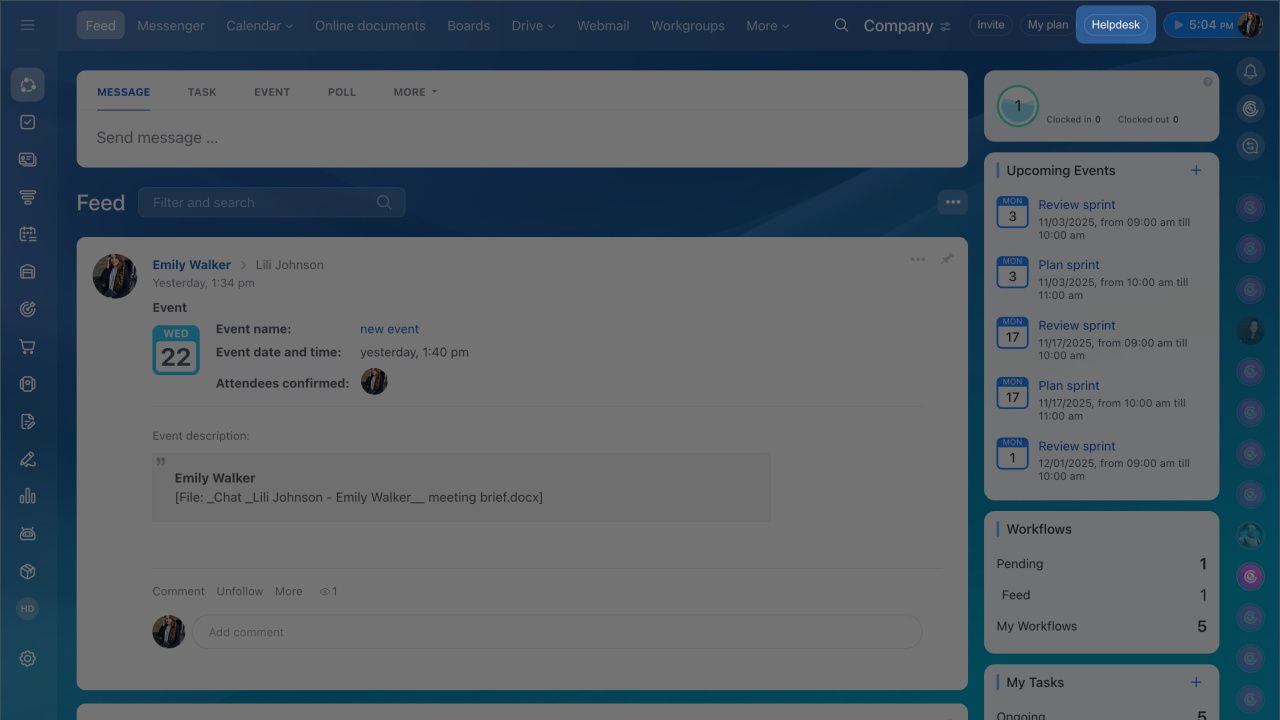
  1. Click the Helpdesk button in the top-right corner.
  2. Click Start chat.
Support is available on commercial plans only.
Pricing page

3. Log in to your account. After support disables SSO, your Bitrix24 account will no longer be connected to Microsoft Azure Active Directory.

Employees will receive a password reset link at the email address listed in their Bitrix24 Network profile.

Was this information helpful?
Thank you for your feedback.
Get Implementation Help from a Partner
That's not what I'm looking for
Complicated and incomprehensible text
The information is outdated
It's too short. I need more information
I don't like the way this tool works
Get your Bitrix24 set up by local professionals
FIND BITRIX24 PARTNER NEAR ME
implementation_helper_man
Go to Bitrix24
Don't have an account? Create for free
Related articles
Connect an existing Bitrix24 account to a branch network Configure Single Sign-On (SSO) for Bitrix24 AI assistant CoPilot Performance Scalability Configure Bitrix24 for a branch network Create a Bitrix24 account for a branch network Security Enterprise plan features Bitrix24 branch network
Zalo
0943.199.449