


Collabs are workspaces for external teams and clients. For example, you can invite an expert to run training for employees. Participants can review materials, discuss them in meetings, and complete tasks.
One workspace for all tools
You don’t need to switch between apps. All tools are available in the collab.
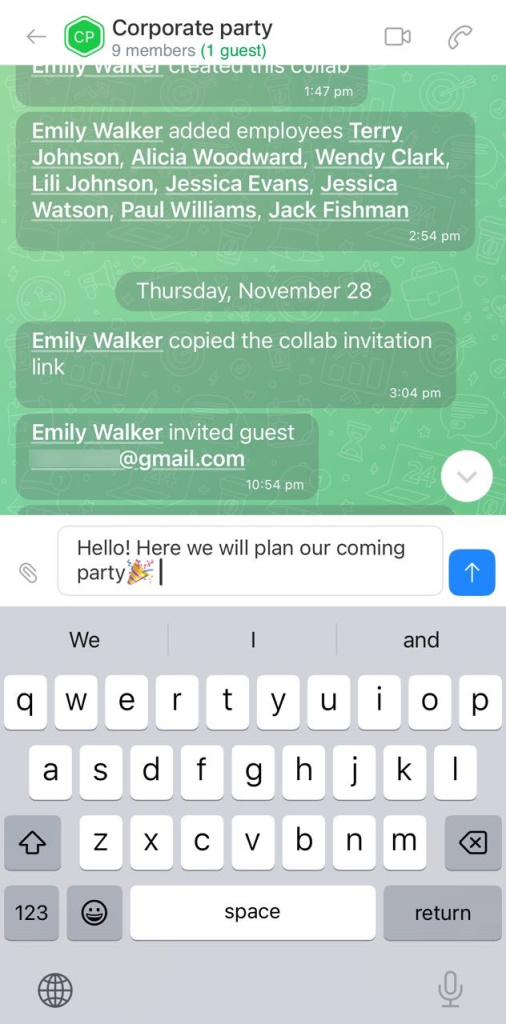
Chats. Discuss work, send messages, and make calls. All conversations are saved. You can find any message or participant at any time.
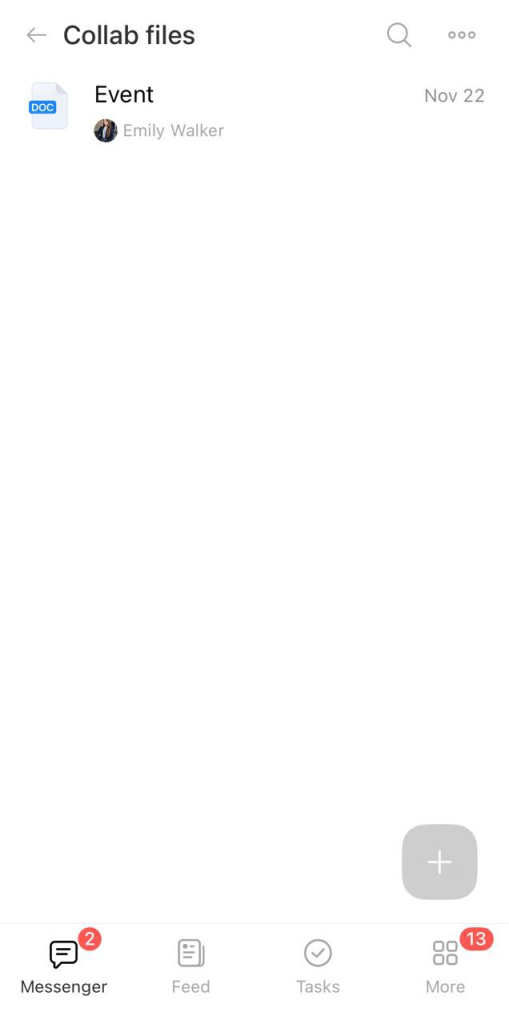
Files. Store and edit documents in one place. This helps prevent data loss and keeps collaboration simple.
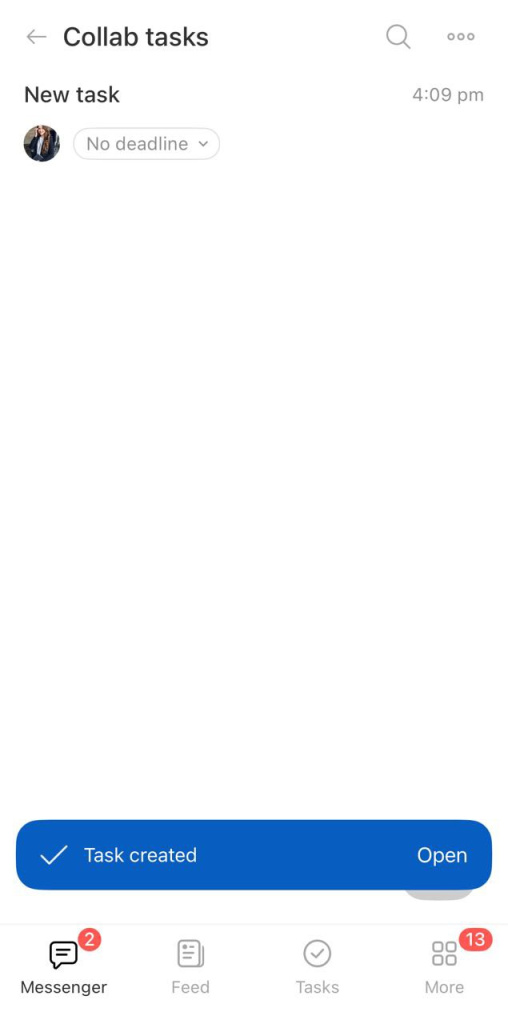
Tasks. Turn discussions into tasks so nothing gets lost. You can create a task directly from the chat. All tasks are stored in one place, and participants can track progress.
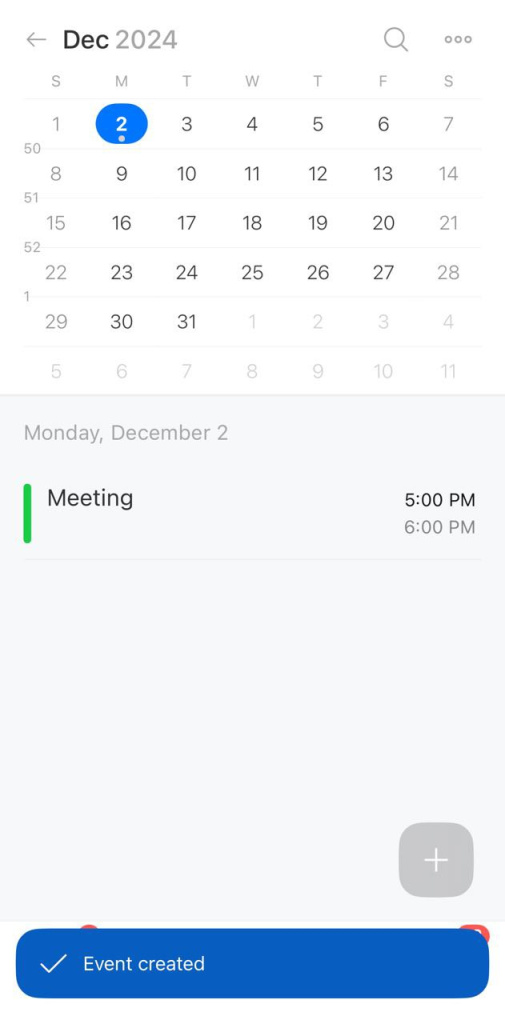
Calendar. View shared slots and events. Schedule meetings for all collab members in a few clicks.
Security and data access
Only invited users can join a collab. This helps protect your workspace from spam and unauthorized access.
Set access permissions so users see only what they need. When a contractor finishes their work, you can remove them from the collab. If an employee leaves the company, they lose access to Bitrix24.
Invite colleagues and external partners to work together in one place. Keep communication, files, and tasks organized without switching between tools.



