


Bitrix24 Channels help you share company news, exchange ideas, and discuss topics with your team or the entire company. Each post has its own comment thread, so discussions stay organized and easy to follow. All employees can use channels.
How channels help your business
- Keep important information easy to find. Share announcements, reports, and work materials without losing them among everyday messages. Employees can return to posts and their comments at any time.
- Reach the right people. Add individual employees, entire departments, or the whole company to a channel. You don't need to invite everyone separately.
- Keep channel membership up to date. When you add a department to a channel, new employees automatically join. Employees who leave the company lose access to Bitrix24 and its channels.
- Keep posts and discussions separate. Channel owners and administrators control who can publish posts. Other members can discuss them in the comments.
- See which topics interest employees. Likes and comments help you understand which posts get the most attention.
Types of channels
There are two types of channels: public and private. The type determines who can see and join the channel.
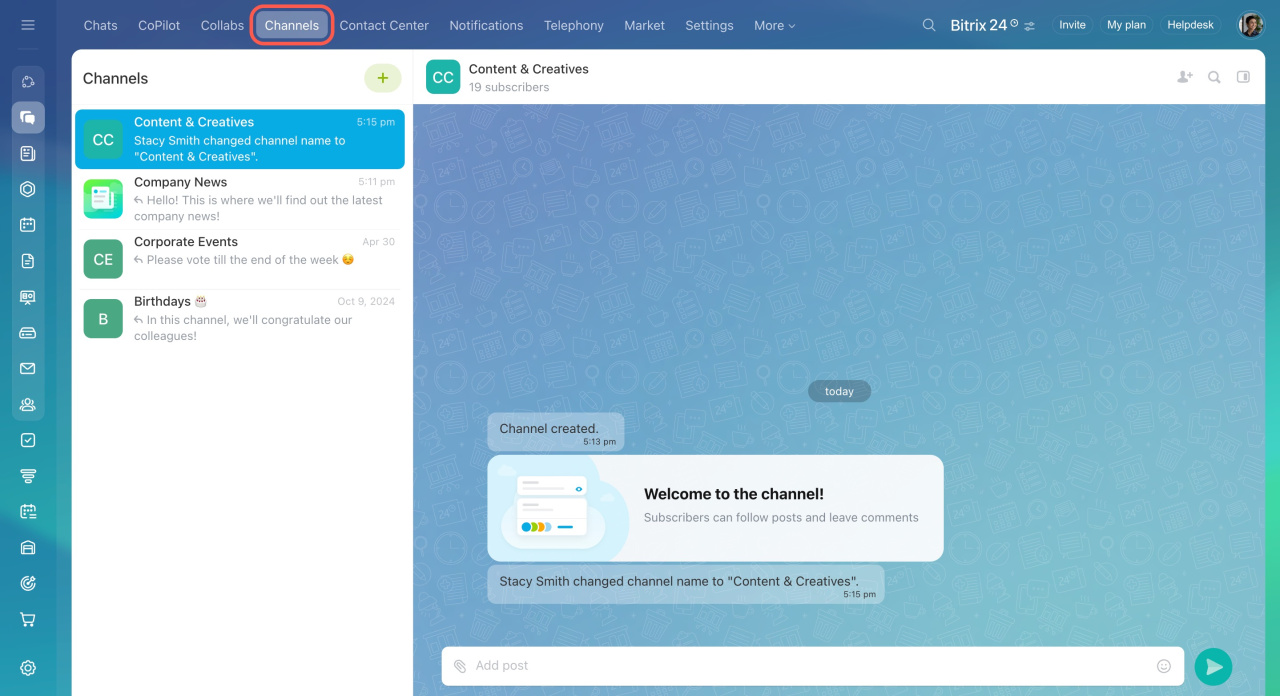
Public channels. All employees can find these channels in the channel list and join them. For example, you can create a public channel to share congratulations and celebrate team achievements.
Private channels. Only the channel owner and members can see them. Employees can join only when the owner or an administrator invites them. For example, a director can create a private channel to share plans for the next quarter with supervisors.
Company News
Channels provide a simple way to share company updates. Bitrix24 includes a default Company News channel.
- Employees cannot leave this channel.
- New employees join automatically.
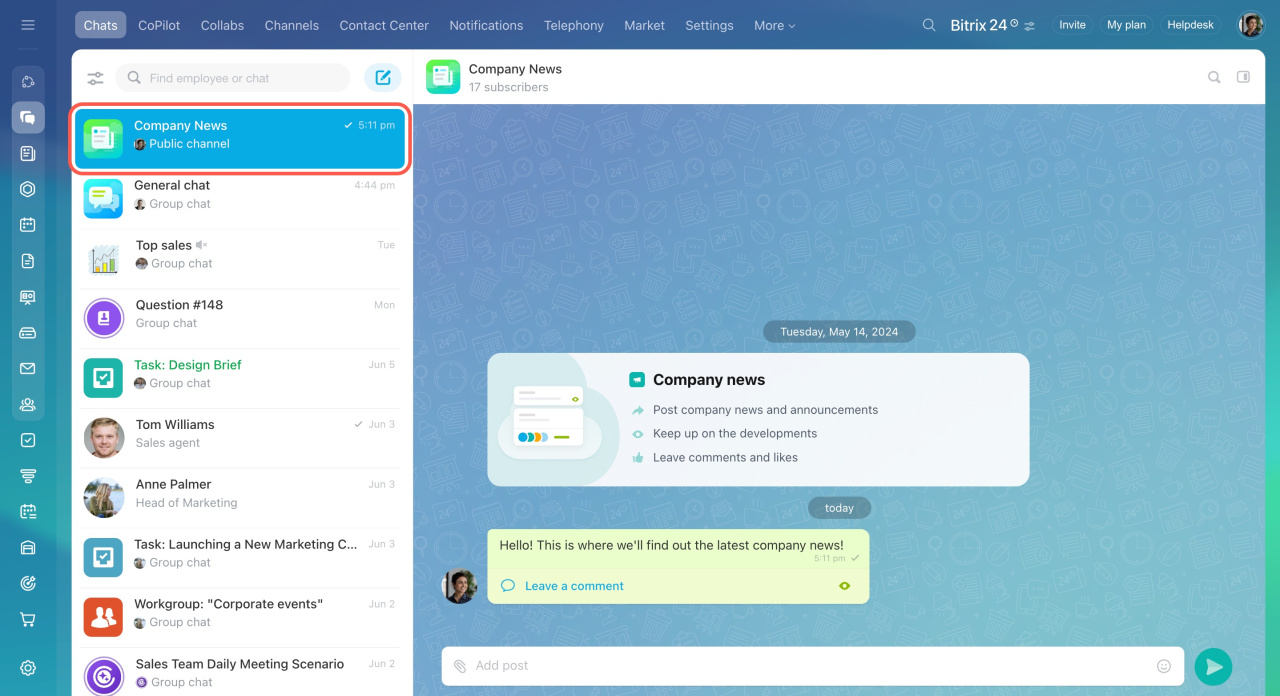
This is a system channel with limited settings. A Bitrix24 administrator can define who can publish Feed posts.
To configure permissions:
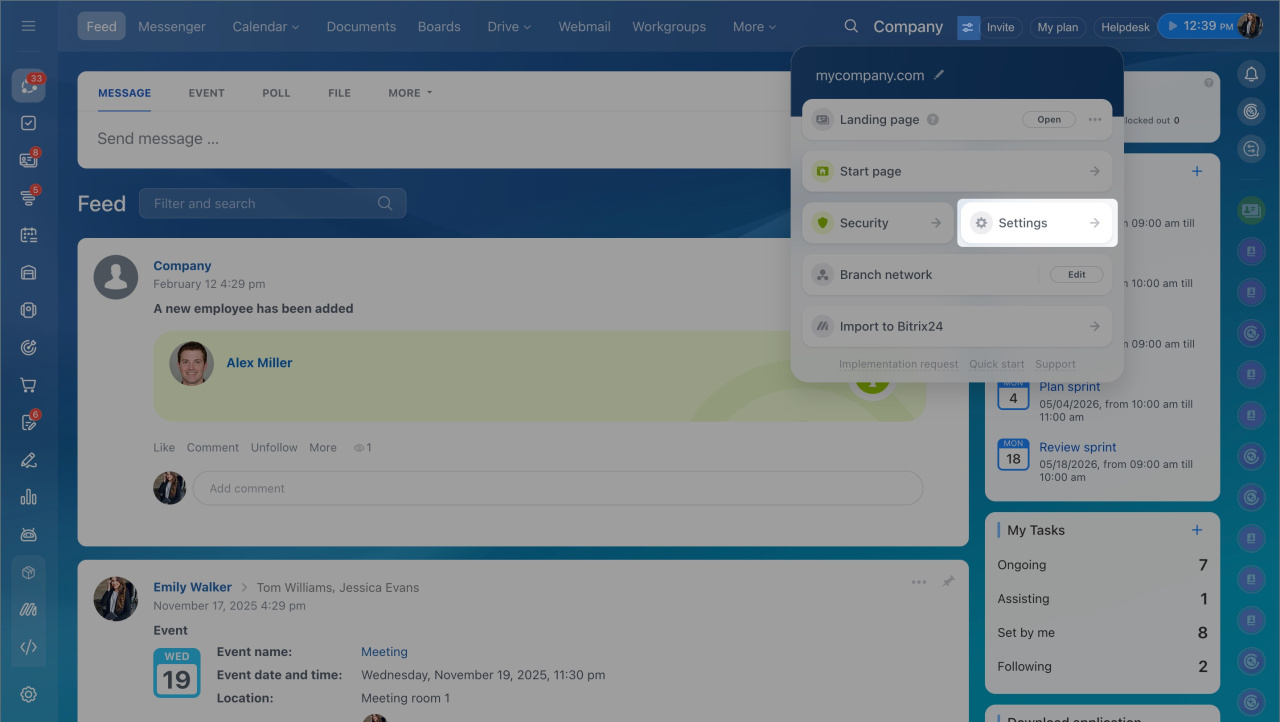
- Click the settings icon next to your Bitrix24 name.
- Open Settings (⚙️) in the widget.
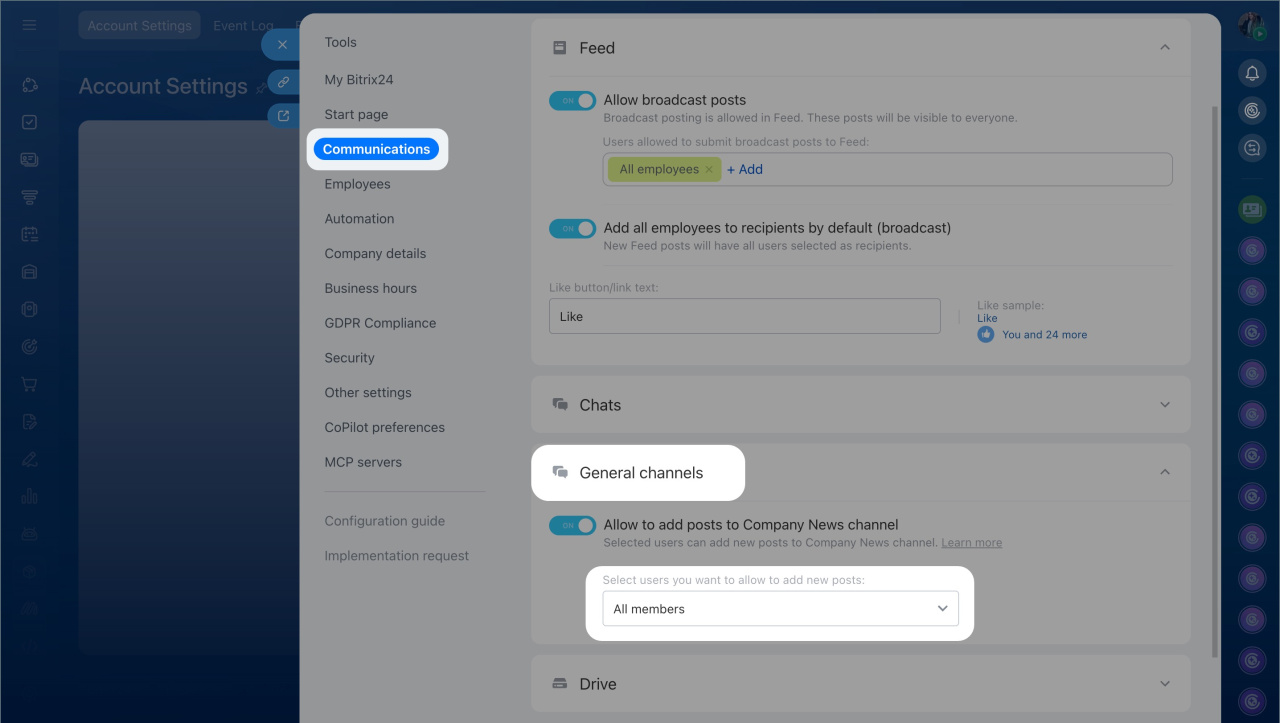
- Go to Communications.
- Select General channels.
- Choose who can add posts.
- Save your changes.
Ways to use channels
Department announcements. HR shares updates to vacation policies, training schedules, and reminders about important deadlines.
Weekly reports. Department supervisors share weekly results and goals for the coming week.
Training and development. Employees share courses, recommend learning materials, and discuss what they've learned.
Project updates. Project owners share key results, decisions, and news.
Team celebrations. Create a channel to celebrate achievements and special occasions. Employees can share posts, react, and leave comments.
Personal blog. Share stories from your work and exchange experiences with coworkers.
In brief
- Channels help you organize workplace communication. Each post has its own discussion thread, so conversations stay focused and easy to follow. All employees can use channels.
- Unlike traditional messengers, channels are integrated into your daily work in Bitrix24.
- Channels can be public or private. All employees can see and join public channels, while private channels are available only to invited members.
- Company News is a shared channel for all employees. New employees join automatically, and members can't leave the channel.
- Use channels to share department announcements, reports, project updates, training materials, congratulations, and personal stories.



