


The General chat is available to all users in your Bitrix24 account. New employees join the chat automatically. Dismissed employees are removed from it automatically.
Use the General chat to share company-wide updates and discuss topics that matter to everyone in your organization.
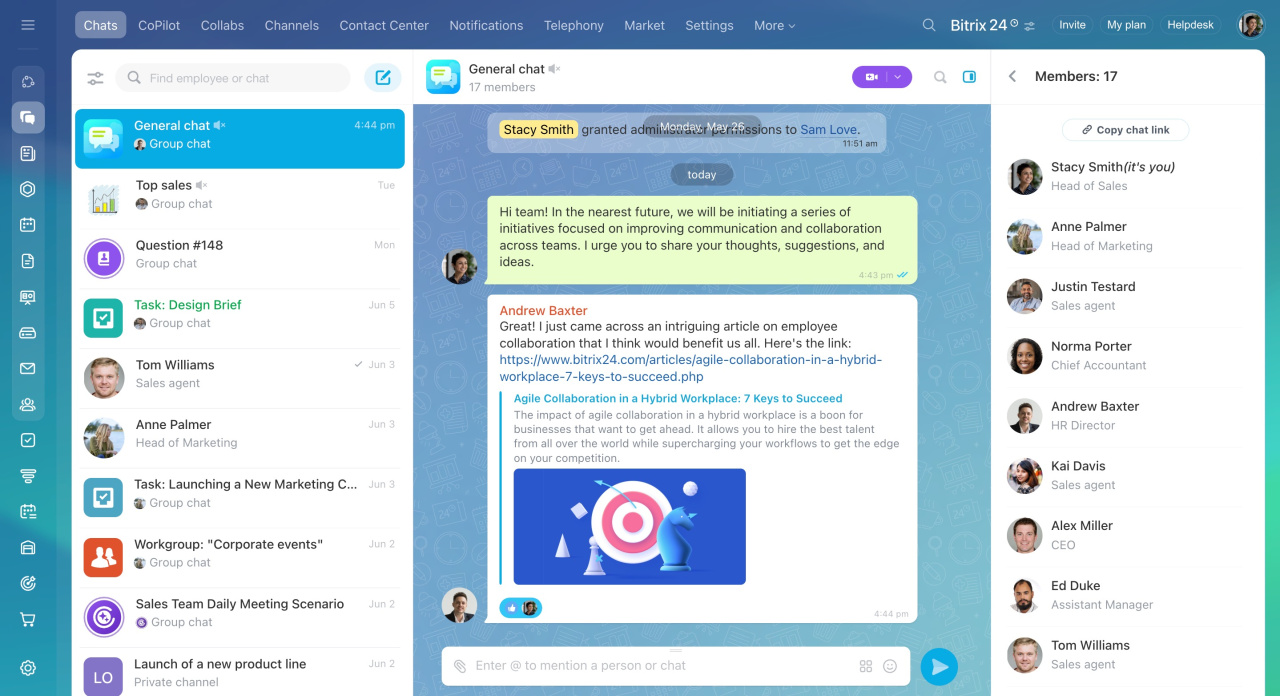
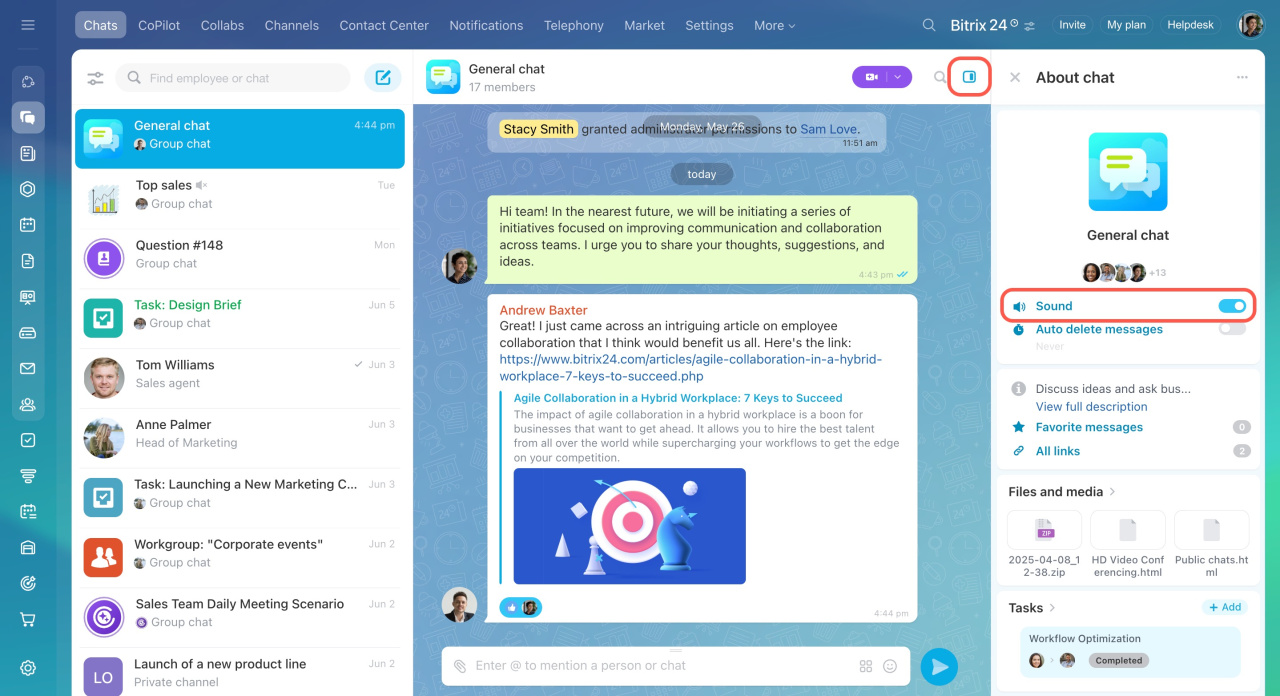
You cannot leave the General chat, but you can turn off notifications for it in the sidebar.
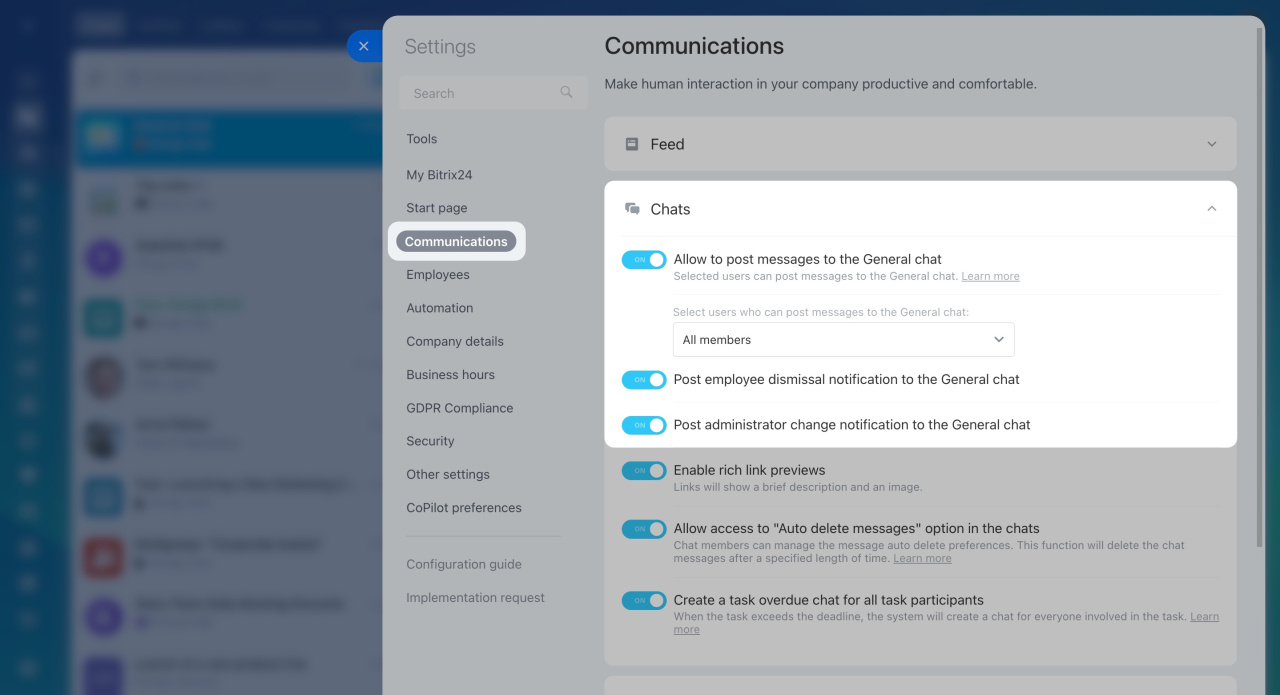
General chat settings for Bitrix24 administrators
Only Bitrix24 administrators can manage General chat settings.
To open the settings:
- Click the toggles icon at the top.
- Select Settings in the widget.
- Open the Communications tab.
- Expand the Chats section.
- Use the toggle switch to enable or disable the following options:
Allow to post messages to the General chat: Select which employees can send messages in the chat.
Post employee dismissal notification to the General chat: Enable this option to notify employees when a user is dismissed. After you dismiss a user, a system message appears in the chat.
Post administrator change notification to the General chat: Enable this option to notify employees when new administrators are assigned. After you grant administrator permissions to a user, a system message appears in the chat.
In brief
-
The General chat is a group chat for all employees in your company.
-
New employees join the chat automatically. Dismissed employees are removed automatically.
-
Use the General chat for company-wide discussions and announcements.
-
Administrators can manage chat settings, restrict who can post messages, and enable notifications about administrator changes and employee dismissals.



