


To avoid service interruptions, turn on automatic renewal for your cloud account. At the end of each billing cycle (every 1 or 12 months), Bitrix24 charges your credit card, debit card, or PayPal account automatically. After a successful payment, your subscription renews for the same period.
Enable automatic renewal
Automatic renewal is enabled by default when you buy a 1-month or 12-month commercial subscription. Your Bitrix24 subscription renews automatically at the end of each billing period.
If you purchased your subscription with a discount, the discount may apply only to the first billing cycle. Future renewals may renew at the regular price.
Cancel automatic renewal
A Bitrix24 administrator and other users can disable auto-renewal if they have permission to create orders. Integrators and implementation specialists cannot cancel auto-renewal.
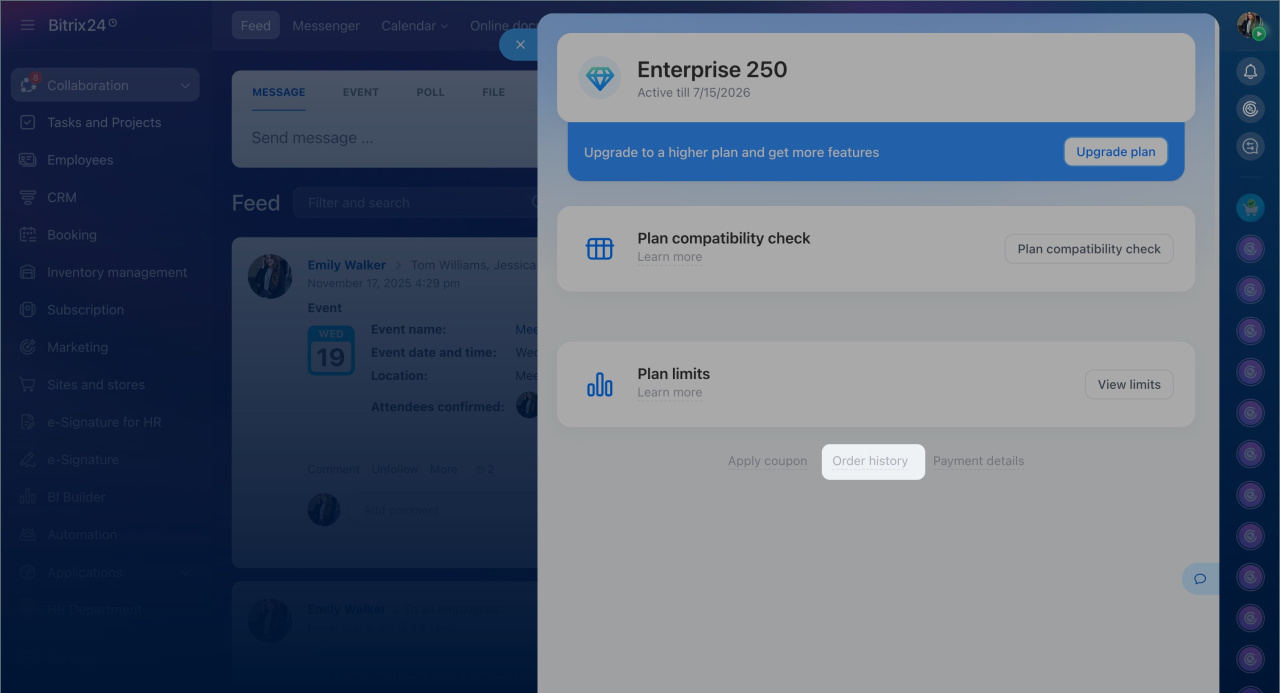
Go to Subscription > Order history > Cancel Subscription.
If automatic renewal failed
Automatic renewal may fail for several reasons:
-
The renewal date has not arrived yet.
-
Your payment method is no longer valid.
-
Your account has insufficient funds, or your credit limit has been reached.
-
Your bank or payment provider is temporarily unavailable.
-
Automatic renewal was canceled.
To check the renewal status, go to Subscription > Order history.
-
Active: Your renewal date has not arrived yet. No action is required.
-
Past Due: Click Retry Now. This sends a request to our Sales team to retry the payment manually. You will receive an email with the result and next steps, if needed.
-
Cancelled: The system has already tried to process the payment several times without success. To continue using your subscription, purchase a new plan under Subscription > Upgrade.



