


When an employee leaves the company, you may need to reassign their tasks, CRM items, and corporate email address to another employee.
A new Bitrix24 user cannot use an email address that already belongs to another Bitrix24 user. This also applies to dismissed users. Before you invite a new user, check whether the email address is used as a contact email or a login.
Check how the email address is used
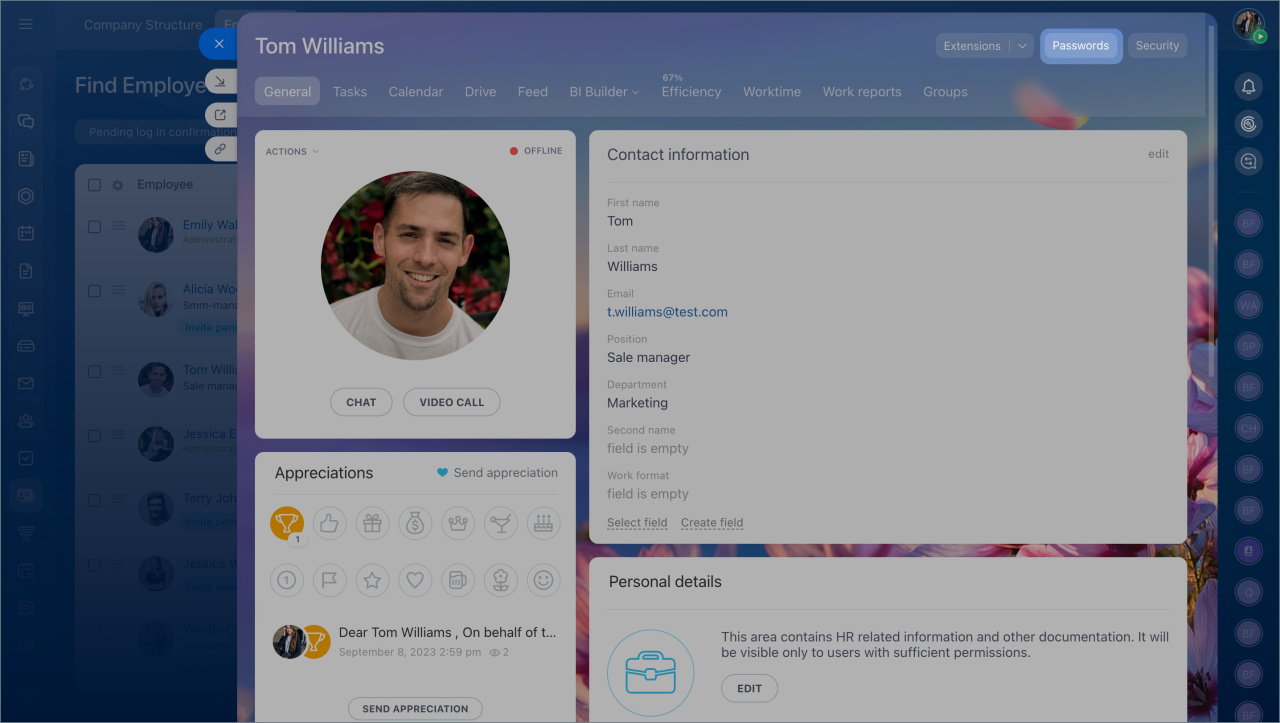
- Open the user profile.
- Click Passwords. Only Bitrix24 administrators can access this section.
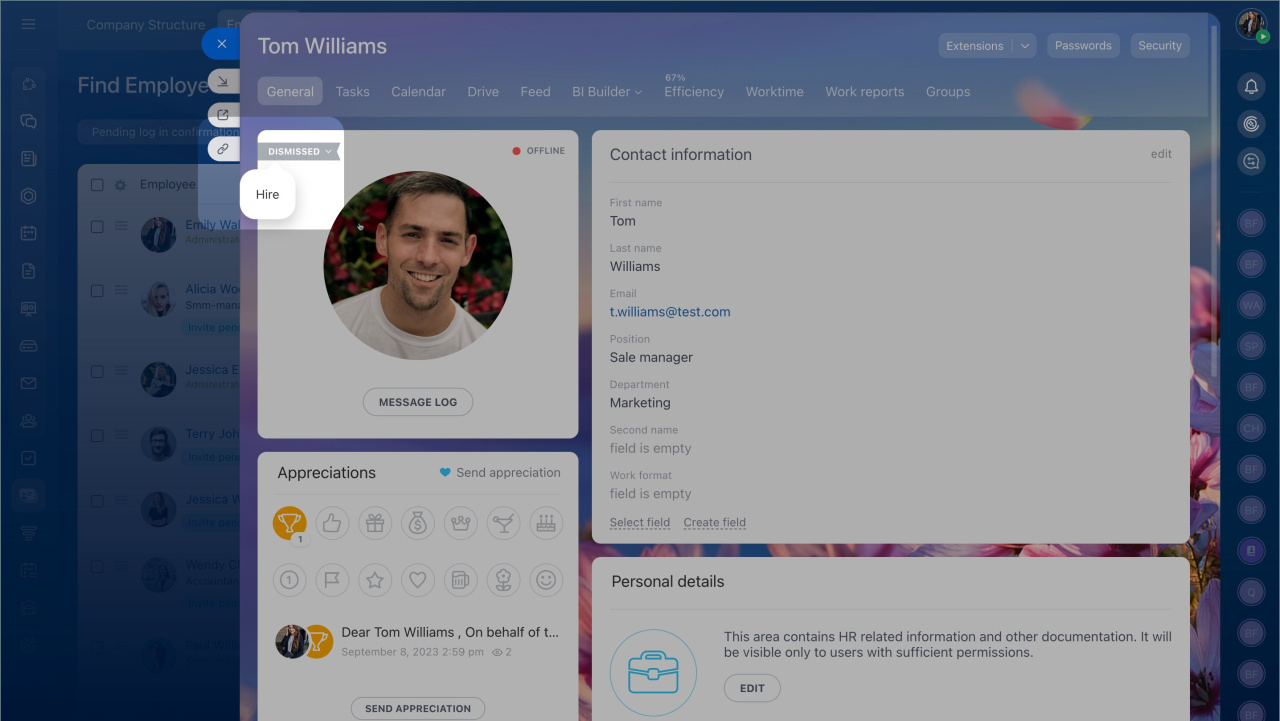
If the employee has already been dismissed, temporarily restore the user account. Check the login details, and then dismiss the user again.
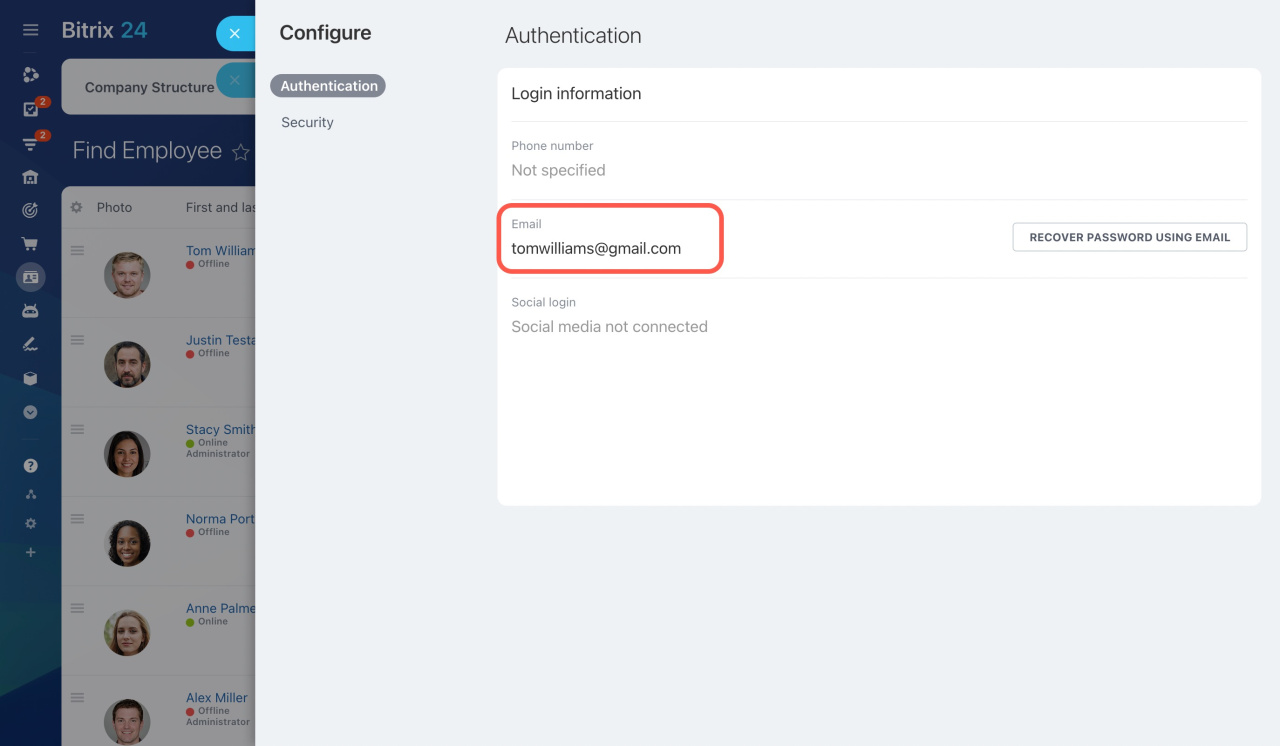
3. In the Authentication section, check the Email field.
If the business email address appears there, the email is used as the login.
If the email is used as a contact email
- Open the dismissed user’s profile.
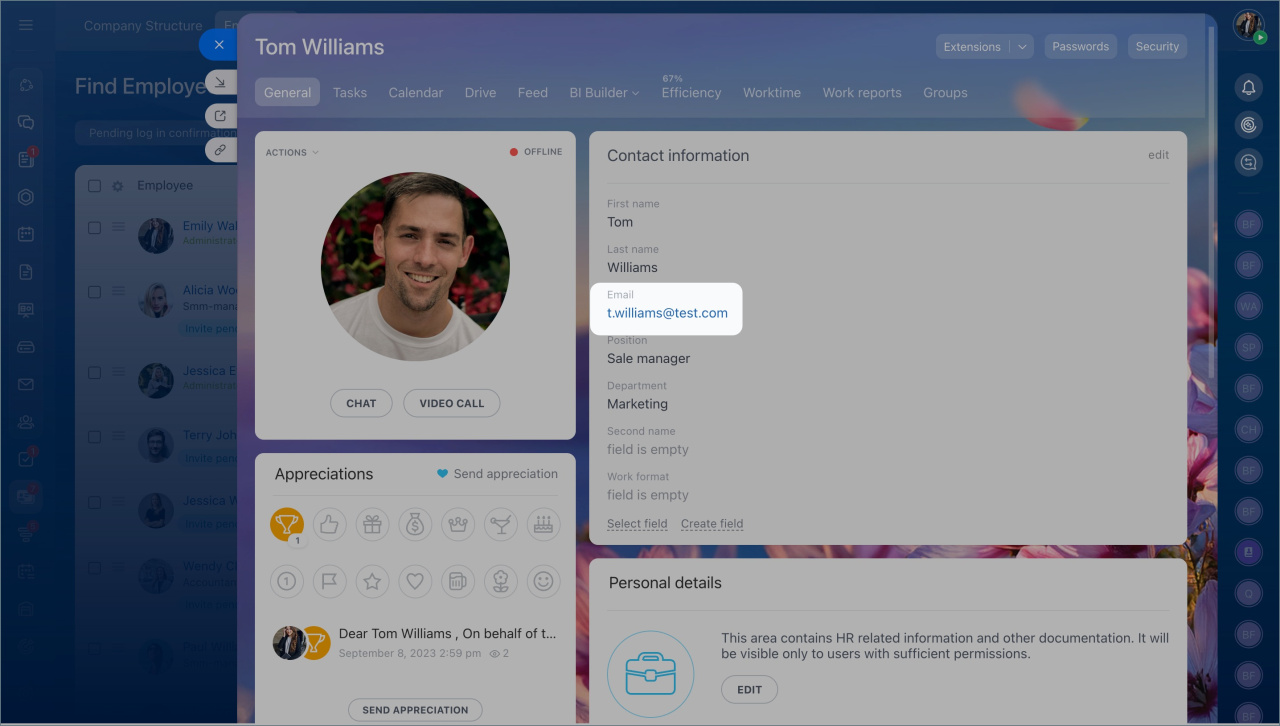
- Change the email in the Contact email field to a different address.
- Invite the new user to Bitrix24 with the required email address.
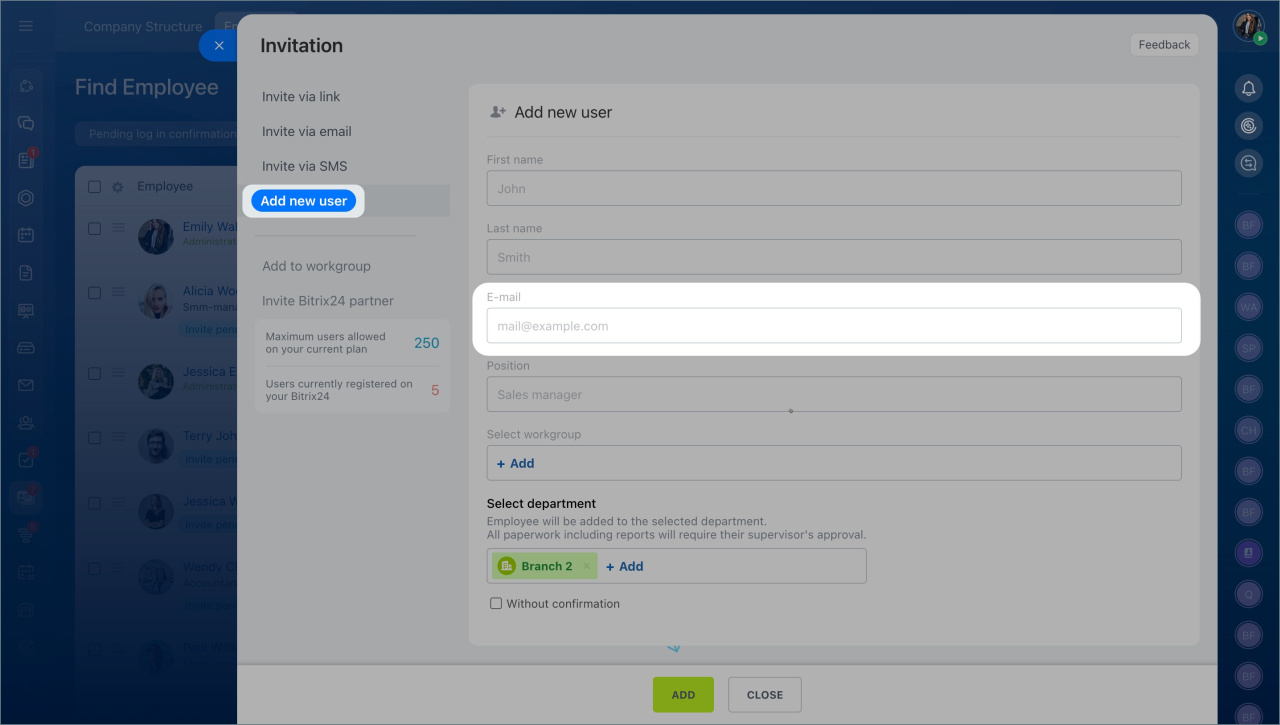
If the email is used as the user login
Ask the employee who is leaving the company to change the email address in their Bitrix24 Network profile.
Change Bitrix24 login or password
Use an active email address for the Bitrix24 login because email changes require confirmation.
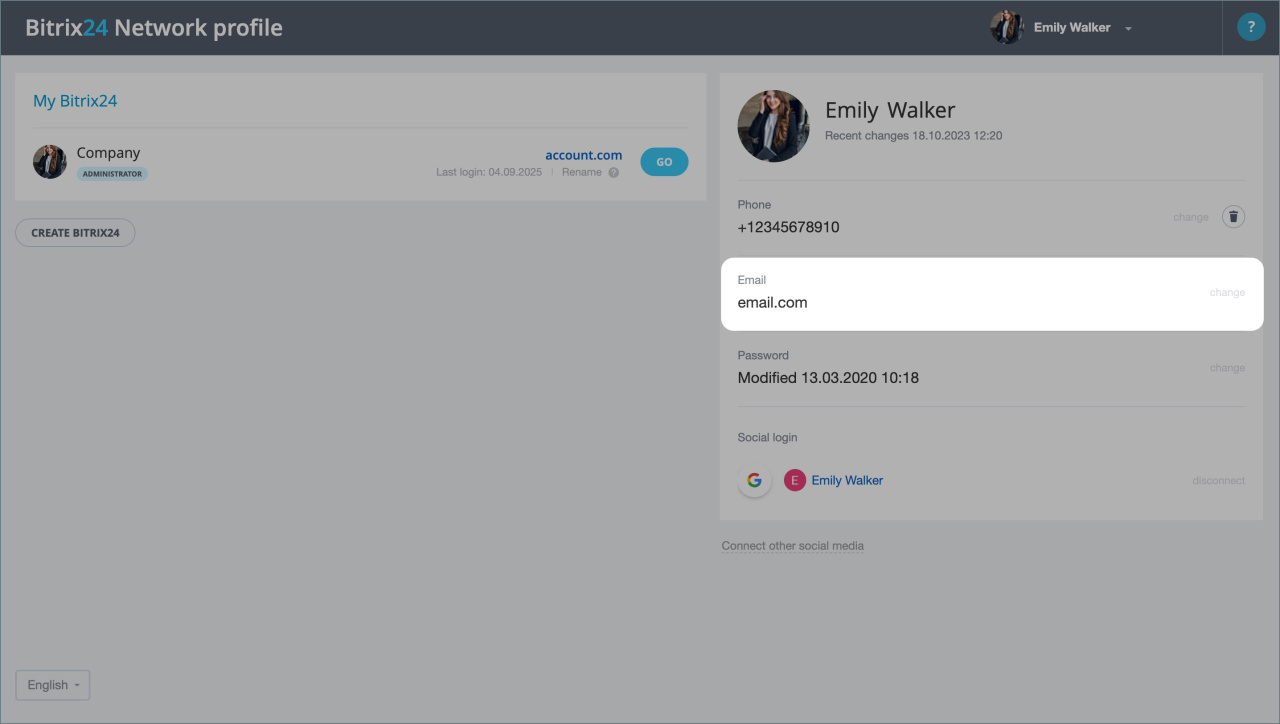
After the employee changes the login email:
- Open the dismissed user’s profile.
- Change the email in the Contact email field to a different address.
- Invite the new user to Bitrix24 with the required email address.



