


You can sign in to Bitrix24 using one of the following methods:
- Email address
- Phone number
- Single Sign-On (SSO)
- Social login (Google, Apple ID, Facebook, etc.)
- QR code
For Bitrix24 Cloud, your login is your email address or mobile phone number. If you use a social account, select the corresponding icon to sign in.
For Bitrix24 On-Premise, your administrator provides your login credentials. Contact your administrator if you don’t have them.
Sign in with an email address
- Tap Sign in.
- Enter your email address.
- Enter your password and tap Continue.
- If you forgot your password, tap Forgot password? and follow the instructions.

If you have access to multiple Bitrix24 accounts, select the account you want to use.
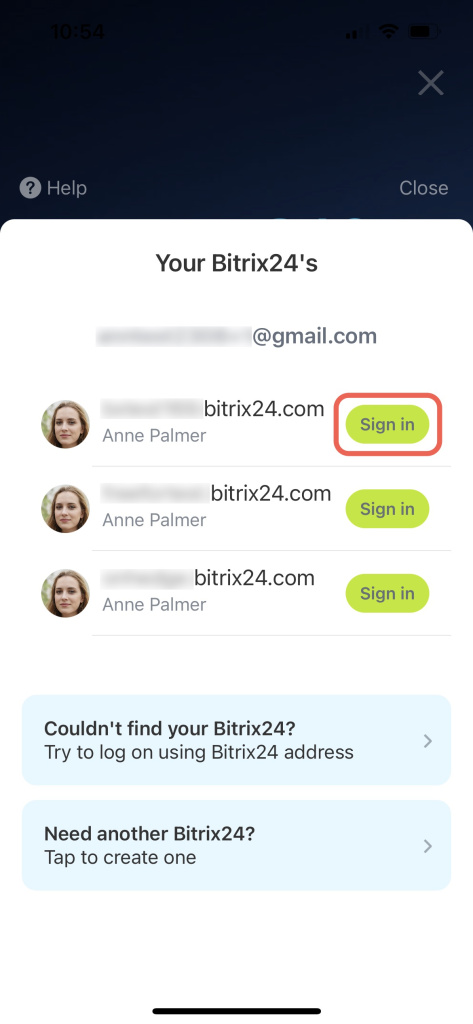
Sign in with a phone number
- Enter your phone number.
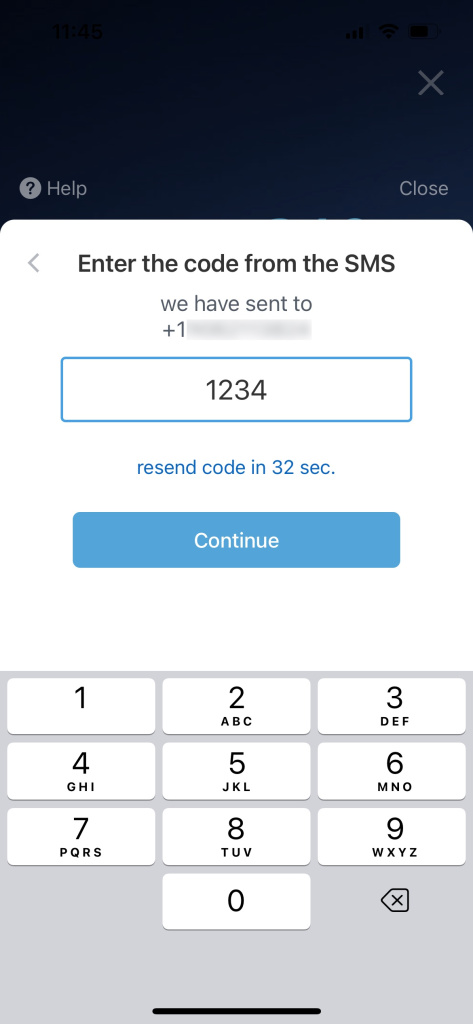
- If the system recognizes the number, you will receive an SMS with a verification code.
- Enter the code in the required field.
If you don't receive an SMS with a code, check if you entered the phone number correctly. If you did, give it some time, as it might occur because of the service's workload. You can request the code again in 60 seconds.
Sign in with Single Sign-On (SSO)
- Tap the SSO icon.
- Enter your corporate email and password.
- Follow the authorization steps.
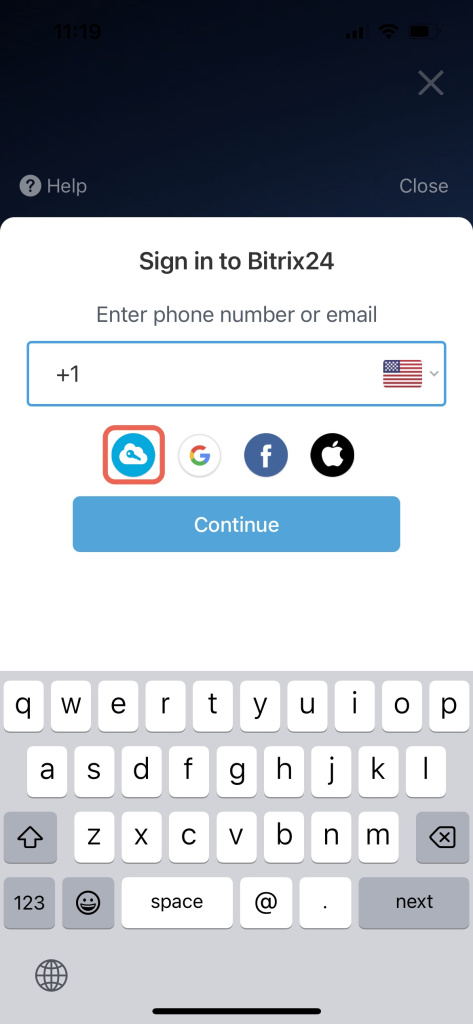
Sign in with a social account
- Select the social network you want to use (Google, Apple ID, Facebook, etc.).
- Allow access to your account.
- Complete the sign-in process.

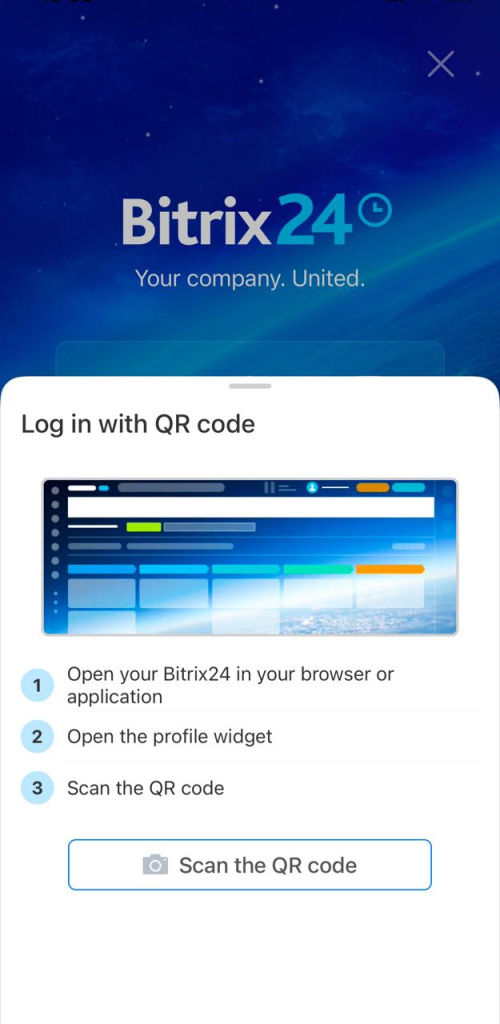
Sign in with a QR code
Use this method if you are already signed in to Bitrix24 in a browser or desktop app.
- Open the user menu in the web or desktop app.
- Click Show QR code.
- Open the Bitrix24 mobile app.
- Tap the QR code icon.
- Tap Scan the QR code and point your camera at the code on the screen.
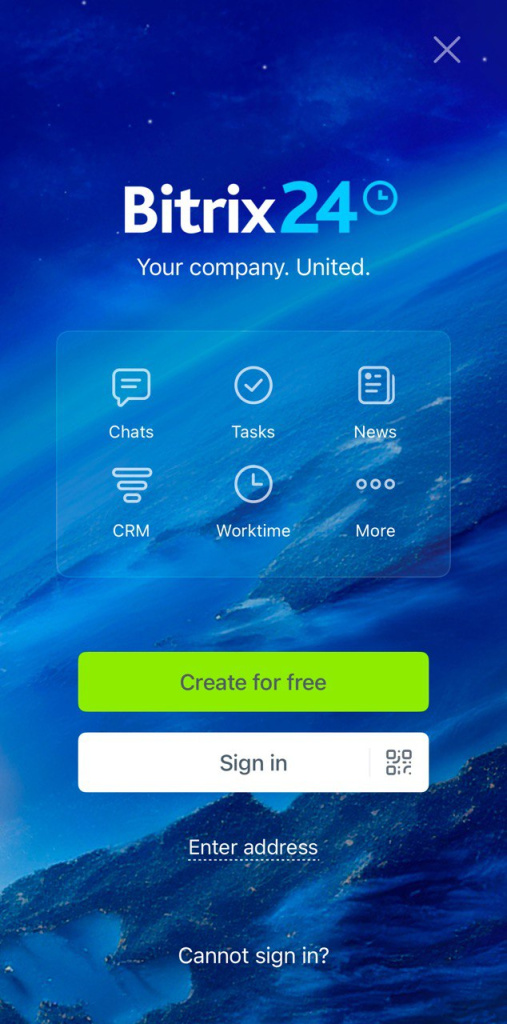
After you sign in, you can start working in Bitrix24.



