


You can receive tasks from external users, even if they don’t have a Bitrix24 account.
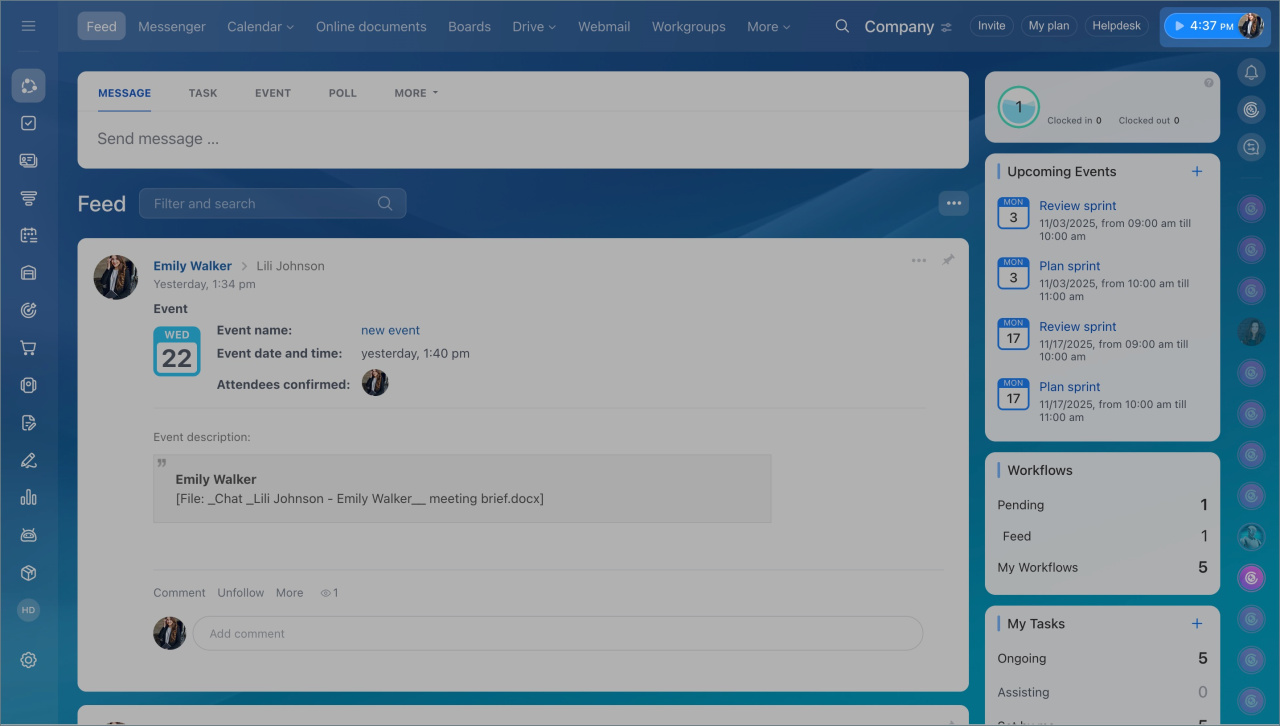
- Click your profile photo in the top-right corner.
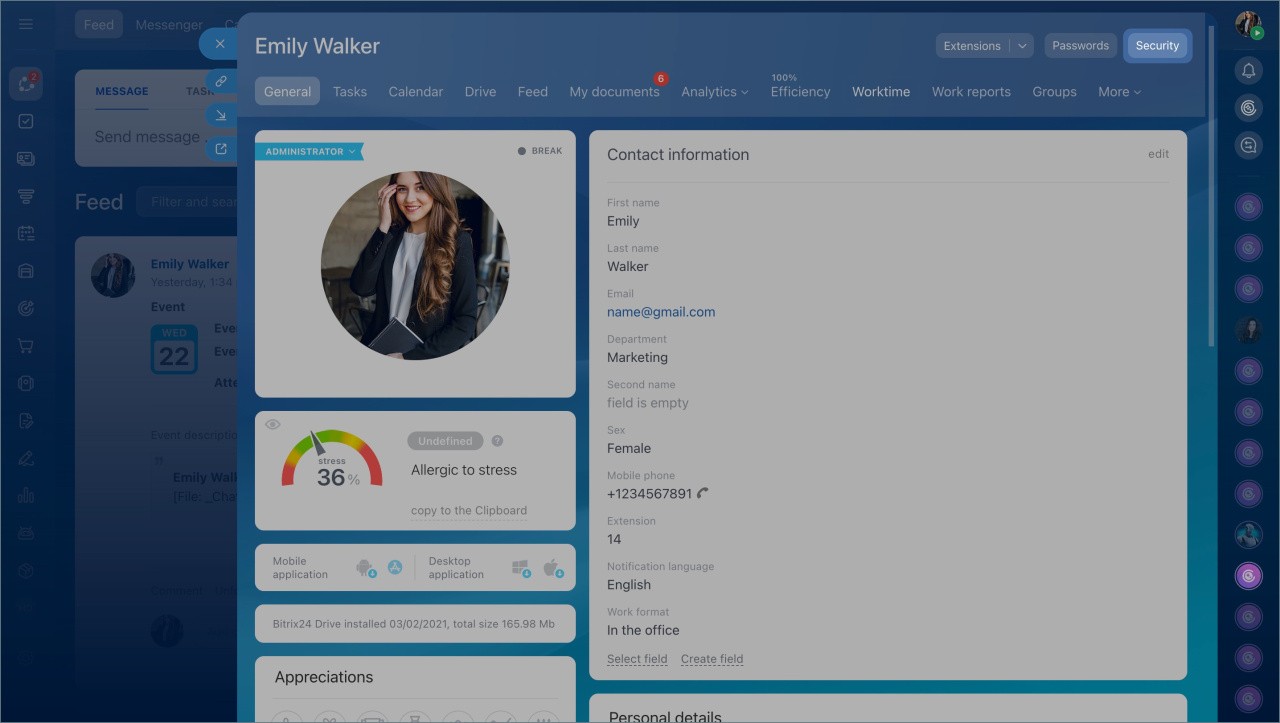
- Open your profile page, click the Security button > Forwarding addresses tab.
- Copy the address in the To create tasks field and send it to an external user.
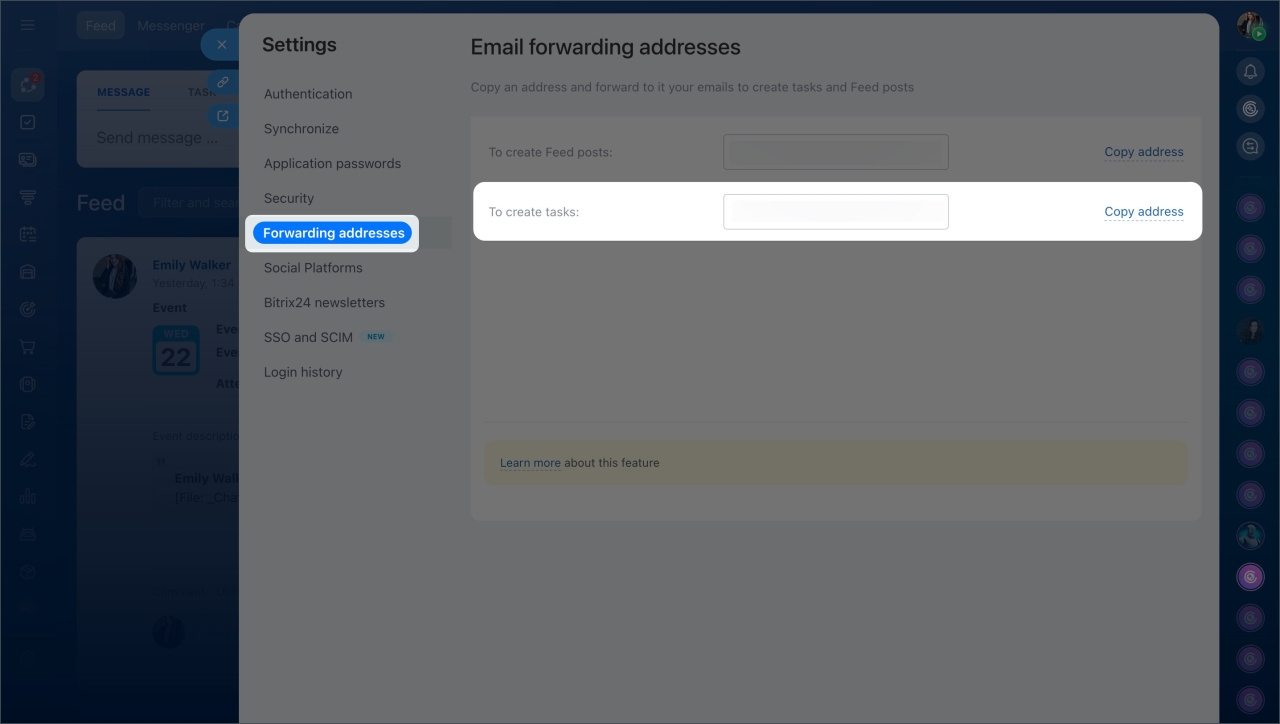
This email address is unique for each employee. It works only for creating tasks.
External users can send emails with attachments up to 14 MB to this address.
Make sure the email subject and description are clear and detailed, since the sender’s email is not shown in the task.
How it works
When an external user sends an email:
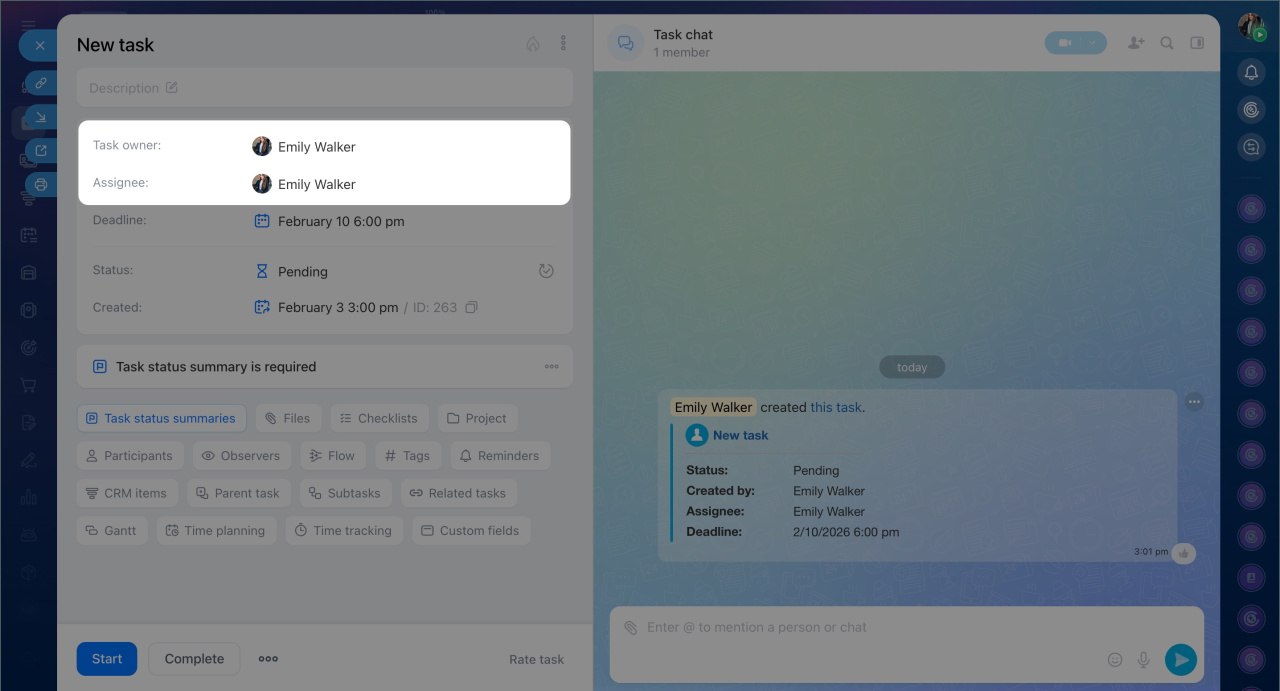
- A new task is created in Bitrix24.
- You are set as both the task owner and assignee by default.
- You can update task roles if needed.
An external user can also publish a post in Bitrix24 account Feed.
These are additional settings for those who have Bitrix24 hosted on their own domain:
To allow external users to add tasks via email, contact the domain administrator. He or she should specify the MX record of Bitrix24 mail server:
To allow external users to add tasks via email, contact the domain administrator. He or she should specify the MX record of Bitrix24 mail server:
mail-001.bitrix24.com.



