🚚 Miễn phí giao hàng toàn quốc

✅ Tặng Gói Hỗ trợ online trọn đời

✅ Giá cạnh tranh nhất thị trường

✅ Miễn phí tư vấn giải pháp

🚚 Miễn phí giao hàng toàn quốc

✅ Tặng Gói Hỗ trợ online trọn đời

✅ Giá cạnh tranh nhất thị trường

✅ Miễn phí tư vấn giải pháp

Hotline: 0943.199.449

Địa chỉ: Tầng 1, tòa nhà Deli, 75 Hoàng Văn Thụ, P. Cầu Kiệu

Bitrix24 Helpdesk

How an external user can add a post to Feed

External users can post messages to your Feed in Bitrix24 by email.

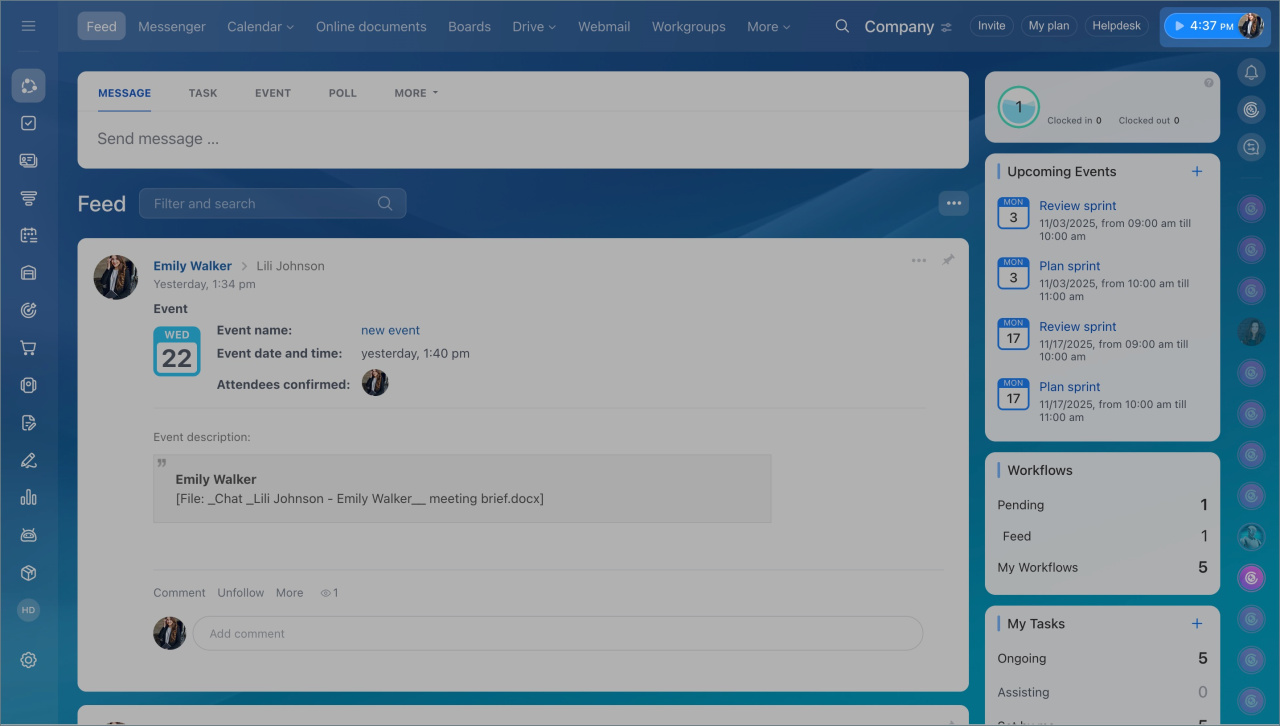
  1. Click on your photo in the top right corner.
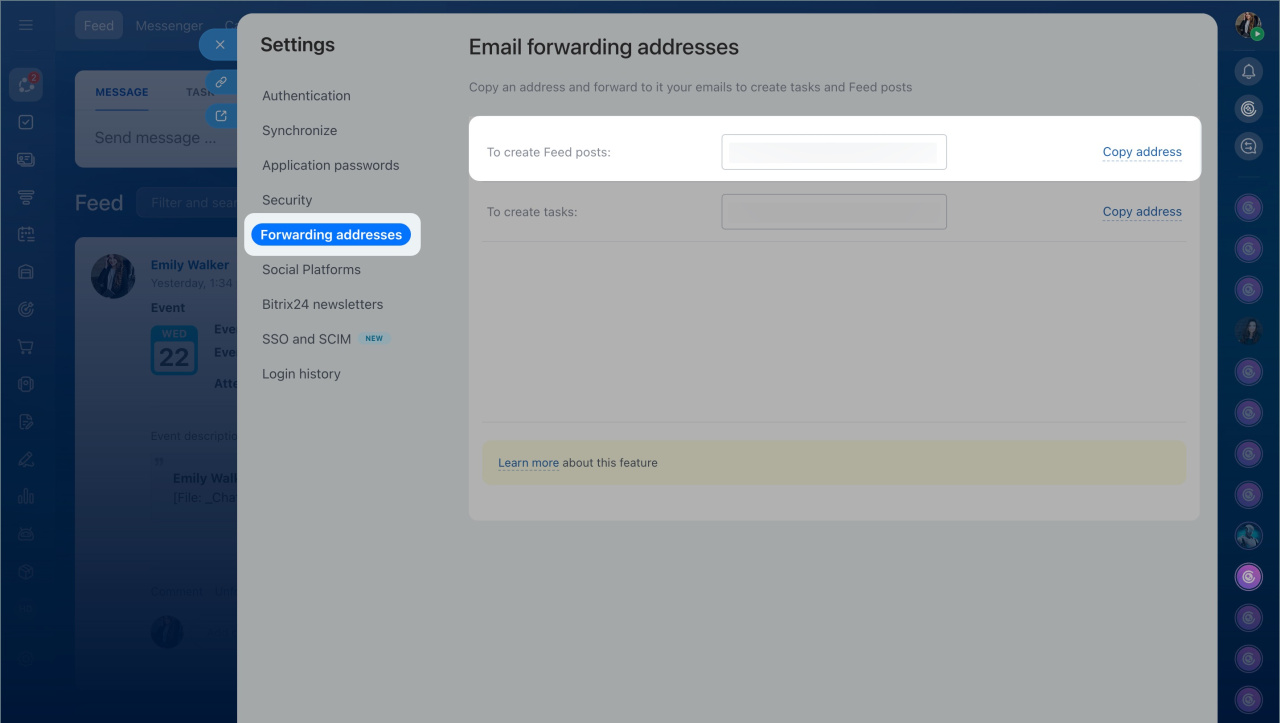
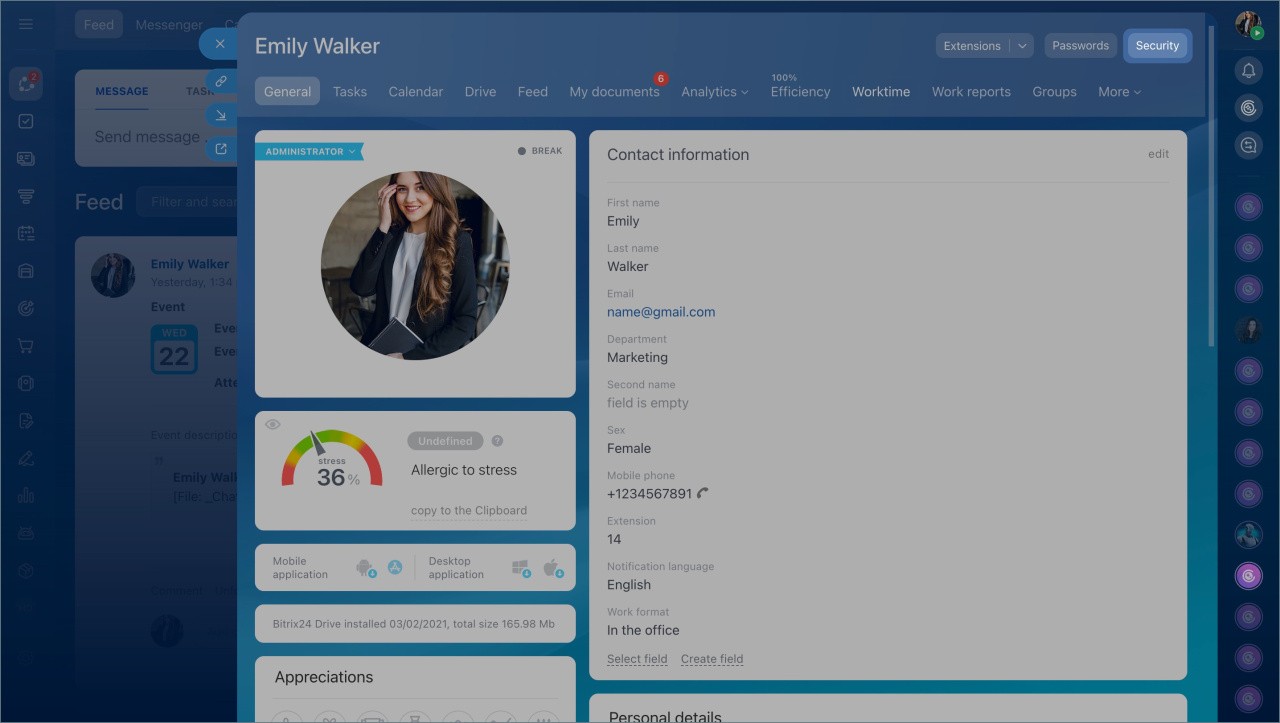
  2. Open your profile page, click the Security button > Forwarding addresses tab.
  3. Copy the address in the To create Feed posts field and send it to an external user.
The email address is unique for each employee. It only works for creating Feed posts.
How it works

The external user sends an email to this address. They can include attachments up to 14 MB. Once sent, the message appears in your Feed as a post.

The post is created on your behalf. You can invite other employees to view and discuss it.

External users can also create tasks in your Bitrix24 account.
Create a task for an external user

If you use Bitrix24 on your own domain, ask your administrator to configure email routing. They need to set the MX record to: mail-us.bitrix24.com.

Was this information helpful?
Thank you for your feedback.
Get Implementation Help from a Partner
That's not what I'm looking for
Complicated and incomprehensible text
The information is outdated
It's too short. I need more information
I don't like the way this tool works
Get your Bitrix24 set up by local professionals
FIND BITRIX24 PARTNER NEAR ME
implementation_helper_man
Go to Bitrix24
Don't have an account? Create for free
Related articles
Create events in Feed Convert a Feed post into a task Send a Feed message to an external user Create a task for an external user Search and filter messages in Feed Virtual presence indicator
Zalo
0943.199.449