


You can create tasks for a specific department or workflow, such as onboarding new employees. The system assigns the task automatically, even if you don’t know who will complete it.
Bitrix24 Flows: Get started
Create a flow
Distribute tasks in the Flow
Create a task
You can create a task in a Flow in two ways.
From the list
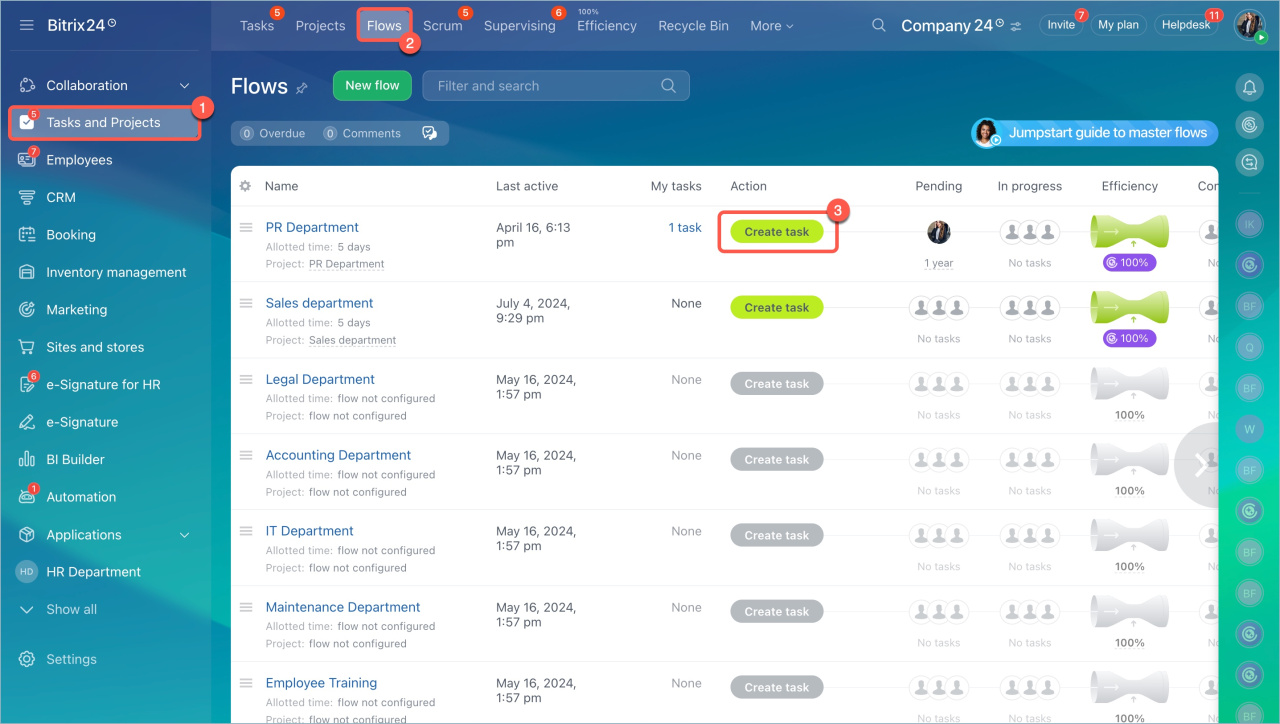
- Go to Tasks and Projects > Flows.
- Select a Flow and click Create Task.
From other Bitrix24 tools
For example, you can create a task from a chat message:
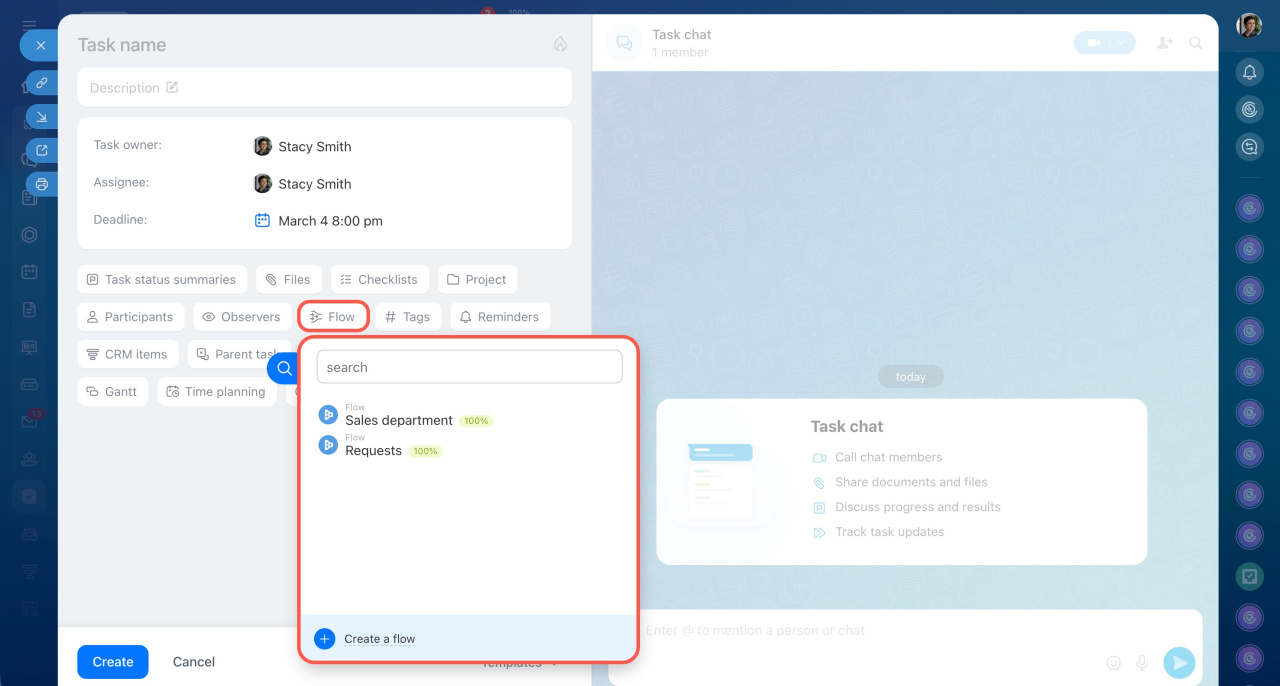
- Click Create task and select Flow in the top menu.
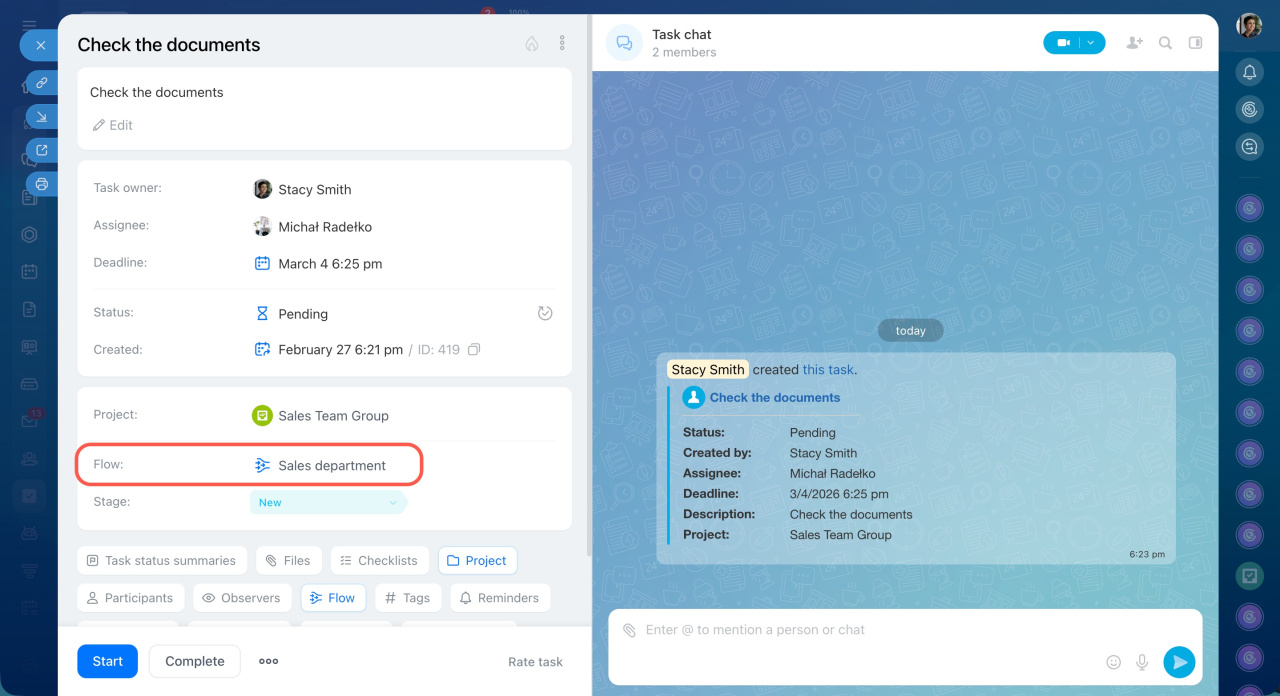
- Enter the task name and the description, set additional settings: reminders, time tracking and others. An assignee, a task deadline and a project are configured automatically.
Create a task - Click Add task.
Start working on tasks
If the Flow uses the Self-assign tasks option, team members get a notification when a new task is available.
To start a task:
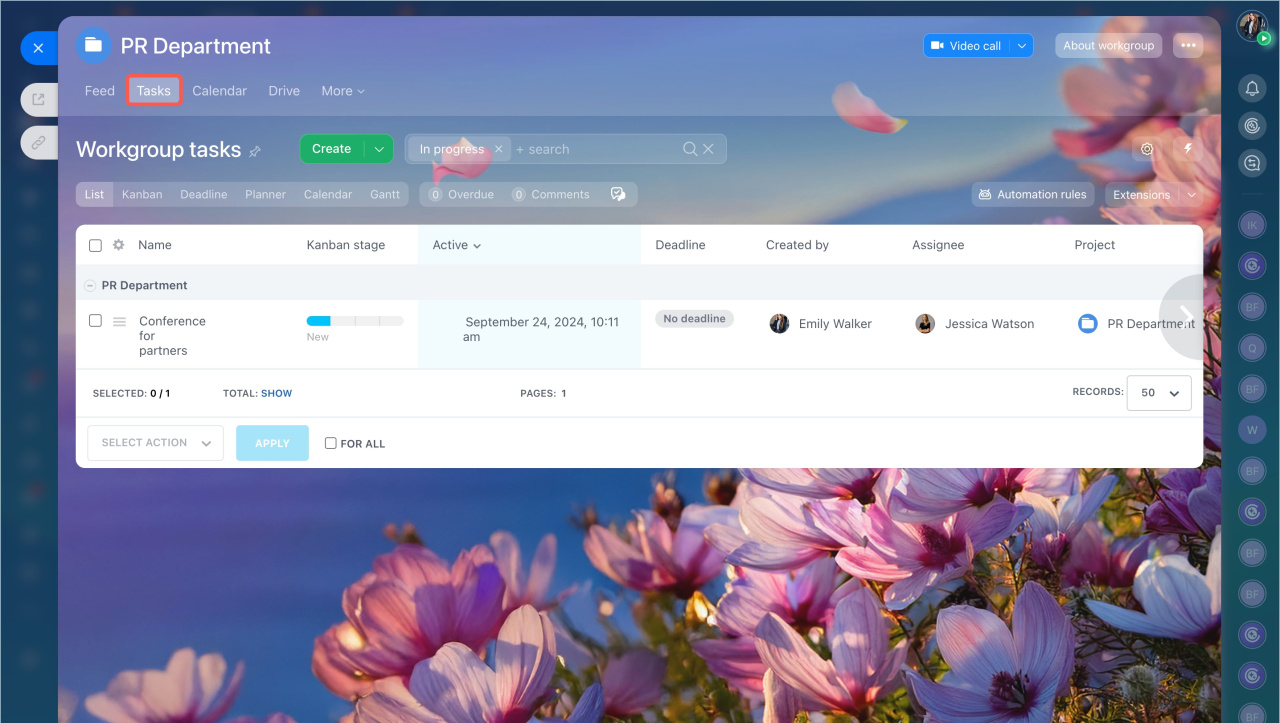
- Go to the Workgroups section and open the Flow.
- Click on the Tasks tab and open the desired one.
- Click Start.
Find a task
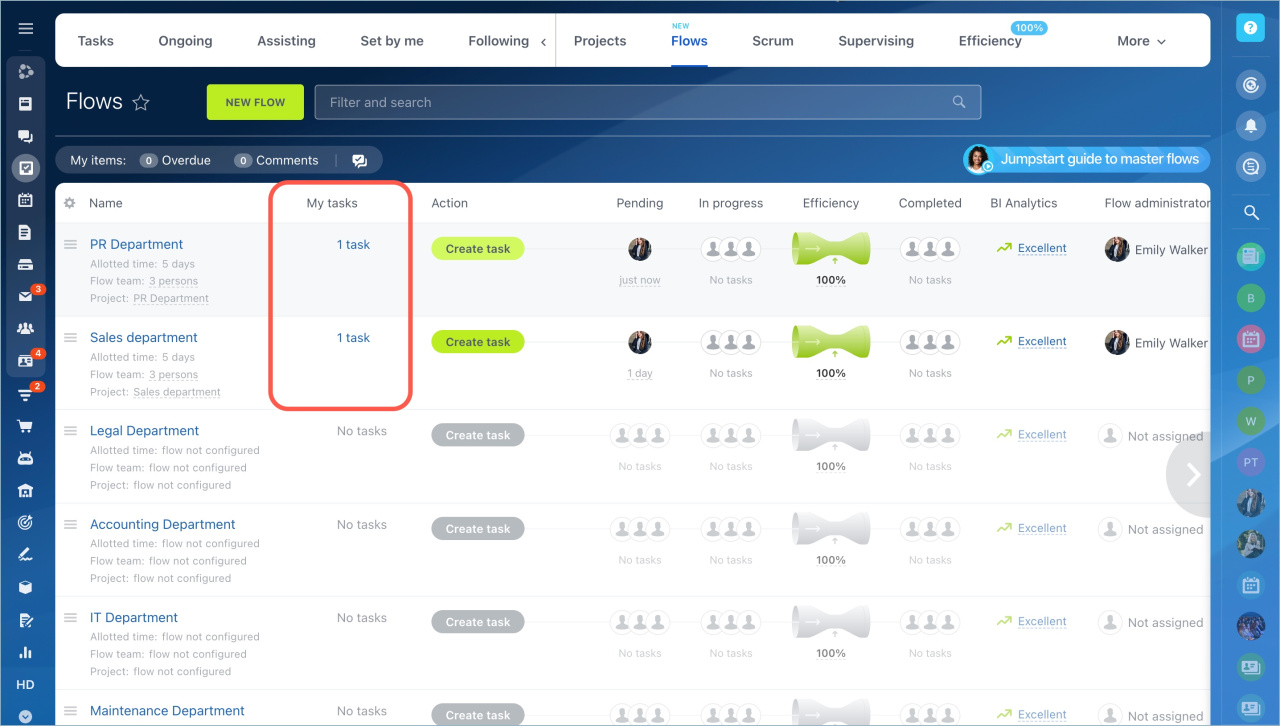
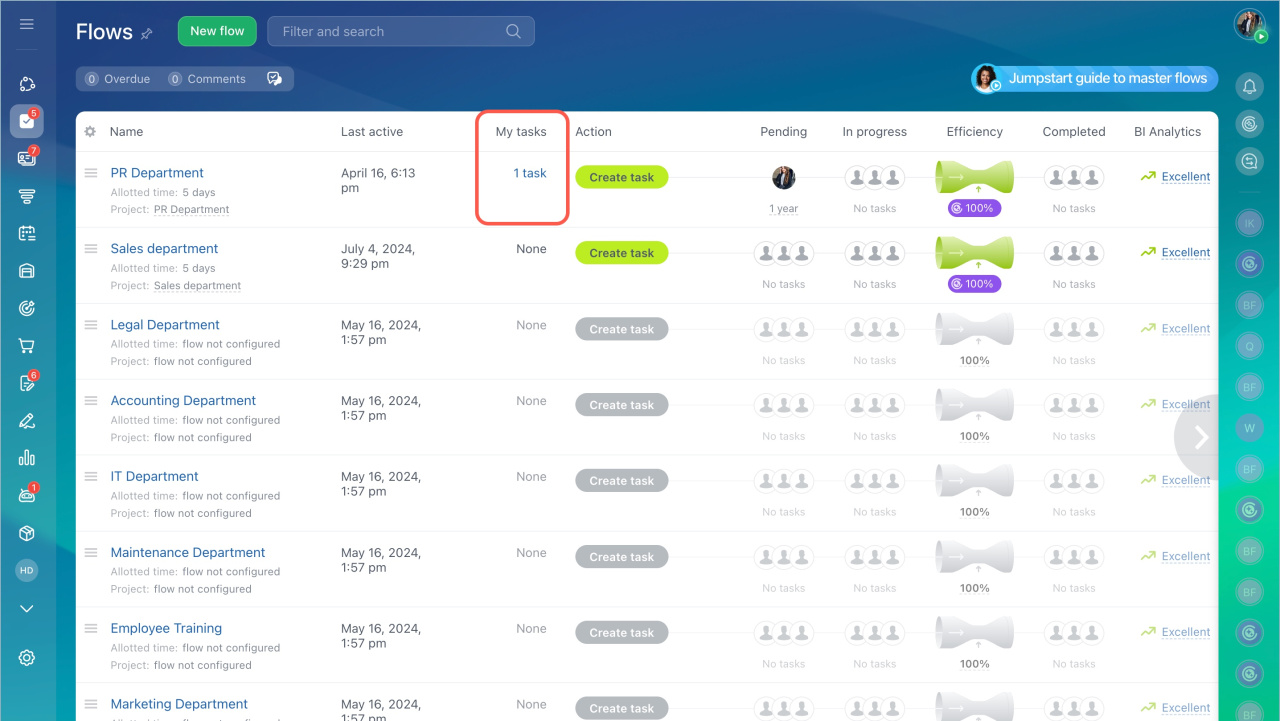
You can track tasks you need to start and tasks you created.
Open My Tasks in the Flow list. You will see the number of tasks next to each Flow you are part of. Click Tasks to open the list.
The system applies a filter automatically. It groups and sorts tasks by Flow and status.
Filters and smart search in tasks
In brief
- Flow tasks are assigned automatically, even if you don’t know the assignee.
- Go to Tasks and Projects > Flows > Create task.
- Find your tasks in My Tasks or in the general task list.



