


Bitrix24 lets you move between email threads directly inside a CRM item form. You don’t need to close an email to open another one. This works in deals, leads, contacts, companies, invoices, and estimates.
Open email threads
Web version
Mobile app
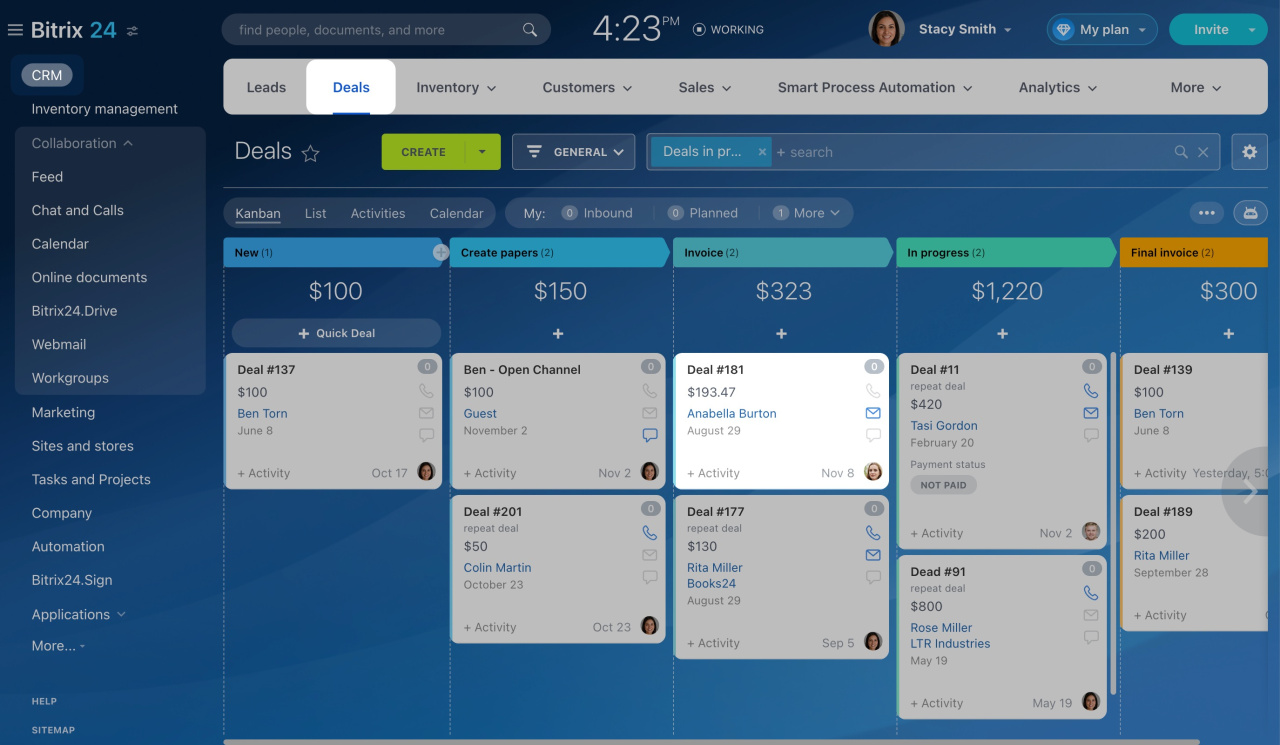
- Go to CRM and open Deals.
- Select a deal.
- In the timeline, open any email.
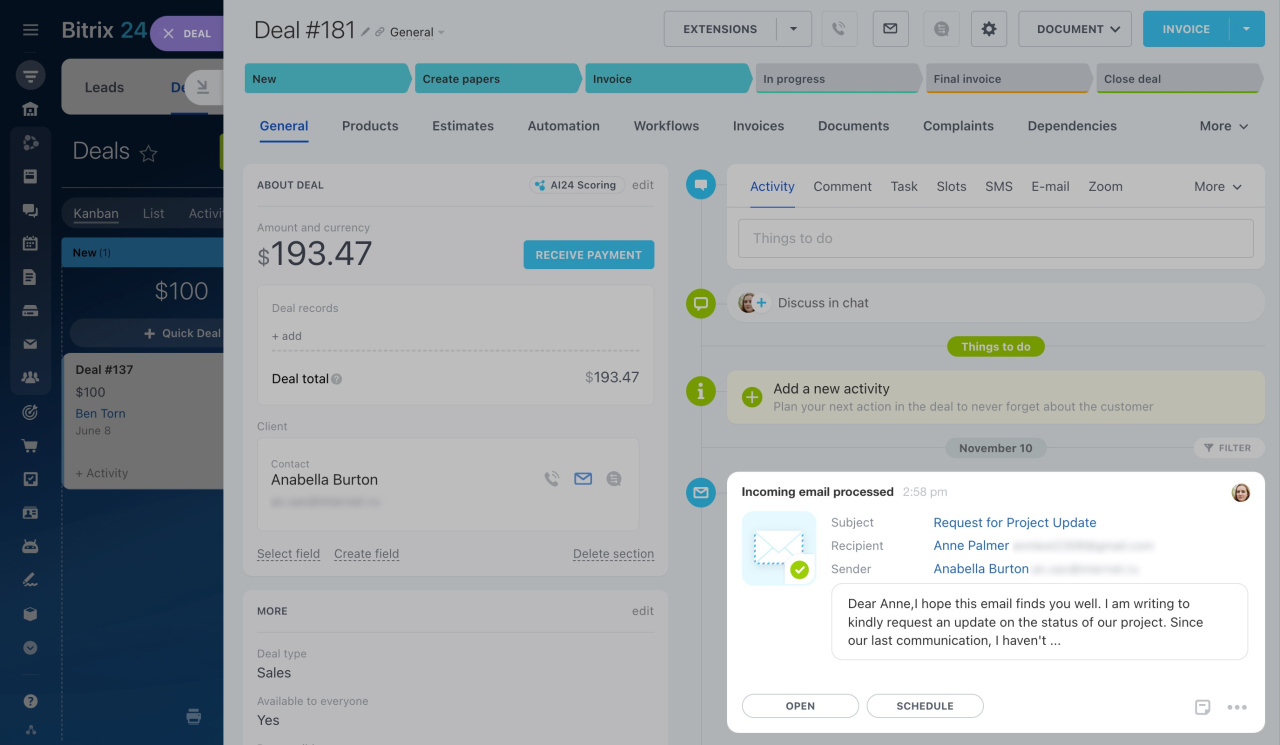
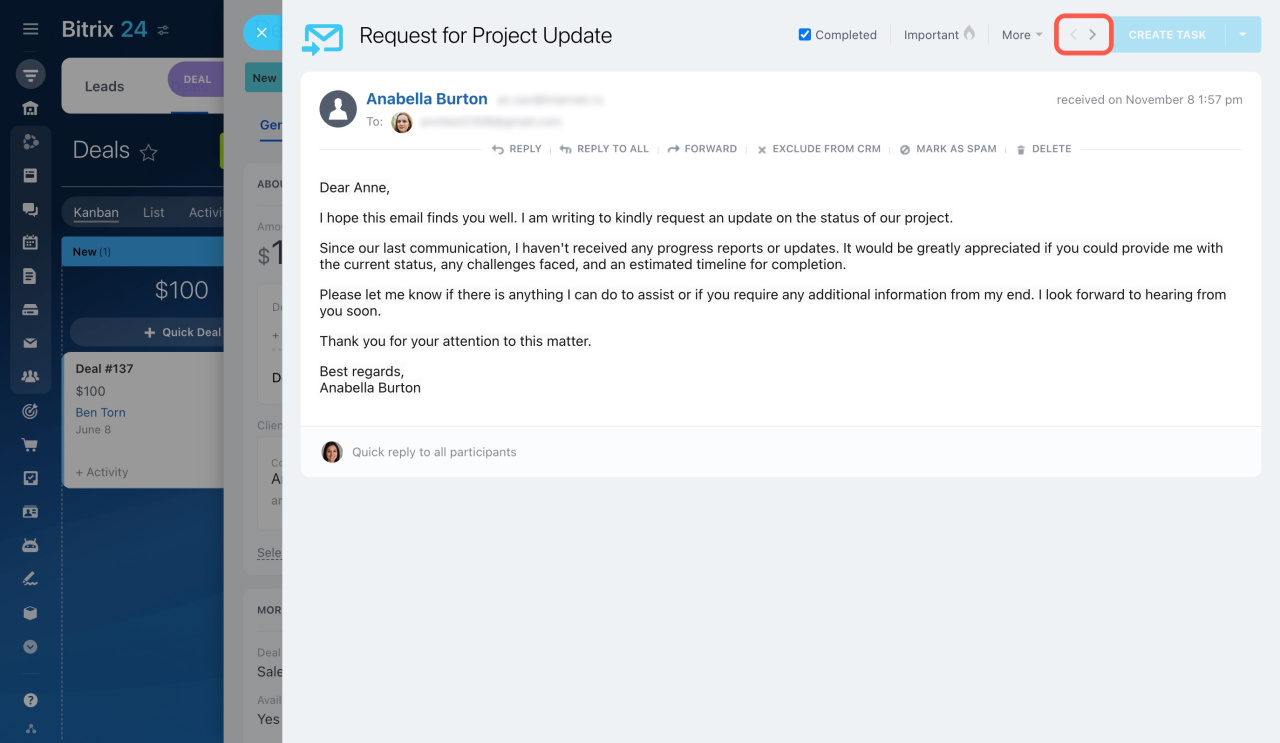
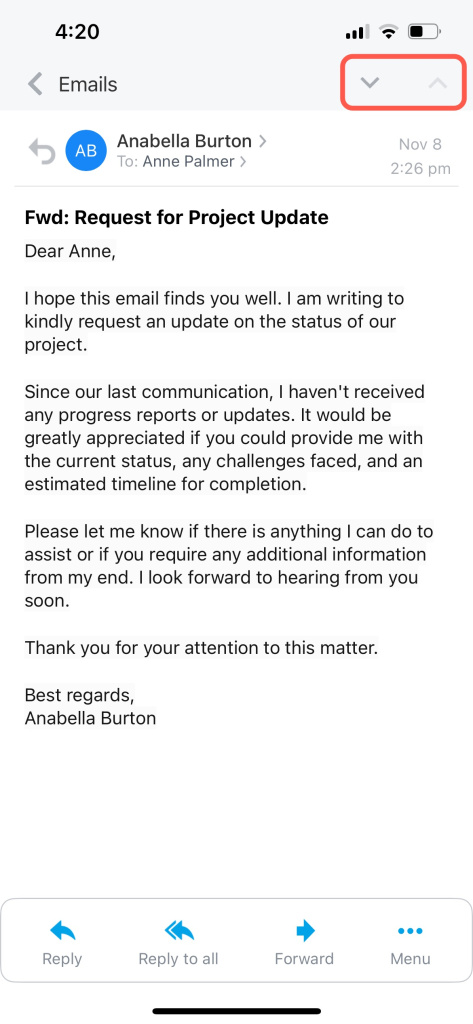
Use the arrow icons in the top-right corner of the email to move to the previous or next thread.
- Go to CRM and open Deals.
- Select a deal.
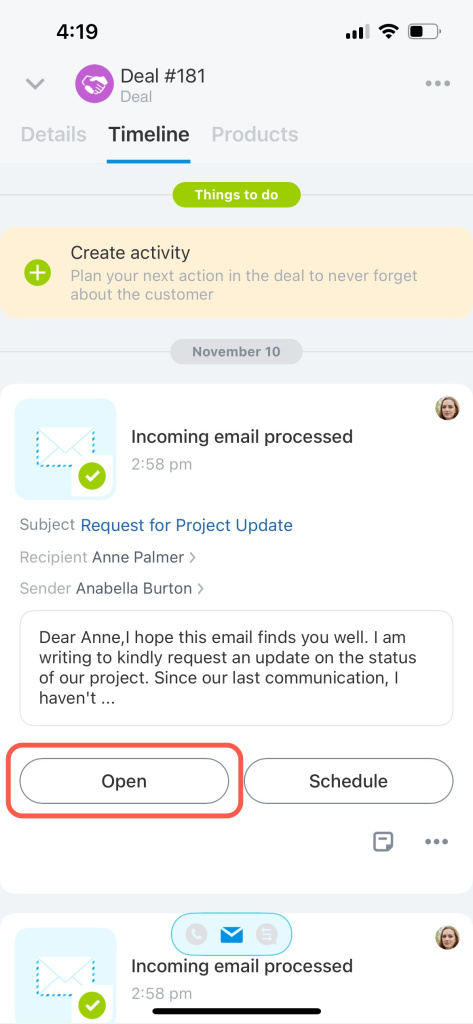
- In the timeline, open any email.
Use the arrow icons in the top-right corner of the email to move to the previous or next thread.
How threads are grouped
Email threads are sorted by date, from newest to oldest.
Example:
- Oct 17–Oct 31: You exchange emails about a project. All messages share the same subject.
- Nov 2–Nov 6: The client emails you about a different topic. These messages use a different subject.
- Nov 8: The client returns to the original project and sends another email with the same subject as in October.
Result:
- The first thread includes all October emails plus the message from Nov 8. It appears at the top because it has the most recent email.
- The second thread includes emails from Nov 2–Nov 6 about the other topic.
After you open any email in the timeline, use the arrows to move between these threads.
The same navigation works in Webmail. Use the arrow icons to move to the previous or next email in your mailbox.



