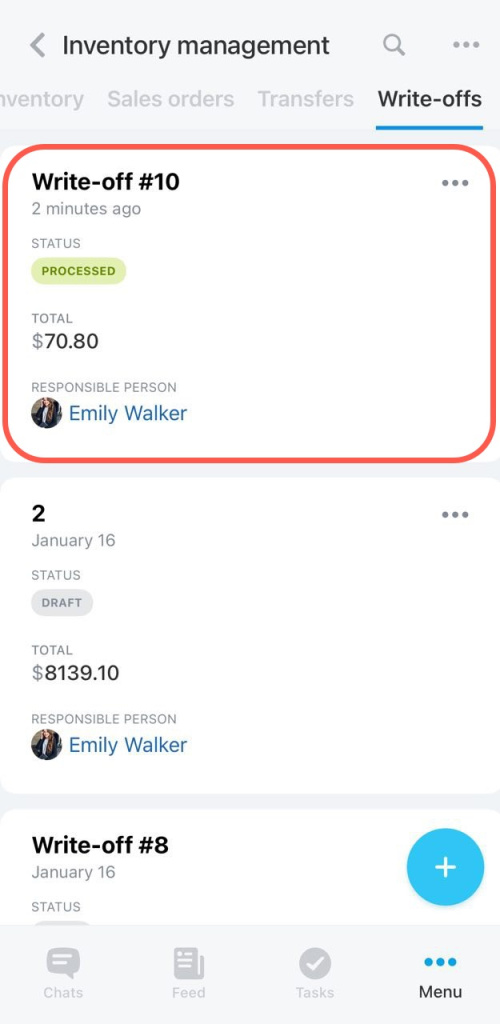
Write-off documents help you track lost or damaged products. If you do not write off these products, warehouse balances and inventory reports may become inaccurate.
Use a write-off document when:
- a product was damaged during shipping
- a product has expired
- a product was lost or stolen
In the Bitrix24 mobile app, you can create write-offs and update warehouse balances.
For example, if products are missing or damaged during delivery, you can record this information in Bitrix24 to keep your inventory data accurate.
Create a write-off
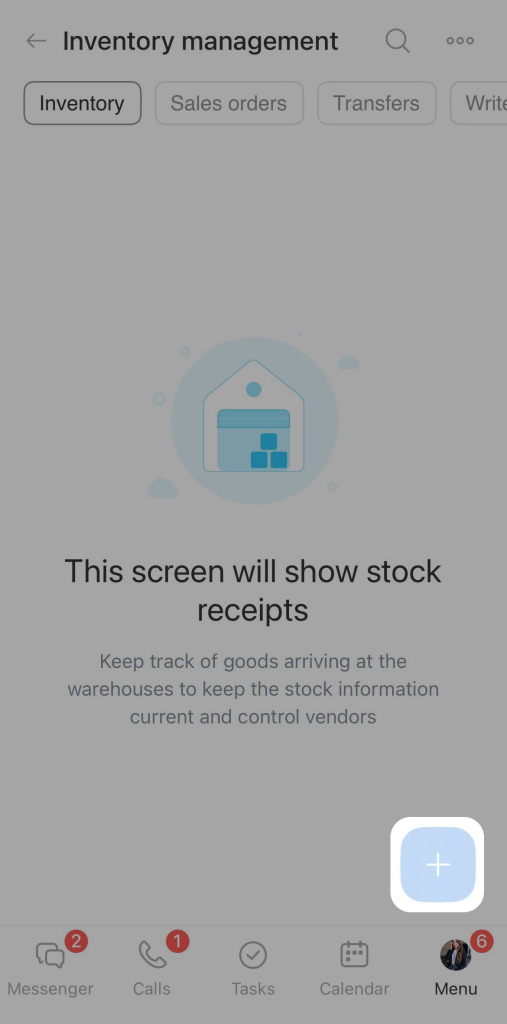
- Open the Inventory management section.
- Tap the + button in the lower-right corner.
- Select Write-off.
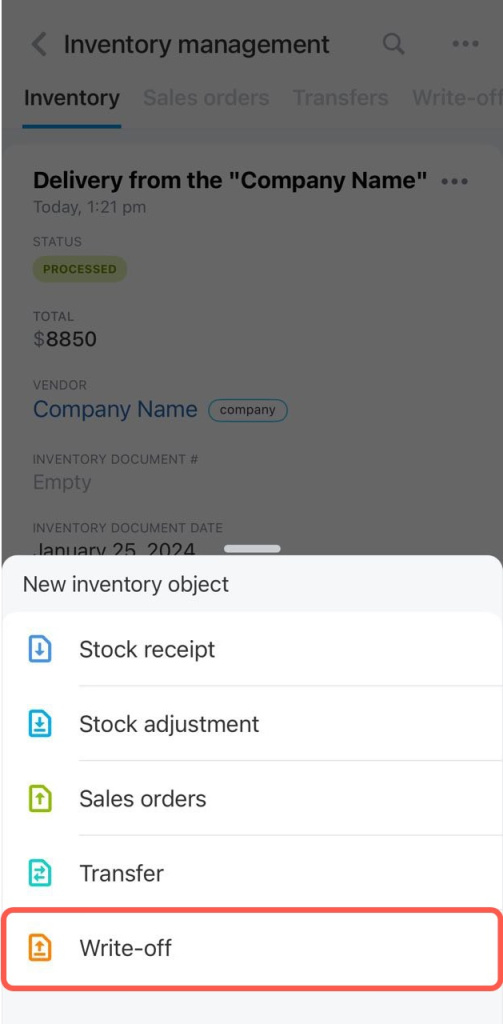
Next, add products to the document. You can:
- Create a new product
- Find a product by barcode
- Select a product from the catalog
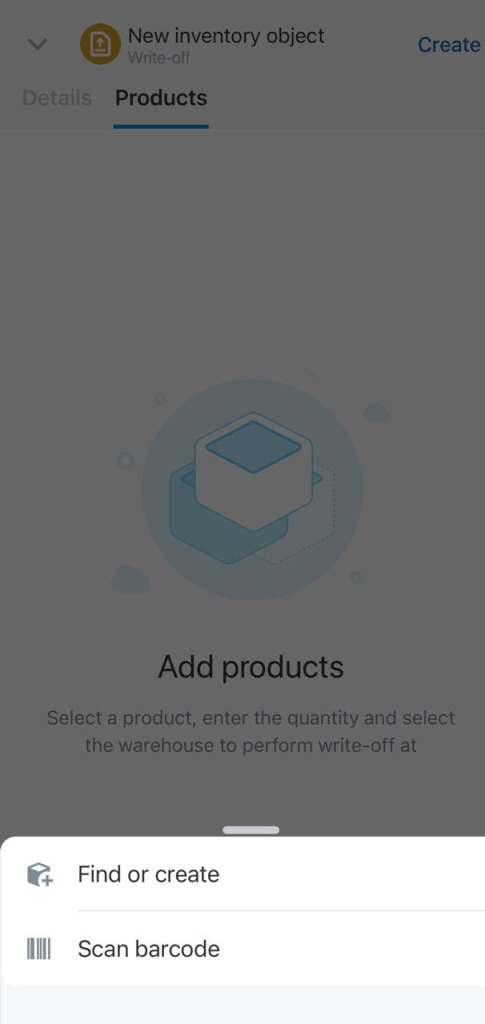
You can only create simple products in the mobile app. To add product variants, use the Bitrix24 web version.
Variants are different options of the same product, such as T-shirt sizes or colors.
In this example, we will create a write-off for a damaged product from the catalog.
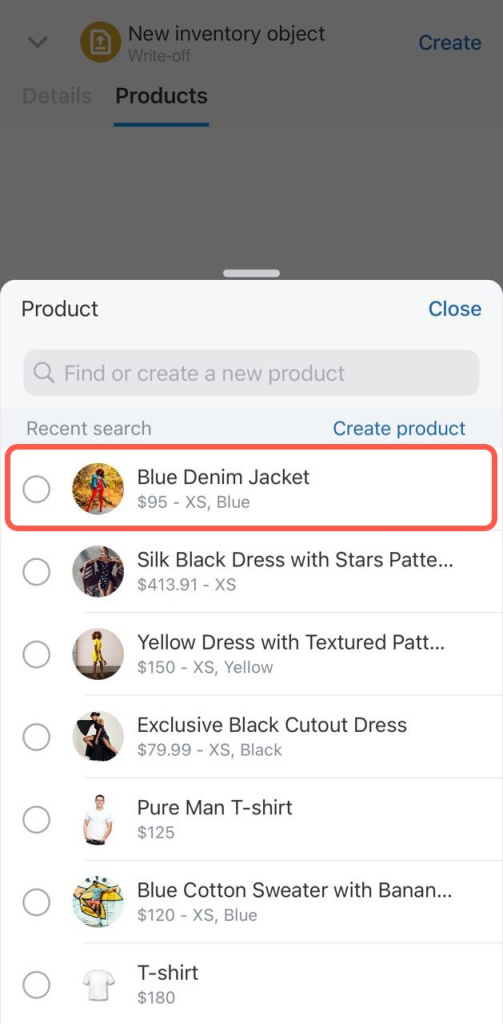
- Select a product.
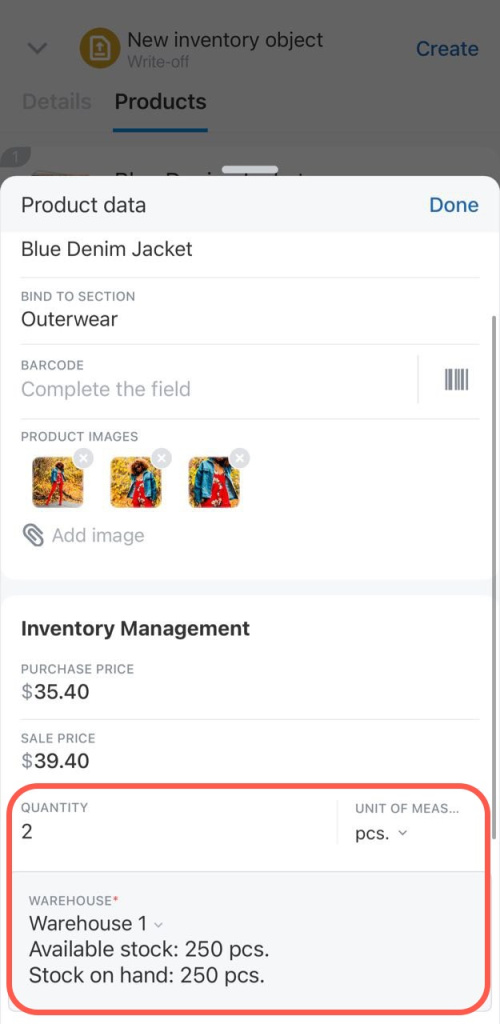
- Specify the product quantity.
- Select the warehouse where you want to write off the product.
- Tap Done.
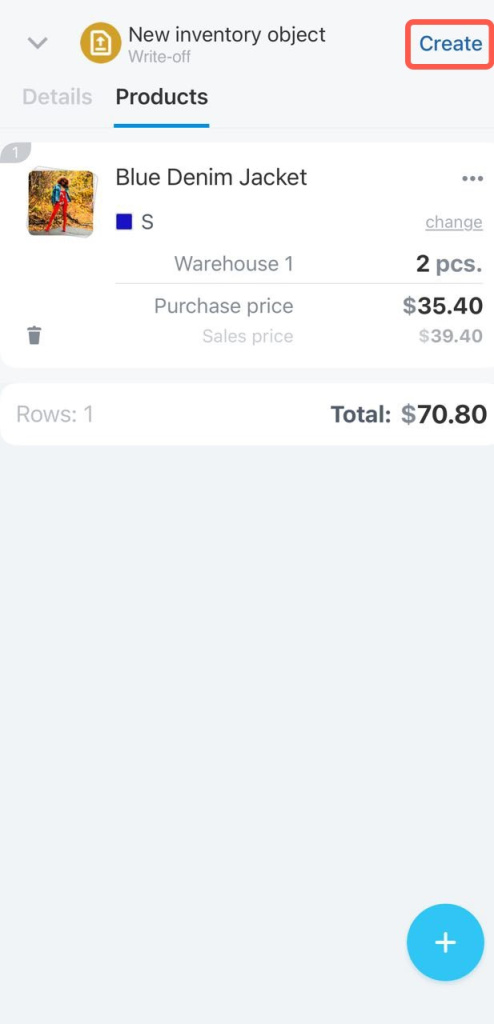
Tap Create to save the document as a draft.
To update warehouse balances, process the document.
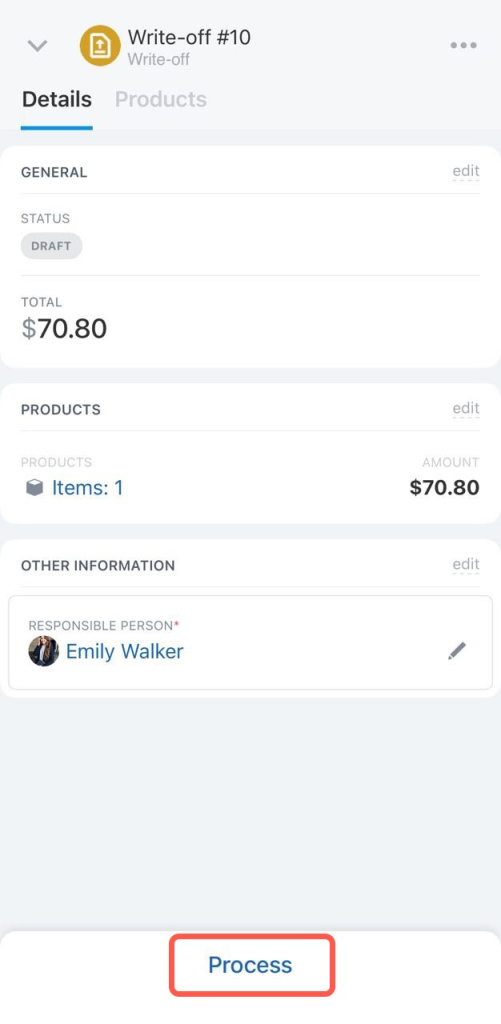
After processing, the document appears in the list with the Processed status.