We are introducing several important updates to Bitrix24 Cloud tools, including REST API, Market, Telephony, and Bitrix24 Search.
REST API and Applications
Starting January 1, 2021, Market apps and REST API are available only on commercial plans.
On the Free plan, you cannot install apps from the Market or use local apps created by you or a partner.
Migration apps from other Bitrix24 services are the only exception. These remain available on the Free plan.
To keep using apps installed or purchased before January 1, 2021, upgrade from the Free plan to a commercial plan.
You can still test Market apps and REST API in demo or integrator mode. After the trial period ends, the apps will stop working.
Telephony
Starting January 1, 2021, Bitrix24 Telephony is available only on commercial plans. This includes all connection types: rented phone numbers, REST-based apps, and the SIP connector.
You can test Telephony in demo or integrator mode.
If you do not upgrade to a commercial plan by January 15, 2021, Telephony will be disabled.
Search in Tasks and CRM
Searching large volumes of tasks and CRM records requires significant resources. Starting December 1, 2020, search limits apply to the Free plan.
If your account has more than 1,000 tasks and 1,000 CRM records (Leads, Deals, Companies, or Contacts), you can only search using standard or saved filters. Keyword search will not be available.
To restore full search functionality, upgrade to a commercial plan or delete old tasks and CRM records.
FAQ: Search
I use the Free plan and have fewer than 1,000 deals, but search still doesn’t work. What should I do?
You likely have too many completed deals, which count toward the total limit.
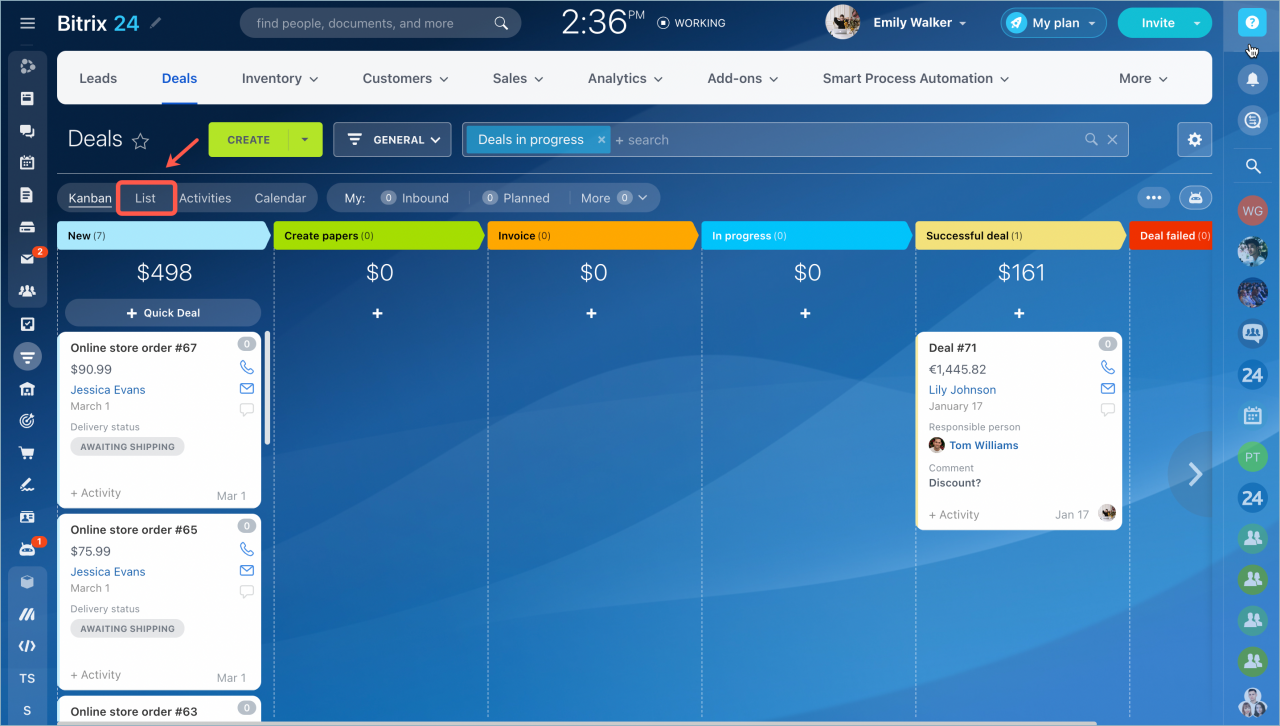
Switch to the CRM List view.
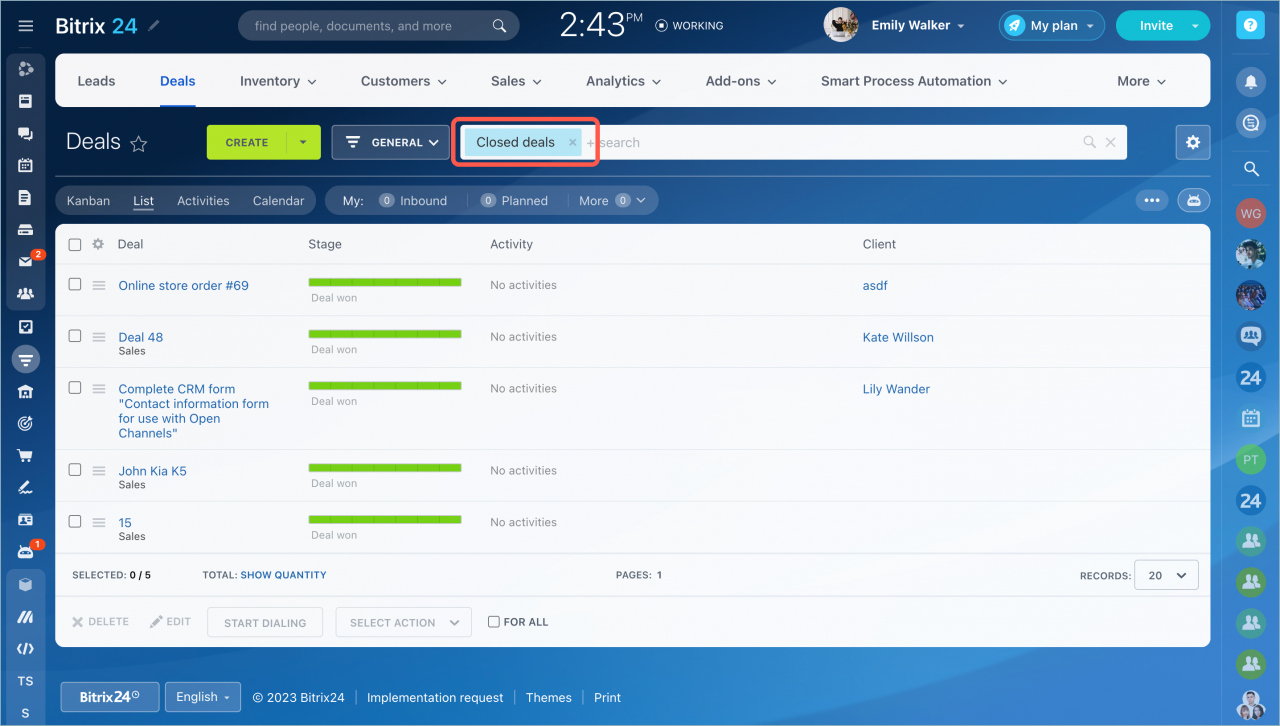
Apply the Closed deals filter in the search bar.
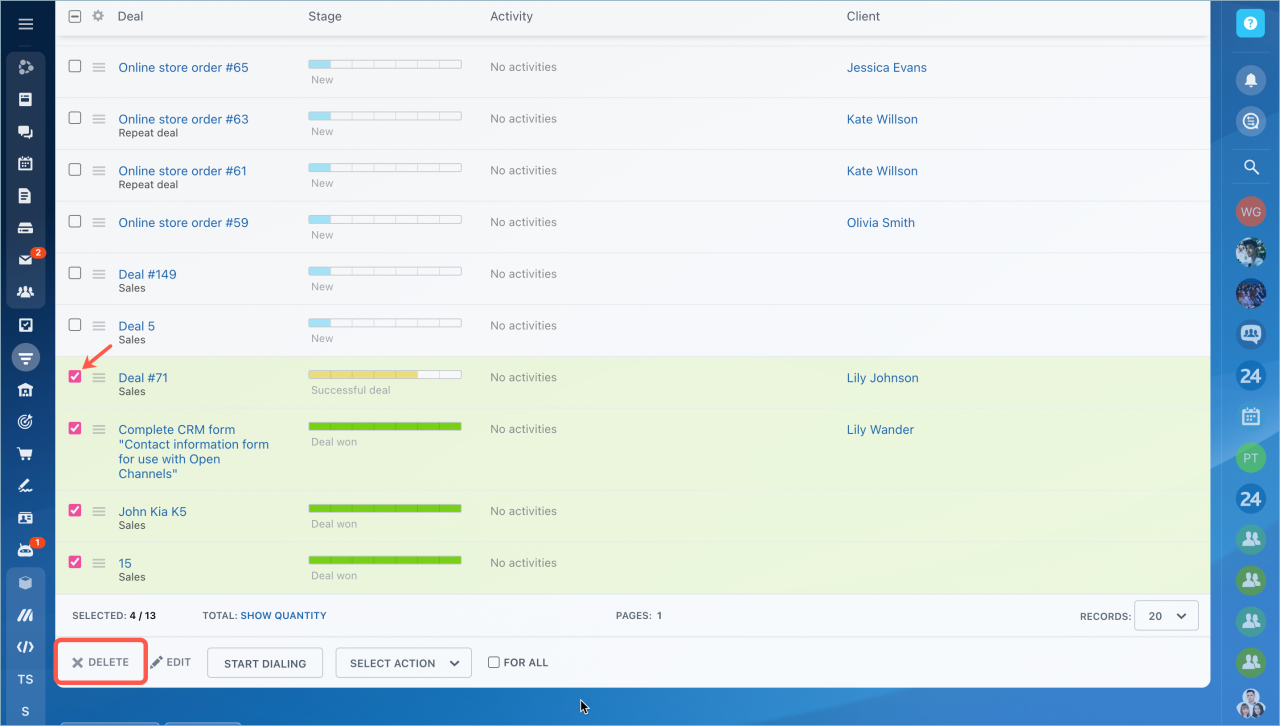
Delete unnecessary deals, starting with the oldest ones.