


AI Audio and Video Task is a new feature in Bitrix24 that uses artificial intelligence. AI recognizes assignments in voice and video messages. It identifies the assignee, the deadline, formulates checklists, and automatically creates tasks.
Assignments are no longer lost in chats. Everything you say in voice or video messages is captured in tasks, helping the team stay on track.
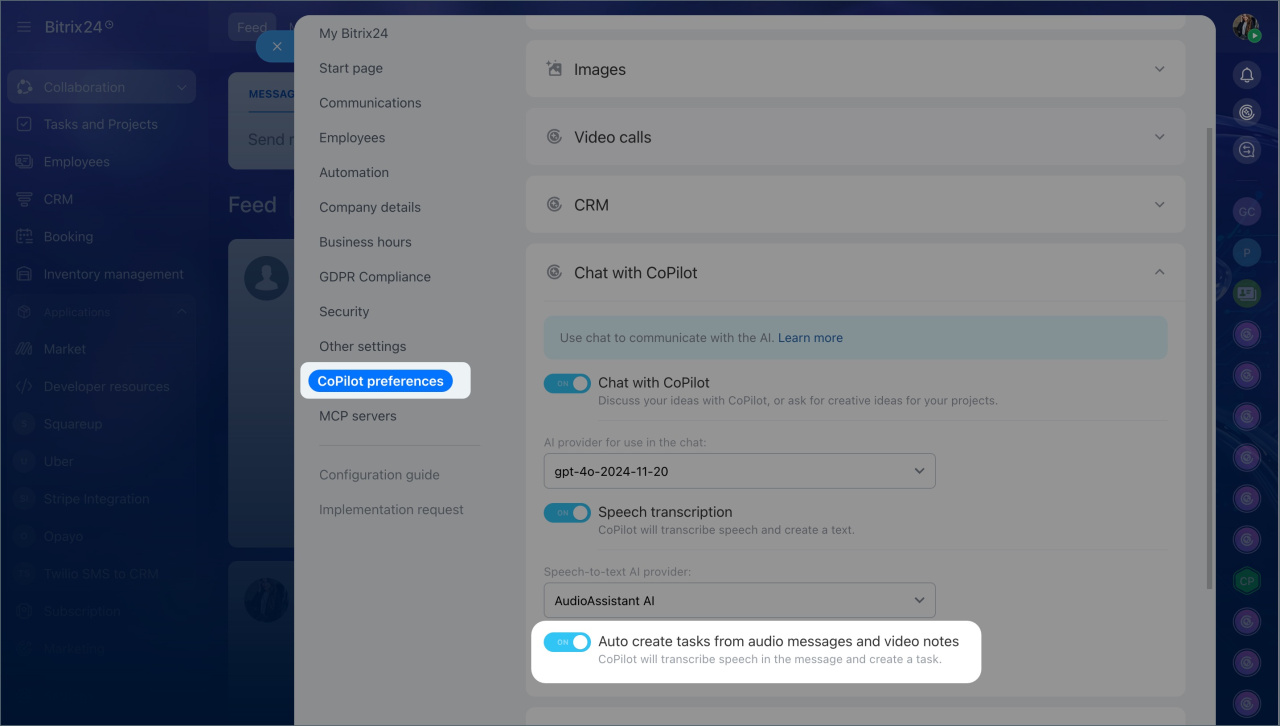
To create tasks automatically, turn on this option in your Bitrix24 settings.- Go to Settings > Bitrix24 Settings.
- Open CoPilot Settings > Chat with CoPilot.
- Enable the Auto create tasks from audio messages and video notes option.
With AI, you can create tasks in personal and group chats, your notes, collabs, and channels.
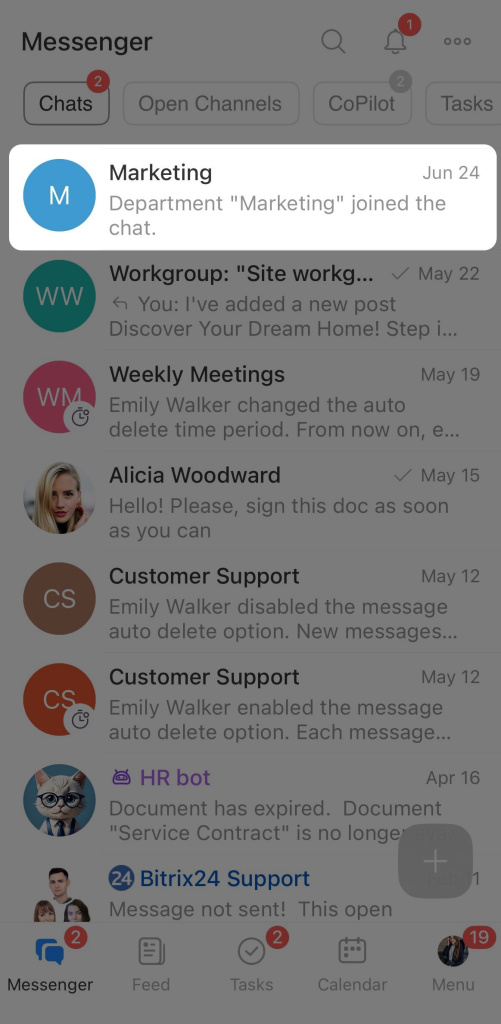
- Open the desired chat, channel, or collab.
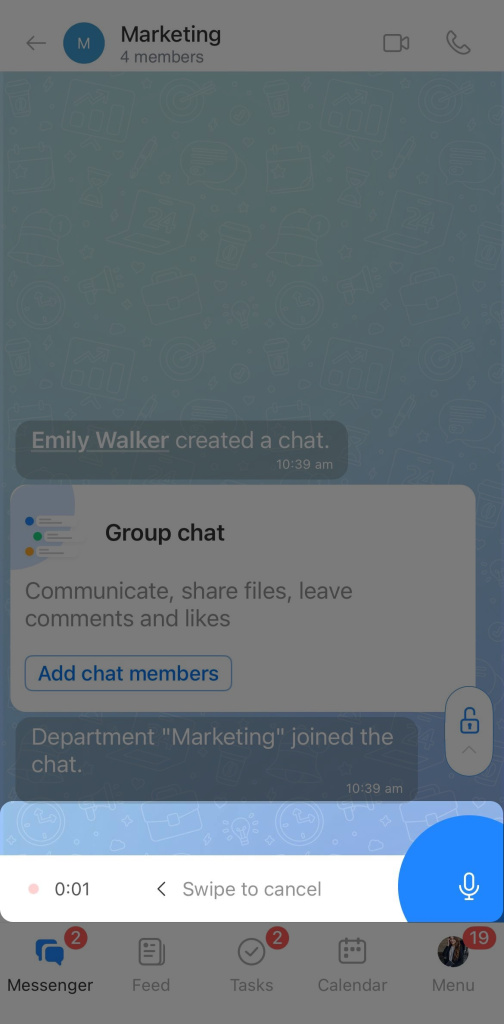
- Press and hold the microphone or camera icon to record a message.
- Release the button to send the message. AI will recognize it as an assignment and automatically create a task.
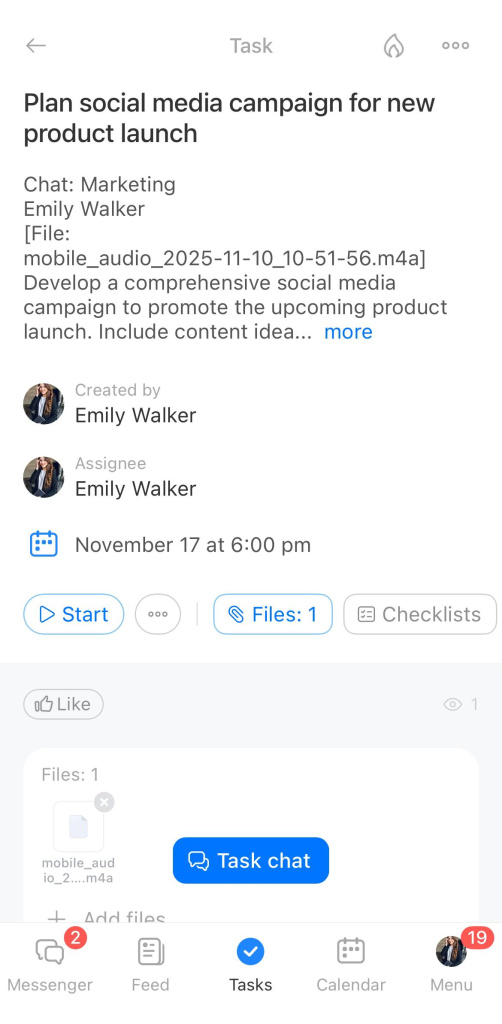
When creating a task, AI automatically fills in the main fields:
- Title — generated based on the meaning of the voice message.
- Description — contains the transcribed text of the assignment.
- Assignee — determined by context: in one-on-one chats, it’s the person you sent the message to. In group chats, it’s the person mentioned in the message. If AI cannot identify the assignee, the task is assigned to the creator.
- Deadline — taken from the voice message. If no deadline is mentioned, it defaults to 5 business days.
- Checklists and priority — added if you list steps or emphasize urgency and importance.
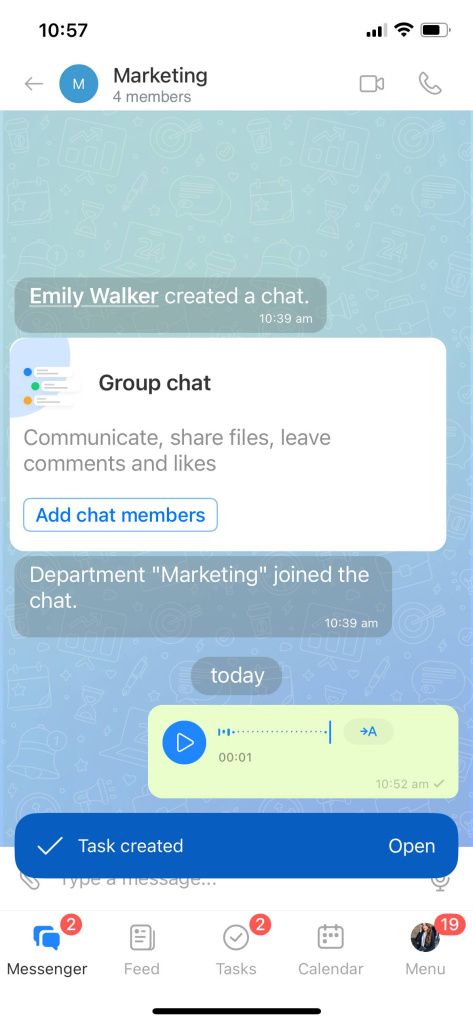
After the task is created, a notification will appear in the chat, indicating that CoPilot has created it. You can open the task and configure additional tools: specify participants, add files, and more.
In brief
- AI Audio and Video Tasks is a new task creation feature in Bitrix24 that uses artificial intelligence to recognize assignments in voice messages and create tasks automatically.
- You can create tasks in personal and group chats, collabs, and channels.
- AI automatically recognizes the content of the voice or video message and fills in the task fields: title, description, assignee, deadline, and priority.
- After the task is created, a notification appears in the chat. You can open the task and configure additional tools: specify participants, add files, and more.




