


To protect email recipients from spam, email services put limits on the number of emails per day. If you send a lot of emails that don't meet the sender requirements, the limit may be lowered. In this case, you will get a notification in Bitrix24.
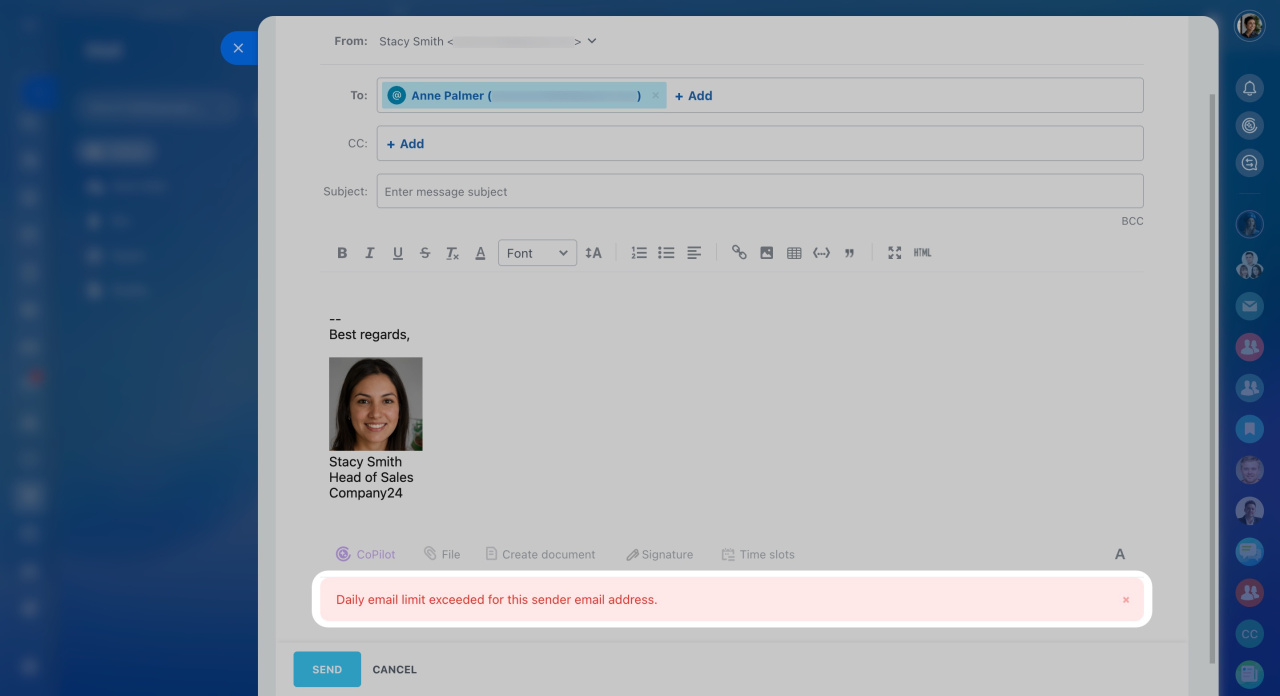
To increase the limit, contact the email service support. Once you agree on a new limit with them, adjust it in Bitrix24.
Check the email service requirements. For example, here are the rules for Gmail.
Contact the email service support. Explain your situation to the support team and agree on a new limit.
Set the limit in Bitrix24. After the email service increases the limit, adjust it in Bitrix24.
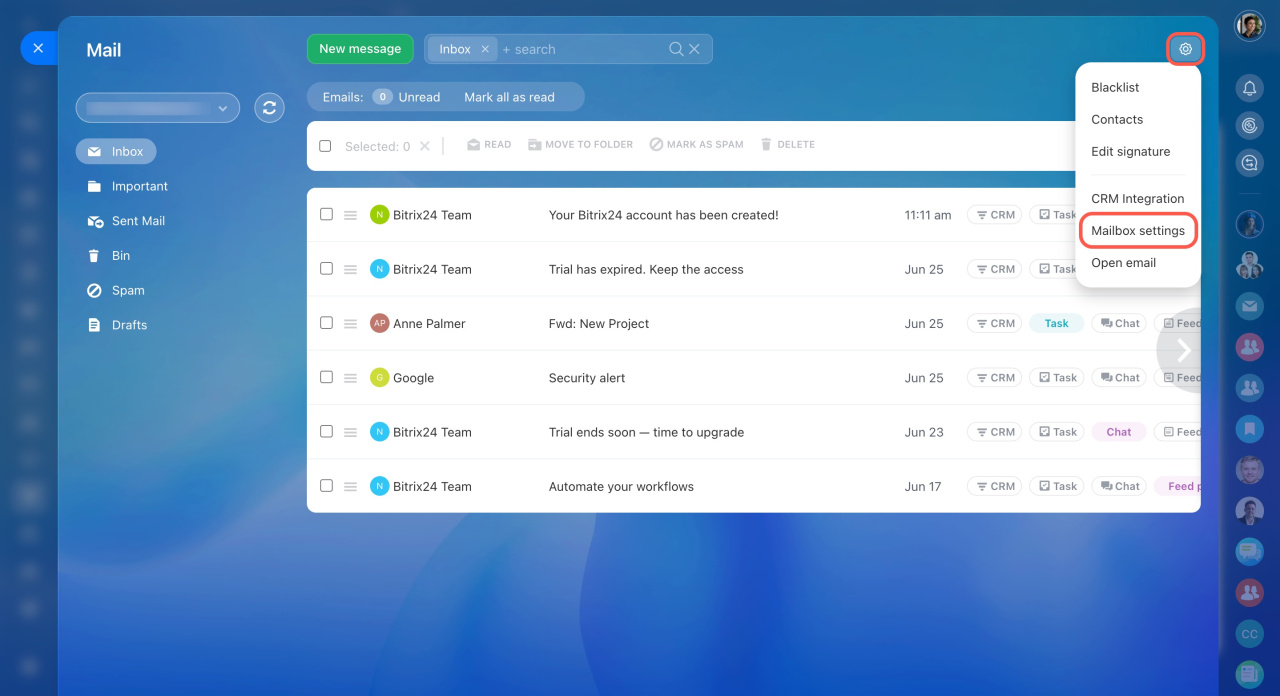
- Go to the Webmail section.
- Click Settings (⚙️) in the top right corner.
- Select Mailbox settings.
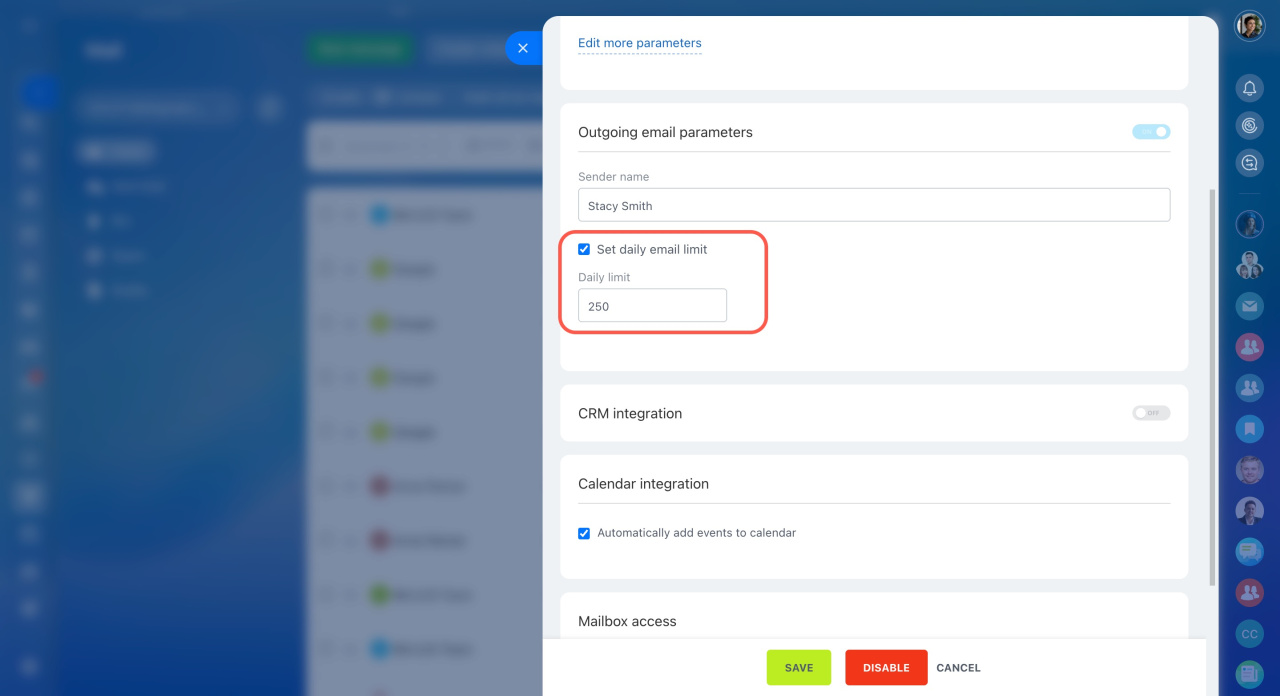
- Check the box next to Set daily email limit.
- Specify how many emails can be sent per day from this mailbox.
In brief
-
To protect email recipients from spam, email services put limits on the number of emails per day.
-
To increase the limit, read the email service requirements and contact their support.
-
After the email service increases the limit, adjust it in Bitrix24.



