


Bitrix24 is a collaboration platform for teams. You can chat, assign tasks, manage customers in CRM, schedule meetings, and store files in one place.
Main features of Bitrix24
Register with your email
This is the simplest option and the recommended one.
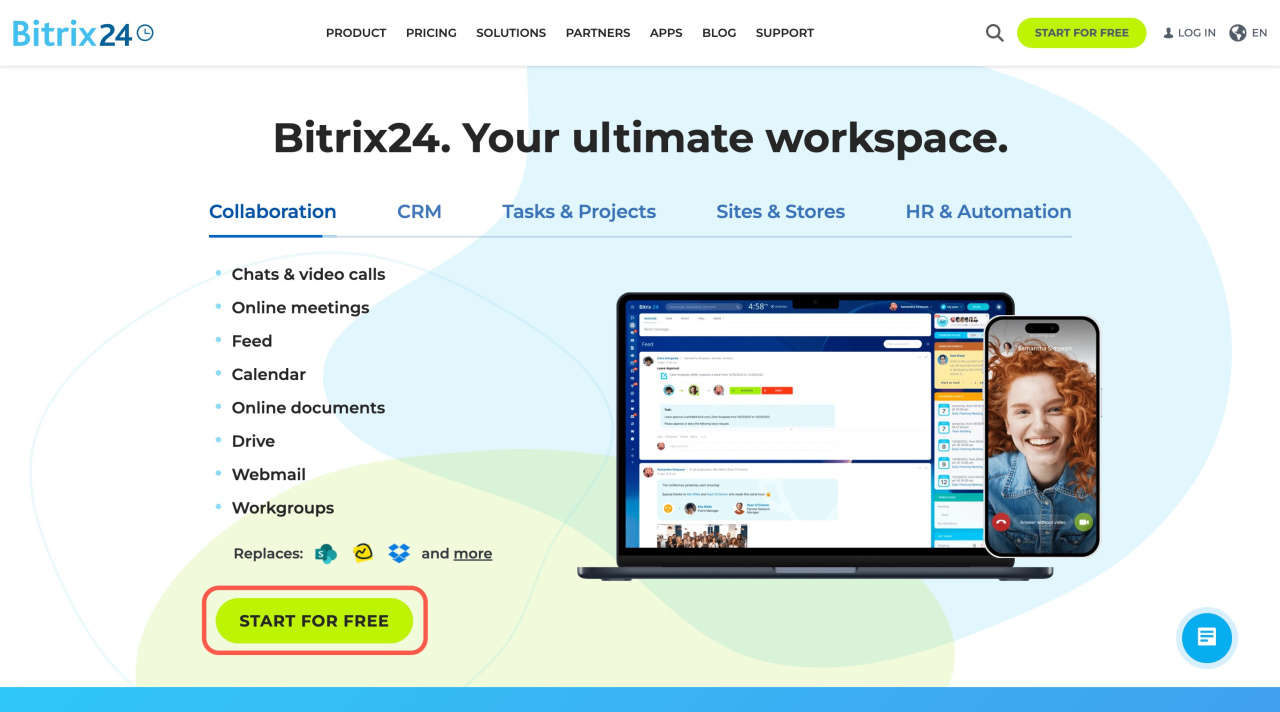
- Go to the Bitrix24 site and click Start for free.
- Enter your email address.
- Click Continue.
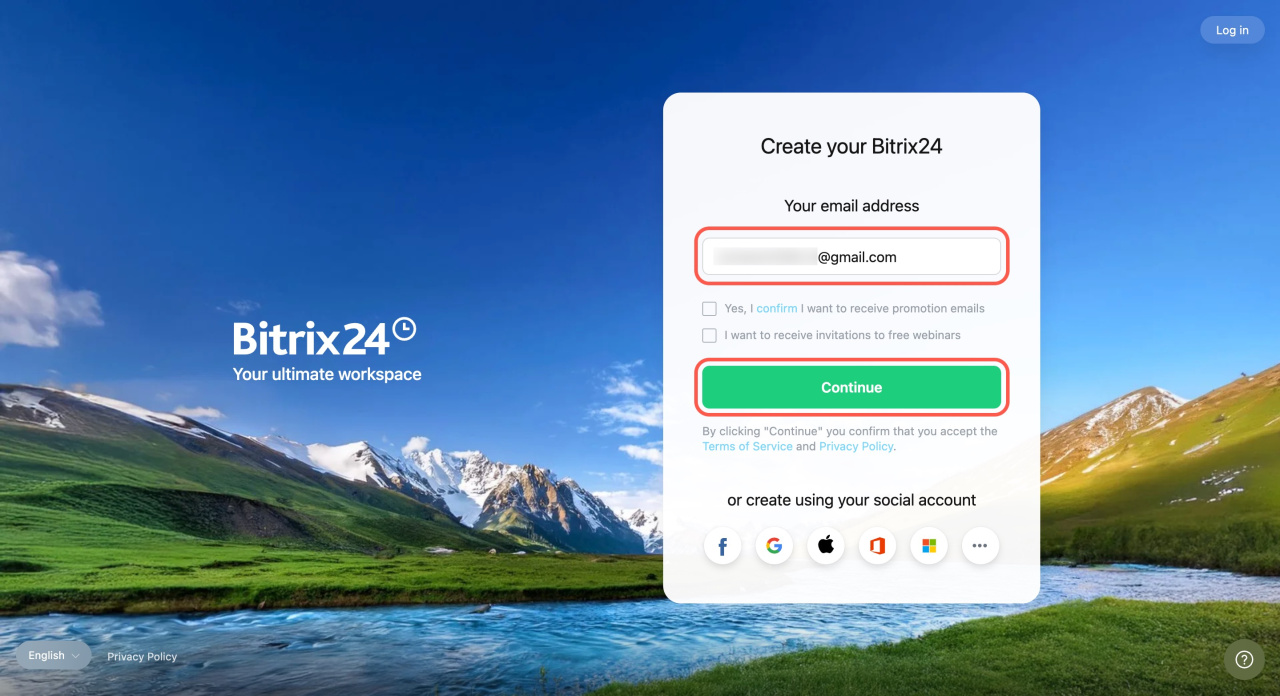
You will receive an email with your Bitrix24 address, login, and a confirmation link.
You must confirm your email before you can:
- Log in to your account
- Purchase a paid plan
- Pay for telephony services and make calls
Register with a social account
You can also sign up using a social account such as Facebook, Google, Apple, Office365, LiveID, or Twitter.
- Go to the Bitrix24 site and click Start for free.
- Choose a social network and sign in. Allow access if prompted.
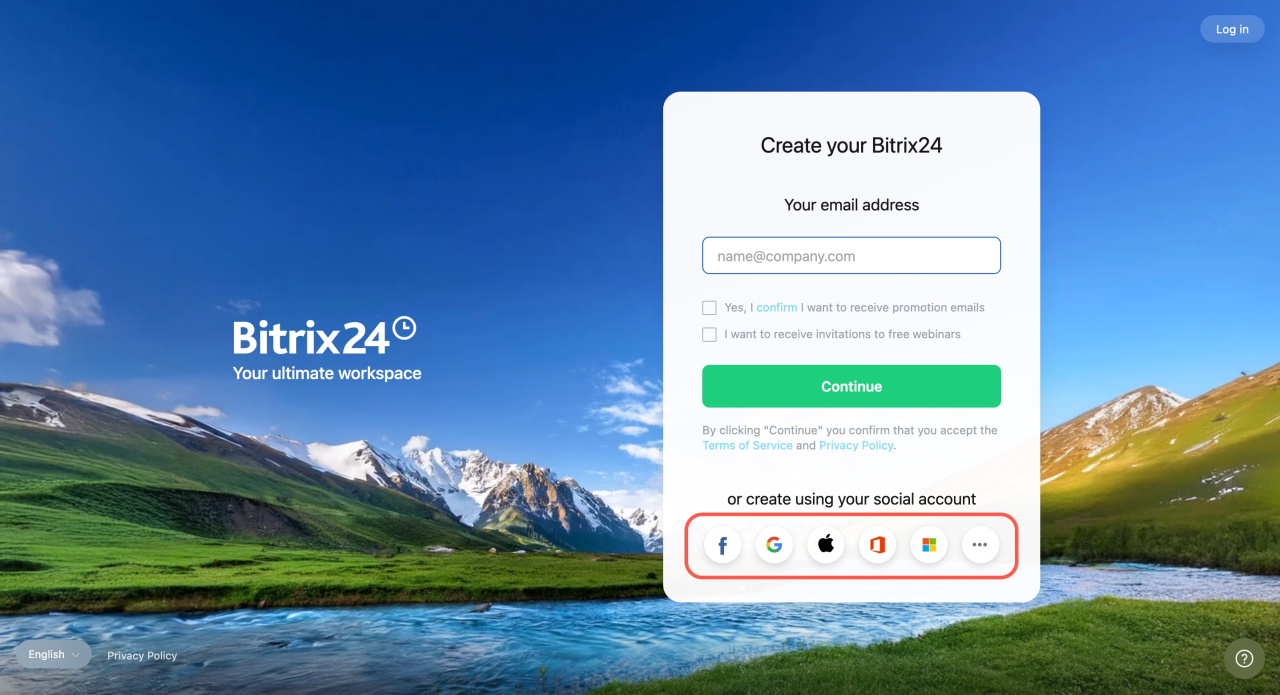
We recommend adding your email after you sign up with a social account. This lets you create a login and password and use them to sign in if needed.
Set up login and password when using social login
Set up login and password when using social login
Join by invitation
If you need to join an existing Bitrix24 account, ask a colleague to invite you.
Invite new users to Bitrix24
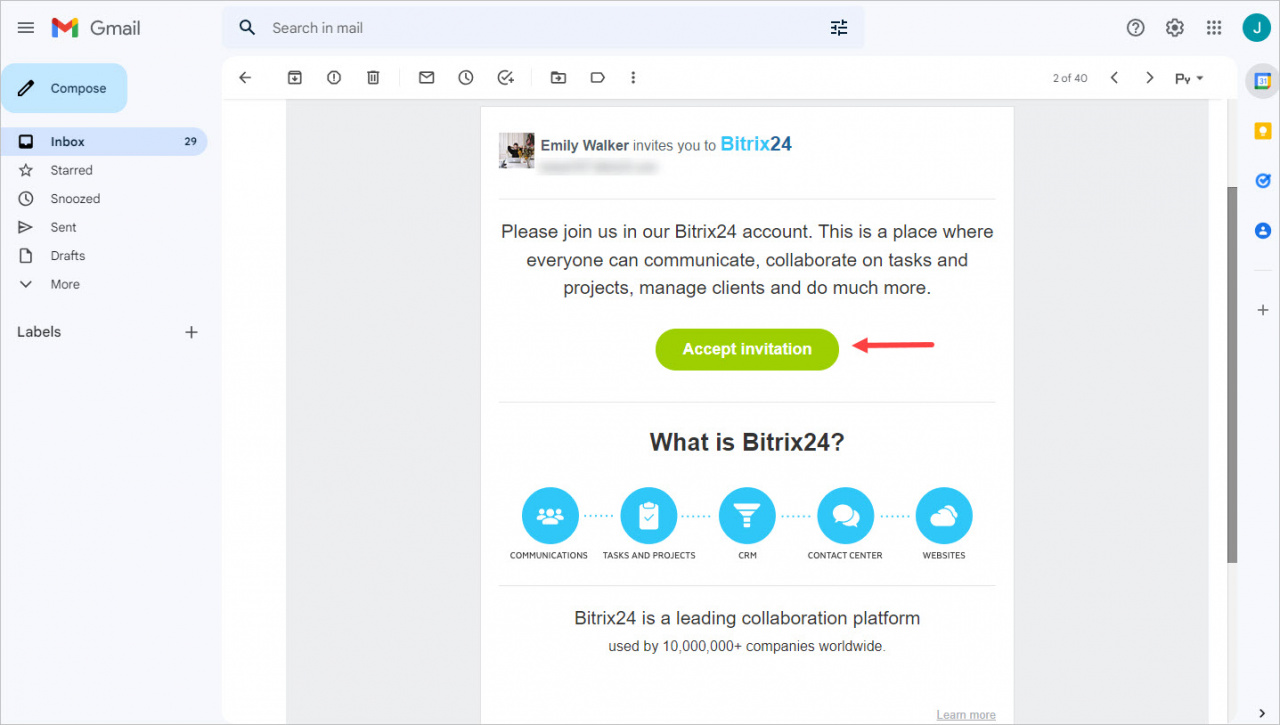
After you receive the invitation email:
- Click Accept invitation.
- Create a password to sign in.
You can also create an account in Bitrix24 apps.
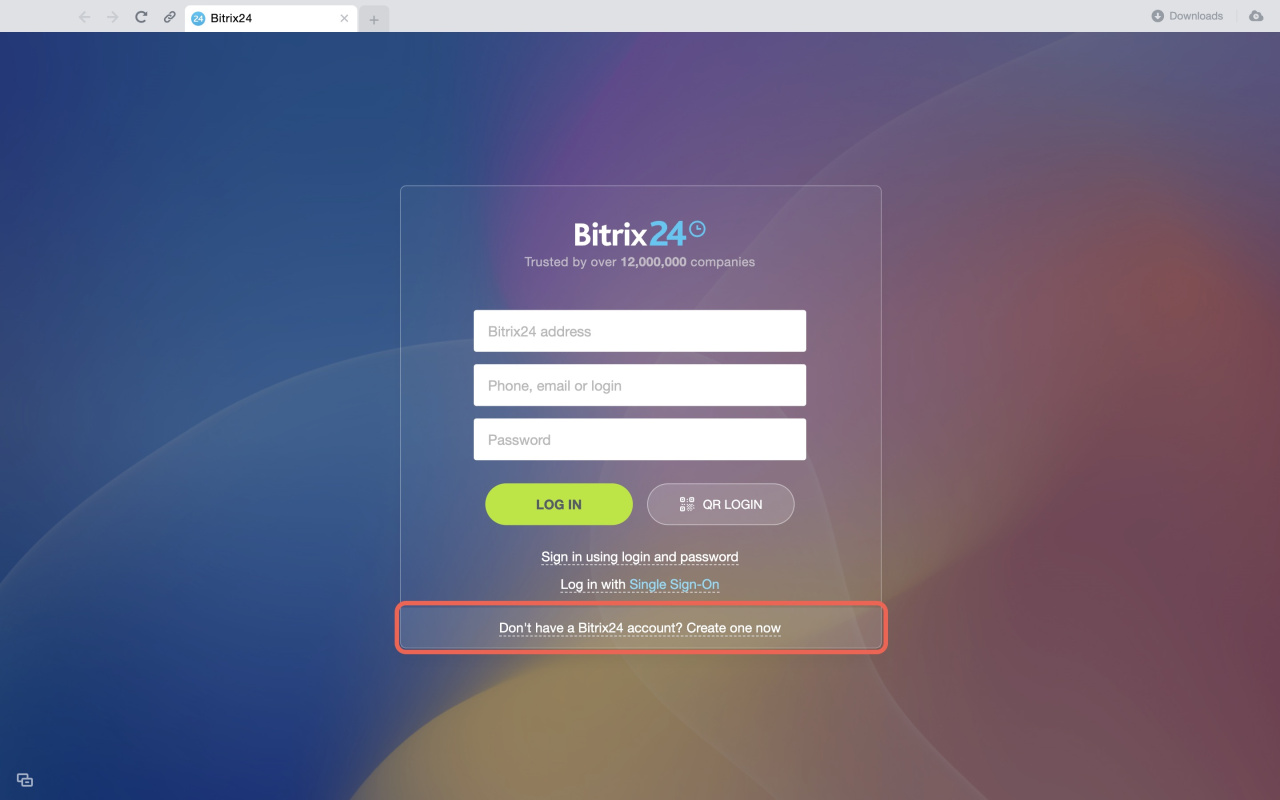
In Bitrix24 Messenger
- Open Bitrix24 Messenger.
- Click the message at the bottom of the screen.
- On the Bitrix24 Network page, sign up with your email or a social account.
In the mobile app
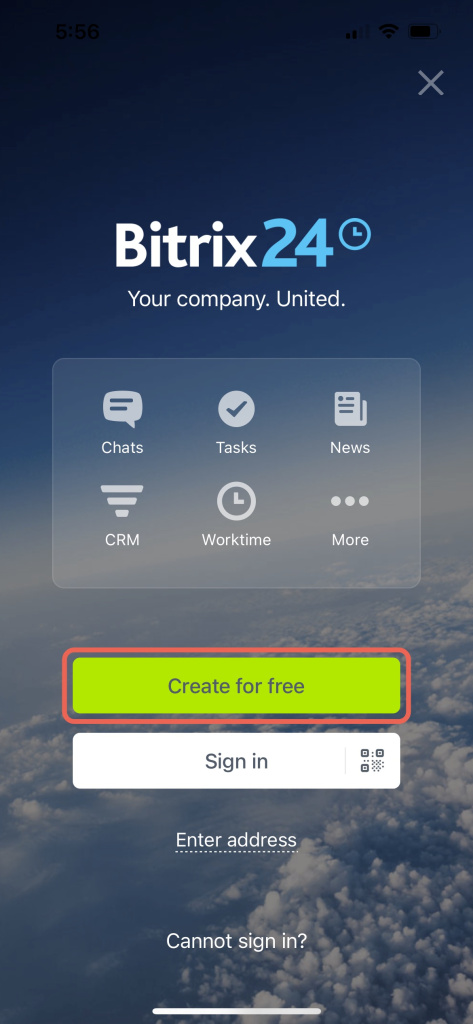
- Open the Bitrix24 mobile app.
- Tap Create for free.
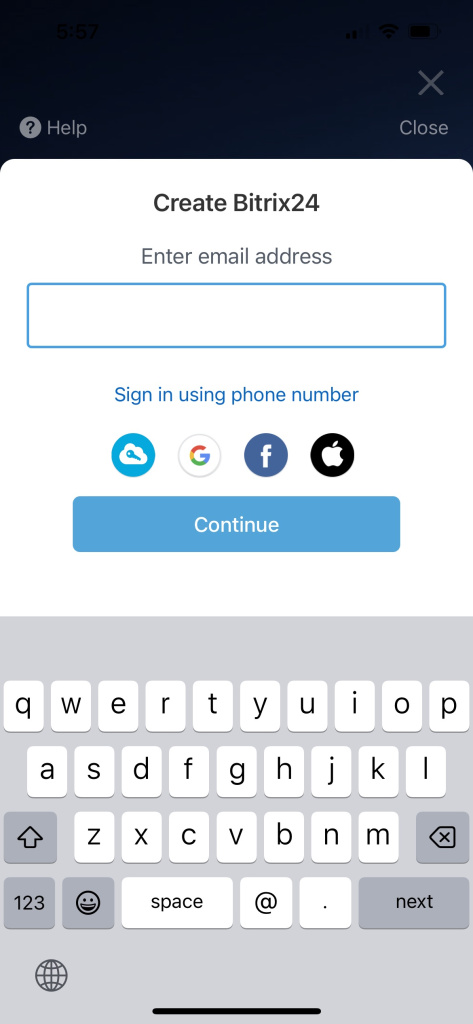
- Enter your email or choose a sign-in option.
- Accept the Terms of Service and Privacy Policy.
In brief
- Bitrix24 is a collaboration platform for teams.
- You can sign up with email or a social account.
- Confirm your email to use all features, including payments and telephony.
- If you sign up with email, you will be logged in automatically. Create a password for future logins.
- If you sign up with a social account, set a login and password as a backup login method.



