


You can use write-offs to track lost or damaged products. If you do not write off these products, inventory balances and reports may become inaccurate.
Web version
Mobile app
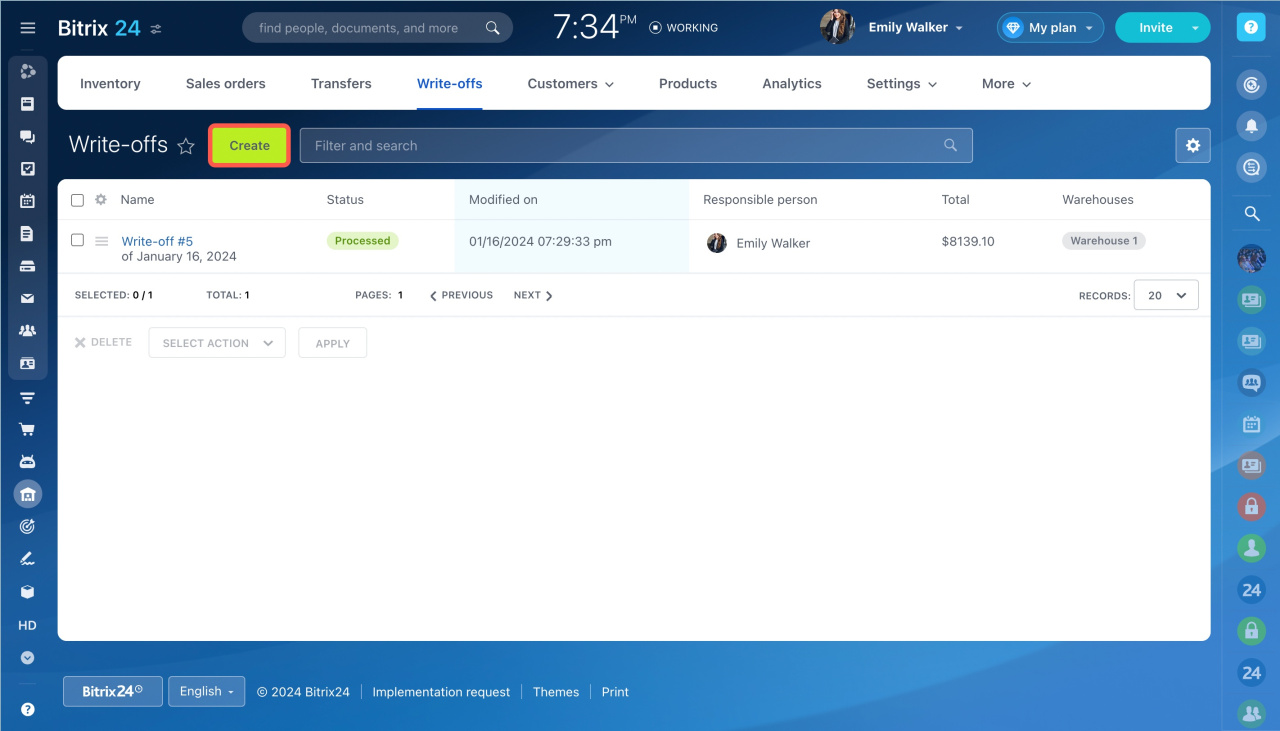
To create a write-off:
- Go to Inventory management.
- Open the Write-offs tab.
- Click Create.
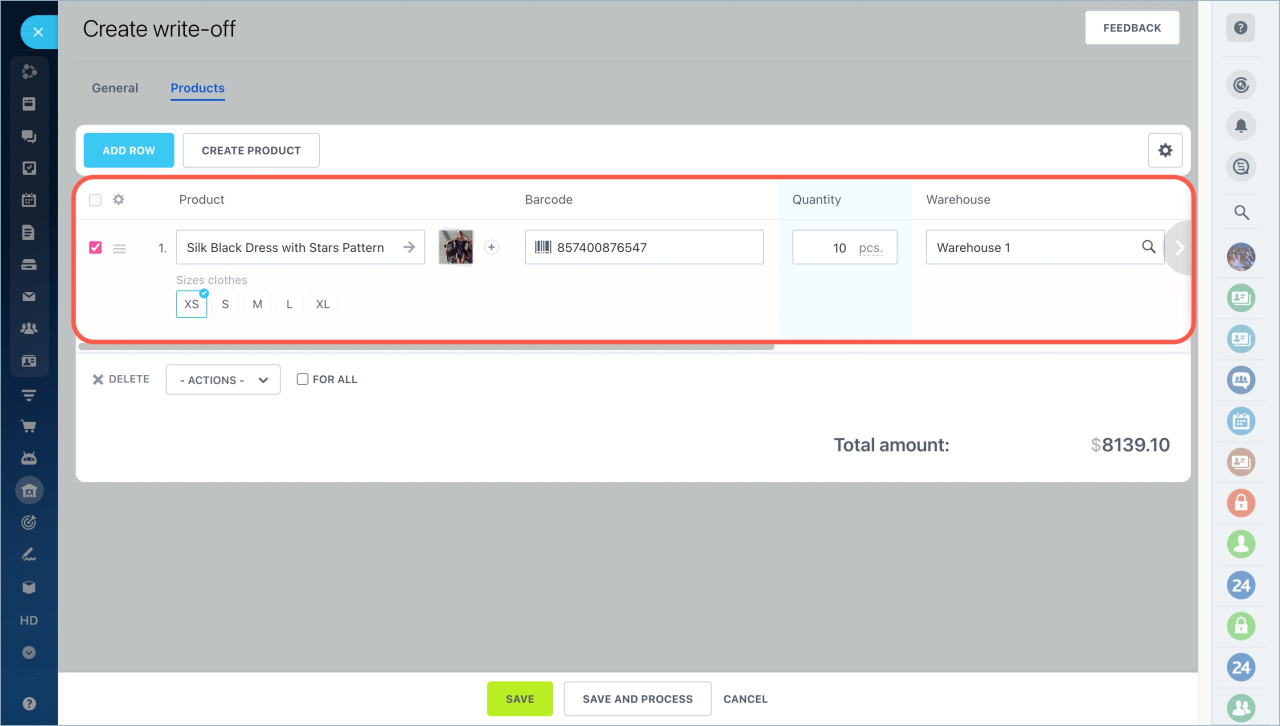
Add a product, enter the quantity, and select a warehouse.
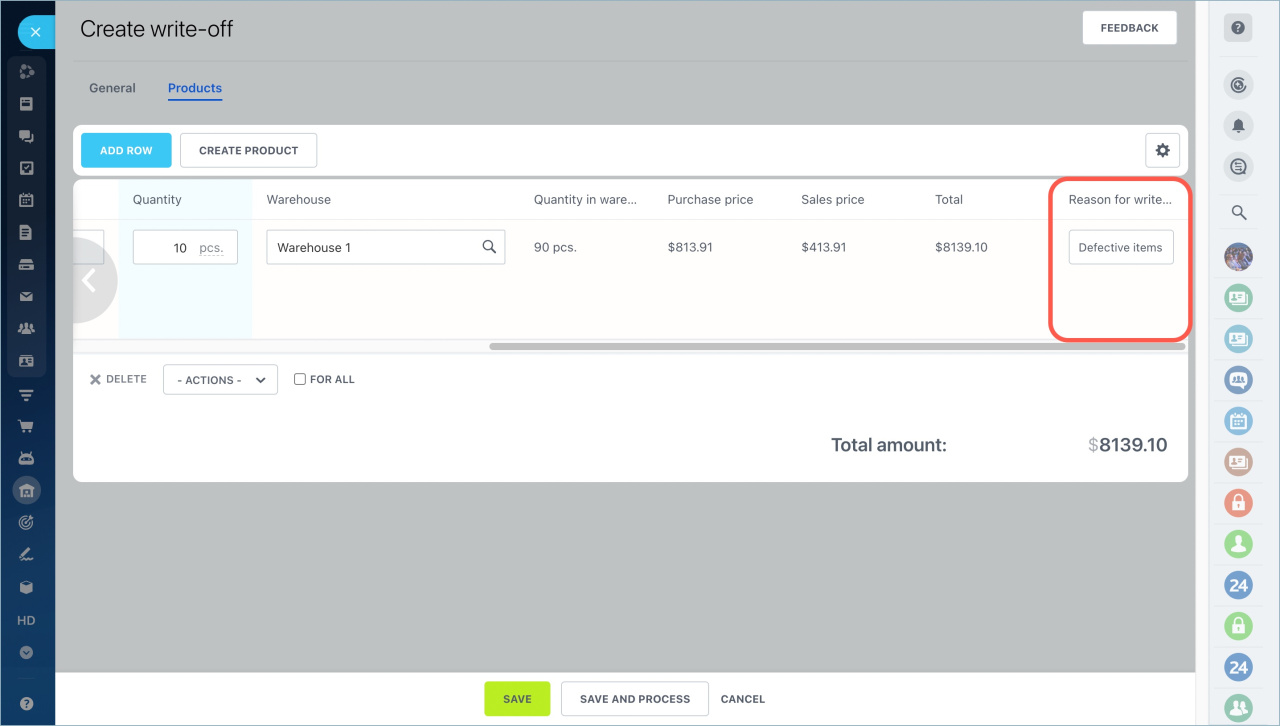
Enter the reason in the Reason for write-off field.
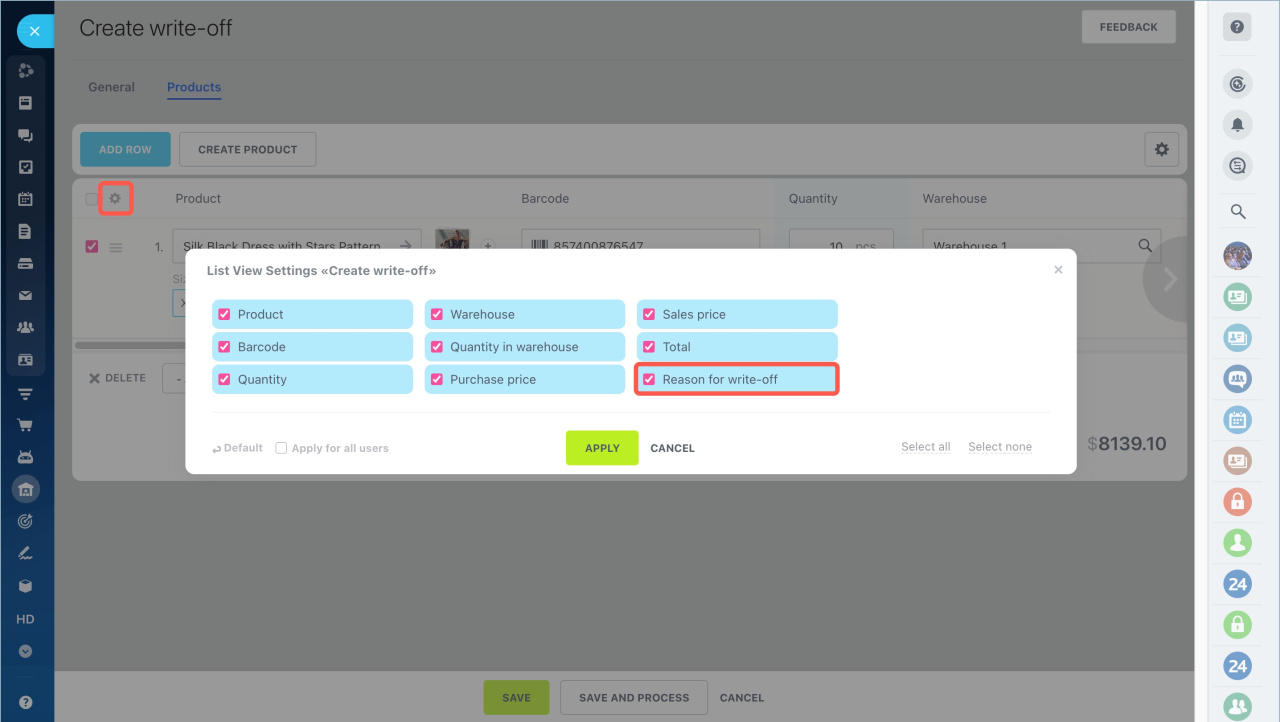
If this field is not available, click the settings button and add it from the list.
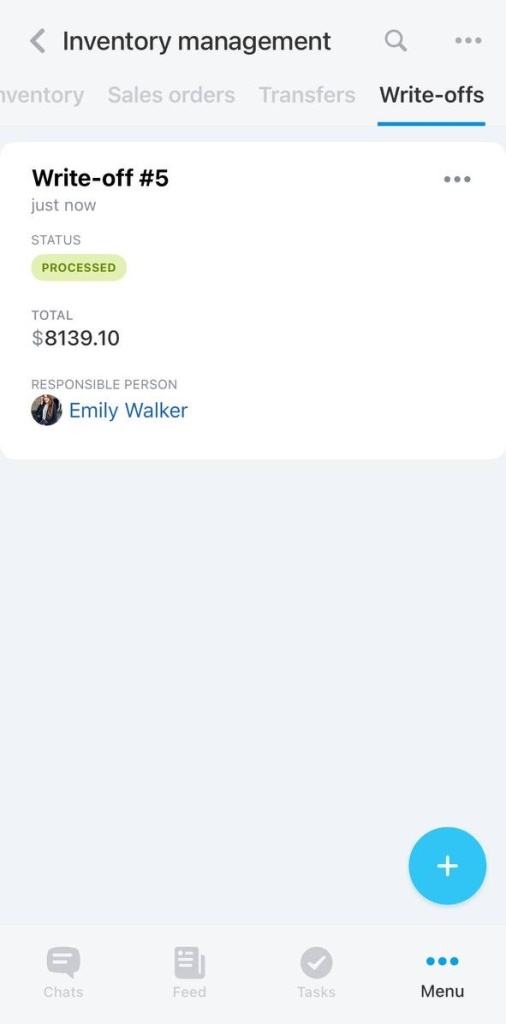
When everything is ready, process the document to update inventory balances.
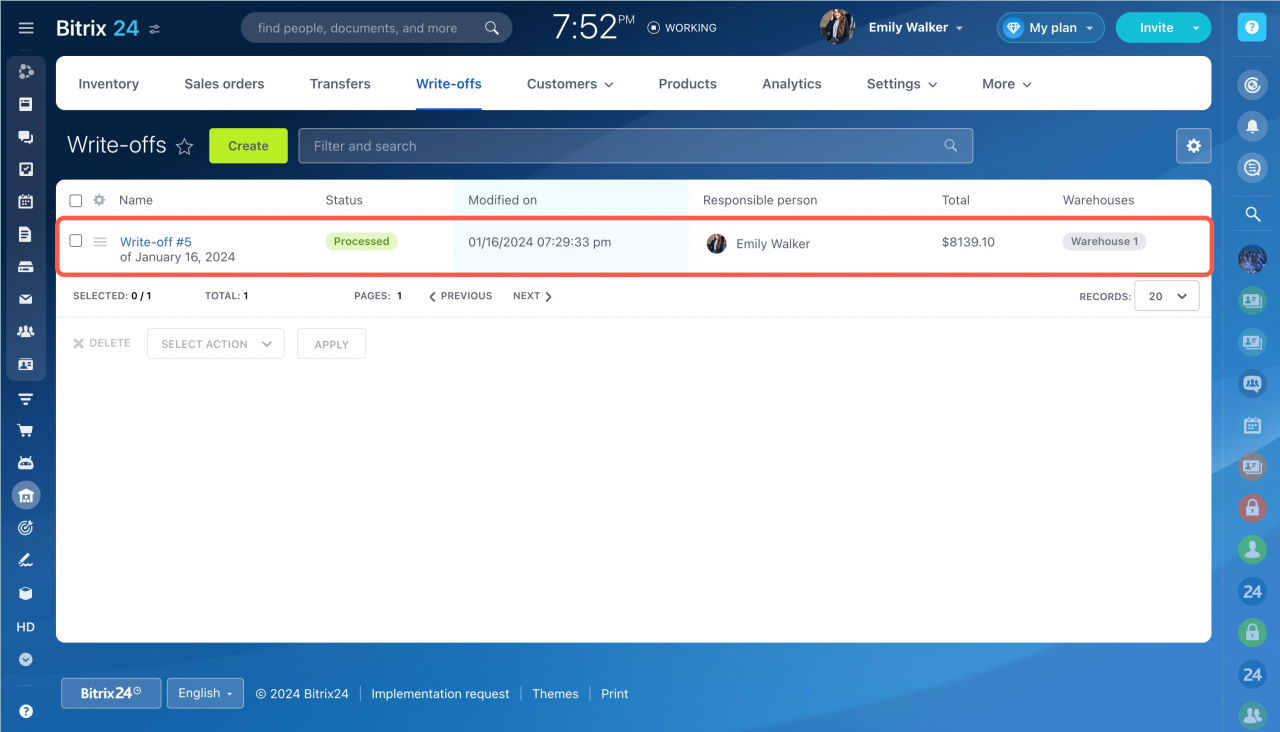
To create a write-off:
- Open the Bitrix24 mobile app.
- Open the Menu and go to Inventory management.
- Tap +.
- Select Write-off.
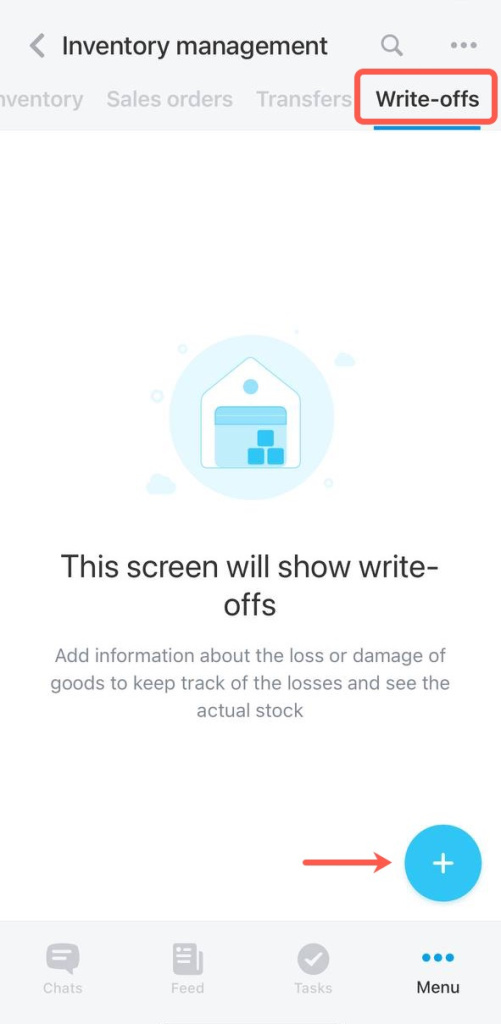
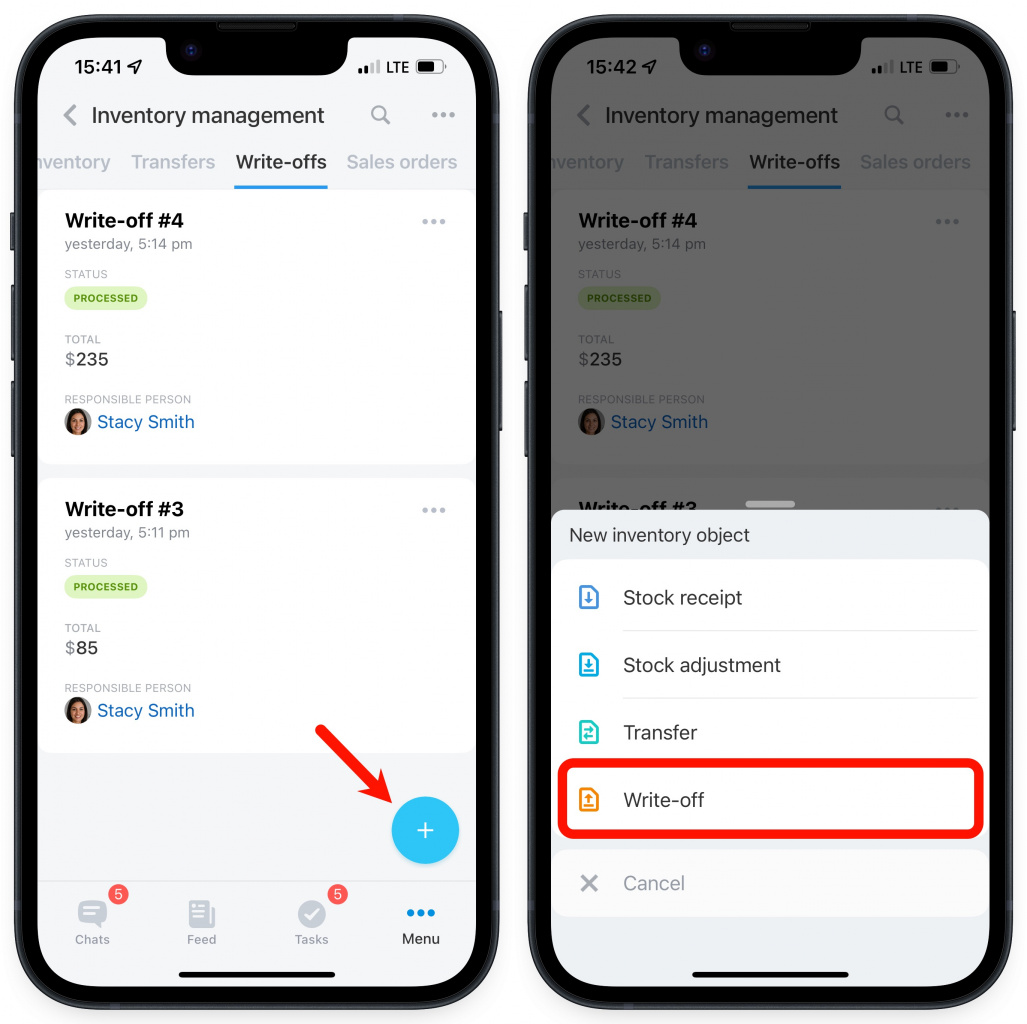
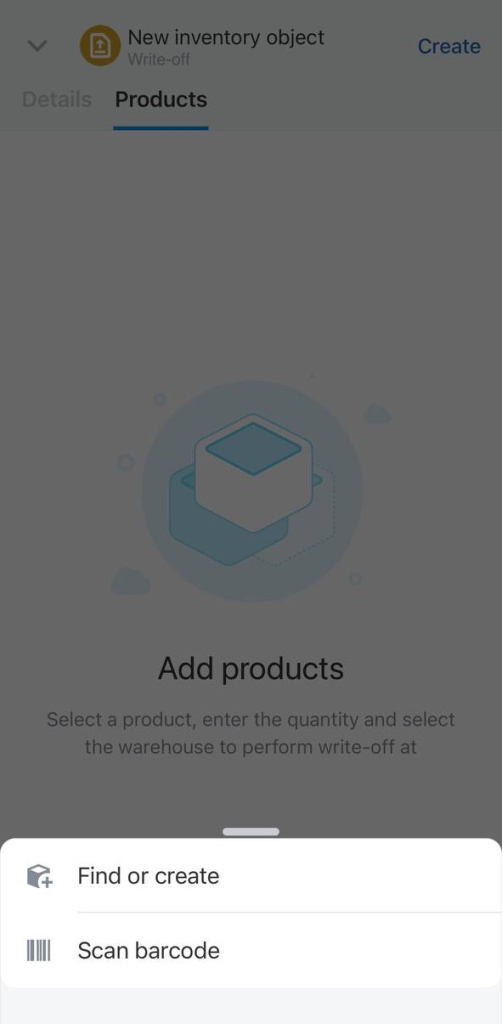
Select the products. You can:
- Create a new product
- Find a product by barcode
- Select a product from the catalog
Product variants are available only in the web version.
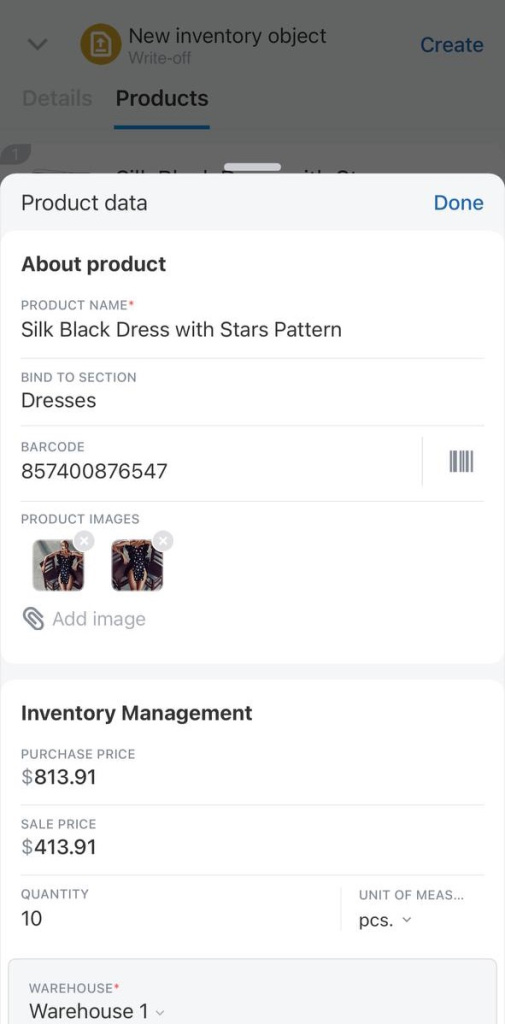
Enter the product quantity and select a warehouse. Then tap Create.
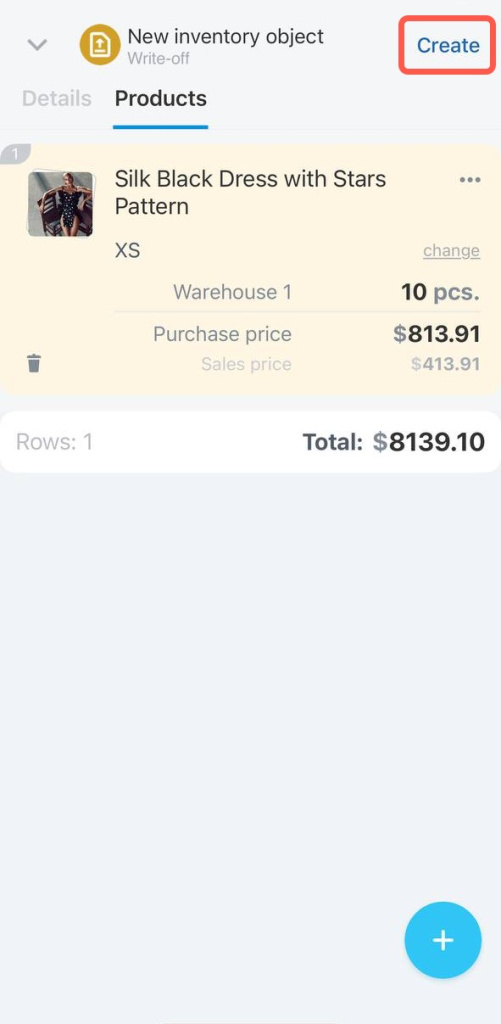
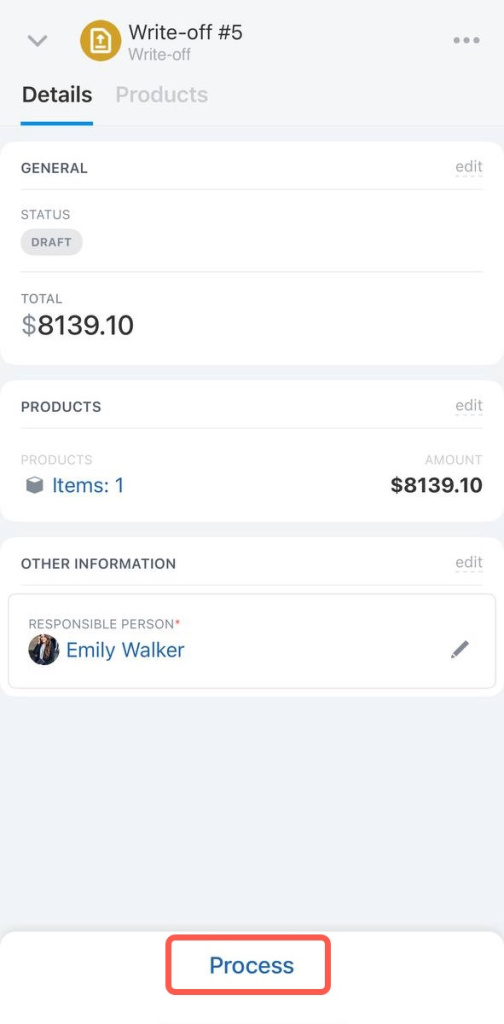
The document is saved as a draft. Process it to update inventory balances.
In brief:
- Use write-offs to track lost or damaged products.
- Create a write-off document in Inventory management > Write-offs.
- Add products, enter quantities, and select a warehouse.
- Specify the reason in the Reason for write-off field.
- Process the document to update inventory balances.



