


Add custom pages to your Chat enabled sales online store and share them with customers in chat.
Go to Sites and Stores > Online Stores > Chat Enabled Sales > Pages.
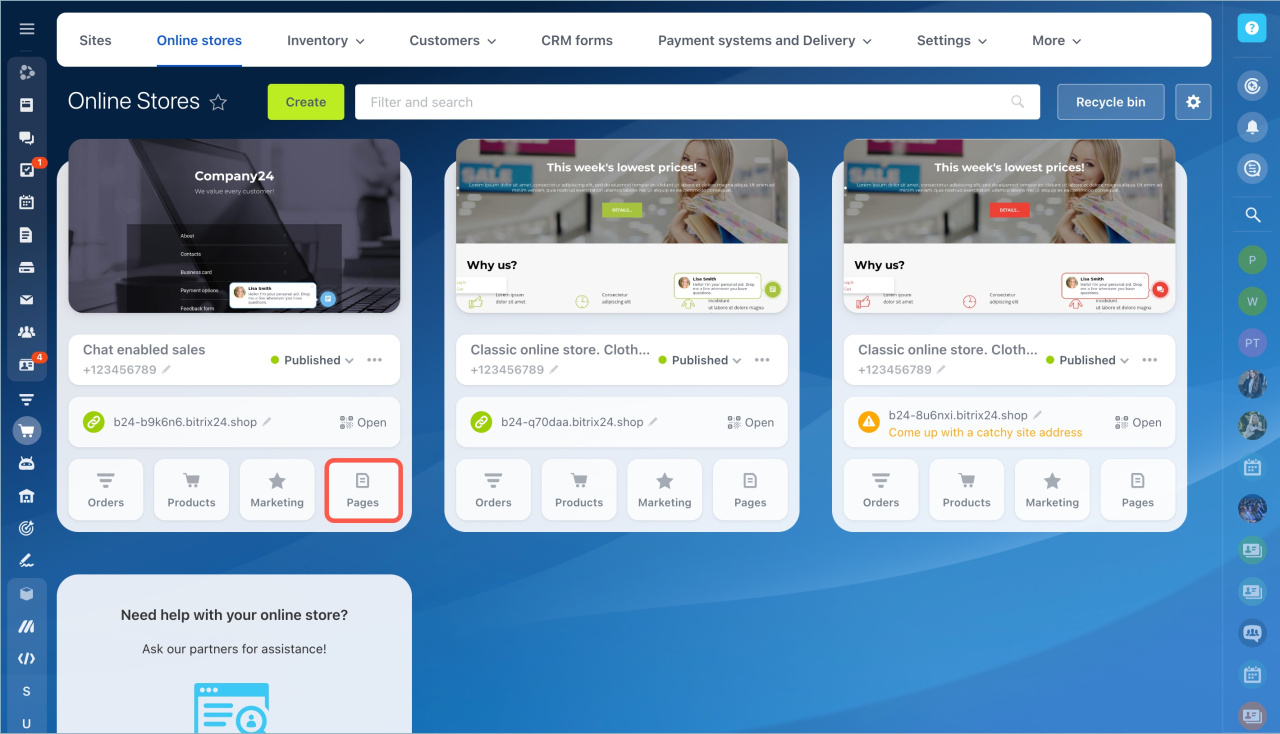
Create a new page
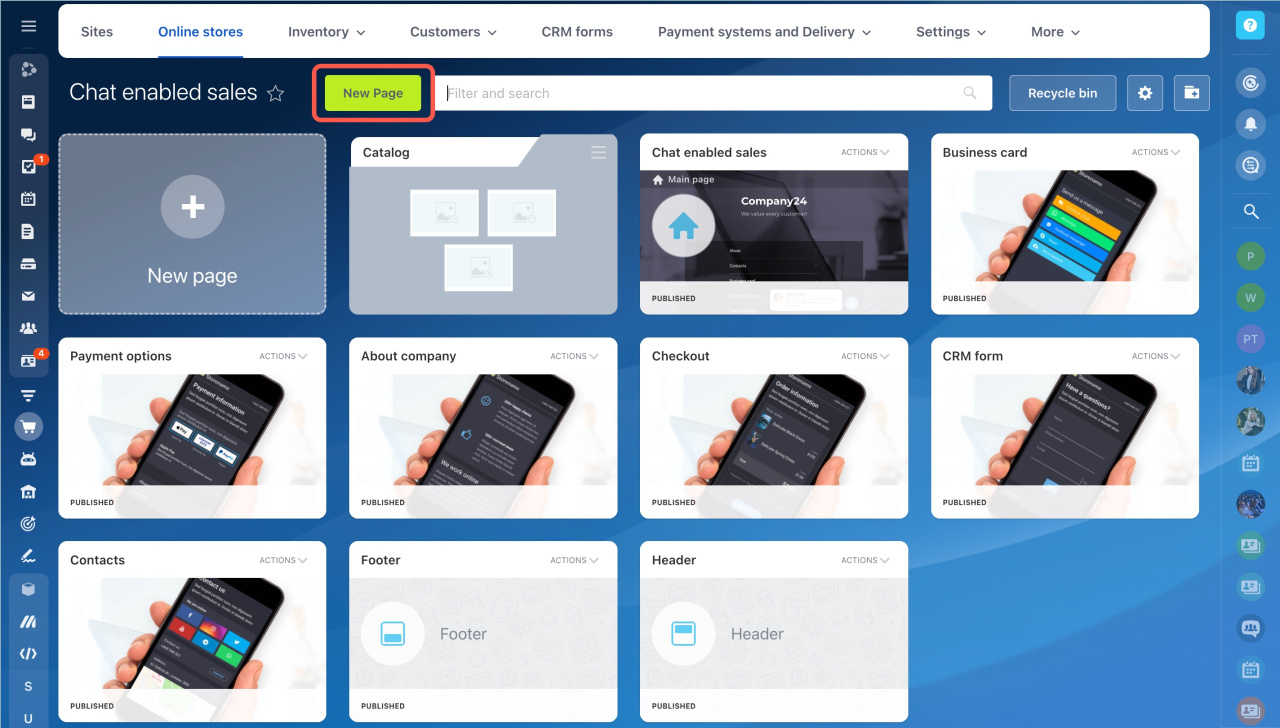
Several pages are available by default, such as About company and Contacts.
- Click New page.
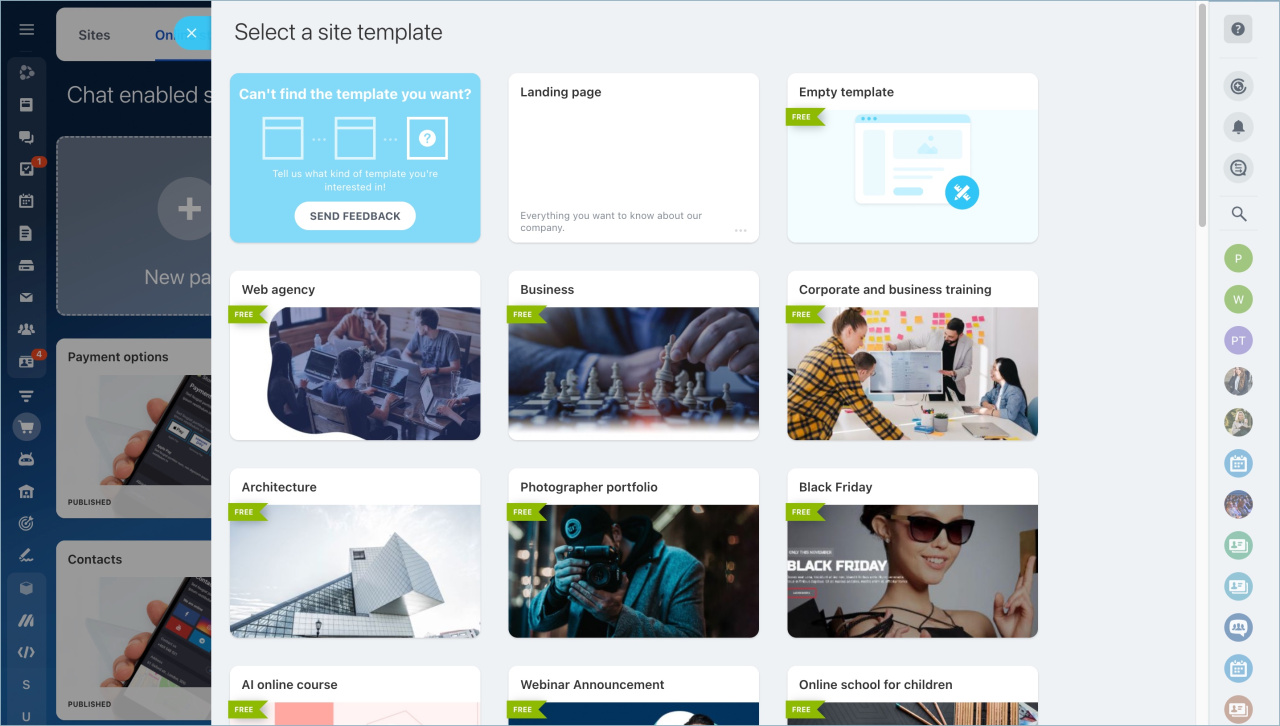
- Select a template.
- You can choose a blank template and build the page from scratch.
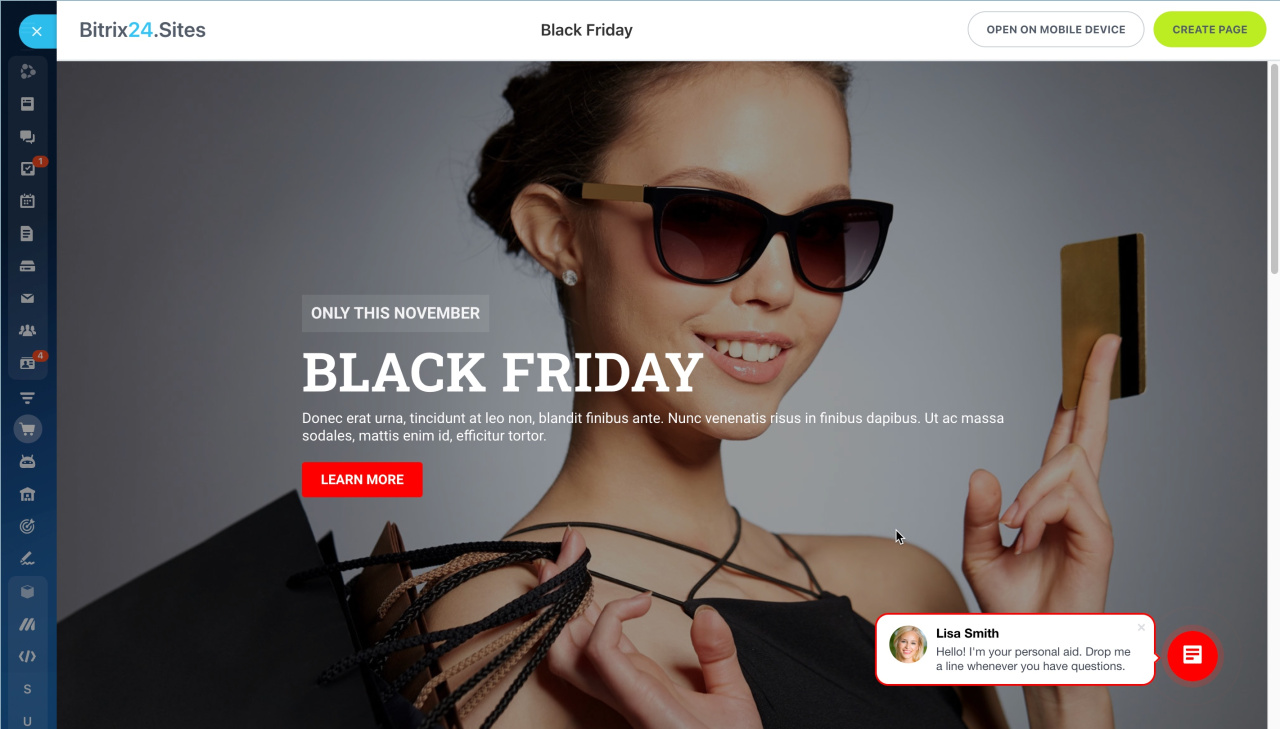
- Click Create page in the top-right corner.
- Customize the page: add blocks, change the design, and update the content.
- Publish the page.
After you publish the page, it appears in the list of Chat enabled sales pages.
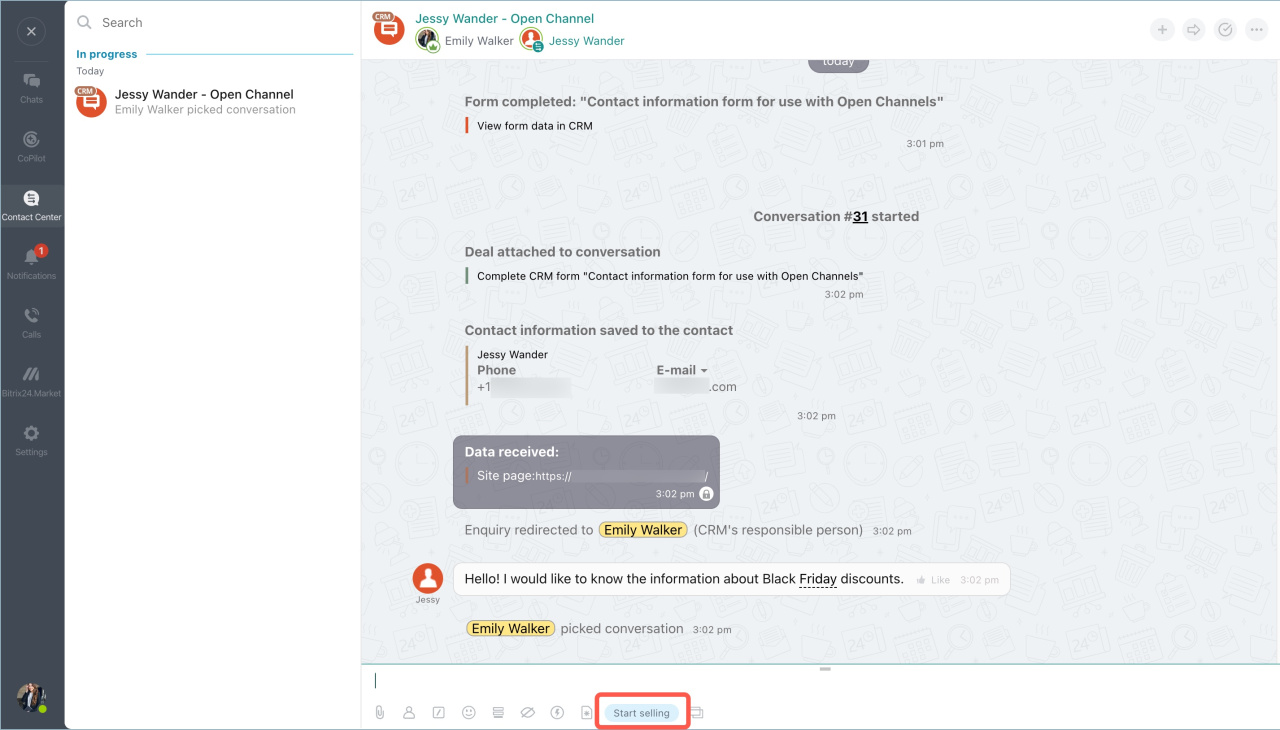
Send a page to a customer
- Click Start selling in the chat.
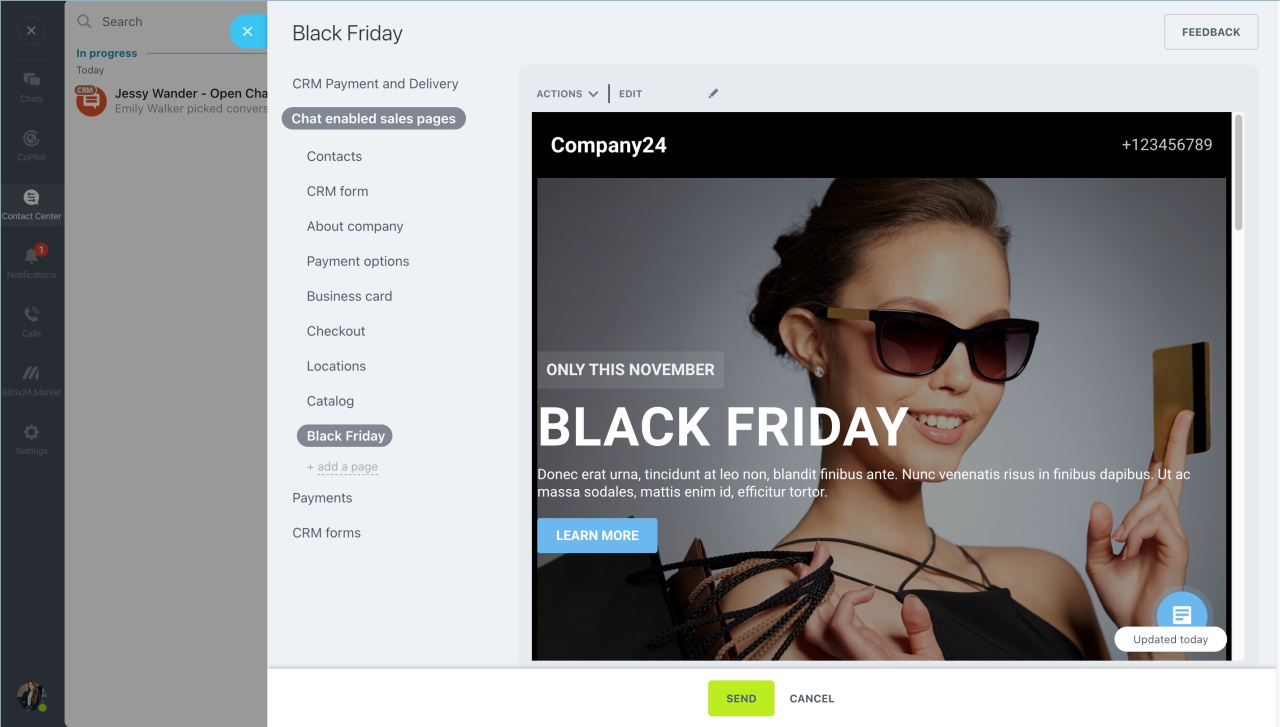
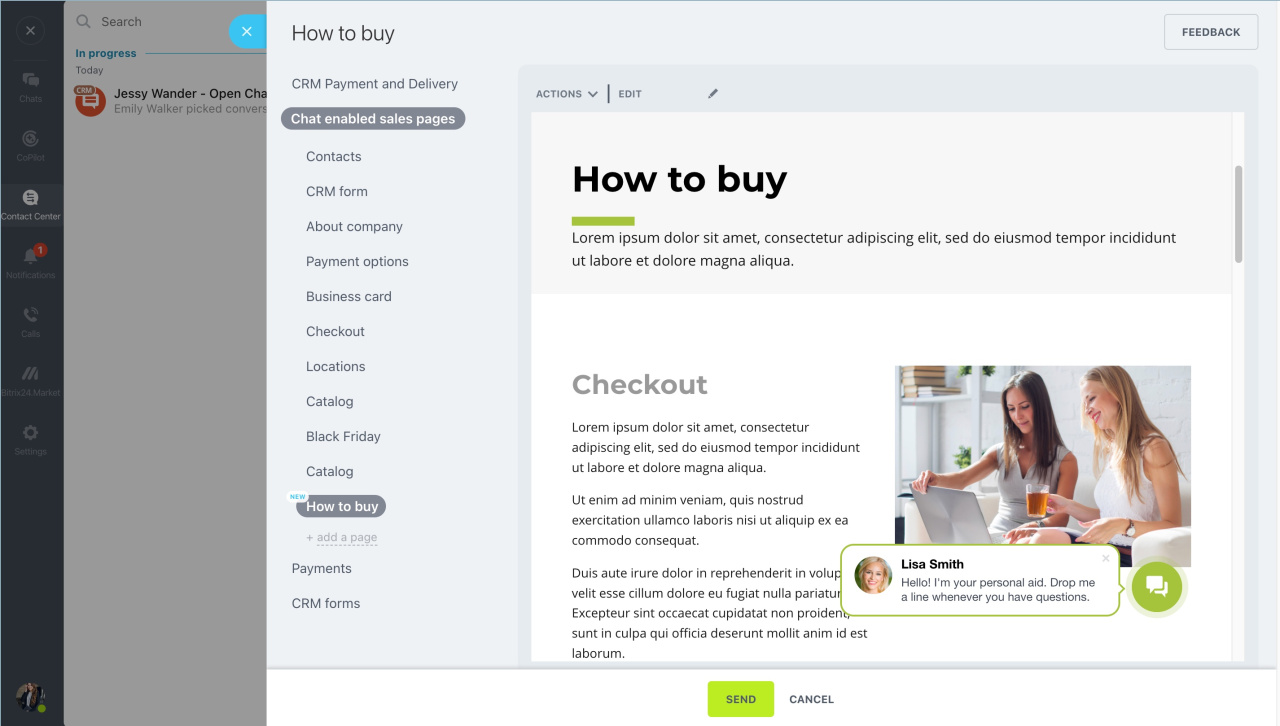
- Open the Chat enabled sales pages tab.
- Select a page.
- Send it to the customer.
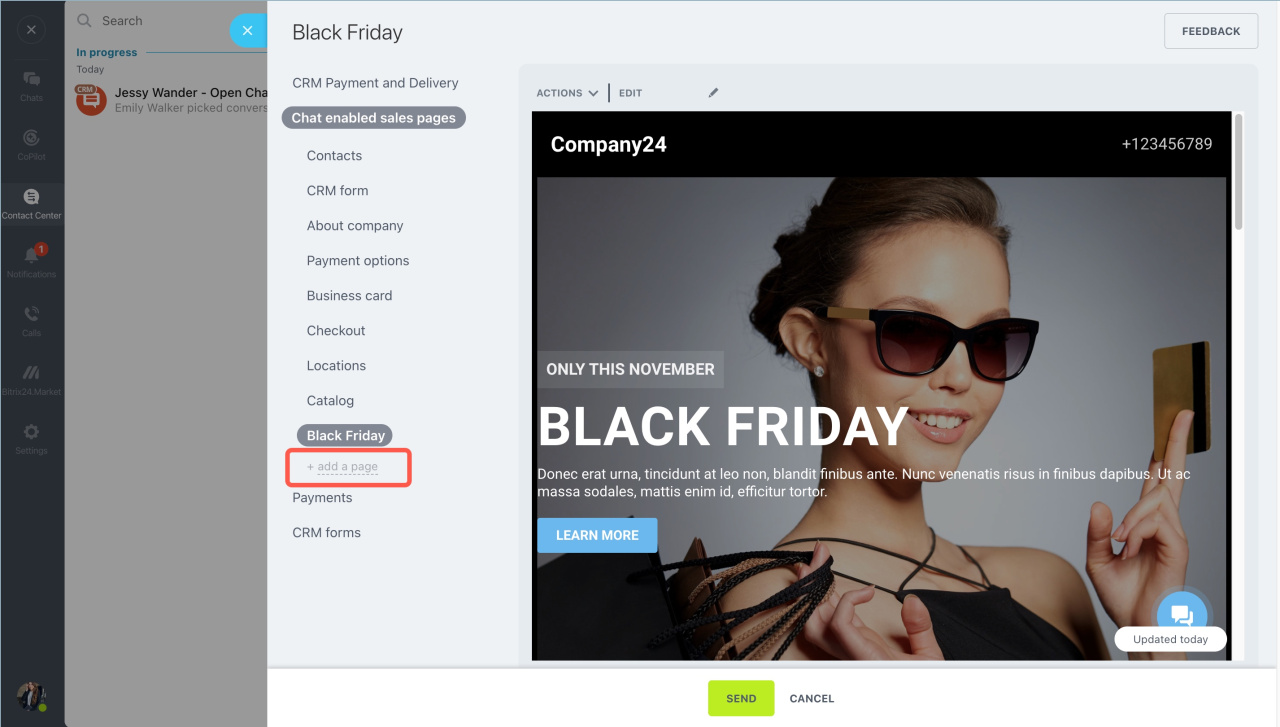
Add an existing page
You can also add your own pages to the list of Chat enabled sales pages.
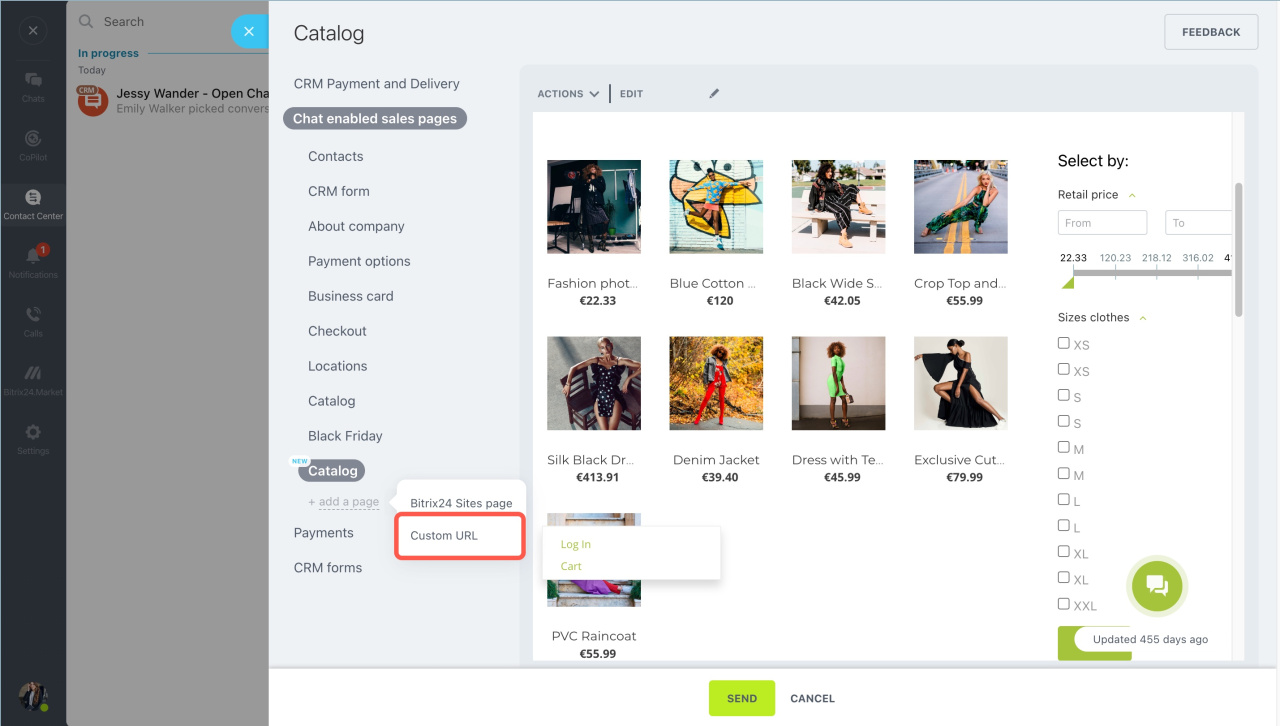
Click Add a page and select one of these options:
- Bitrix24 Sites page
- Custom URL
Add a Bitrix24 Sites Page
- Click Add a page > Bitrix24 Sites page.
- Select a site and a page.
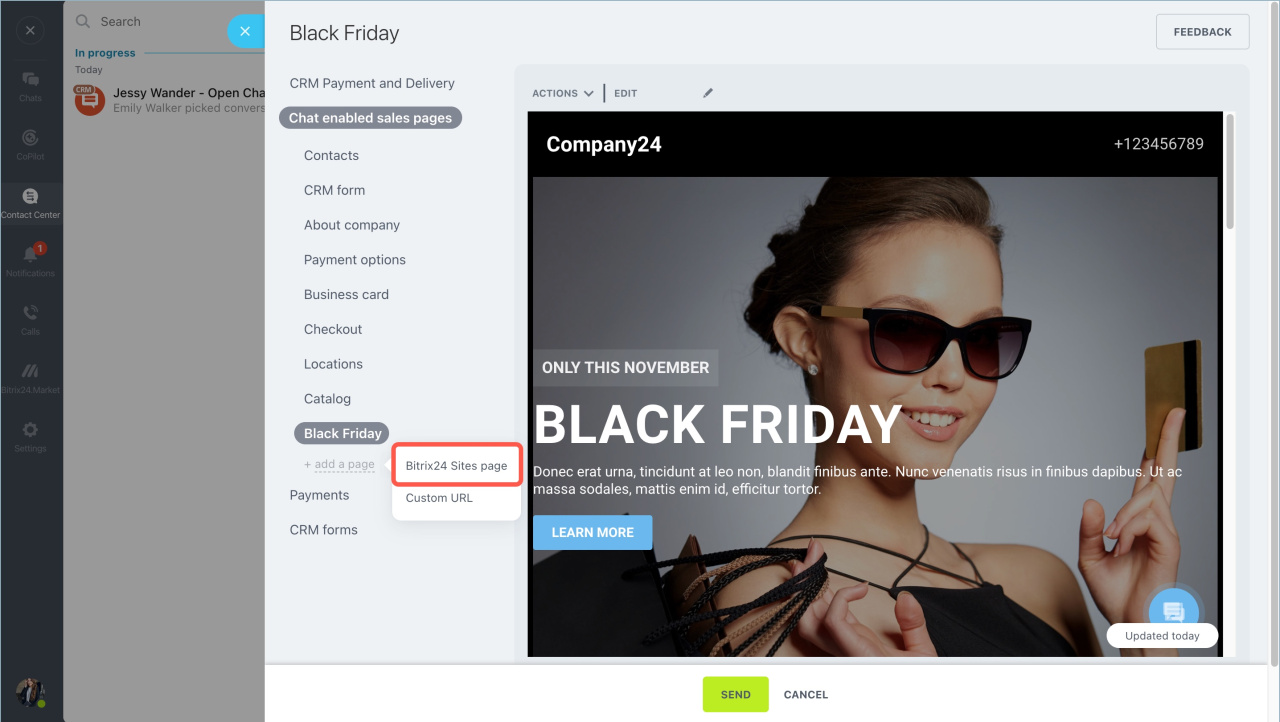
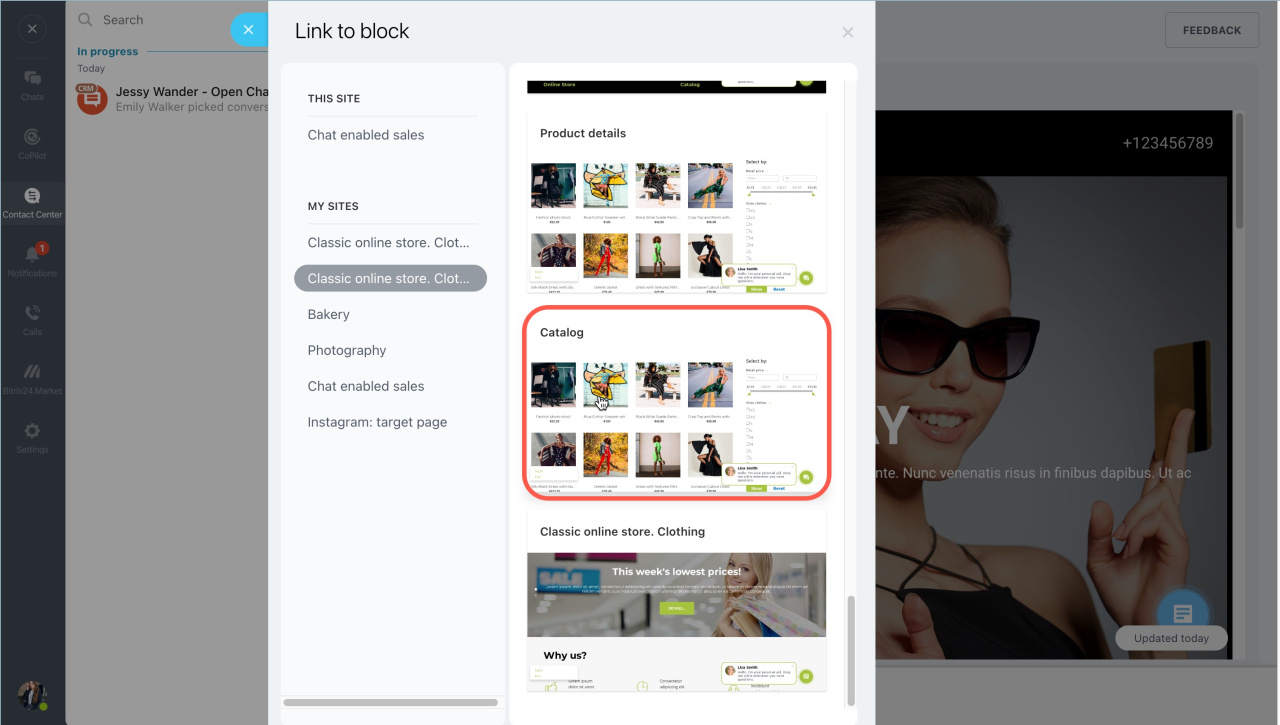
The page appears in the list of Chat enabled sales pages. You can now send it to customers in chat.
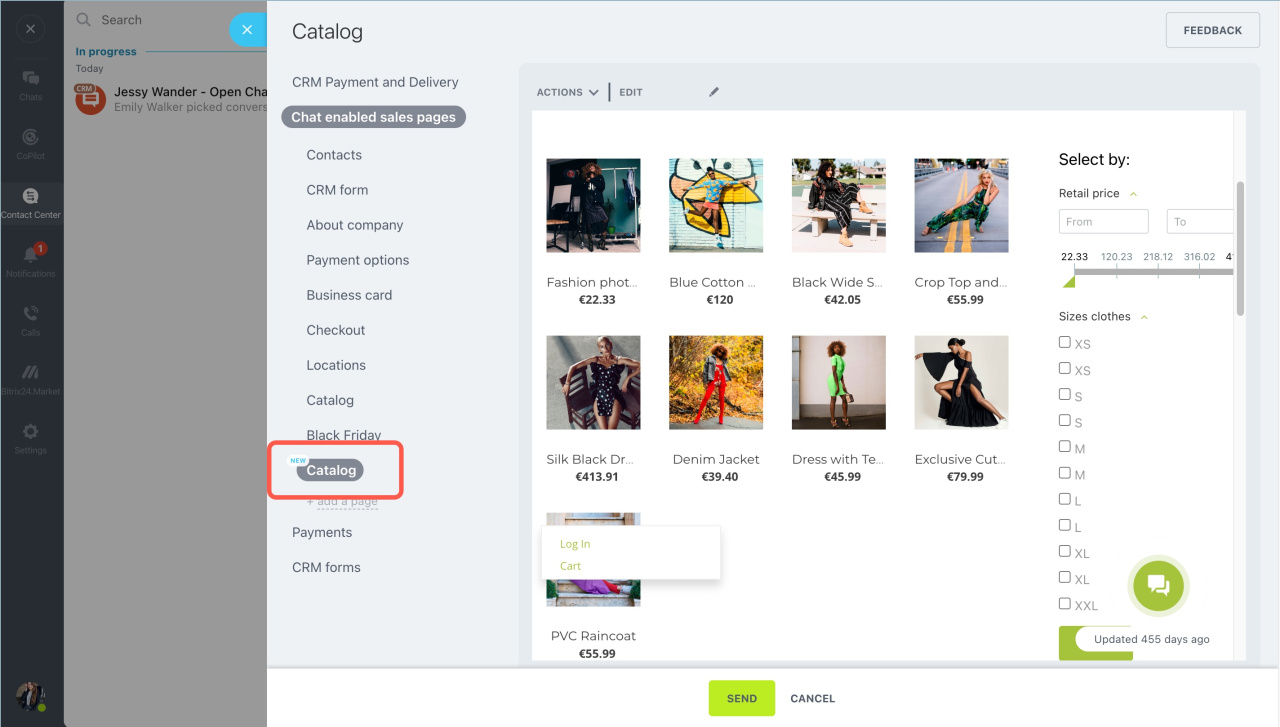
Add a page by URL
You can add a page created with any website builder.
- Click Add a page > Custom URL.
- Enter the Page URL and Page name.
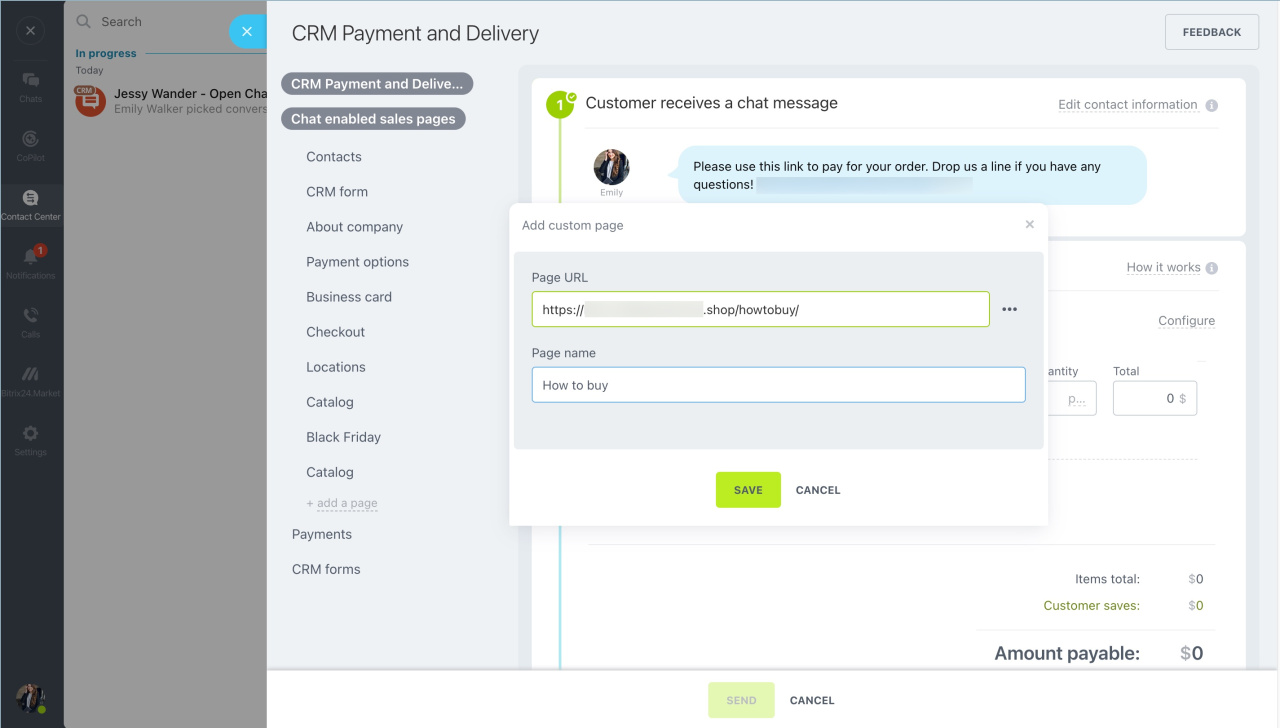
The page appears in the list and is ready to share with customers.
In brief
- Go to Sites and Stores > Online Stores > Chat Enabled Sales > Pages.
- Click New page and select a template.
- Click Create page and customize the page.
- In chat, click Start selling, open the Chat enabled sales pages tab, and send the page to the customer.



