


The Customer documents node group includes nodes that track document signing. For example, when the required party signs a document, the node automatically starts the next step. You do not need to check the signing status or continue the process manually.
In this article:
Track signing by your side
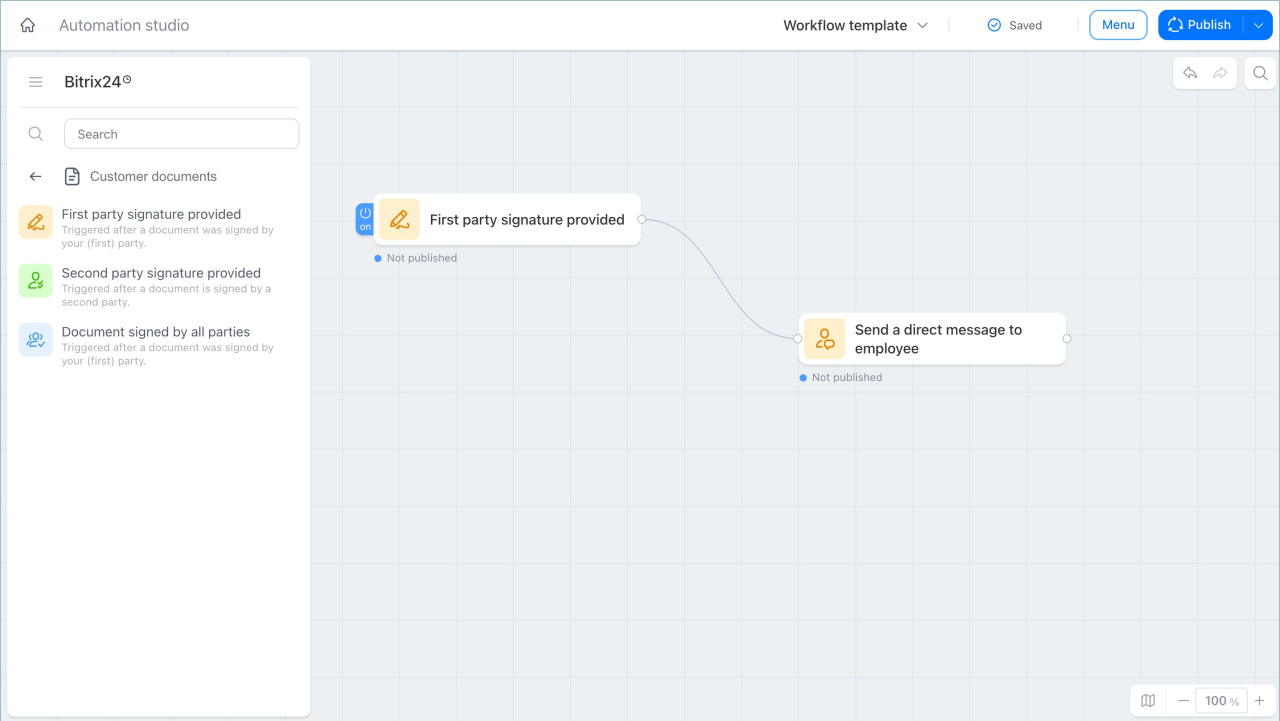
The First party signature provided trigger starts the process after someone on your side signs the document.
For example, a client contract may go through several approval stages. When the director signs the contract on behalf of the company, Bitrix24 automatically notifies the lawyer. Responsibility for the next step then moves to the lawyer.
Track signing by the other party
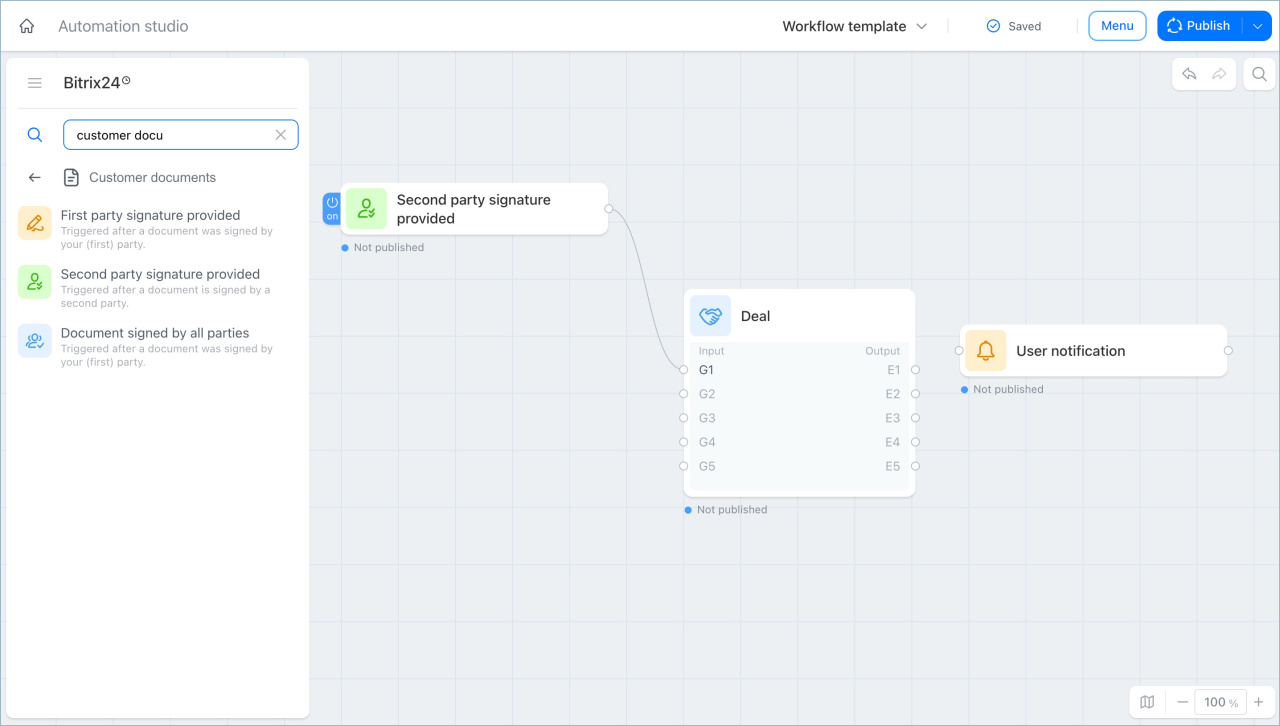
The Second party signature provided trigger starts the process after the other party, such as a client or contractor, signs the document.
For example, a company may have a contract workflow in place. When the client signs the contract, Bitrix24 automatically moves the deal to the next stage and assigns the manager a task to issue an invoice. The process continues without manual action.
Track signing by all parties
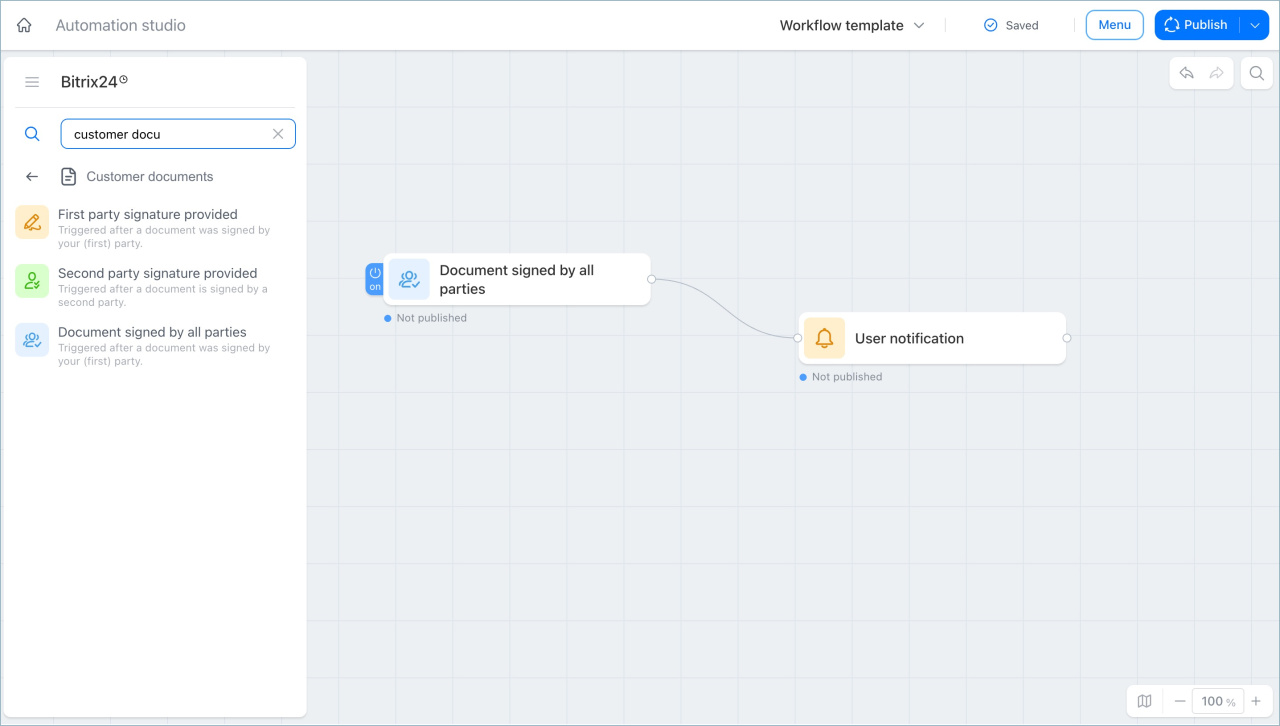
The Document signed by all parties trigger starts the process after all participants sign the document.
For example, a manager, a lawyer, and a client may all need to sign a contract. After everyone signs, the supervisor automatically receives a notification. This means the contract is now in effect and the team can move to the next stage.
In brief
- The Customer documents node group node group includes triggers that automate document signing. The workflow responds to signing events automatically.
- The First party signature provided trigger starts the process when someone on the company side signs the document.
- The Second party signature provided trigger starts the process when the client or contractor signs the document.
- The Document signed by all parties trigger starts the process when all participants have signed.



