


The Work Reports tool helps you manage employee performance, track tasks, and review progress.
Fill out a report
At the end of a day, week, or month, the report form opens automatically.
The report includes these fields:
- Report - include everything that was done during the specified reporting period.
- Plan - make plans for the next reporting period.
- Files - attach files to the report.
- Tasks - include tasks that you have done.
- Events - are added automatically to your work report if you have confirmed participation.
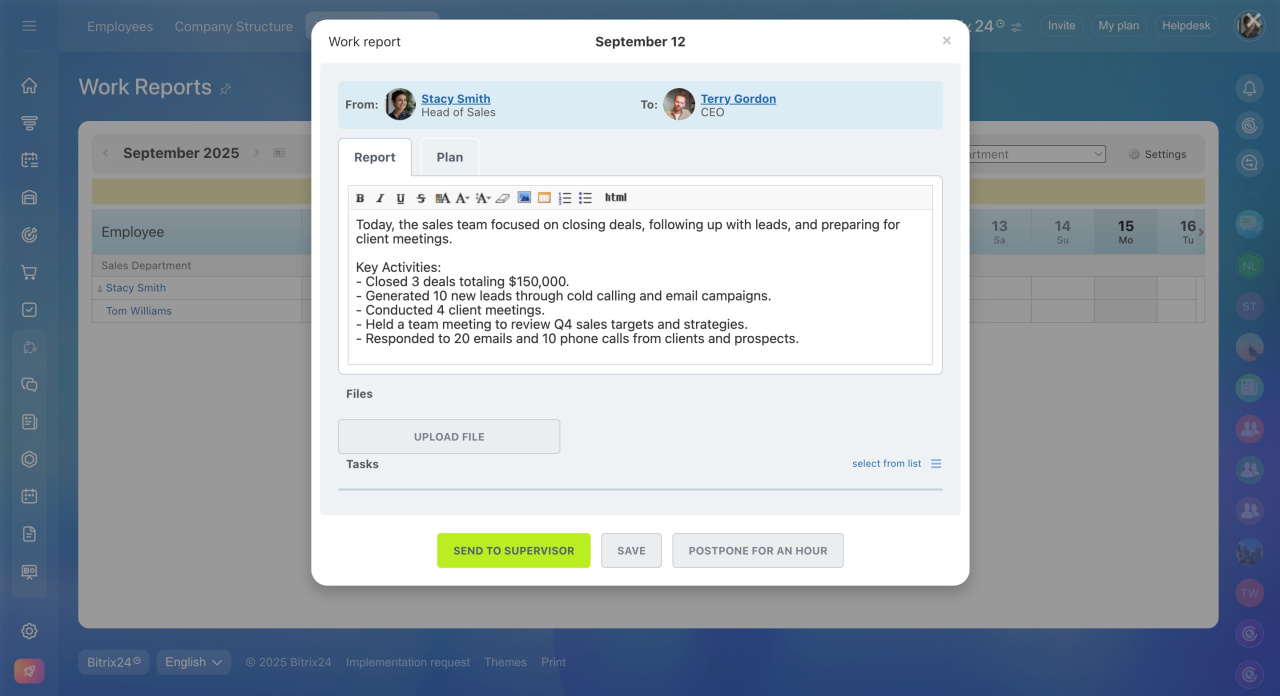
When you submit the report, your supervisor gets a notification. You will also get a notification after they review it.
Once your supervisor approves the report, you can no longer edit it.
If you did not send the report
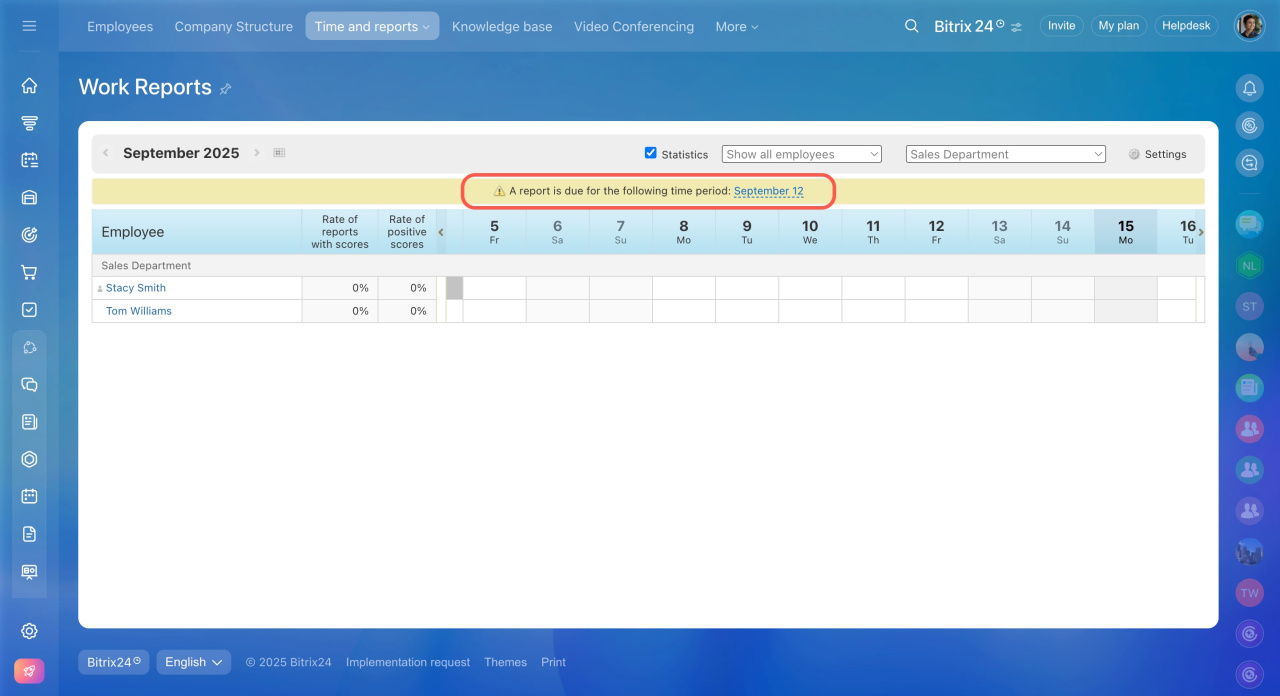
If you skip a report, you will see a notification on the Work reports page.
Confirm a work report
After employees submit reports, the supervisor reviews them, adds comments, and evaluates the results.
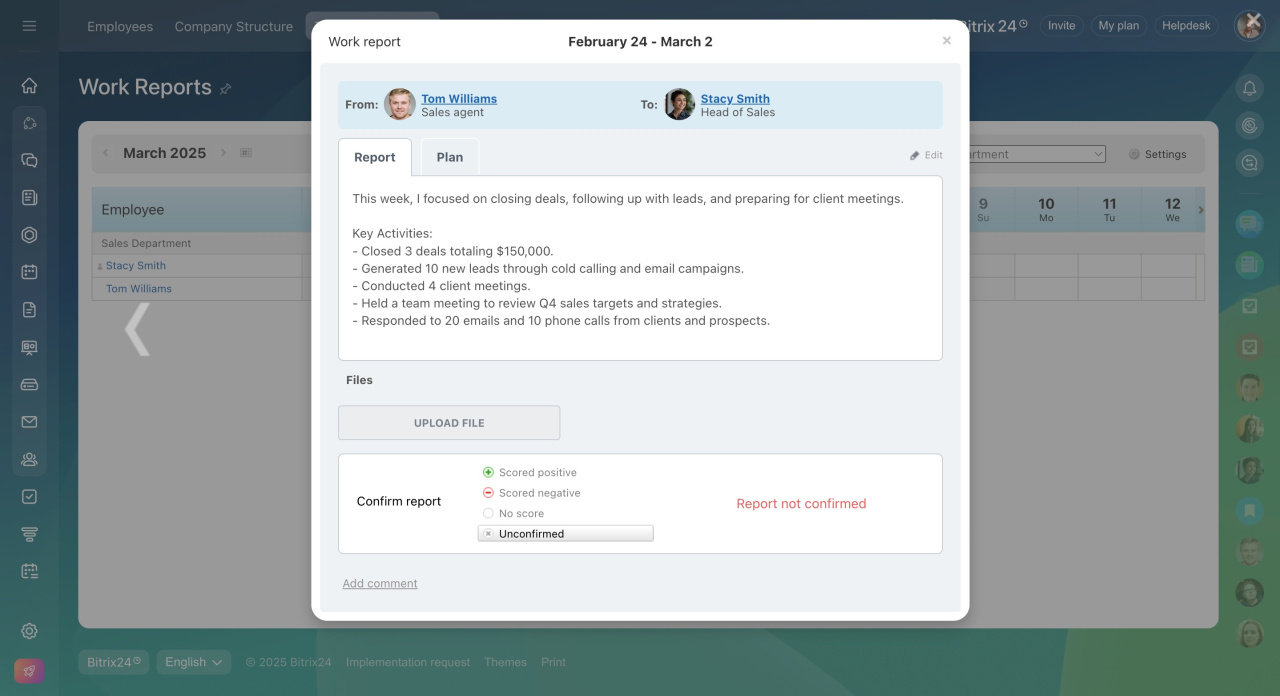
The employee receives a Feed notification when the report is confirmed.



