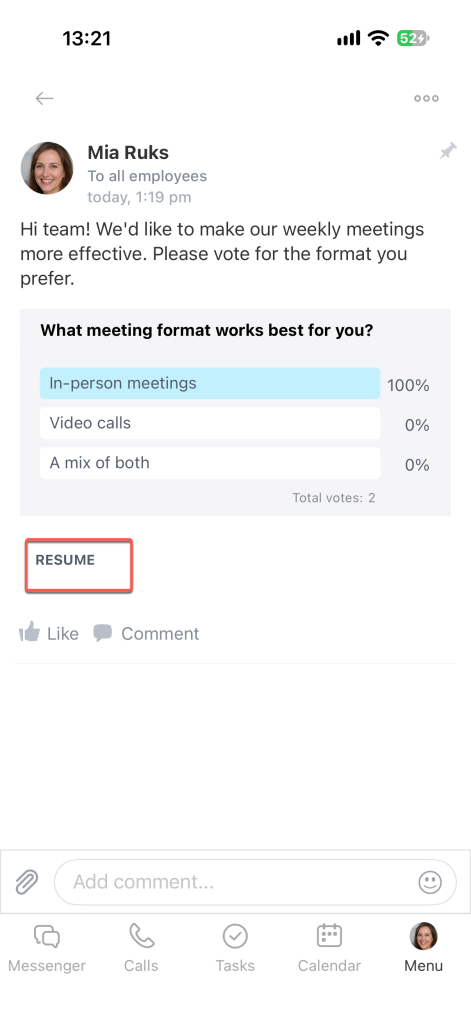
A poll in the Feed lets you quickly gather your team's opinions without starting a chat or scheduling a call. For example, a manager can ask colleagues which meeting format they prefer or what challenges they face at work. Employees can vote, and you can see the results in real time.
Create a poll
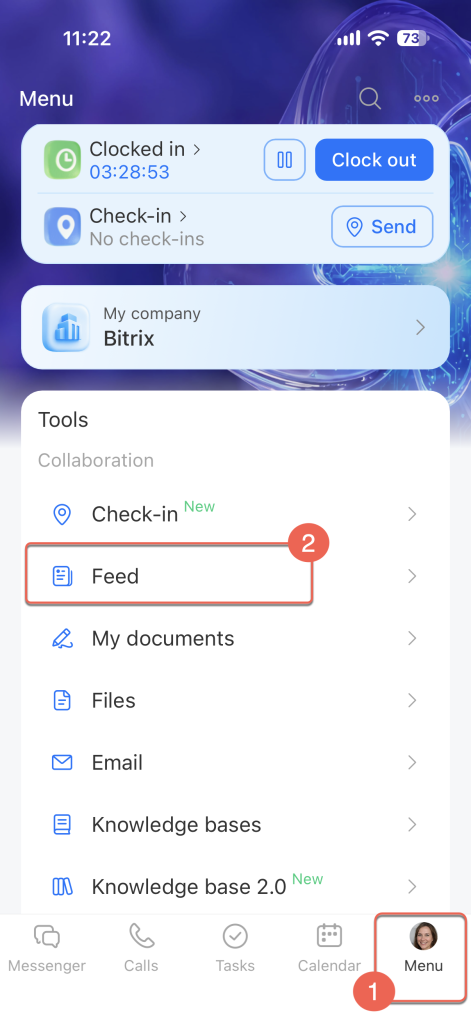
Open Menu > Feed.
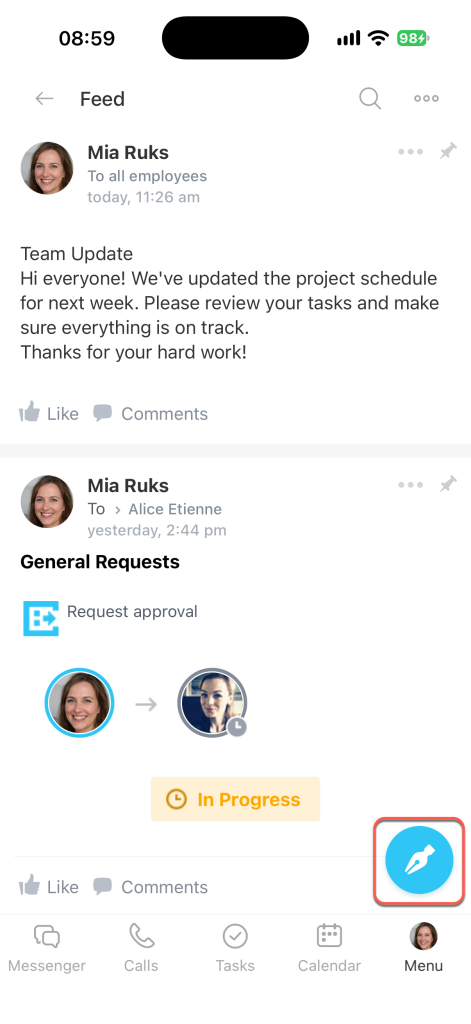
Tap the pencil icon in the bottom-right corner of the screen.
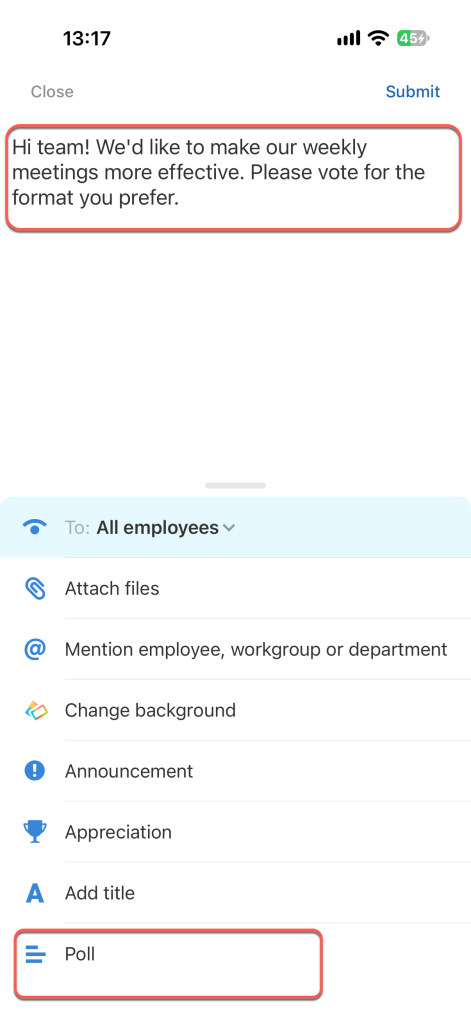
Write your post and select Poll from the menu at the bottom of the screen.
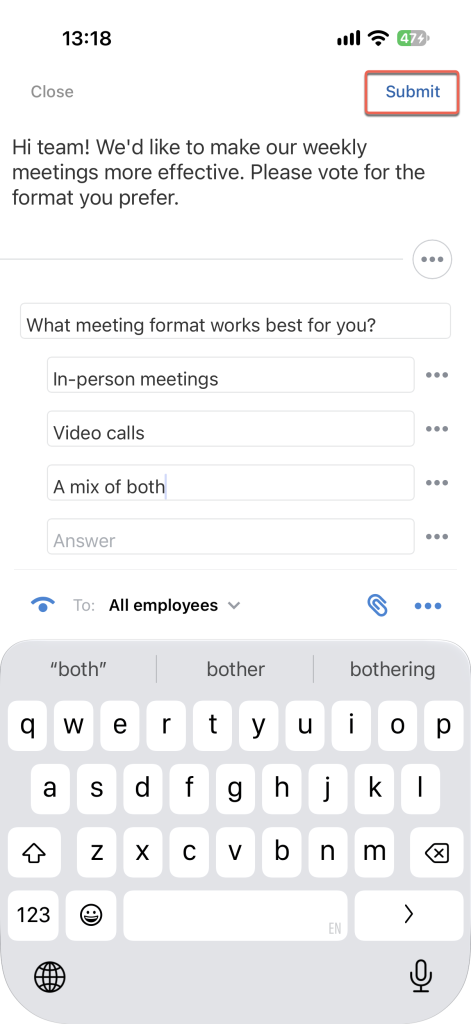
Enter your question in the Question field and the first answer option in the Answer field. As you type, another field appears below for the next option.
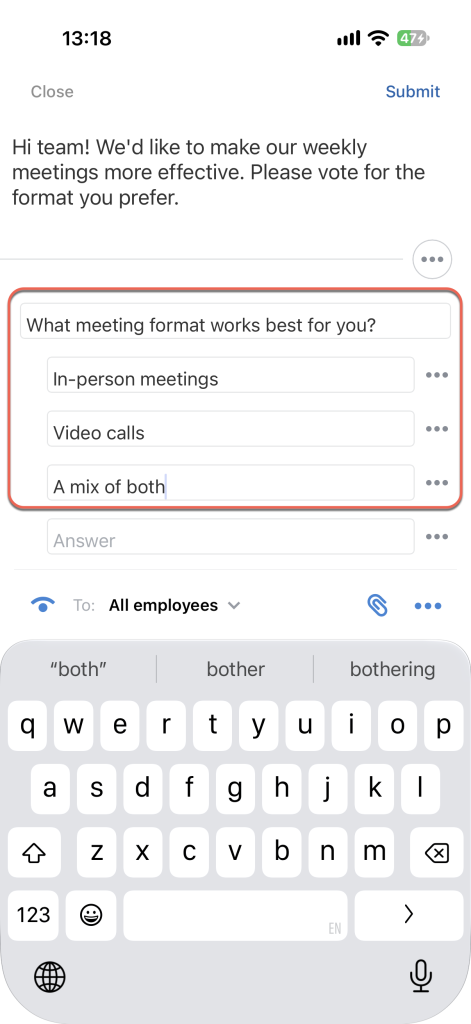
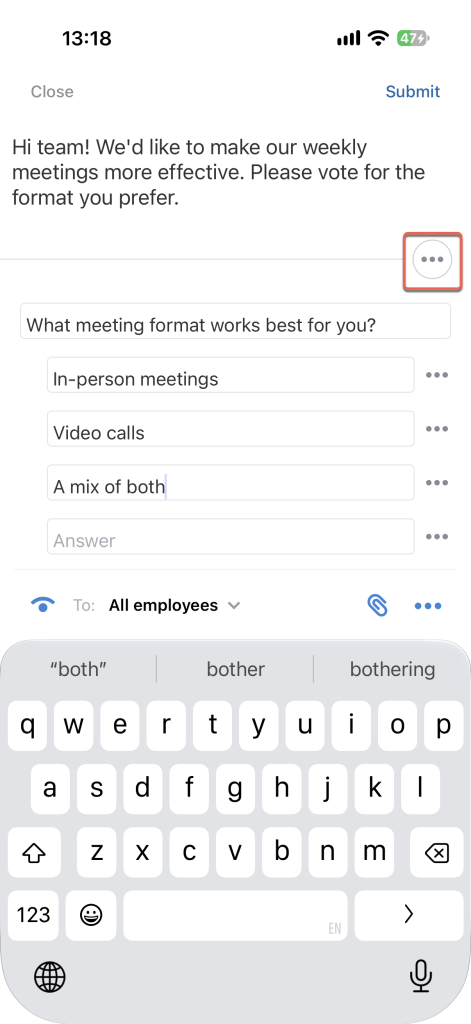
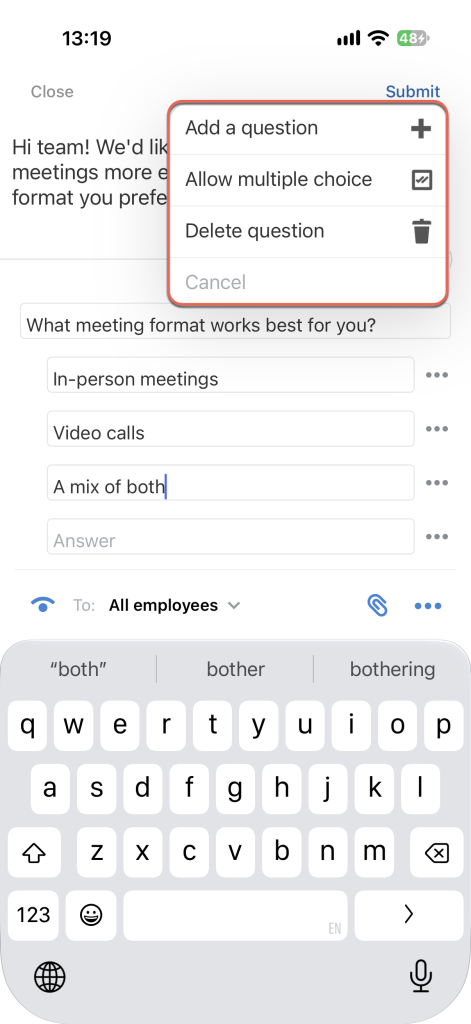
Tap Three dots (...) above the question to configure the poll:
- Add a question — Add another question to the poll.
- Allow multiple choice — Participants can select more than one option.
- Delete question — Remove the question from the poll.
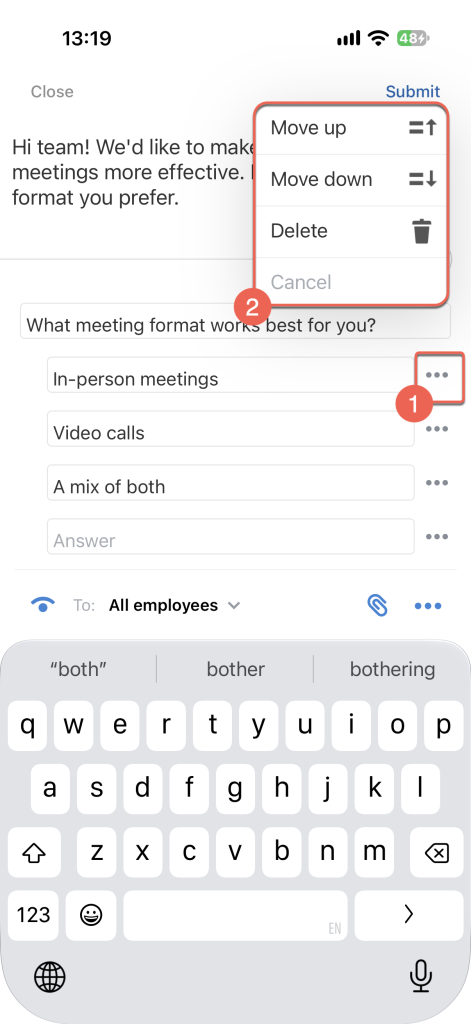
Tap Three dots (...) next to an answer option to move it up or down or delete it.
When the poll is ready, tap Submit. The post with the poll appears in the Feed.
Vote in a poll
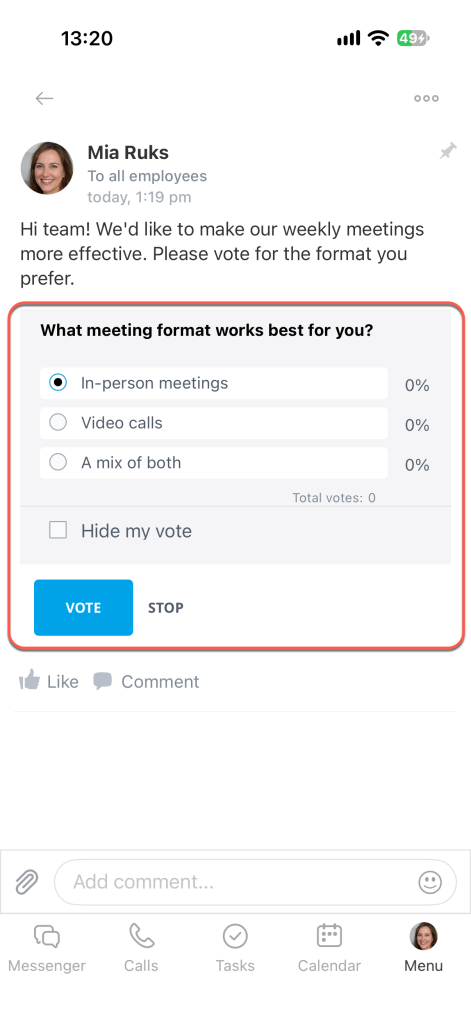
1. Tap your preferred answer.
2. To vote anonymously, select Hide my vote — your name won't appear in the results.
3. Tap Vote.
Work with a poll
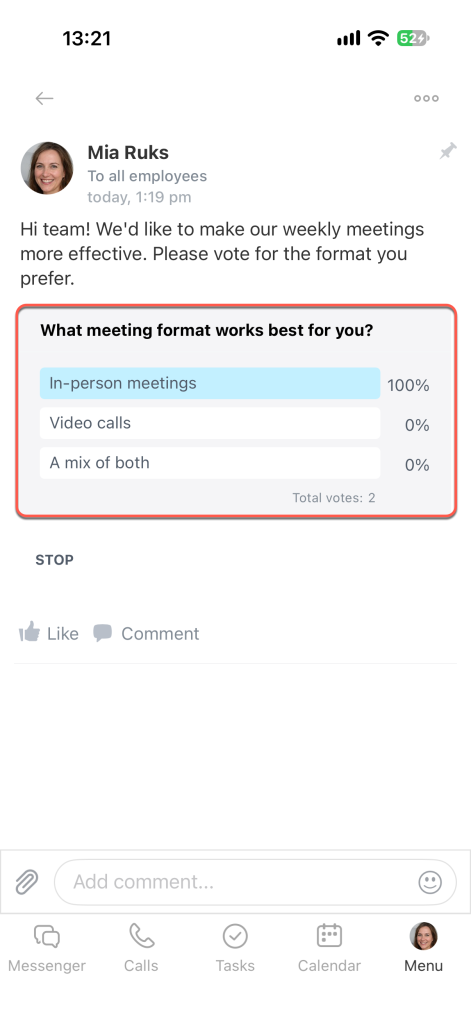
View the results. After you vote, the poll shows the results: the percentage of votes each option received and the total number of votes below the poll.
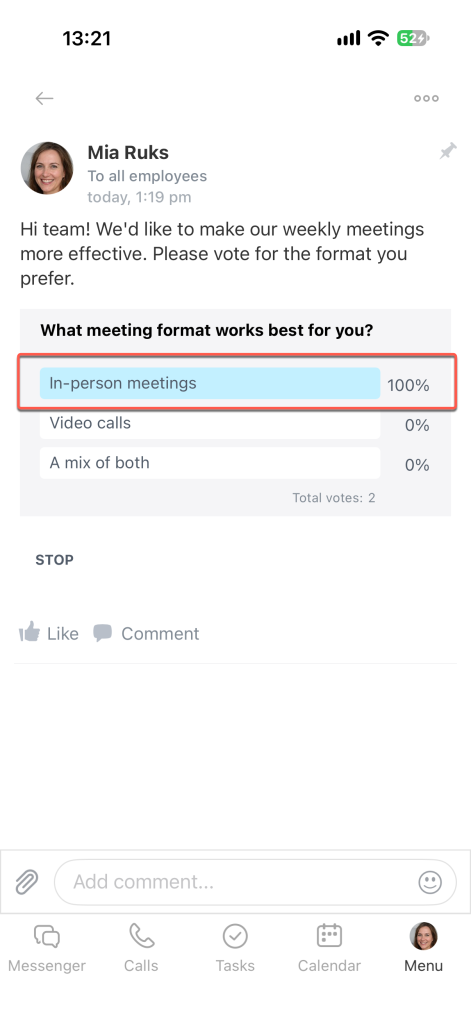
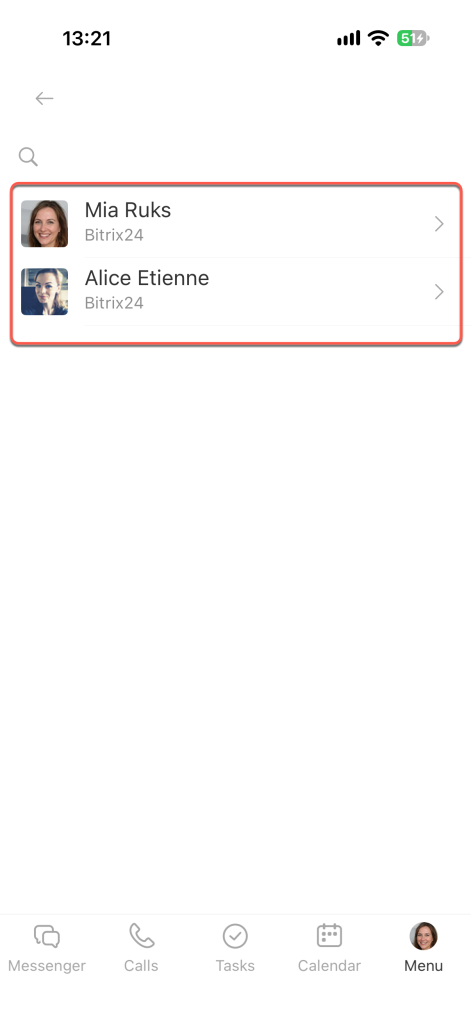
Employees can see who voted, unless participants chose to hide their votes. To view the list of people who voted for an option, tap that option in the poll. If a participant selected Hide my vote, their name won't appear in the list.
End a poll. Tap Stop to end the poll. Employees can no longer vote. This is useful when you need to make a decision by a certain date.
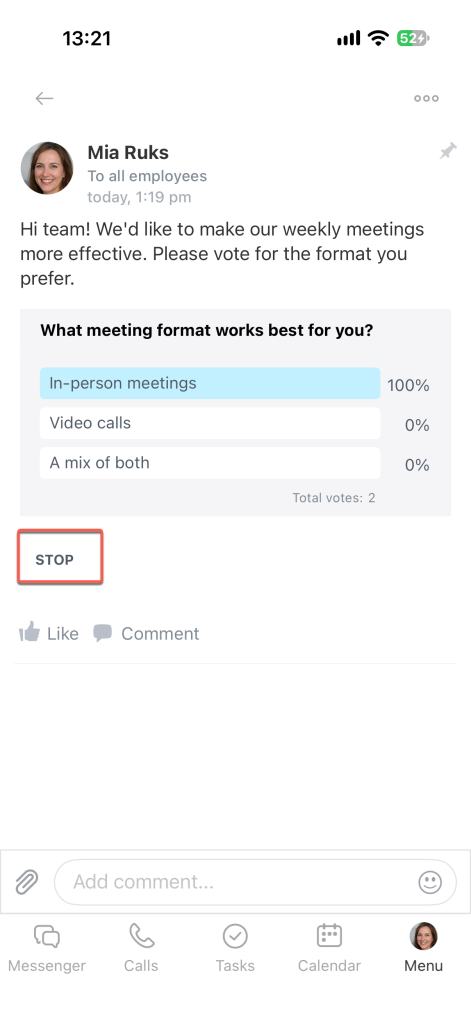
If you stopped the poll by mistake, tap Resume to reopen it. All previous votes are preserved.