


The mobile app has a Files section where you can find personal files, company materials, and more. You can access everything in one place without searching through chats or switching between sections.
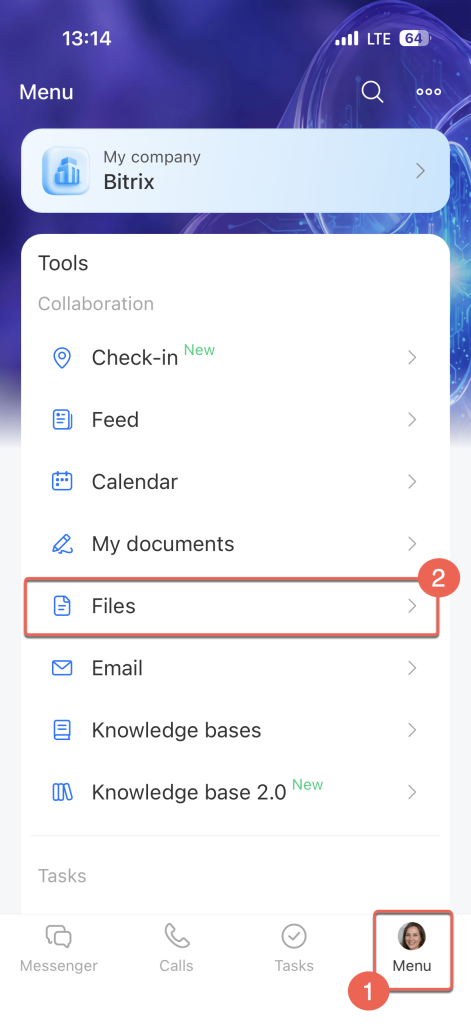
To open the section, tap Menu on the bottom panel and select Files.
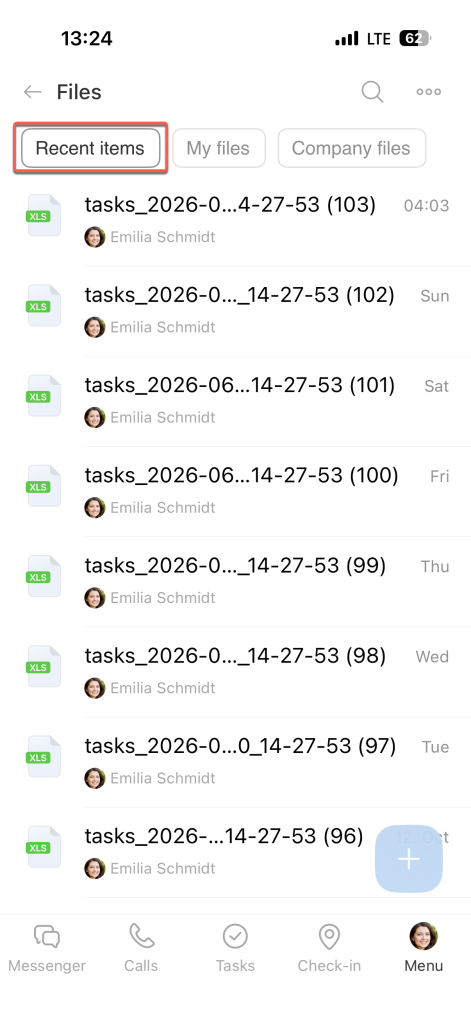
Recent items. The Recent items tab shows files you've recently worked with, including files you've opened, edited, or received in Messenger.
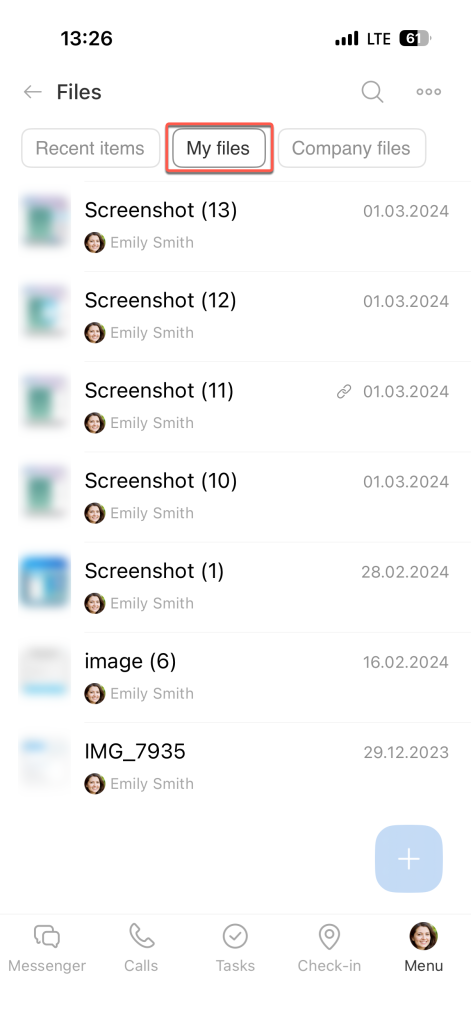
My files. This tab contains files from My Drive. It includes uploaded files, video call recordings, and other files you've added.
Some files are automatically saved in system folders:
- The Uploaded files folder contains files attached to calendar events, feed posts, comments, CRM item timelines, and task descriptions. If you delete a file from this folder, it's also deleted from its original location.
- The Stored files folder contains files you've saved using Save to Files or Save to Bitrix24 Drive.
- The Created files folder contains documents and boards created in Bitrix24.
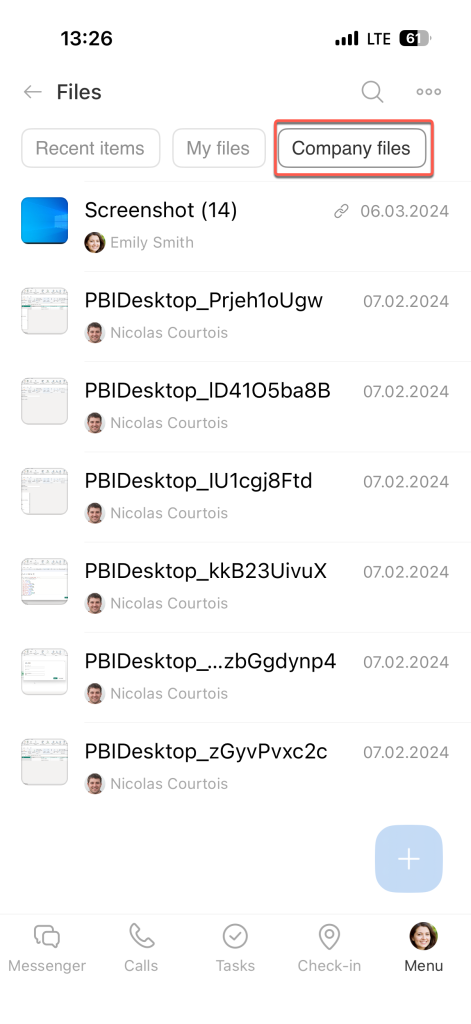
Company files. This tab contains files from the Company Drive, a shared storage space where your team keeps templates, instructions, presentations, and other work materials.
The Company Drive includes system folders where files are saved automatically:
- Files from email stores email attachments.
- Telephony – recorded calls stores call recordings.
In brief
- To open the Files section in the mobile app, tap Menu on the bottom panel and select Files.
- The Recent items tab shows files you've recently opened, edited, or received in Messenger.
- The My files tab contains files from My Drive, including the system folders Uploaded files, Stored files, and Created files.
- The Company files tab contains files from the Company Drive, including email attachments and call recordings.



